Cool Q Launcher for Android 10
Version: 9.5
22.69MB
4
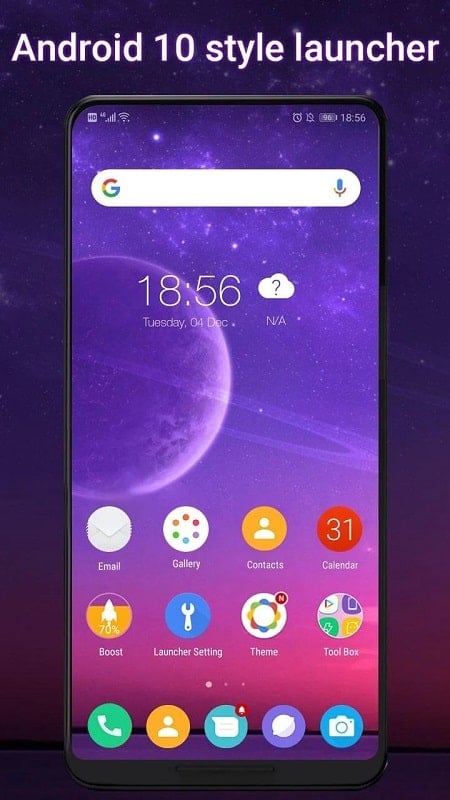
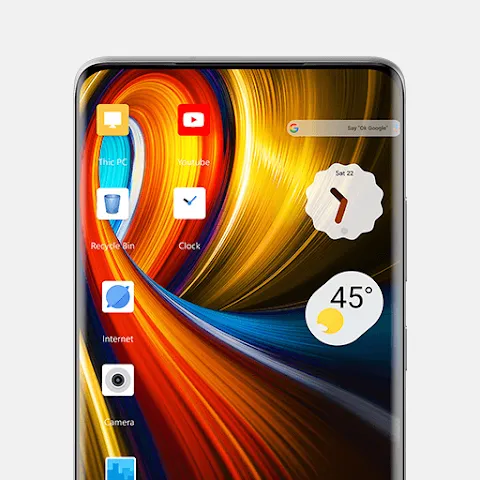
Cool Q Launcher for Android 10 is a lightweight, customizable home screen replacement designed to refresh your Android 10 device with modern gestures, streamlined icons, and performance-focused optimizations. It blends familiar Android behavior with extra personalization and productivity tools to make daily navigation faster and more enjoyable.
Cool Q Launcher for Android 10 focuses on a clean, efficient interface that preserves system stability while adding useful features. The app introduces a refined app drawer, adaptive icon support, and quick-access gestures that reduce taps for common tasks. It keeps background resource usage low and is tuned for devices running Android 10, although many features will work on newer versions as well.
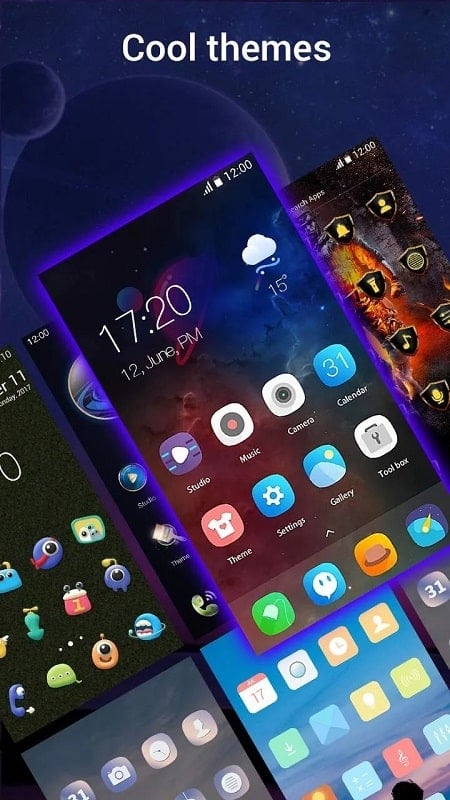
The launcher offers multiple visual tweaks so you can match the look and feel to your taste. Adjust icon sizes, choose from several grid and layout options, and switch between classic and compact app drawers. Theming choices include light and dark palettes, subtle accent color selection, and support for custom icon packs. Widgets scale smoothly and align with the chosen grid for consistent spacing.
Gesture controls are a highlight in Cool Q Launcher for Android 10. Swipe gestures on the home screen can open the notification shade, app drawer, or a favorite app. Double-tap actions and edge swipes improve one-handed operation. These gestures are configurable so you can assign shortcuts to frequently used functions such as search, camera, or a messaging thread.
Beyond looks, the launcher integrates practical tools that speed up routine actions. A persistent search bar, customizable quick folders, and app suggestions based on recent activity make launching the right app faster. You can create secure app groups and hide apps from the drawer when needed. The built-in dock supports multiple pages and can host folders for instant access to essential apps.
Designed with efficiency in mind, Cool Q Launcher for Android 10 emphasizes low memory footprint and smooth animations. Animations are optimized to remain responsive on mid-range hardware, and background processes are kept to a minimum to preserve battery life. Compatibility is best on Android 10, but many features adapt to newer Android releases without requiring additional permissions beyond what the system mandates.
The balance between simple and advanced options makes the launcher accessible to casual users and power users alike. New users can pick a ready-made layout and theme, while enthusiasts can tweak transition speeds, folder previews, and icon label visibility. Backup and restore lets you save layouts and preferences, making it easy to move settings between devices or restore after a reset.
Cool Q Launcher for Android 10 requests only the permissions necessary to manage home screen elements and shortcuts. It avoids intrusive permissions and keeps stored preferences local to the device. App hiding and lockable folders are available to protect private apps, and the launcher respects system-level privacy settings and permissions for sensitive operations like access to storage or contacts.
After installing Cool Q Launcher for Android 10, spend a few minutes configuring the grid and gestures to match your habits. Import icon packs if you prefer a unique aesthetic, and set up quick folders for categories like work, entertainment, and utilities. Explore gesture assignments to reduce time spent navigating menus—customizing three or four gestures typically yields the biggest productivity gains.
The launcher features clear contrast choices and adjustable font sizes to support accessibility needs. Large icon modes and simplified layouts are available for users who prefer less visual clutter. Haptic feedback and subtle animation options can be toggled to tailor the sensory experience of interactions.
Cool Q Launcher for Android 10 is a practical alternative to stock launchers, combining performance-friendly design with a wide range of personalization choices. It’s suitable for users who want a modern home screen with enhanced gestures, better organization tools, and fine-grained visual control. Try the basic setup first, then gradually explore deeper settings to tailor the launcher to your daily routine.