CUTE Iconpack
Version: 1.9
46.64MB
4.3
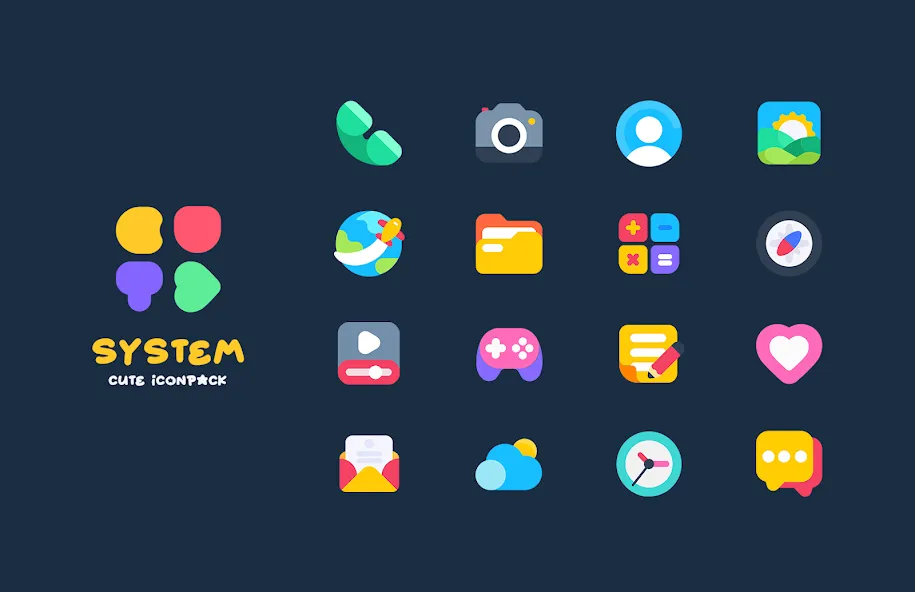
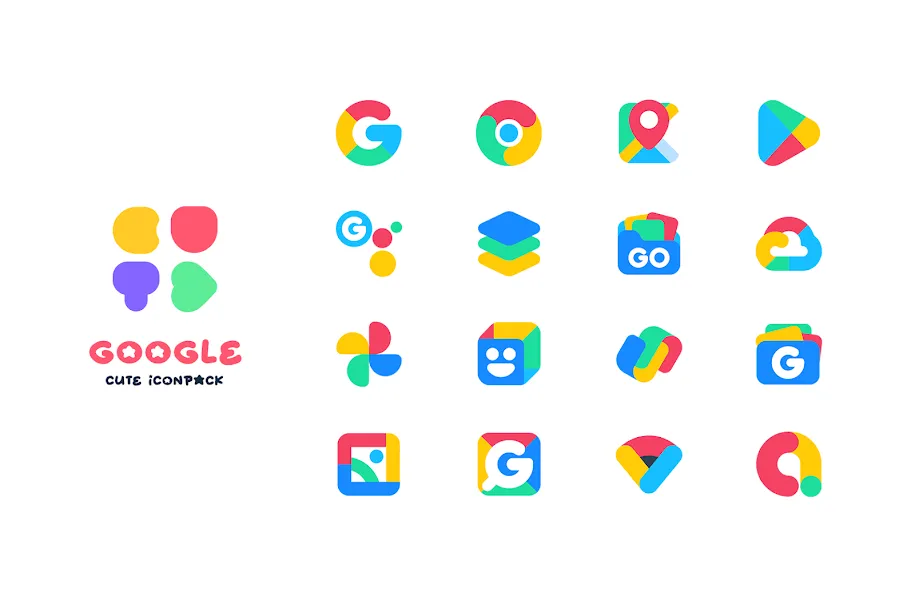
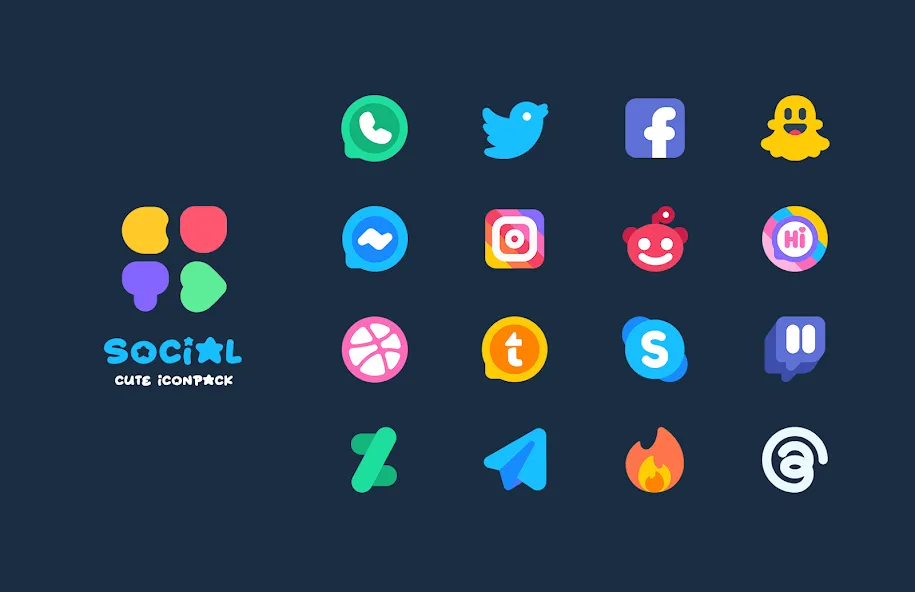
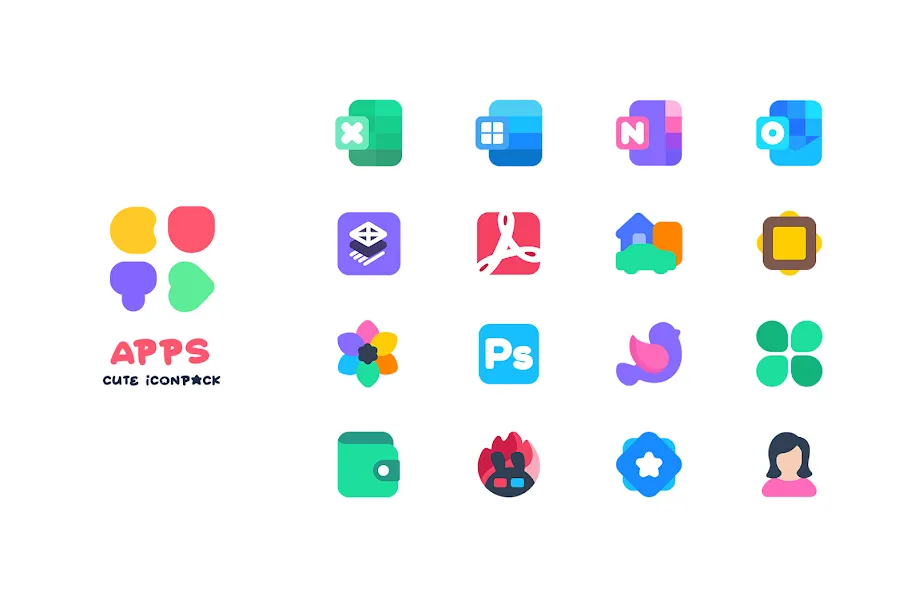
Icon pack and home screen personalization sit at the heart of Android theming, offering an easy way to refresh your device's look. CUTE Iconpack brings a large, hand-crafted collection of icons and coordinated wallpapers that help you reshape your launcher without rebuilding your whole setup. The app focuses on bright gradients, neat vector art, and regular content drops so your phone keeps a consistent, cheerful aesthetic. Whether you like pastel palettes, playful shapes, or tidy minimalism, CUTE Iconpack aims to make swapping icons feel simple and satisfying.
Extensive icon library: Thousands of icons covering popular apps and many niche titles so most of your home screen gets a cohesive look.
Curated wallpapers: Over a hundred matching wallpapers designed to pair with icon themes for a synchronized home screen.
High-resolution vectors: Icons are redrawn as vector art at Full HD 192x192px quality, which looks crisp on modern displays.
Launcher compatibility: Works with a wide range of Android launchers and supports icon backs and masks for consistent shapes.
Dashboard and requests: A Material Design dashboard lets you search, preview icons, and submit requests for missing app icons.
Complete theme packs: Ready-made sets that swap every supported icon and match with themed wallpapers for an instant makeover.
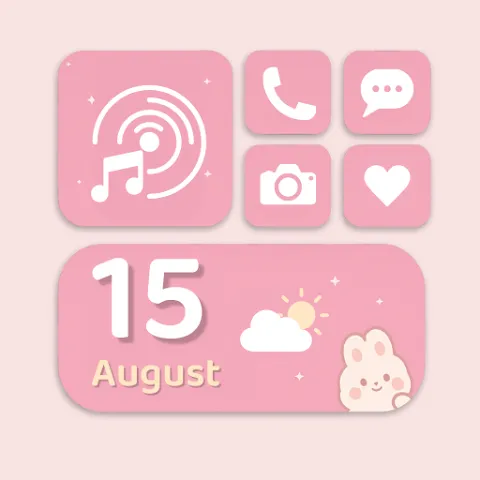
Minimal and pastel variants: Simpler palettes and soft gradients for users who prefer understated, gentle visuals.
Seasonal collections: Limited-time or holiday sets that add festive touches without impacting your core library.
Alternative icons: Multiple icon options for popular apps so you can pick the shape or style that fits your grid.
Apply via your launcher: Open the app, choose the pack, and follow the apply guide for your specific launcher to ensure icons map correctly.
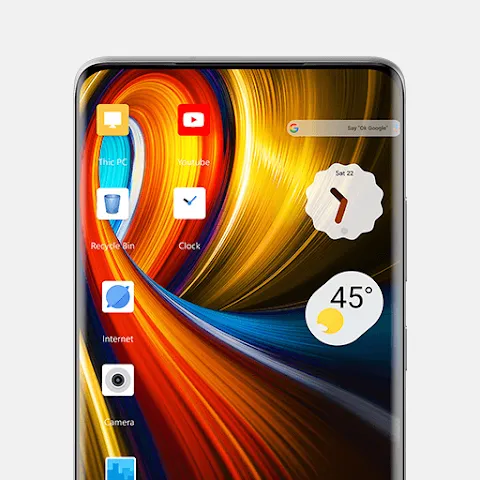
Use the search and preview: Quickly find an icon and preview it on a simulated home screen before applying to avoid surprises.
Request missing icons: Send icon requests from the dashboard when an app is not yet covered; developers often add popular requests in updates.
Mix icons and wallpapers: Try pairing a pastel icon subset with a bold wallpaper for contrast, or match tones for a softer, unified look.
Will CUTE Iconpack work with my launcher?
Most major launchers are supported; the app includes an apply menu with instructions for popular launchers and fallback options for less common ones.
Are icons high enough resolution for new phones?
Yes. Icons are provided as high-resolution vector designs scaled to Full HD sizes so they remain sharp on recent displays.
Can I request a custom icon?
There is an in-app request tool where you can submit missing icons. Requests are collected and often addressed in regular updates.
CUTE Iconpack is a smart choice if you want a lively, finely drawn icon set with matching wallpapers and an approachable dashboard for searching and requests; it fits users who like frequent visual updates and playful color schemes, though power themers may want deeper customization options via third-party tools.