Dark Mode
Version: 1.21.0
32.35MB
4.2
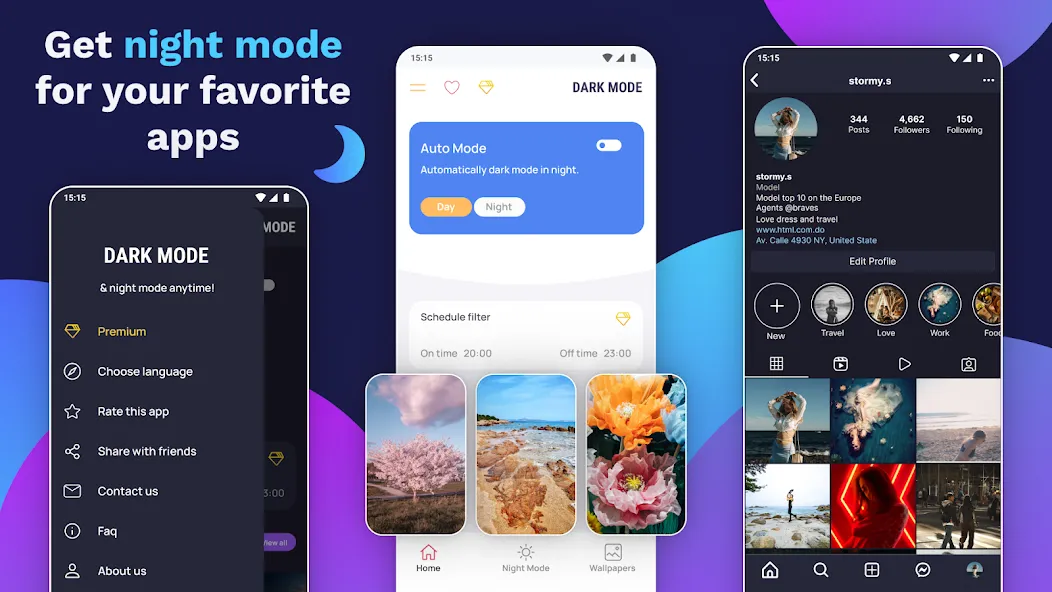
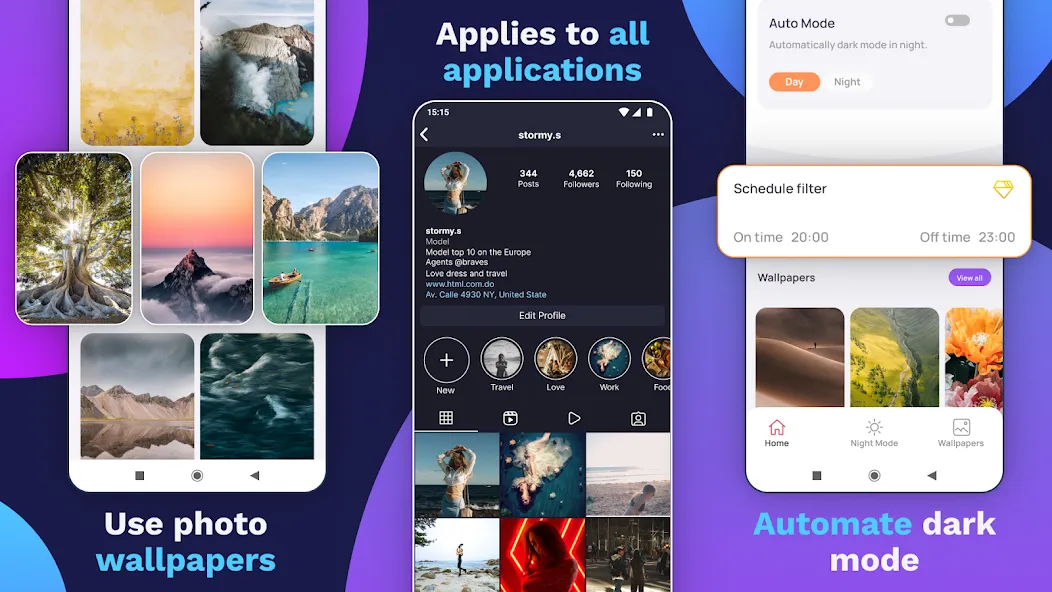
If you're the kind of user who prefers low-light screens and extended battery life, Dark Mode is designed with you in mind, offering a cohesive dark-theme experience across many parts of Android. The app blends a launcher-like interface, an extensive wallpaper library and a screen-filter option to reduce glare at night, while giving simple controls for scheduling and quick toggles. Whether you want darker app backgrounds, AMOLED wallpapers or an automatic night schedule, Dark Mode brings those elements into one compact tool that stays out of the way.
Install and grant permissions: Follow the usual setup prompts after installation and allow any accessibility or display permissions the app requests so it can apply filters and toggle themes reliably.
Set your schedule: Pick fixed hours or use sunset-to-sunrise timing to switch between light and dark automatically, so the phone adapts while you sleep or during evening hours.
Choose wallpapers and widgets: Browse the AMOLED-optimized wallpaper collection and apply or save any image; widgets and shortcuts can be placed on your home screen for faster access.
Quick toggle in notification bar: Add the Dark Mode shortcut to notifications so you can turn the screen filter on or off without digging through settings.
Real-world scenarios: Use Dark Mode for comfortable reading in bed, or switch it on during a long flight or train ride to reduce eye strain and conserve battery on OLED displays.
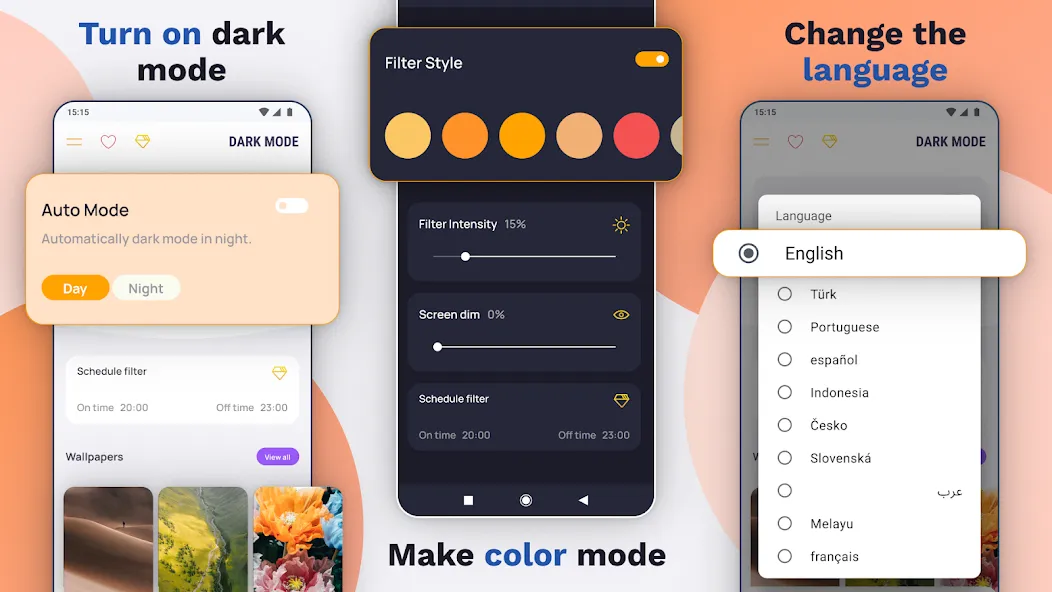
Night-friendly filter: A screen overlay that lowers blue light and softens bright UI elements for more comfortable evening use.
Forced dark for compatible apps: Applies a dark theme to apps that support customizable interfaces, helping maintain visual consistency across your device.
AMOLED and battery savings: Deep black backgrounds save power on OLED/AMOLED panels by using darker pixels that require less energy.
Large wallpaper library: Over a thousand black and AMOLED 4K images are available in HD, QHD and 4K resolutions for a crisp, dark look.
Language and accessibility: Multi-language support and a clear, desktop-like layout make the app approachable for a wide range of users.
Dark Mode is a practical, lightweight way to bring a unified dark aesthetic to your Android phone while cutting blue light and saving power on OLED devices; try it out to see how automatic schedules, easy toggles and a rich wallpaper catalogue can change how your screen feels at night. Give Dark Mode a spin to make late evenings easier on your eyes and extend time between charges.