True Liquid Glass
Version: 17.2
56.80MB
4.3
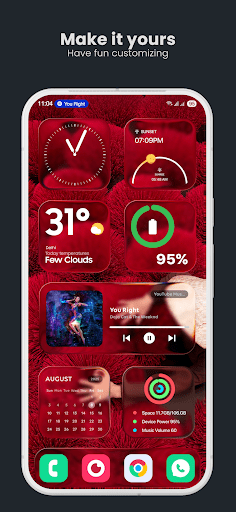
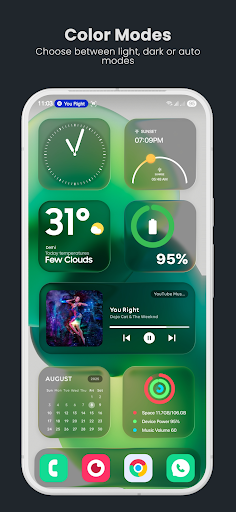
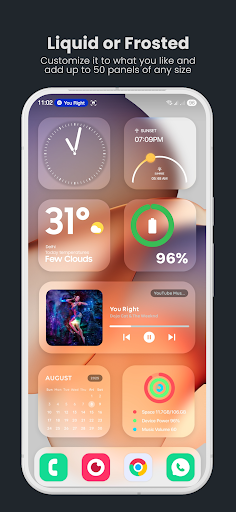
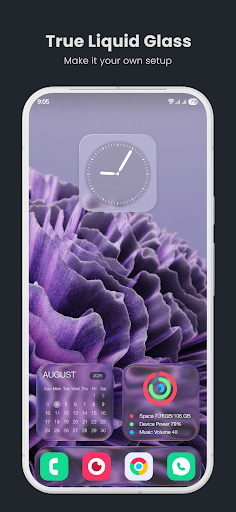
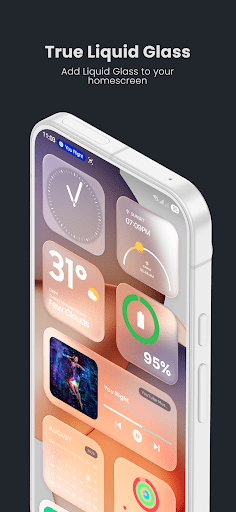
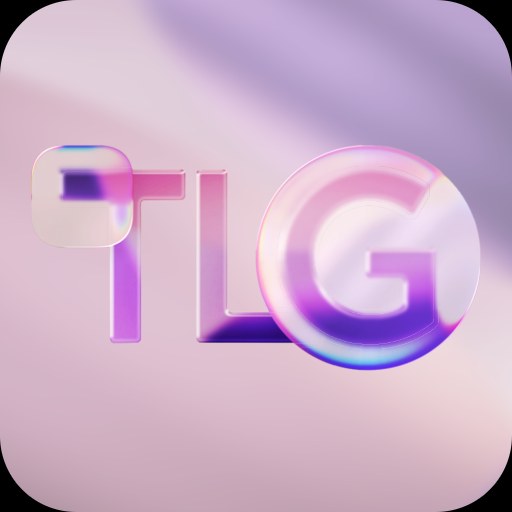
True Liquid Glass transforms your Android home screen with a fluid, glass-like live wallpaper and interface theme. It blends elegant glassmorphism, interactive liquid motion, and subtle blur layers so your device looks modern while staying responsive. Quick customization and power-saving controls keep the visuals practical for daily use.
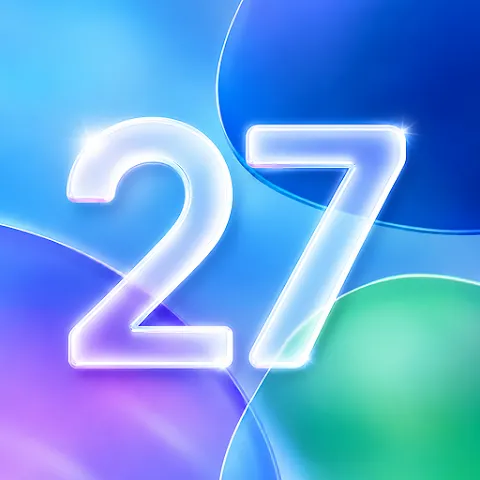
True Liquid Glass delivers a polished visual experience that combines translucent overlays, dynamic lighting, and smooth particle physics. The engine renders convincing liquid movement that reacts to touches, swipes, and device orientation. Layers of soft blur and highlighted edges produce a depth effect that works well with both dark and light icon sets.
Designed for users who want a refined aesthetic without sacrificing performance, True Liquid Glass includes:
The app offers layered presets and granular controls so you can craft a look that fits your device. Select from ready-made themes or build a unique layout by mixing background textures, liquid behavior, and accent colors. Save your configurations as named presets, export them for backup, or share them with friends.
True Liquid Glass balances rich visuals with efficient resource use. A built-in performance mode reduces animation complexity and lowers frame rates to conserve battery on older phones. Automatic resolution scaling adapts effects to screen size, and hardware acceleration is used where available to keep CPU load low. Compatibility extends across a wide range of Android versions, with fallback settings for devices that do not support the latest graphics APIs.
Applying the wallpaper and adjusting settings is straightforward. From the main interface you can preview changes in real time, schedule theme swaps for day and night, and assign different profiles for home and lock screens. Integration with launchers and icon packs is seamless: the translucent panels maintain consistency with most popular setups without requiring additional configuration.
Getting started takes only a few steps. Choose a base style, tweak motion and blur sliders, then fine-tune accent tones and particle density. For touch interactivity, enable the gesture response mode so the liquid ripples follow taps and swipes. If you prefer simplicity, turn on an automatic mode that adjusts effects based on battery level and screen brightness.
To maximize the visual impact while preserving battery life, try these suggestions:
True Liquid Glass includes accessibility options such as reduced motion and simplified visuals for users sensitive to motion effects. Control mappings let you disable touch reactions on certain screens or set a minimal display for accessibility services. Sound and haptic feedback are optional and can be tuned separately from the visual effects.
The development roadmap focuses on expanding the preset library, adding new motion types, and improving compatibility with third-party launchers. Regular updates refine performance and add requested features. A built-in feedback channel makes it easy to report issues or suggest new themes, and exported presets support a small community exchange of custom looks.
True Liquid Glass is ideal for anyone who appreciates refined, modern aesthetics on Android and wants deep, approachable customization. Whether you tweak every slider or use a single preset, the app aims to deliver an elegant appearance with sensible controls for everyday use.