Poco Theme Store
Version: 5.8
9.38MB
4.2
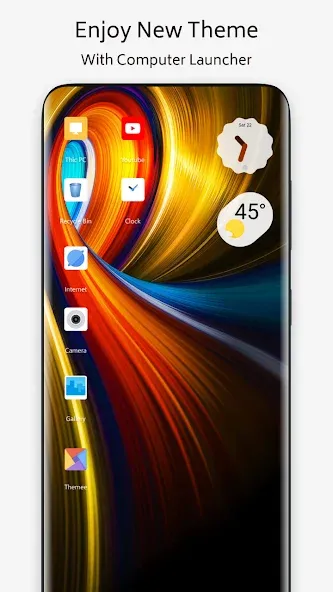
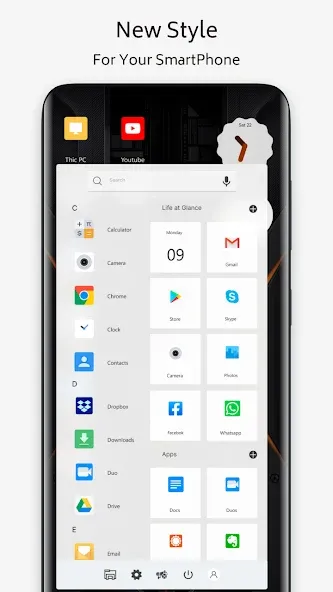
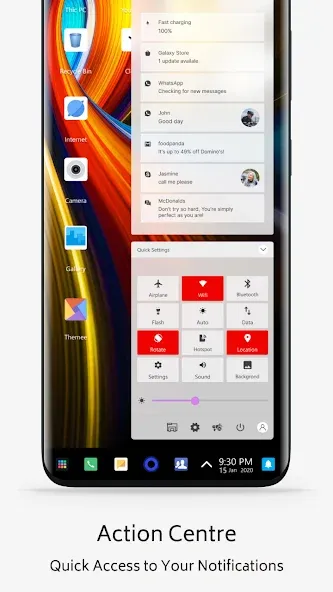
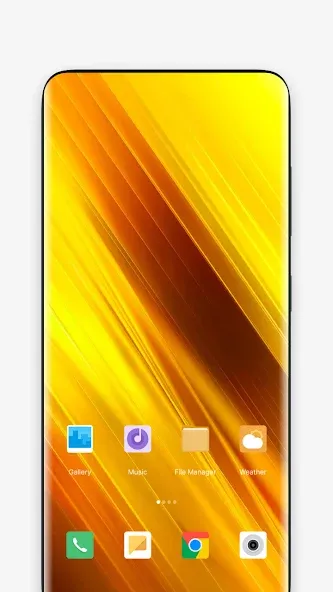
Most home screens feel scattered when icons, wallpapers and fonts don't match, and that mismatch is exactly what Poco Theme Store aims to fix. This Android theming hub gives you a single place to swap wallpapers, icon packs, fonts and full theme sets so your phone looks cohesive. The app emphasizes high-resolution wallpapers, subtle icon motion and efficient rendering, letting you create a cleaner, more personal interface without wrestling with multiple tools.
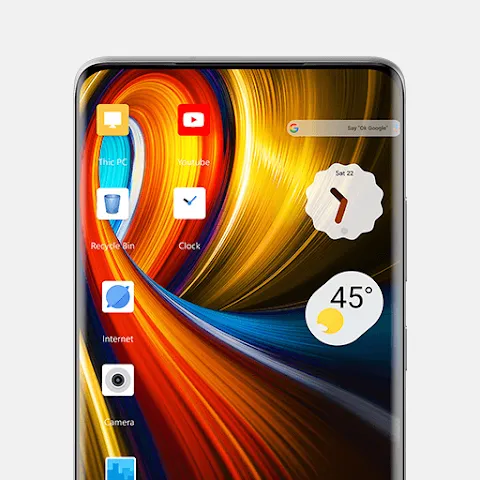
Wallpapers: A collection of high-resolution backgrounds that range from minimal gradients to detailed photographic images, ready to change the look of your lock and home screens.
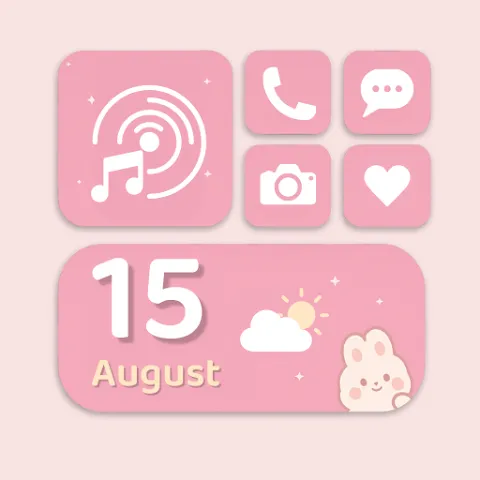
Icon packs: Multiple themed icon sets that replace default app symbols, offering consistent shapes, colors and finishes across your launcher.
Fonts and text styles: Options to adjust typefaces so labels and menus feel like part of a single design language rather than separate scraps.
Complete themes: Bundled designs that pair icons, wallpapers and accents for a one-tap makeover when you want a fully unified look.
Smooth icon animations: Small motion effects bring icons to life with subtle transitions that make the interface feel modern without being distracting.
Custom icon coverage: Comprehensive icon packs target many popular apps so fewer icons fall back to generic placeholders.
WQHD and optimized wallpapers: High-quality images preserve detail on large and high-density screens while optimized files help limit storage impact.
Accent color control: Tweak highlight and accent hues across system elements to coordinate icons and wallpapers for a consistent palette.
Light on resources: The store is built to avoid heavy battery or memory drain, keeping themes visually rich while remaining power efficient.
Mix elements: Apply a wallpaper from one design and icons from another to build a subtle, personalized layout rather than swapping full themes every time.
Preview then apply: Use the preview feature to test combinations on your home screen mockup so you can fine-tune colors and fonts before committing.
Theme for the moment: Use a professional-looking palette before a presentation or switch to a softer, darker set for evening reading to reduce eye strain.
What can I change with Poco Theme Store?
You can change wallpapers, icon packs, fonts and full theme packages to alter both the home screen and lock screen appearance.
Will Poco Theme Store work on my Android phone?
It supports many Android devices, especially those using launchers with theme support. Some elements may look different on custom manufacturer skins or very new Android releases.
Can I use parts of a theme rather than the whole package?
Yes. The app lets you mix wallpapers, icons and fonts independently so you can keep one element and swap others.
Is Poco Theme Store suitable for older or low-end phones?
It is designed to be fairly lightweight, but actual performance depends on your device model, available RAM and the specific themes you apply.
Poco Theme Store is a practical choice if you want a tidy, consistent look on Android with minimal fuss; try it to explore fresh wallpapers and icon packs and see which combinations suit your routine.