Bluestacks Emulator Launcher
Version: 2.0
12.52MB
4.3
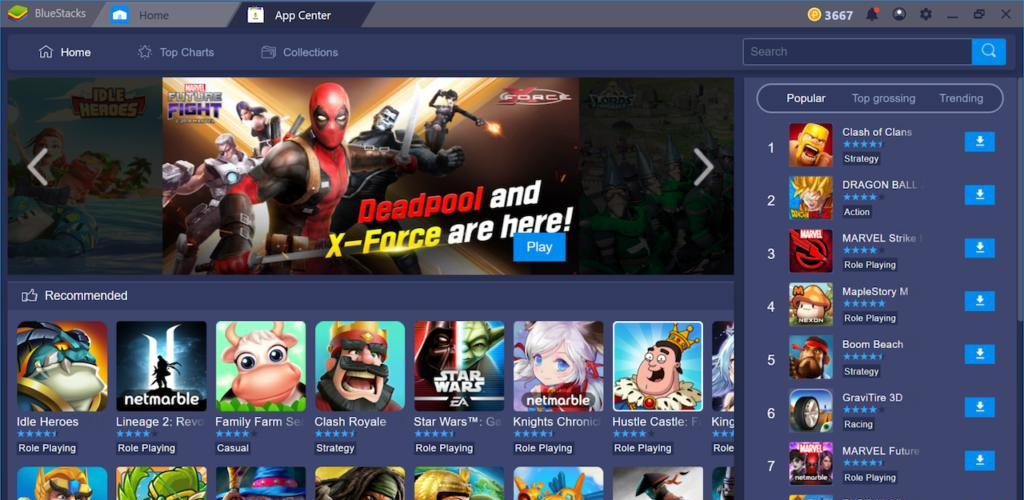
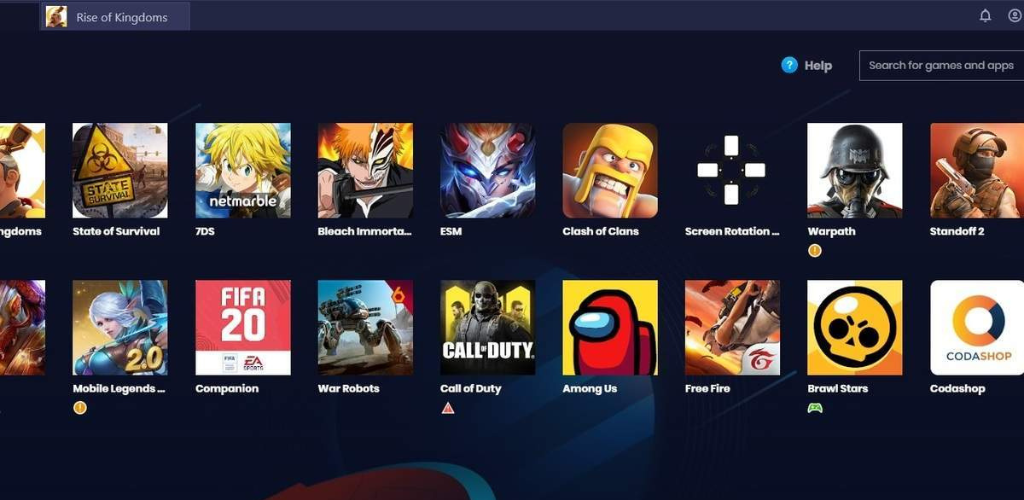
Bluestacks Emulator Launcher is a streamlined utility that makes running Android apps on PC faster and more predictable. It acts as a central hub to start emulated sessions, manage profiles, and launch games or apps with customized settings — ideal for users who run multiple Android environments on Windows.
The Bluestacks Emulator Launcher is designed to simplify repetitive startup steps and provide quick access to installed Android titles. Rather than navigating through an emulator's full interface each time, the launcher creates shortcuts, applies specific configurations, and speeds up the boot process for frequent tasks.
The interface focuses on clarity: a compact grid lists installed apps, profiles sit in a left-hand column, and a status bar shows active sessions. For users who juggle several game or productivity profiles, this organization reduces friction and prevents accidental configuration drift.
Integration avoids invasive changes. The launcher communicates with the underlying emulator engine through an API or command line, which lets it perform actions without running duplicate services. The result is lower memory overhead and a smoother experience when switching between tasks.
Performance tuning is central to the Bluestacks Emulator Launcher. It exposes common resource controls so you can limit background CPU consumption, choose GPU acceleration modes, or pre-allocate memory for demanding apps. Those options help maintain desktop responsiveness while running heavy Android titles.
Graphics choices are presented as simple presets (balanced, high frame-rate, battery saver) with the ability to fine-tune resolution and DPI. Input mappings let you assign keyboard and mouse shortcuts to touchscreen gestures, streamlining play for titles that benefit from tactile control conversions.
The launcher prioritizes minimal permissions and avoids collecting unnecessary telemetry by default. When connecting to external services or cloud sync, clear prompts explain what data is shared. Users can opt out of nonessential data flows while still using core functionality.
Installation is straightforward: download the installer, follow the guided setup, and let the launcher detect existing emulator instances. New users will appreciate the recommended presets, while experienced operators can immediately create tailored profiles and automation rules.
Adoption often comes down to convenience and control. The Bluestacks Emulator Launcher removes repetitive steps, reduces startup time, and provides the knobs needed to tune sessions for productivity or play. It appeals to testers, streamers, and anyone who runs Android software on a PC regularly.
Whether you are managing multiple game accounts, testing applications, or using Android productivity tools on a desktop, the launcher makes those workflows more consistent and repeatable. Regular updates add compatibility and small quality-of-life improvements, keeping the experience current as emulator engines evolve.