PvP Skins for Minecraft PE
Version: 5.2.4
12.80MB
4.4
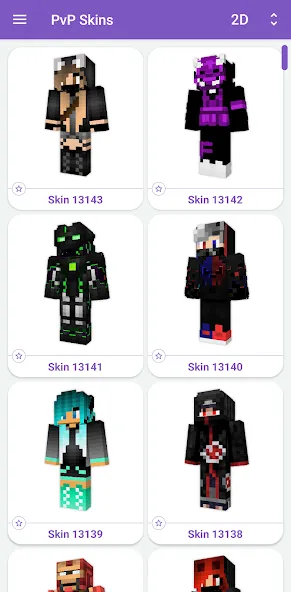
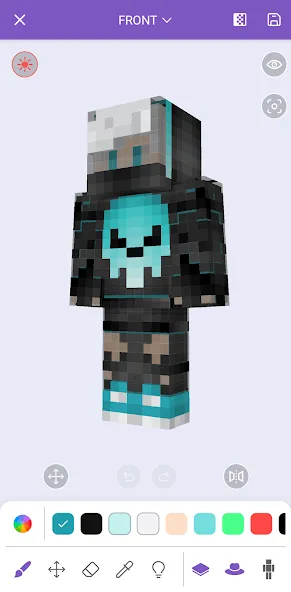
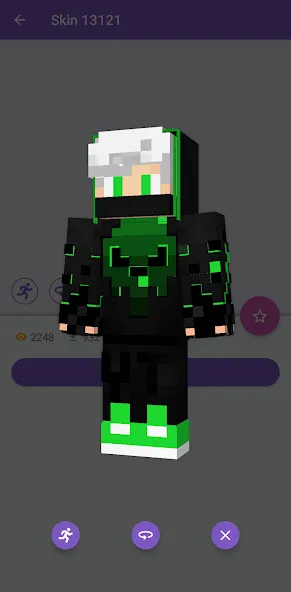
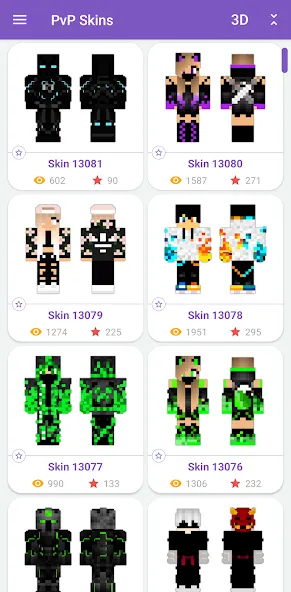
PvP Skins for Minecraft PE helps players browse, preview, and apply competitive skins to Minecraft Pocket Edition quickly. This app provides an organized library, quick search tools, and one-tap installation so players can change looks before jumping into battles or servers without complex steps or external editors.
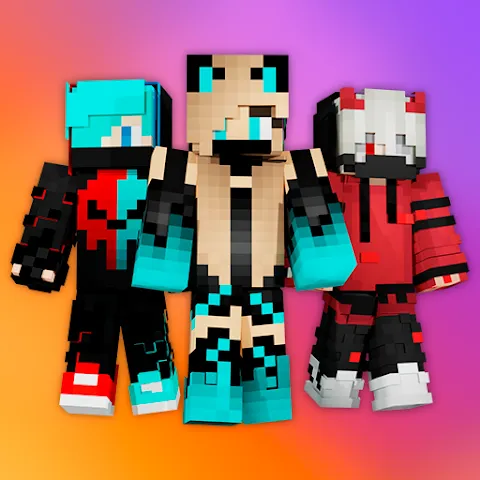
PvP Skins for Minecraft PE delivers a focused collection of player skins designed for PvP environments. The catalog includes high-contrast armor styles, tactical outfits, and classic crowd-pleasers that maintain visibility and clarity in hectic combat. Each entry shows multiple views so you can judge how a skin looks moving, jumping, or sprinting in game.
The interface groups skins by category and popularity, then exposes a range of filtering tools. Use tags to narrow results by theme (e.g., futuristic, medieval, stealth), color palette, or resolution. Built-in previews rotate models and offer zoom controls; download and apply actions are executed with a single tap. Backup and restore options keep your favorite skin sets safe when you update or reinstall the game.
Installation is streamlined for Minecraft PE. After selecting a skin, the app verifies file compatibility and applies the texture directly to your game profile or saves it into a folder you choose. Clear prompts guide permission requests and file handling. If automatic install isn’t available for a device, the app provides step-by-step instructions for manual placement so even users unfamiliar with file managers can complete the process.
Beyond ready-made designs, PvP Skins for Minecraft PE supports light customization. Toggle color accents, switch helmet or cape variants, and mix-and-match elements to craft a hybrid look. The editor focuses on practical edits—contrast tweaks, visor removal, or pattern swaps—keeping files optimized so they don’t impact performance while playing intense PvP matches.
Designed to be lightweight, the app runs smoothly on a wide range of Android devices. It minimizes background activity and keeps downloads compact to preserve storage and data. Compatibility checks are built into the workflow so you’ll see warnings if a skin requires a specific game version or an add-on. This attention reduces common installation errors and helps preserve stable in-game performance.
The layout focuses on speed: a persistent search bar, quick-access categories, and a preview carousel make it easy to find and compare options. Navigation uses simple gestures and large touch targets to avoid mis-taps during browsing. For users who curate multiple profiles, the app offers labeled folders for organizing skins by server, playstyle, or event.
Choose skins with high contrast and readable silhouettes to improve target acquisition in PvP. Avoid overly complex textures that blend into popular map backgrounds. Keep a small rotation of three to five skins handy—this lets you switch when a particular look becomes too common on a server, helping you maintain a distinct presence without frequent downloads.
PvP Skins for Minecraft PE includes routine content updates and a moderation system for user-submitted designs. The app minimizes permissions to those required for file access and network downloads. In-app help pages and a support channel provide troubleshooting steps for installation issues, compatibility questions, or content requests.
Download, open the app, and use the search bar to find a theme you like. Preview several skins, tap install, and follow the guided prompt if manual steps are required. With a few minutes of setup you can refresh your Minecraft PE appearance and be ready for ranked matches or public servers.
PvP Skins for Minecraft PE strikes a balance between curated content and lightweight tools, making it practical for competitive players who want efficient customization without extra bloat. Frequent updates, clear installation guidance, and focused design tools make it a useful companion for Minecraft Pocket Edition users looking to stand out in battle.