Baba: English & Hindi Typing
Version: 9.2.0
7.87MB
4.5
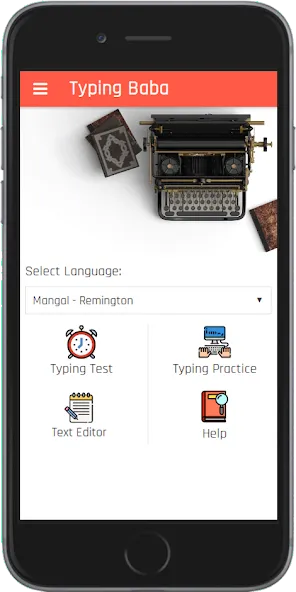
If you're the kind of user who wants to sharpen bilingual typing skills, Baba: English & Hindi Typing is a focused Android tool that helps you practice and measure how quickly and accurately you type in both languages. The app blends structured drills with exam-style timing so you can move from learning the home row to full-sentence speed checks without juggling separate tools. Whether you already type Hindi using KrutiDev or prefer Unicode Mangal, Baba: English & Hindi Typing bundles choices, clear feedback, and measurable progress in one lightweight package.
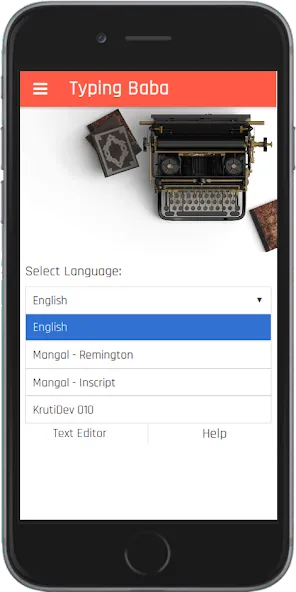
Install and choose language: After installing the app, pick English or Hindi practice; Hindi options let you select between KrutiDev and Mangal fonts so your output matches common typing requirements.
Select layout: Choose Remington or Inscript for Hindi layouts or stick with the standard QWERTY for English to match the keyboard you use on other devices.
Pick a drill: Start with row-based drills (home row, upper row) to build muscle memory, then move to word and sentence exercises as accuracy improves.
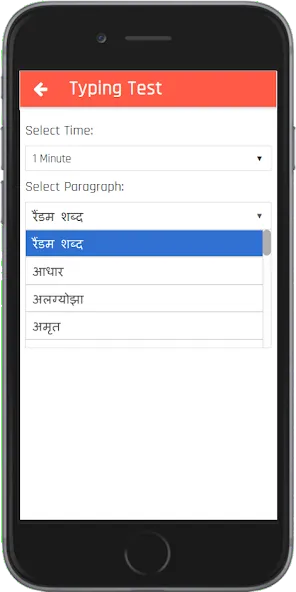
Run a test: Use the timed exam mode to get gross and net words-per-minute numbers plus an itemized list of mistakes for review.
Row-focused practice: The app separates exercises into home row, upper row, and other rows so you can concentrate on one key zone at a time and reduce common finger-placement errors.
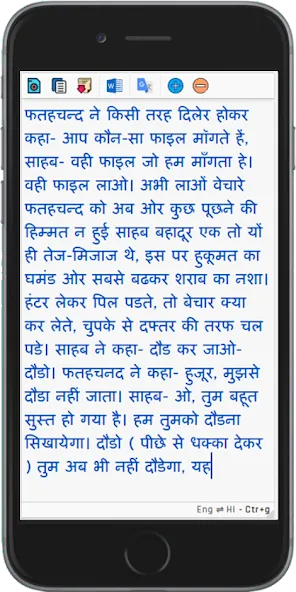
Hindi font support: Work in KrutiDev for legacy compatibility or switch to the Unicode-based Mangal font so your output is readable across modern devices and document editors.
Multiple layouts: Remington and Inscript layouts are included; you can train in the system you already know or experiment to find a layout that feels faster for you.
Exam-style speed tests: Speed and accuracy are calculated using standard metrics (five characters per word), mirroring formats used in many official typing exams so practice transfers to formal assessments.
Detailed feedback: After each session you get gross WPM, net WPM, accuracy percentage, and a review of wrong and correct entries to highlight recurring mistakes.
Custom drills and high-frequency words: The practice engine emphasizes common words and sentence structures to make each drill more practical for everyday writing.
Free-hand mode note: There is a free-hand typing option for casual practice, though some users report it does not provide the same detailed performance metrics as timed tests.
Baba: English & Hindi Typing is a practical choice if you want a single app to prepare for typing tests, improve day-to-day typing speed, or switch between Hindi fonts and layouts. Try a few short timed tests, review the mistake log, and follow the row-based drills to see steady gains; if you need deep performance tracking for free-hand practice you may find that area limited, but for exam-style preparation and straightforward bilingual practice the app is worth a try. Download Baba: English & Hindi Typing and run a benchmark test to start mapping your progress today.