Rotation Control Pro
Version: 5.1.0
4.00MB
4.4
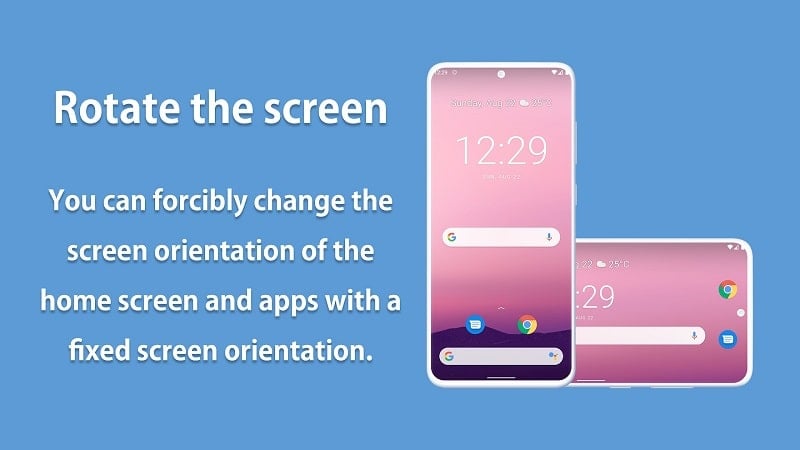
While waiting for a delayed train or stuck in a long meeting, the last thing you want is an app that flips your screen into an awkward orientation. Rotation Control Pro brings straightforward control over display rotation so you can lock, force, or customize how each app behaves. It installs quietly and lives in the notification area for fast switching, letting you keep reading, watching, or working without the screen fighting you. The overview below walks through setup, key capabilities, practical usage ideas, and quick tips to get the most from Rotation Control Pro.
Install and grant access: After installing, follow the permission prompts so the app can control screen orientation. This typically means allowing overlay or accessibility access depending on your Android version.
Choose a global mode: Pick a default rotation behavior for your device: automatic, portrait, landscape, or reverse landscape. This sets the baseline before per-app rules are applied.
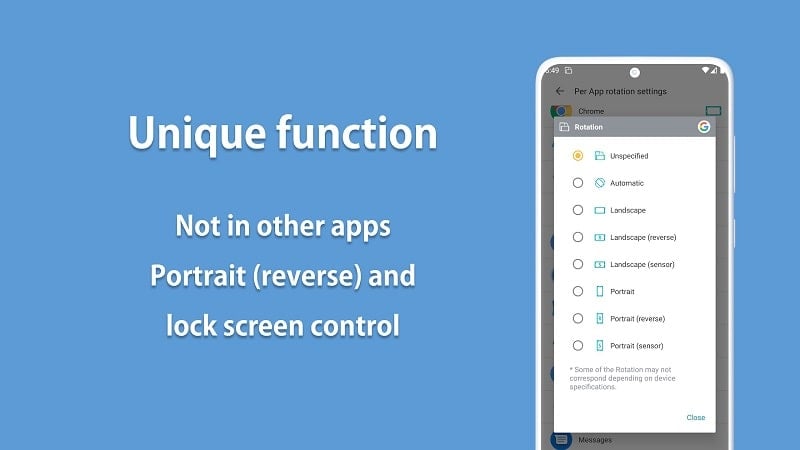
Set per-app rules: Open the app list inside Rotation Control Pro and assign a preferred orientation for each program you use often. These rules override the global setting while the app is active.
Use the notification toggle: Pin the quick control to your notification shade so you can toggle forced rotation or temporary locks without opening the full app.
Per-app orientation: Assign a specific screen rotation for individual apps so each one opens in the layout you prefer instead of following the system default.
Temporary overrides: Apply a forced rotation while an app runs and have the display revert to your normal setting when you exit, keeping behaviour predictable.
Notification controls: A compact control sits in the notification area for instant access to common modes, useful when you switch tasks frequently.
Fix certain apps: Mark apps that should ignore rotation rules to preserve a fixed layout for utilities or games that misbehave with forced rotation.
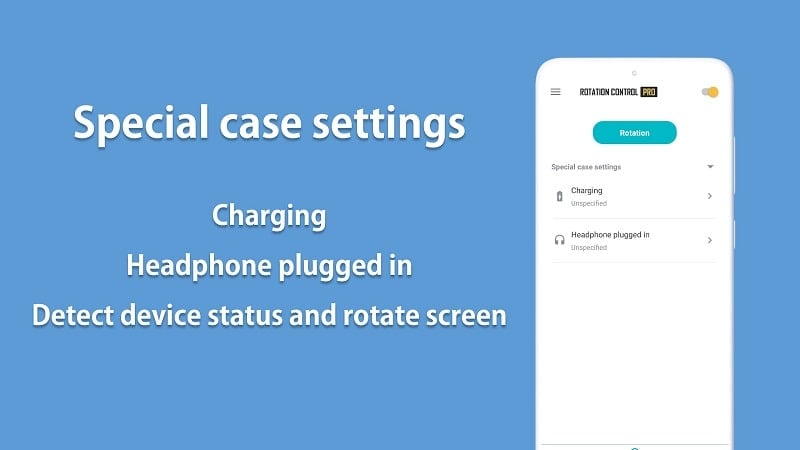
Smart event handling: The app can detect events like plugging in a charger or attaching headphones and revert to a default orientation, helping prevent awkward screen flips during short interruptions.
Create app profiles: Group your most-used programs and apply the same orientation to all of them for faster setup, especially handy if you jump between a few favorites.
Use landscape for video calls: Force landscape for conferencing apps to keep a consistent view while you reposition the device on a stand or hold it in one hand.
Lock while reading in bed: If you read e-books or long articles while lying on your side, lock the preferred orientation so the content remains steady when you move.
Rotation Control Pro makes rotation management predictable and quick, ideal if you juggle media, reading, and productivity on one device. It gives precise per-app control and handy notification toggles, though some advanced behaviors may vary by Android version and device maker. If screen orientation is a recurring annoyance, this tool simplifies the problem while leaving a small caveat about platform differences.