Themely
Version: 1.0.0.853
39.96MB
4.2
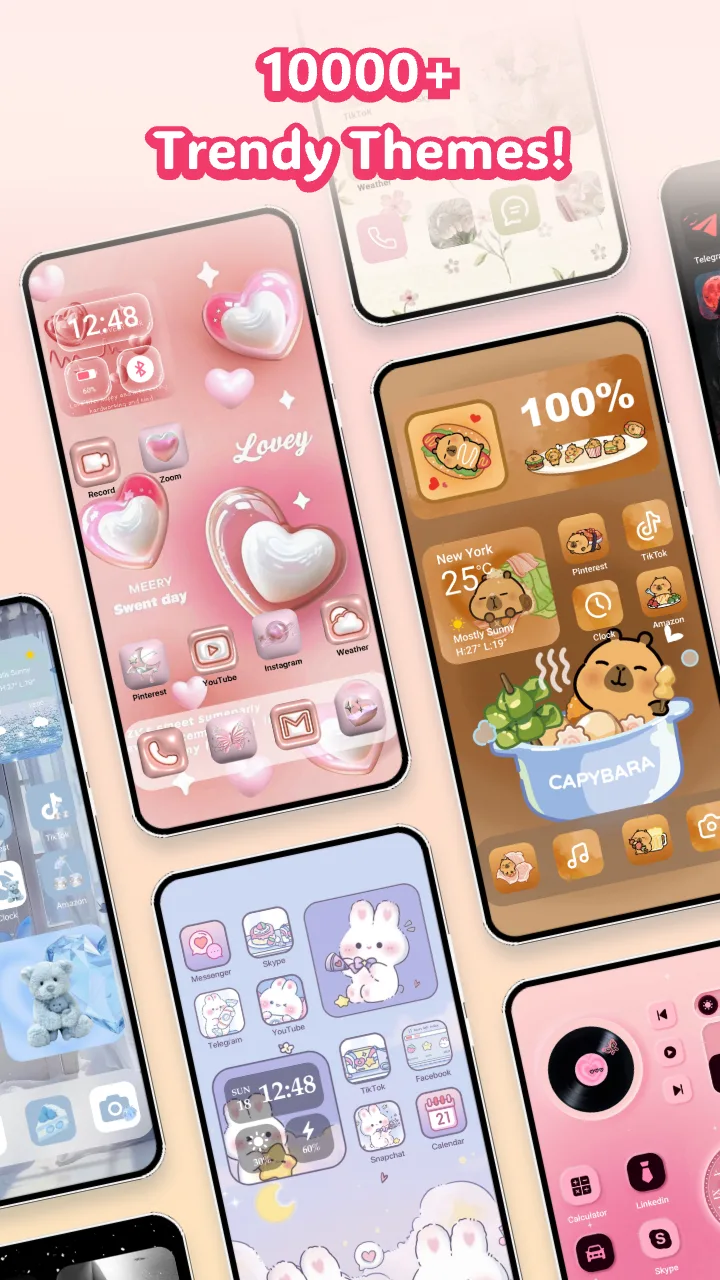
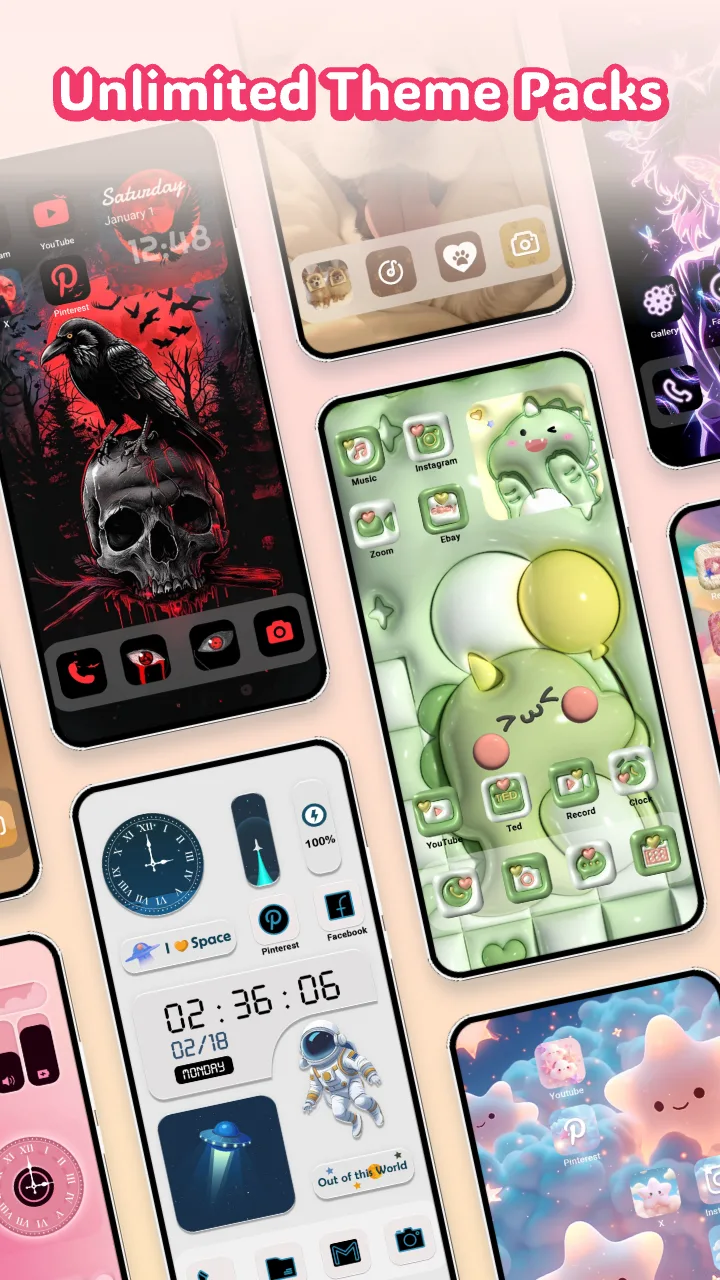
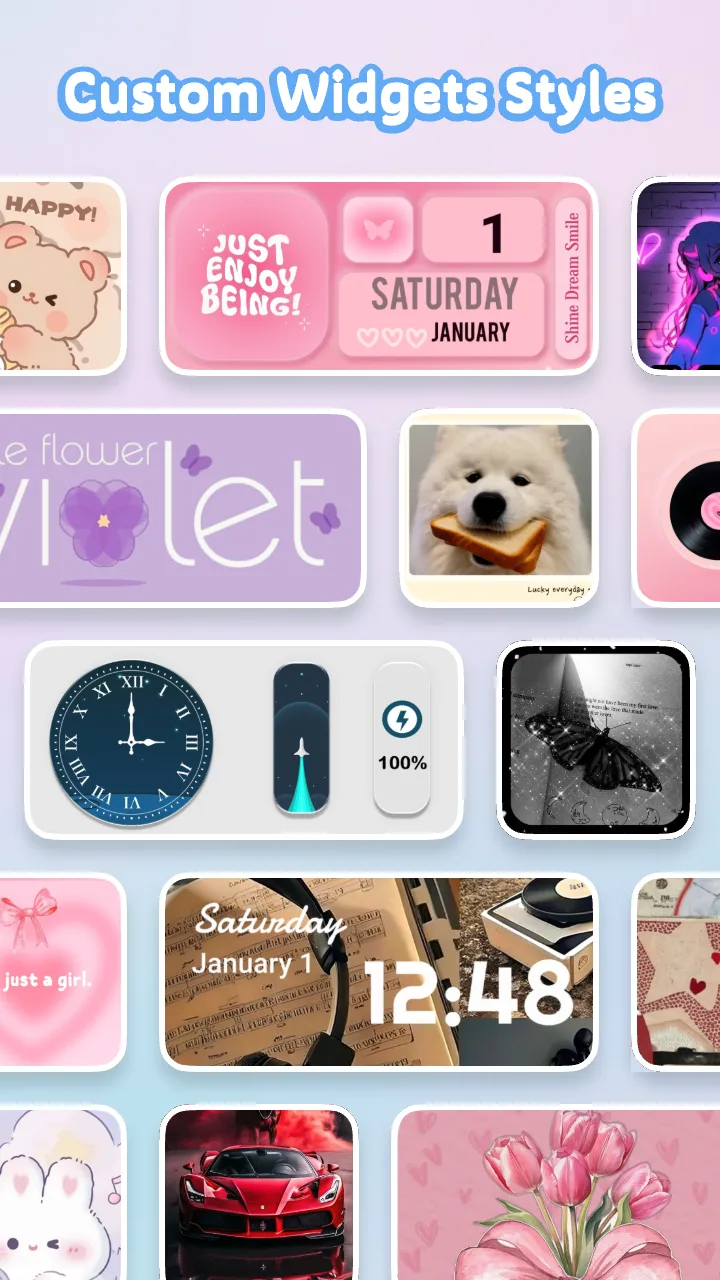
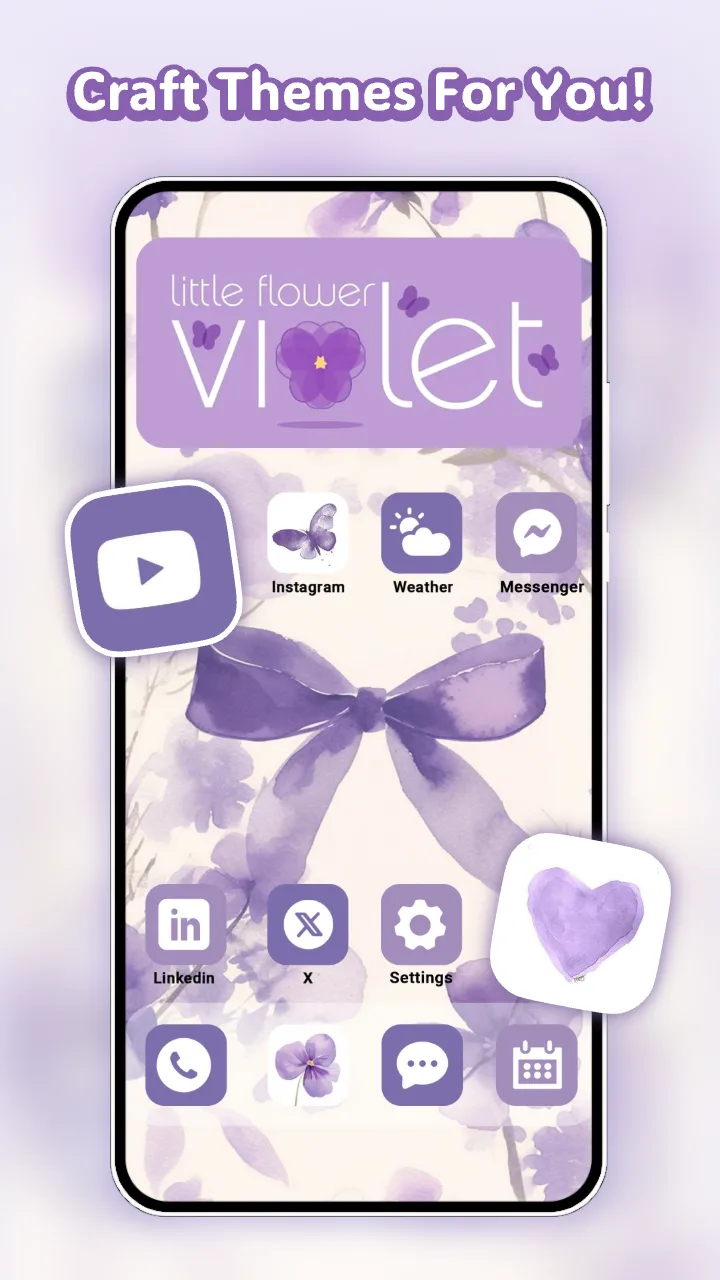
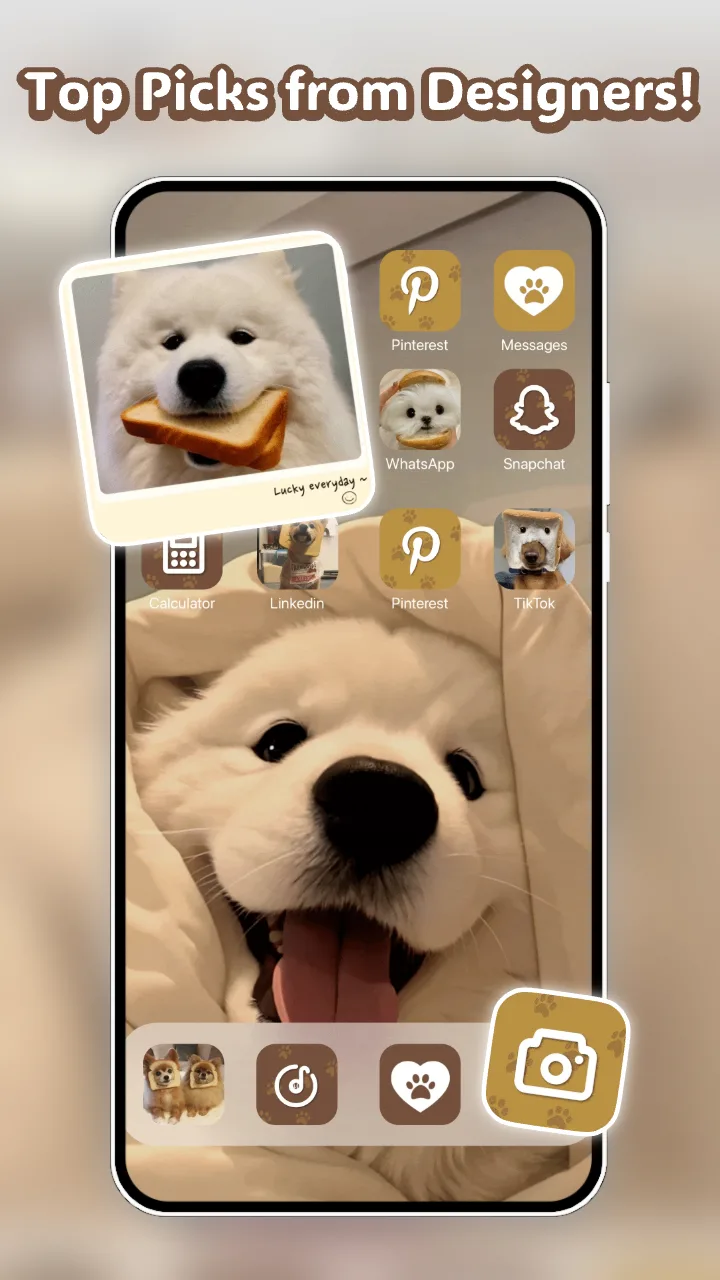
Themely helps you reshape your Android home screen into a personalized, functional space by bundling icon packs, widgets and quick layout tools into a single, easy-to-use app. Themely targets users who like hands-on customization: you can preview and apply themed icon sets, build photo widgets from your gallery, and pin a persistent battery readout on the desktop without switching between multiple programs. The app is designed to make cosmetic and practical changes fast, whether you want a clean professional arrangement for meetings or a colorful neon look for night use.
After installation open the library to browse available icon collections and widget templates. Tap any item to preview it on a simulated home screen; long-press icons in the preview to test spacing and legibility against different wallpapers. Applying a pack is a one-tap action from the preview, and individual icons can be adjusted or replaced by dragging replacement designs onto a single app. The widget builder uses familiar mobile controls: select images from your gallery, crop with pinch-to-zoom, set an aspect ratio for common widget sizes and place the result on a chosen grid cell. Small, clear on-screen hints guide first-time use so the controls feel intuitive even if you are new to customizing launchers.
Themely’s icon library includes a variety of handcrafted themes ranging from minimal flat shapes to dynamic neon-accent packs that stand out on darker wallpapers. You can mix icons from different sets for a hybrid look, and the app shows a live sample of how mixed collections behave across folders and app drawers. Layout structure is expressed through pages and grid density: pick a grid size to change how many icons appear per page, adjust icon size and spacing to favor readability or compactness, and create themed pages (for example a work page and a leisure page) to keep frequently used apps grouped logically. Visual options also include subtle shadowing and rounded-corner masks so icons sit naturally over photos or patterned backgrounds.
Themely’s widgets cover practical needs as well as decoration. A live battery widget reads system information and displays remaining charge on the home screen, while photo widgets let you place family snapshots, quick-reference checklists or contact images where you can tap them to launch associated apps. Shortcuts can be attached to widgets or placed directly on pages for one-tap access to common actions—calling a contact, opening a navigation app, or launching a note. These practical tools are lightweight by design: they poll required system values sparingly to avoid noticeable battery or performance impact.
Rather than a linear progression system, Themely encourages iterative exploration through preset profiles and saved layouts. Save a configuration before you experiment so you can quickly revert or compare variations; this local profile system lets you maintain different looks for work, travel or special events without rebuilding from scratch. The replay value comes from seasonal theme updates, swapping icon sets, recreating someone else’s arrangement, or rotating photo widgets. Regular version updates may add new packs and templates, and the app notifies you of compatibility notes when a new Android release affects launcher behavior.
Accessibility controls include icon scale and spacing adjustments to increase visibility for users who prefer larger targets, plus contrast-aware previews so you can check legibility against chosen wallpapers. Themely includes guidance for popular Android launchers and supplies launcher-agnostic widgets when possible, but it remains lightweight and functional even when used offline: most icon packs, widget templates and local presets are stored on the device and do not require a constant network connection. The app is intended to be tolerant of low-memory environments by keeping background processes minimal.
To get the most from Themely, match wallpaper tones to icon palettes for a cohesive look, build themed pages to separate work and personal apps, and use saved profiles when preparing a device for presentations. Try varying grid size and icon scale in the preview to see how many apps you can fit without sacrificing readability. Finally, rely on the photo widget builder to keep important images or quick-launch tiles front and center—small, intentional visual cues make daily navigation faster and keep your phone both attractive and efficient.