Chroma - Icon Pack
Version: 3.9.8
51.41MB
4
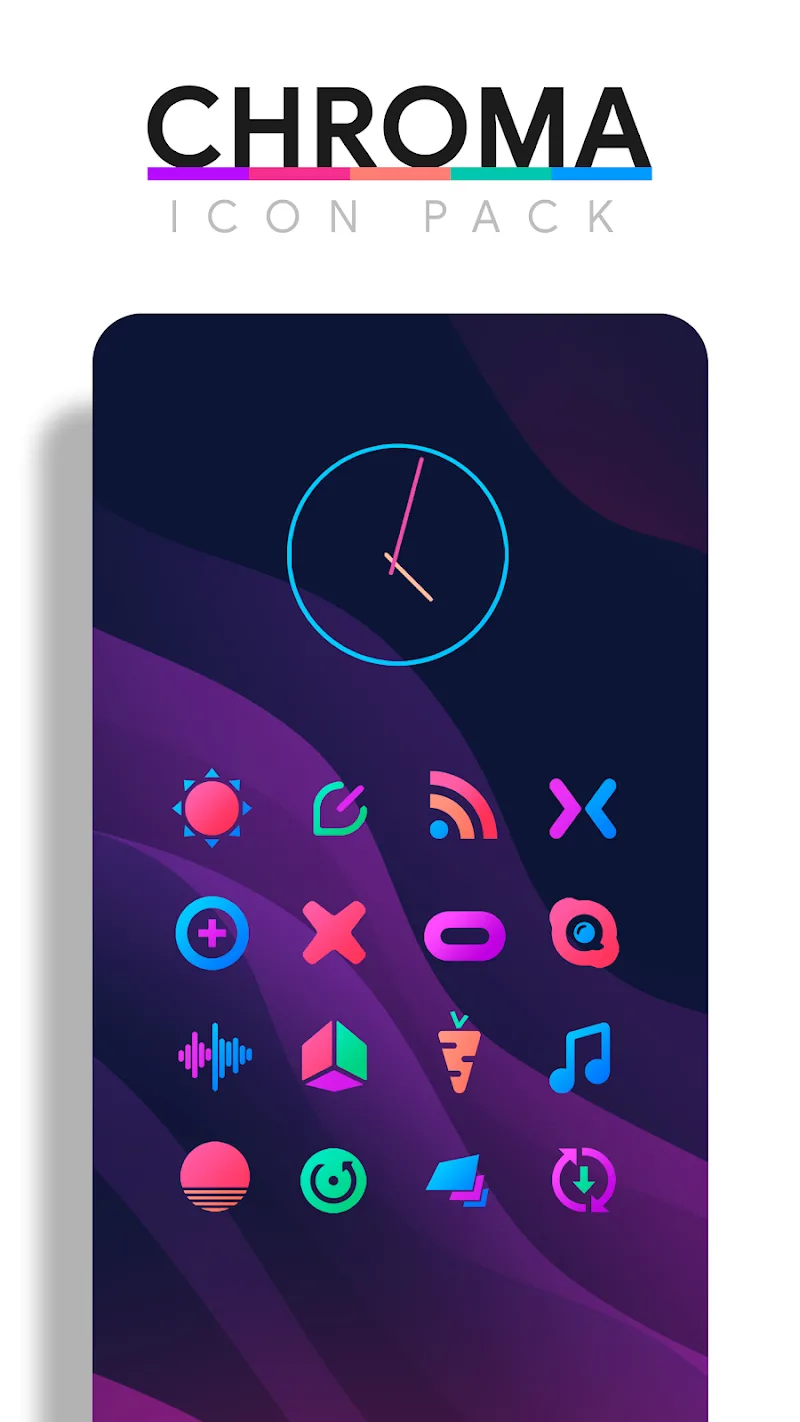
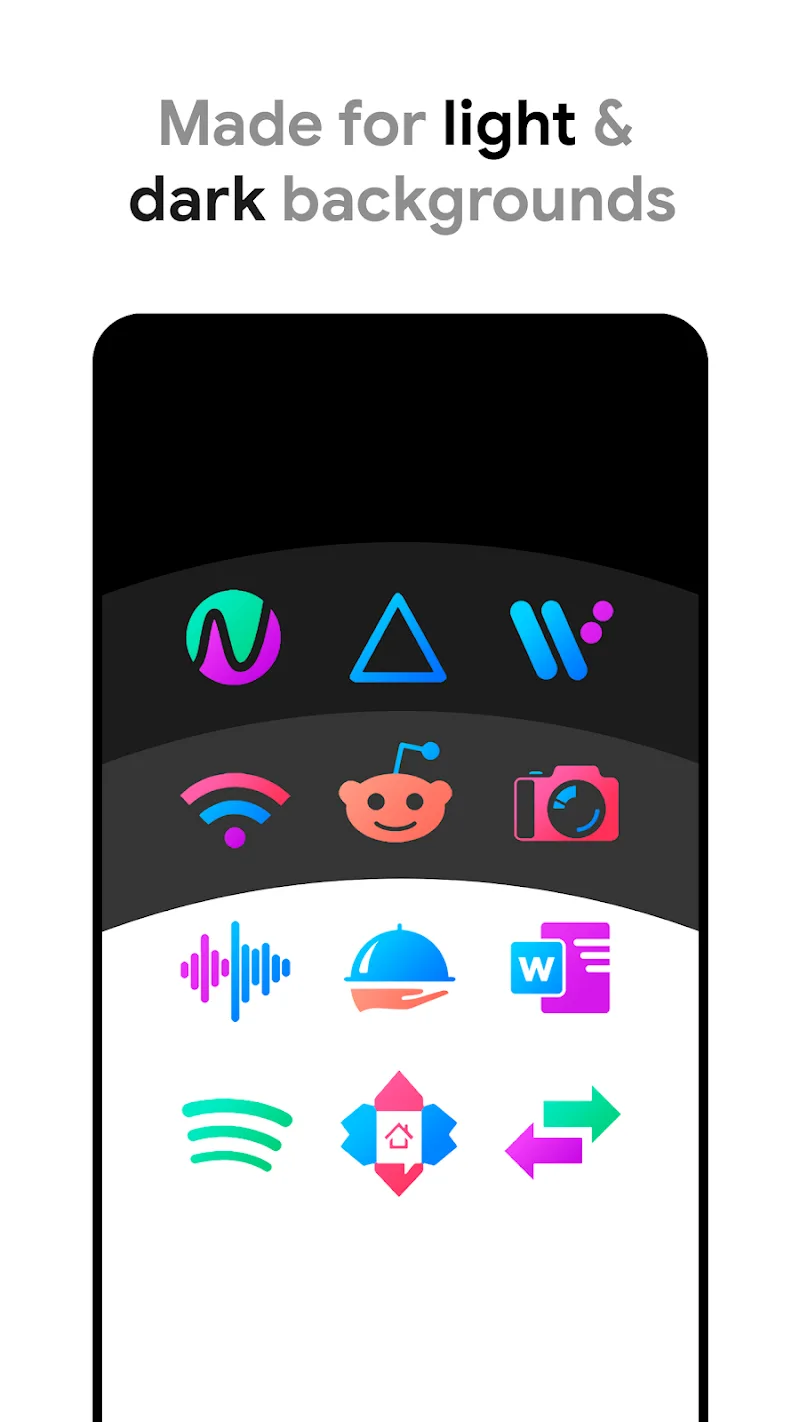
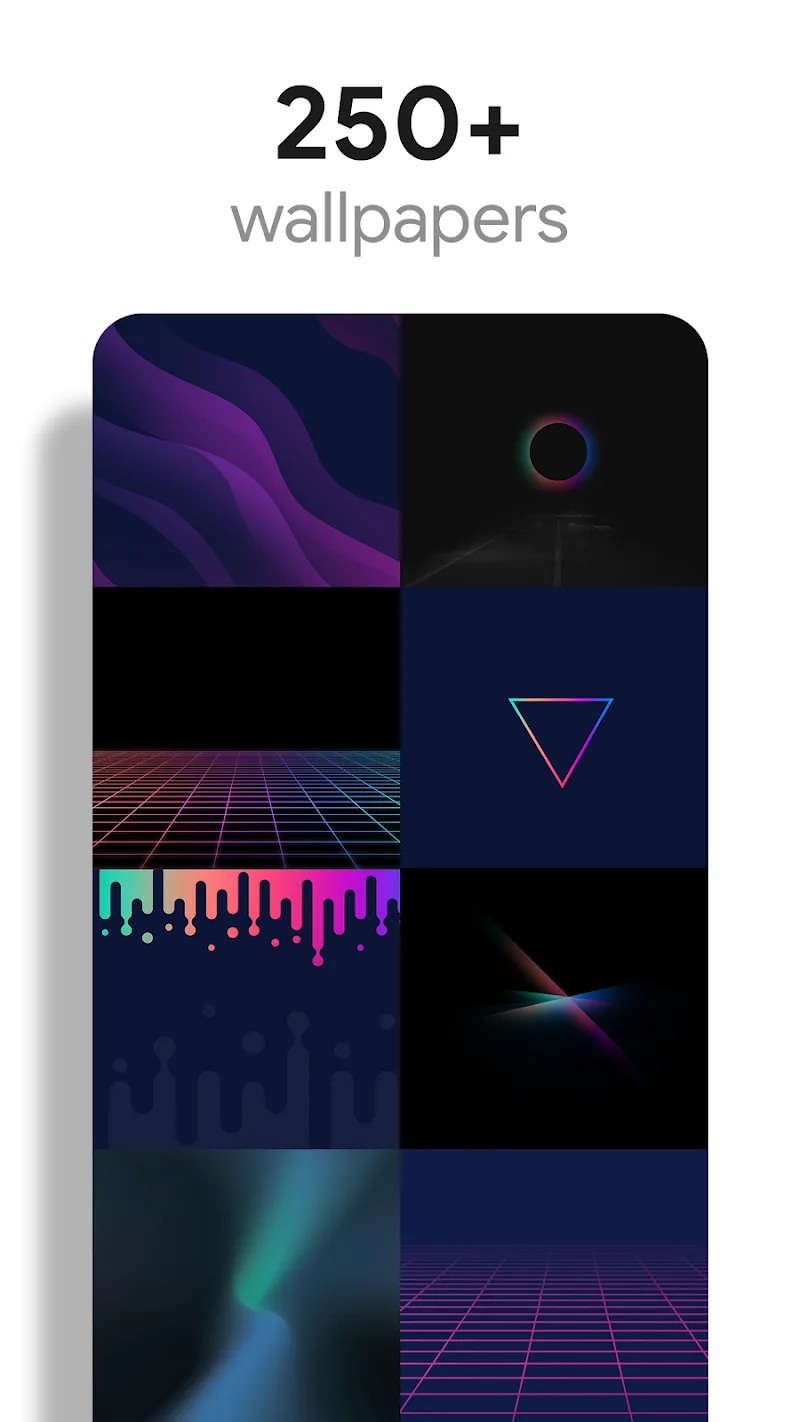
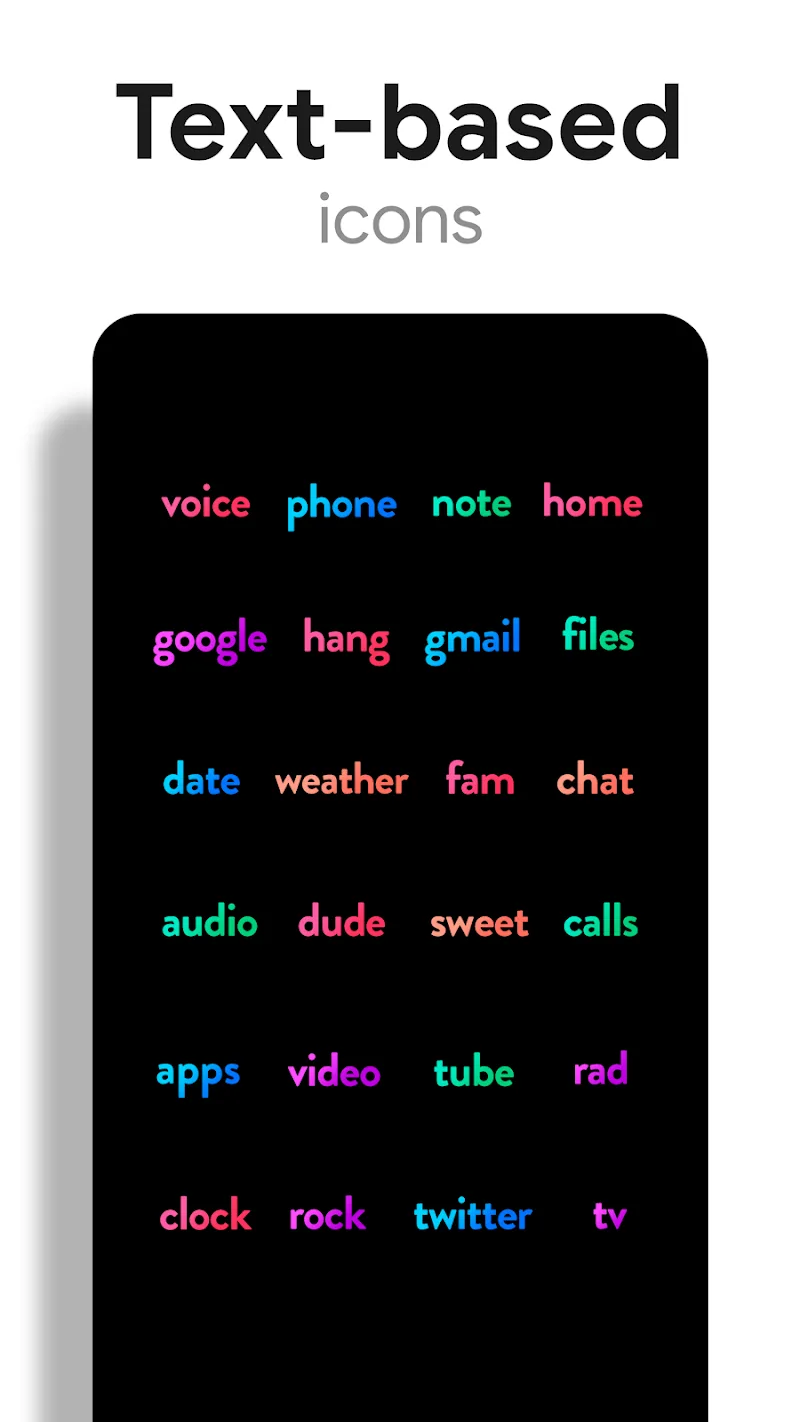
Chroma - Icon Pack is a flexible icon and theming application that refreshes an Android home screen with modern, high-resolution icons, matching wallpapers and optional widgets. Chroma - Icon Pack places the app name front and center in its workflow so you can quickly recognize presets and saved combinations, and the interface guides users through applying new icons via most popular launchers or the in-app theme picker. This description explains how the pack works, what customization options are available, and how to get consistent results across devices.
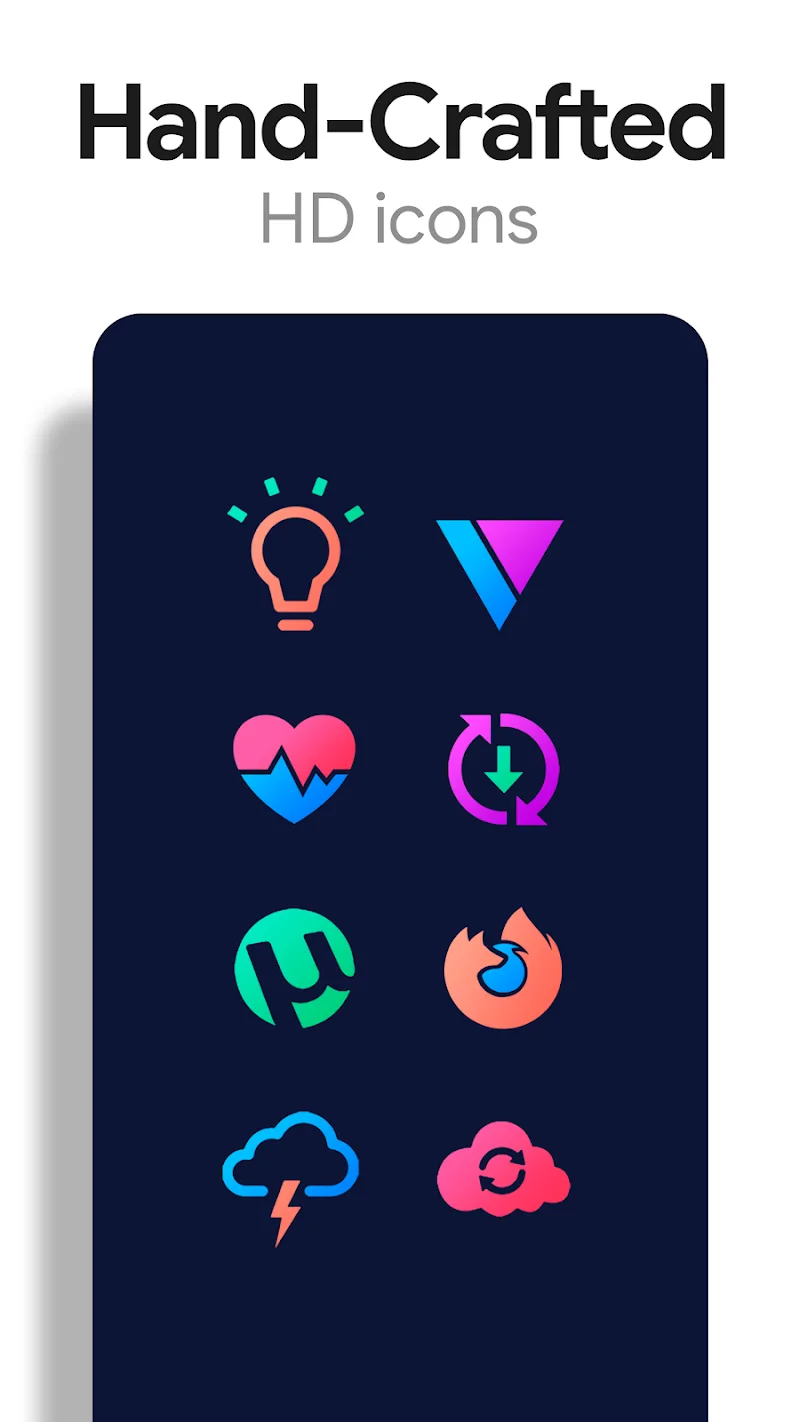
The core of Chroma - Icon Pack is a large library of handcrafted icons and curated wallpapers designed to work together. Icons are provided in multiple resolutions and common aspect ratios to preserve clarity on different screen densities. Transparent and layered icon styles are included so icons can blend naturally with a chosen wallpaper rather than standing out as mismatched shapes. Rotating wallpaper support lets you schedule or randomize background changes, giving your home screen a fresh look throughout the day without manual updates.
Applying icons is handled through launcher integration and a built-in apply tool. Most mainstream Android launchers are supported, and when a launcher is not directly compatible, the app provides a manual icon replacement option and a clear walkthrough. Chroma - Icon Pack includes a search and replace interface for remapping individual app icons and a batch apply feature for applying an entire theme in one action, which speeds up the setup process for users with many apps.
Customization in Chroma - Icon Pack centers on color-driven templates, transparency controls and layered effects. Users can pick a base palette, adjust saturation and brightness, and preview how icons look on a sampled wallpaper before applying. Progression is built around creating collections: you can start with a base template, refine colors and depth, save intermediate versions, and build a library of theme variations over time. This allows gradual refinement rather than forcing a single final choice, so personalization feels like a progression system where your theme collection grows as your style evolves.
Controls are intentionally straightforward. The app UI groups actions into discoverable steps: choose a wallpaper or set for rotating backgrounds, select an icon set or individual icons, tweak transparency or color balance, and then apply or save. Undo and preview functions are available so changes can be tested without committing them permanently. Export and share options let you back up favorites or move setups between devices quickly, supporting a tidy progression from trial to a stable home screen design.
The visual style of Chroma - Icon Pack emphasizes modern minimalism with attention to shape, shading and subtle highlights. Icon artwork is created to form a cohesive grid across apps and widgets, with consistent corner radii and visual weight to reduce visual clutter. Wallpaper sets are harmonized to offer foreground-background contrast that complements icons rather than competing with them. The pack is organized into themed bundles and difficulty tiers of customization: beginner-friendly, preset-driven themes and advanced templates for users who want fine-grained color and transparency control.
Replay value comes from rotating wallpapers, seasonal or monthly preset drops, and the ease of switching between saved themes. Users who enjoy refreshing their device will find the app encourages experimentation without costly effort. The user experience emphasizes legibility, clear contrast and straightforward apply flows; icon sizes and contrast ratios were considered to help users with visual impairments. Settings include options for larger preview thumbnails and simplified apply sequences to improve accessibility.
Most features in Chroma - Icon Pack work offline once the pack is installed: icons, wallpapers and saved theme combinations are stored locally so you can apply or switch themes without an internet connection. The app is optimized to minimize memory use during batch apply operations and to avoid noticeable battery drain while rotating wallpapers. Because launcher behavior varies across vendor skins and Android versions, some visual effects such as transparency or widget rendering may have inconsistent results on certain devices; the app provides in-app tips and manual workarounds to address common compatibility issues.
For the best results with Chroma - Icon Pack, start by selecting a single wallpaper set and a matching icon template, then tweak color balance and transparency before applying the entire pack. If a third-party app icon does not match perfectly, use the manual icon picker to assign a custom image or create a matching overlay. The app includes a help section with step-by-step instructions and troubleshooting notes to reduce friction during setup. Keep in mind that the depth of customization can involve a short learning curve for users who prefer one-step theming, and visual effects may look different across devices; these considerations are noted so users can plan adjustments in advance.
Overall, Chroma - Icon Pack offers a balanced combination of polished visual assets, predictable controls and progressive customization paths that let users refine their home screen appearance over time. Whether you prefer a simple, preset-driven approach or detailed manual customization, the pack provides the tools to create a unified and contemporary look for your device.