
AI Home Design: Interior DecAI
Version: 1.4.2
30.61MB
4.3
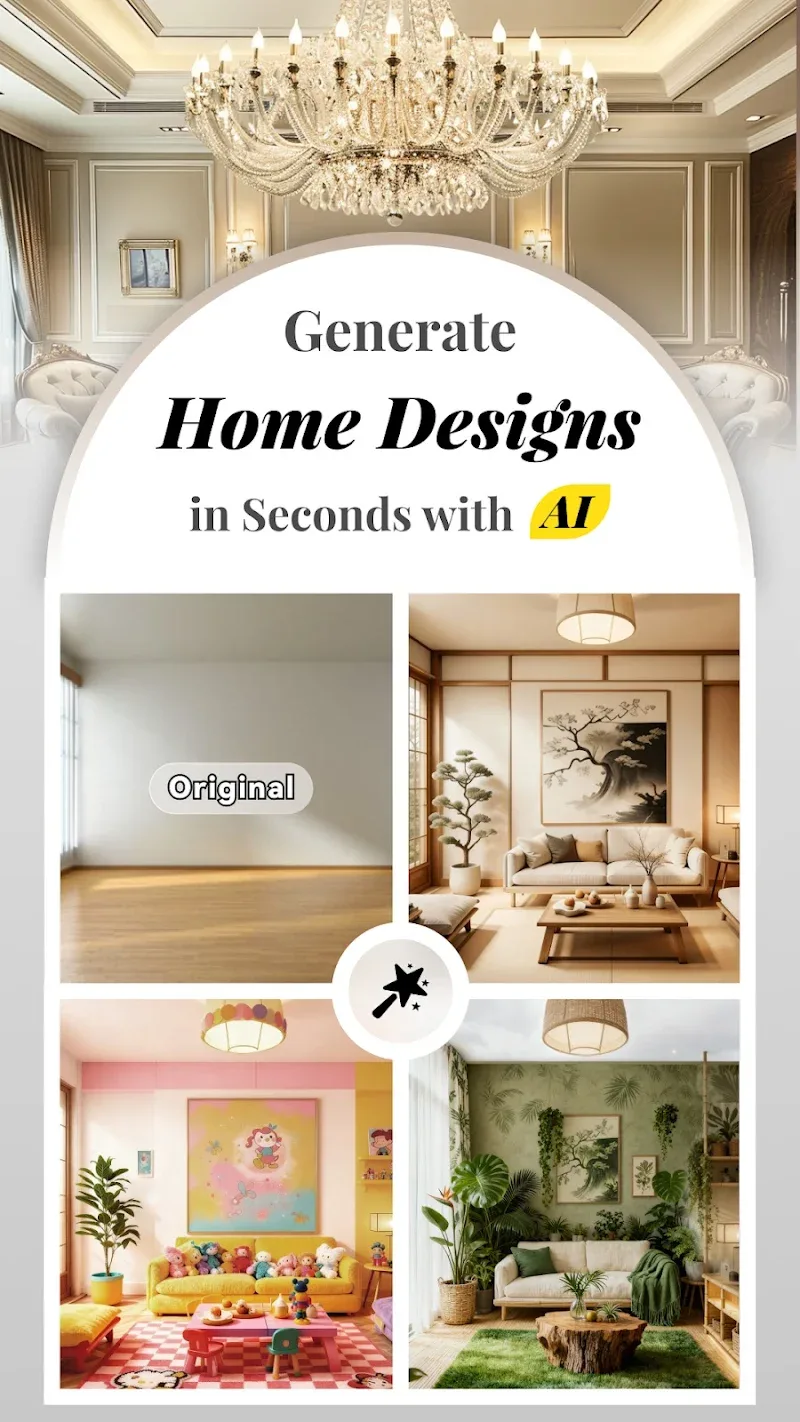

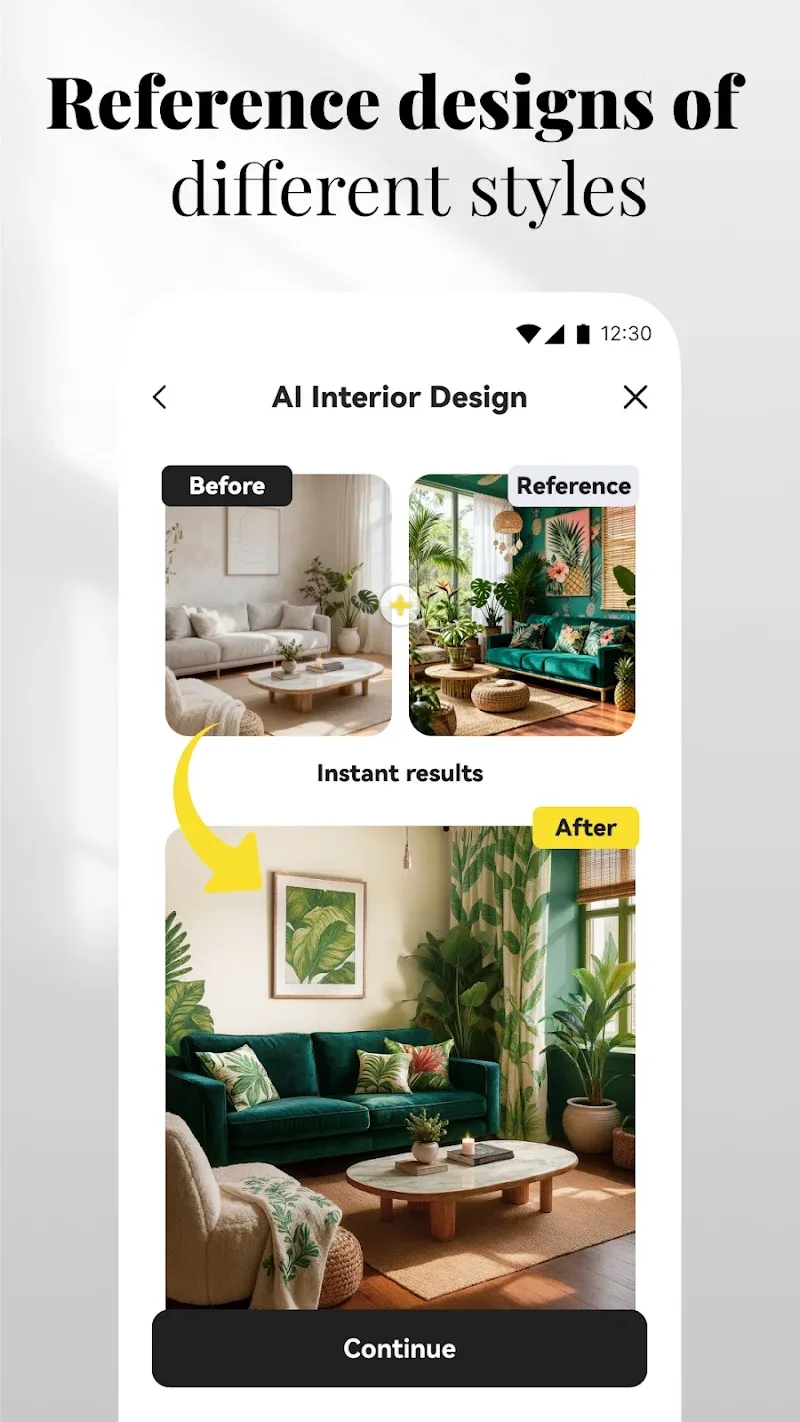
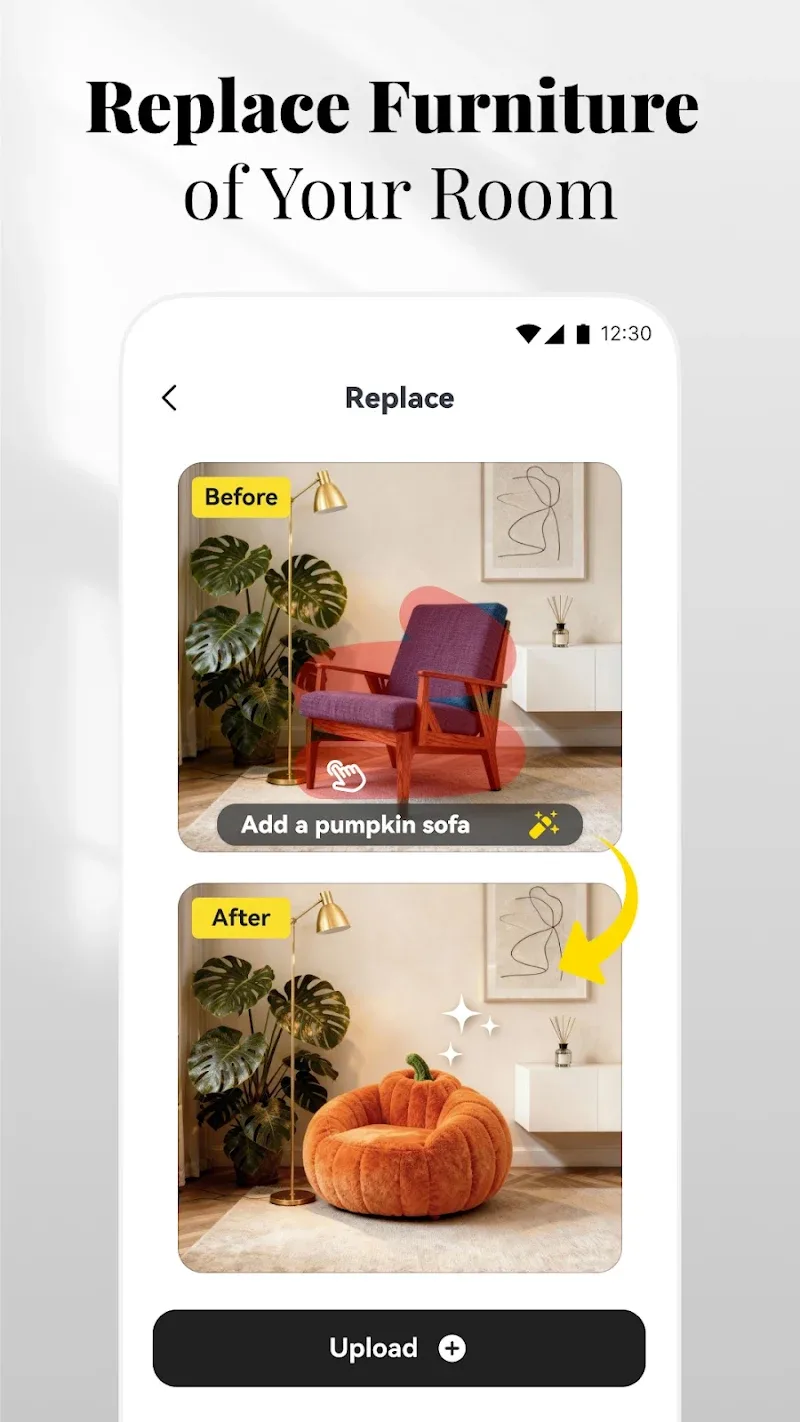
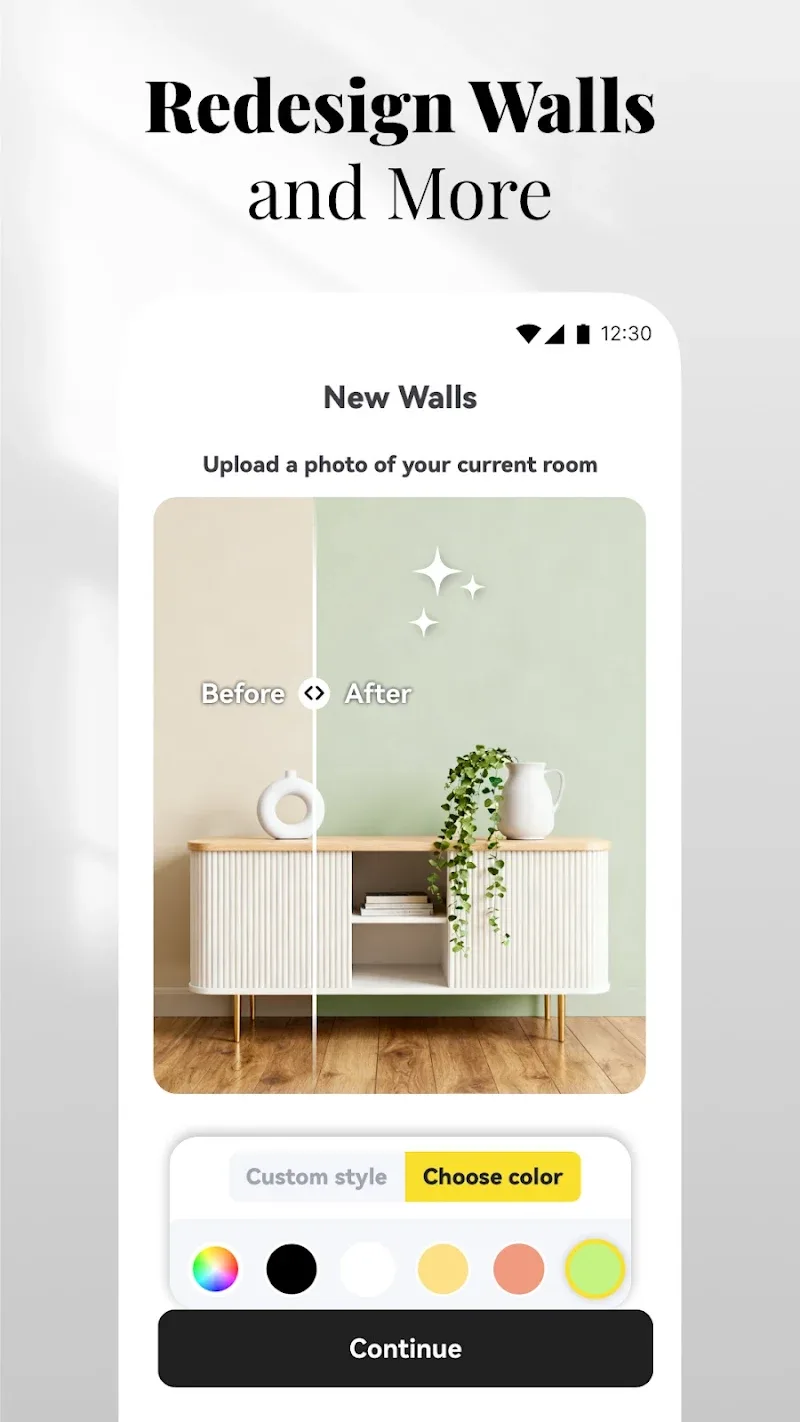
AI Home Design: Interior DecAI is a mobile design studio that uses machine learning to help homeowners and interior designers visualize rooms, generate layout options, and prototype decor in minutes. Its intuitive tools speed up decision-making by converting photos into editable plans and suggesting cohesive styles based on user preferences.
Built for practical use rather than formal architectural work, AI Home Design: Interior DecAI combines automated image processing with manual controls. The app balances smart suggestions and hands-on editing so users can explore multiple concepts without starting from scratch. It targets everyday projects: redecorating a living room, planning furniture placement, or comparing color palettes.
The workflow is straightforward: import an image, let the AI identify surfaces and furniture, and accept or adjust the suggested plan. AI Home Design: Interior DecAI highlights walls, floors, and focal points, then proposes alternative arrangements. Users can switch between automatic suggestions and manual editing, so the app works for both quick inspiration and detailed planning.
AI Home Design: Interior DecAI adapts suggestions to your taste. The app learns which palettes and furniture types you prefer, then tailors future recommendations. You can create custom palettes, save favorite items, and build reusable templates for rooms with similar footprints.
The interface focuses on clarity: large canvas, contextual toolbars, and minimal modal dialogs. Performance depends on device capability—on modern phones the real-time rendering and style swaps feel responsive, while older devices may notice delays during complex renders. The app provides quality settings so you can trade render fidelity for speed when needed.
Users praise the rapid ideation cycle and the app's ability to turn vague ideas into tangible designs quickly. The AI excels at suggesting cohesive options that non-designers find helpful. Limitations include occasional misidentification of cluttered objects and the need for manual corrections in irregular spaces. For professional-grade blueprints, supplementary CAD tools may still be needed.
Installation is typical for mobile apps: download, allow camera and storage permissions, and follow the guided first project to learn basic gestures and tools. AI Home Design: Interior DecAI opens with a short tutorial that walks through converting a photo and applying a style, which helps shorten the learning curve for casual users and professionals alike.
If you’re renovating, staging a home, or experimenting with decor, this app brings powerful automation to everyday decisions. Interior designers can use it for rapid concept exploration, while homeowners gain confidence testing ideas before committing to purchases. The mix of AI suggestions and manual control makes it a flexible addition to any design workflow.