Pixly Paint - Icon Pack
Version: 3.7
125.78MB
4.2
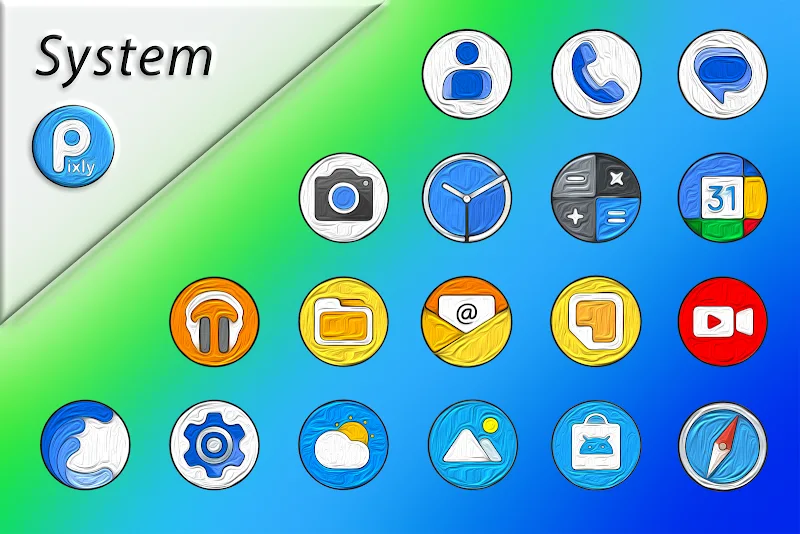
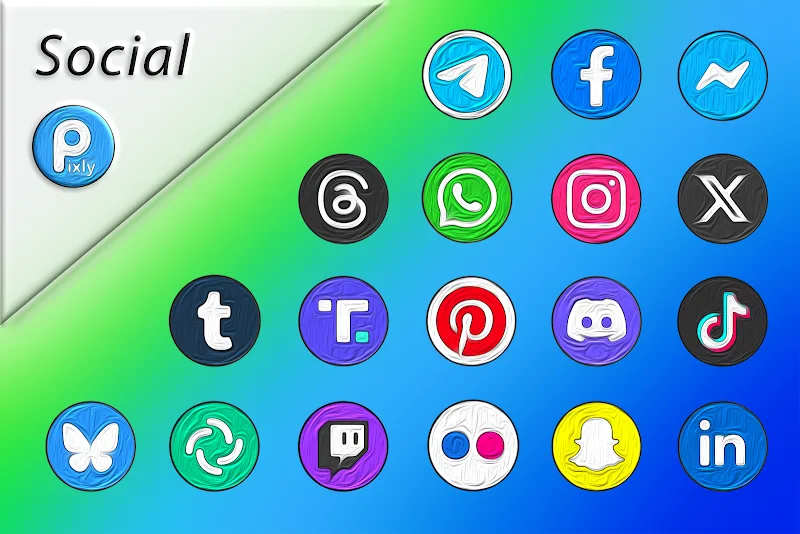
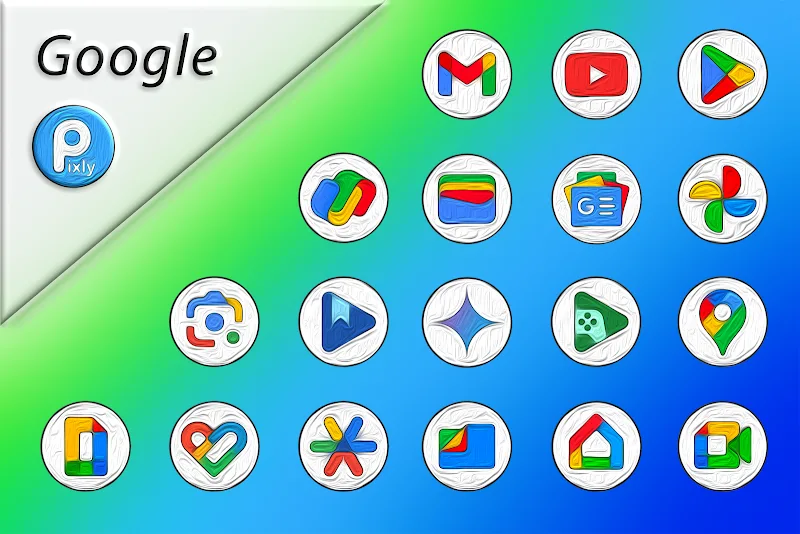
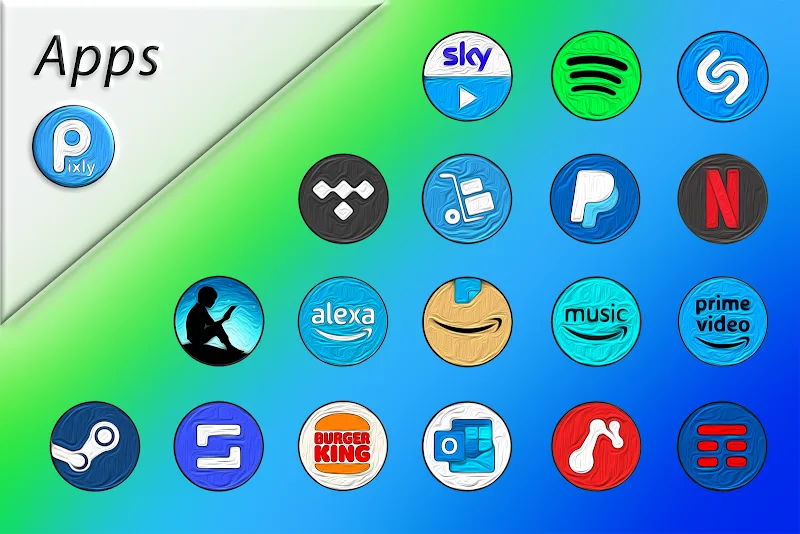
Looking to give your phone a quick creative refresh before a weekend party or a meeting? Pixly Paint - Icon Pack offers a collection of high-resolution, painterly icons that let you change the look of your home screen in minutes. The app focuses on bold textures, precise edges and a consistent color palette so your launcher, folders and dock feel like a cohesive design. If you enjoy crafted visuals rather than generic glyphs, Pixly Paint - Icon Pack provides an easy way to refresh your device’s appearance while keeping layouts readable and apps identifiable.
High-resolution artwork: Icons are rendered at crisp sizes so they look clean on devices with different pixel densities and still read well on compact screens.
Oil-paint aesthetic: Each icon carries a hand-painted texture that gives your system a tactile, artistic vibe instead of flat vector shapes.
Large library: The pack ships with dozens to hundreds of themed icons so you can skin the most common apps and pick matching replacements quickly.
Consistent palette: Designs follow a unified color language so folders and widgets blend into a single visual theme rather than clashing.
Adaptive icon support: Works with many popular launchers and can mask or create adaptive variants for a uniform look across Android skins.
Search and browse: Built-in browsing tools help you find icons by name or category instead of scrolling through long lists.
Icon request tool: If an icon is missing for an app you use often, you can send a request so the developer can add it in a future update.
Regular updates: The pack is maintained with new designs and compatibility fixes, so fresh icons arrive over time rather than being a one-off release.
Backup and apply: Save your current icon choices and restore them after a system update or when switching devices, keeping your layout intact.
Install and open: After installing, launch the app to view the main gallery and the compatible launcher list.
Apply via launcher: Select your launcher from the provided options and tap apply; the pack will replace supported icons automatically.
Manual icon replacement: For apps the pack doesn’t auto-match, long-press an icon on your home screen, choose edit, and pick a Pixly Paint icon from the pack.
Request missing icons: Use the request feature to submit apps that need themed icons and include the package name or screenshot if prompted.
Do I need a special launcher to use the pack?
Most custom launchers are supported and listed inside the app; if your default launcher does not support icon packs, you can use a supported third-party launcher to apply the theme.
Will icons change my app functionality?
No. Icon packs only swap visual assets; they do not modify app behavior, permissions or underlying data.
How often are new icons added?
The developer issues periodic updates that add requested icons and expand themes, though frequency can vary with development cycles.
Can I mix Pixly Paint icons with other packs?
Yes, you can combine icons manually by editing individual shortcuts, but mixing may break the unified look the pack aims for.
Compared with plain, template-driven packs, Pixly Paint - Icon Pack leans into handcrafted textures and an artist-forward palette, making it a solid pick for users who prefer a distinctive, gallery-like home screen; while it may not cover every niche app immediately, its request system and regular updates narrow that gap for creative customizers.