Glyphify for Nothing Phone
Version: 4.2
37.29MB
4.4
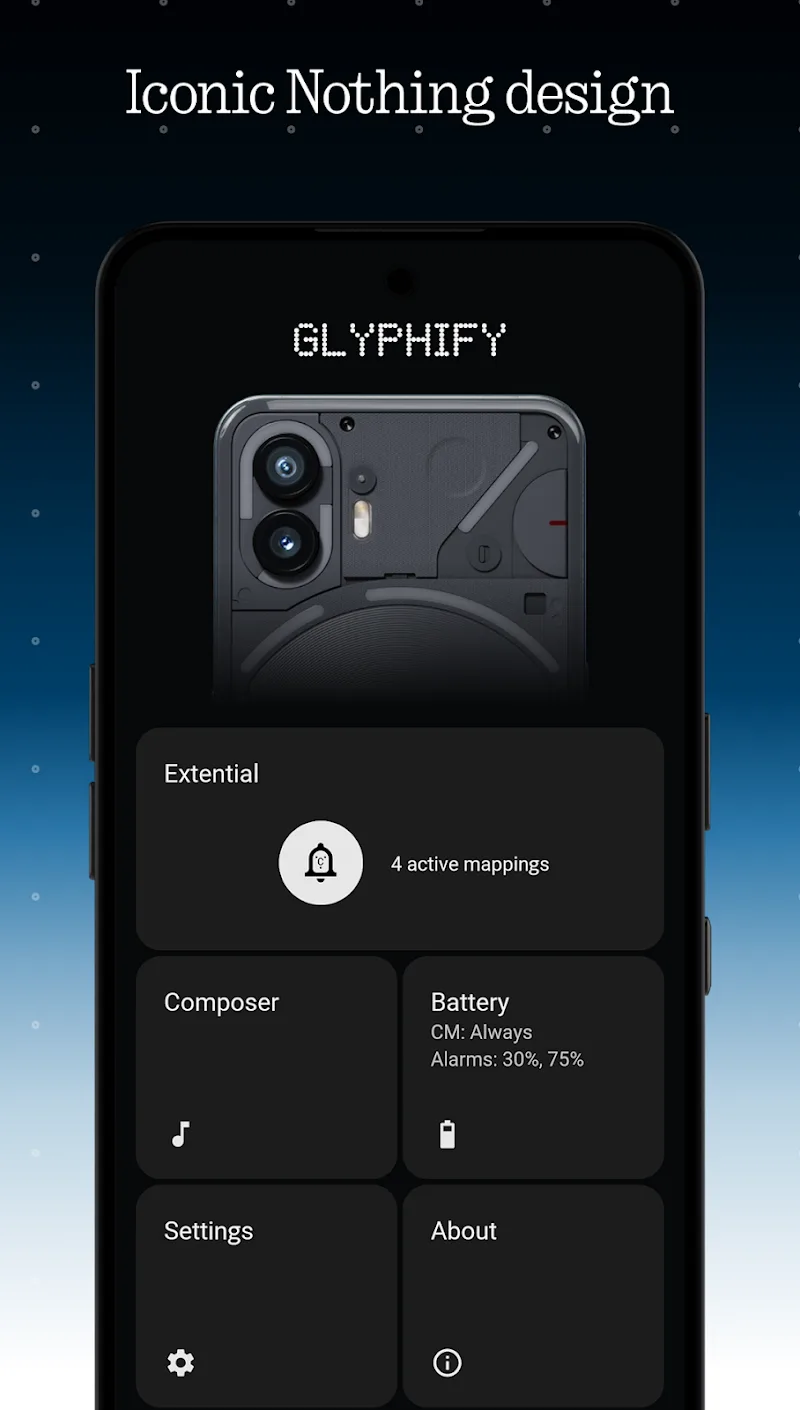
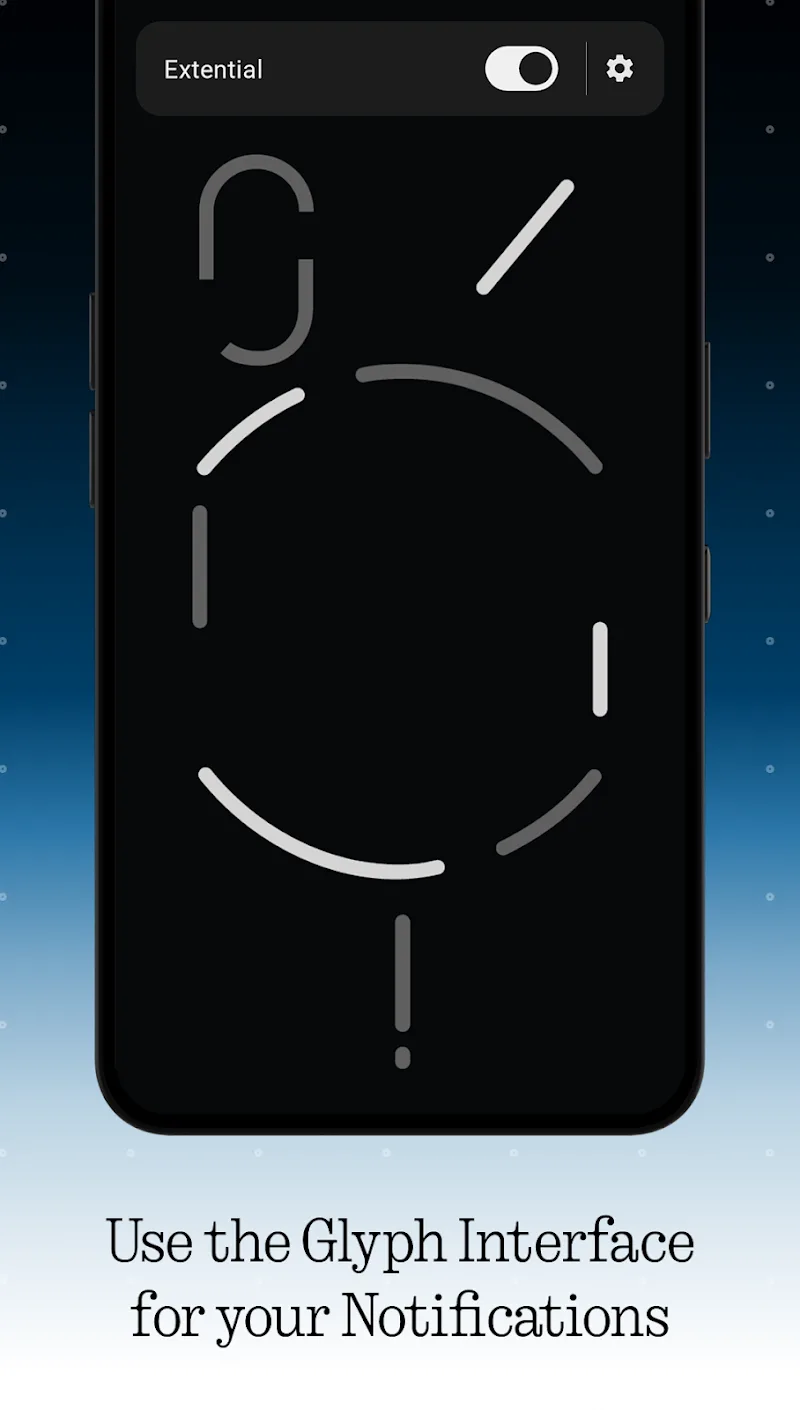
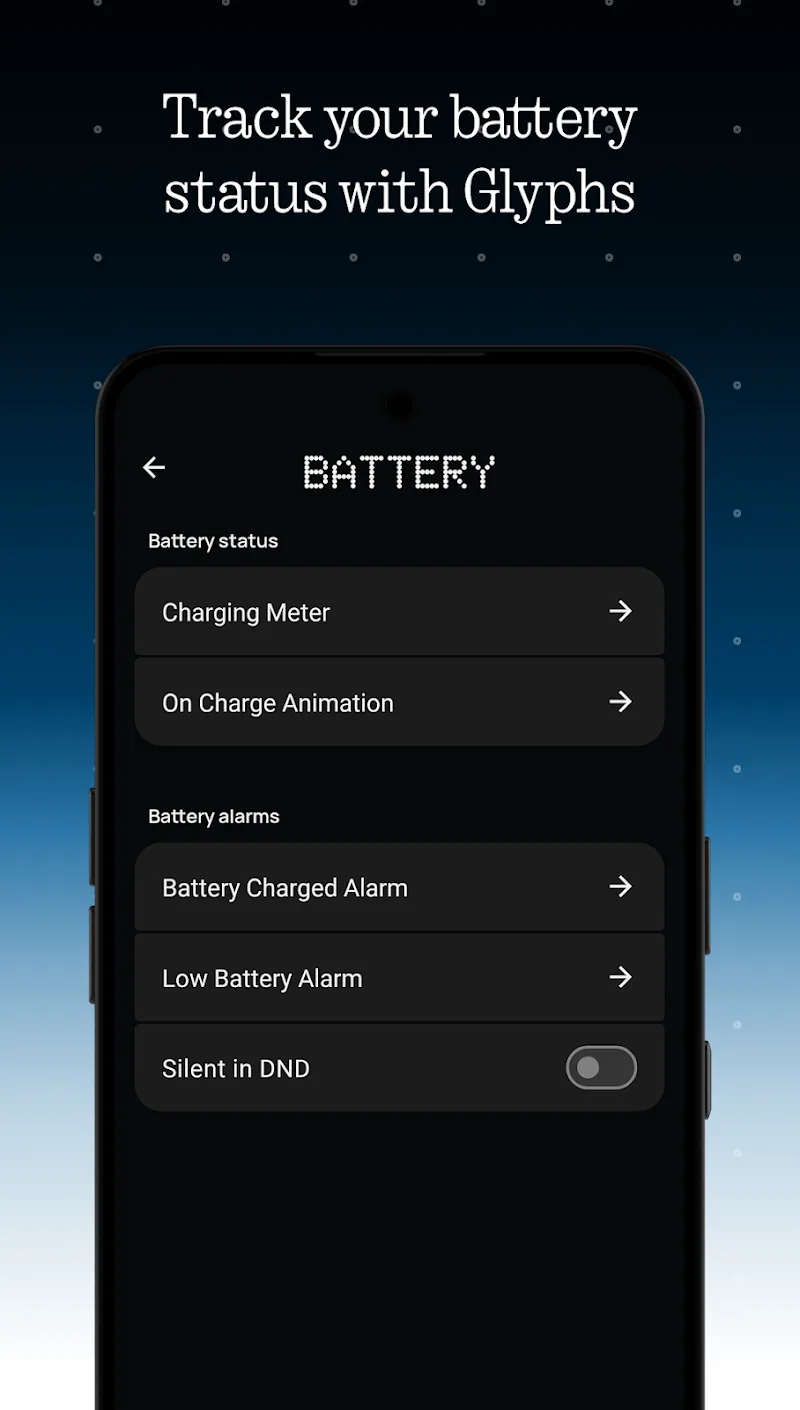
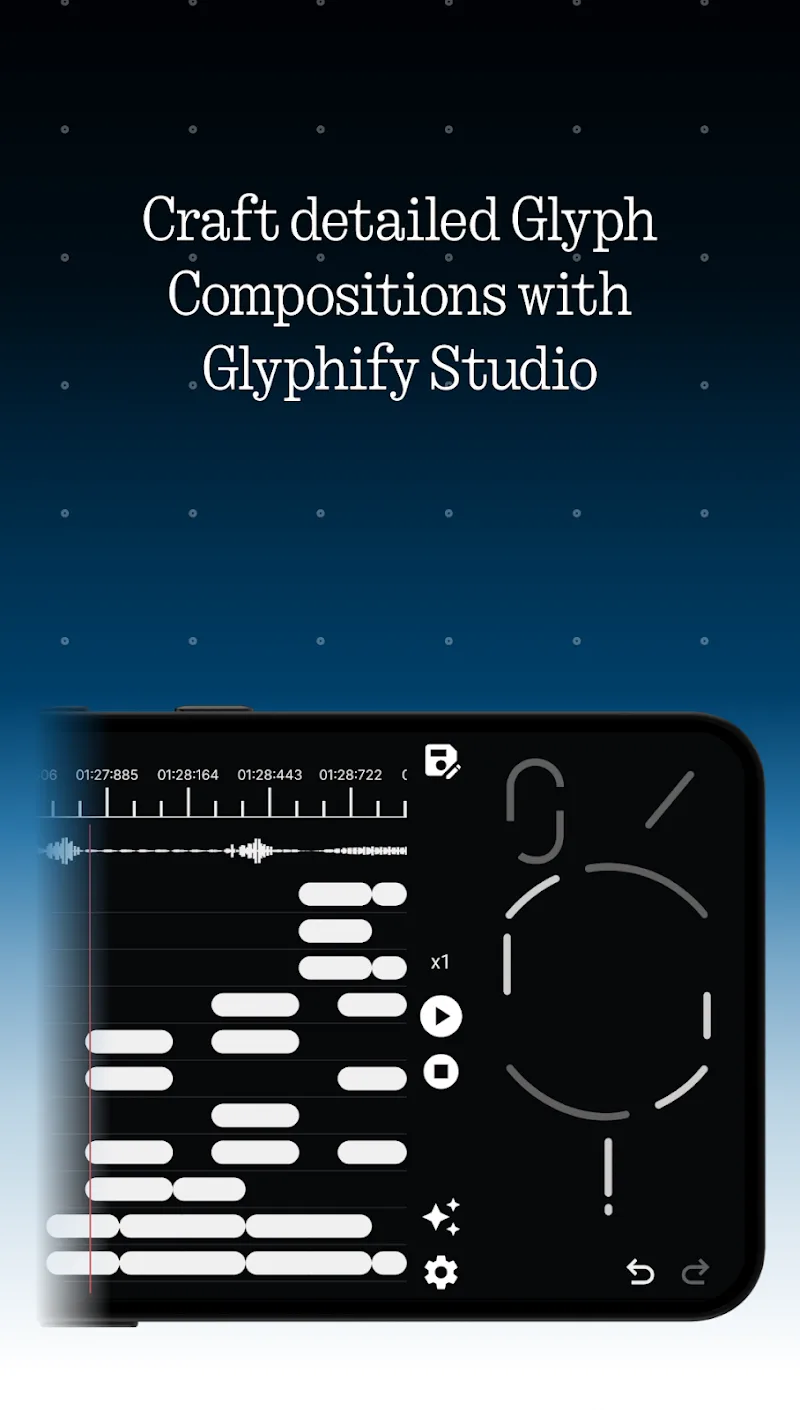
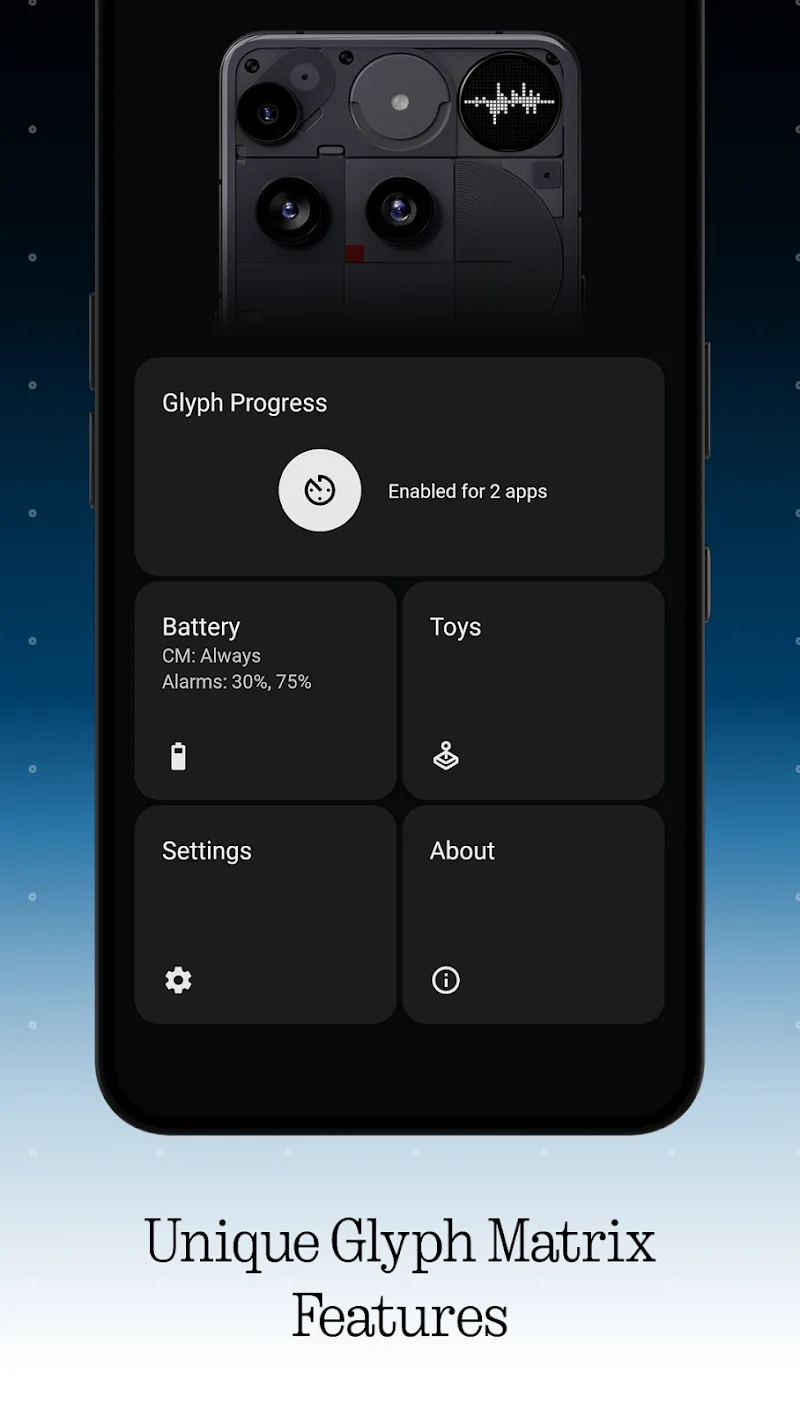
Glyphify for Nothing Phone is a customizable icon and widget toolkit that adapts the Nothing Phone aesthetic across your Android device, offering pixel-perfect glyph sets, flexible placement, and system-aware color sync. It simplifies personalization while preserving performance and compatibility with stock launcher behaviors.
Glyphify for Nothing Phone brings the brand's signature minimalist design language to home screens and lock screens without requiring deep system modifications. The app focuses on delivering curated glyph art, responsive widgets, and easy theming options that match the Nothing Phone user interface. It aims to be a lightweight companion rather than a full launcher replacement, making it suitable for users who want that distinct look while keeping their preferred home setup.
The feature set centers on personalization tools that don't demand advanced skills. Users can pick from multiple glyph themes, toggle animated accents, and apply icon replacements selectively. A built-in preview pane shows how changes will appear across different screen sizes and orientations. For power users there are manual controls for spacing, scaling, and glyph opacity so small refinements are simple to accomplish.
Installation and daily operation are designed to be straightforward. After granting the minimal permissions required for theming and overlays, you choose a glyph pack and select which elements you want to enable. The app applies icons and widgets without changing underlying app metadata, so notification behavior and app data remain unaffected. Updates deliver new glyphs and widget presets periodically, and theme previews help you decide before committing changes.
Glyphify for Nothing Phone relies on standard Android APIs and common launcher hooks. This means it supports popular third-party launchers as well as many stock setups. If a launcher limits icon replacement, the app provides fallback options like custom widgets or an icon-only overlay to mimic the look closely.
Customization is the core appeal. You can mix-and-match glyph styles, tweak color intensity, and set contextual rules (for instance, a different glyph set for dock vs. home pages). The app also supports timed themes that switch automatically based on time or battery state, which can add useful visual context to your phone usage.
Text labels, contrast, and touch targets are adjustable, making it easier to align aesthetics with usability. For users who need higher contrast or larger targets, the app exposes controls to ensure glyphs don't sacrifice clarity for style.
Performance is a deliberate priority; the app keeps background activity minimal and uses optimized vector assets to avoid bloat. Regular updates add new glyph sets and patch compatibility quirks. There is a support section within the app that links to FAQs, troubleshooting tips, and an issue-reporting flow for unusual device combinations.
Download and open the app, grant the requested permissions, then pick a starter pack from the gallery. Spend a few minutes with the preview tool to see how icons and widgets behave on different home pages. The guided setup walks you through common compatibility checks and offers a quick backup so you can revert changes anytime. With a small investment of time, Glyphify for Nothing Phone can transform your device surface into a cohesive, modern-looking experience that stays lightweight and functional.