CRiOS X - Icon Pack
Version: 4.0
120.65MB
4.1
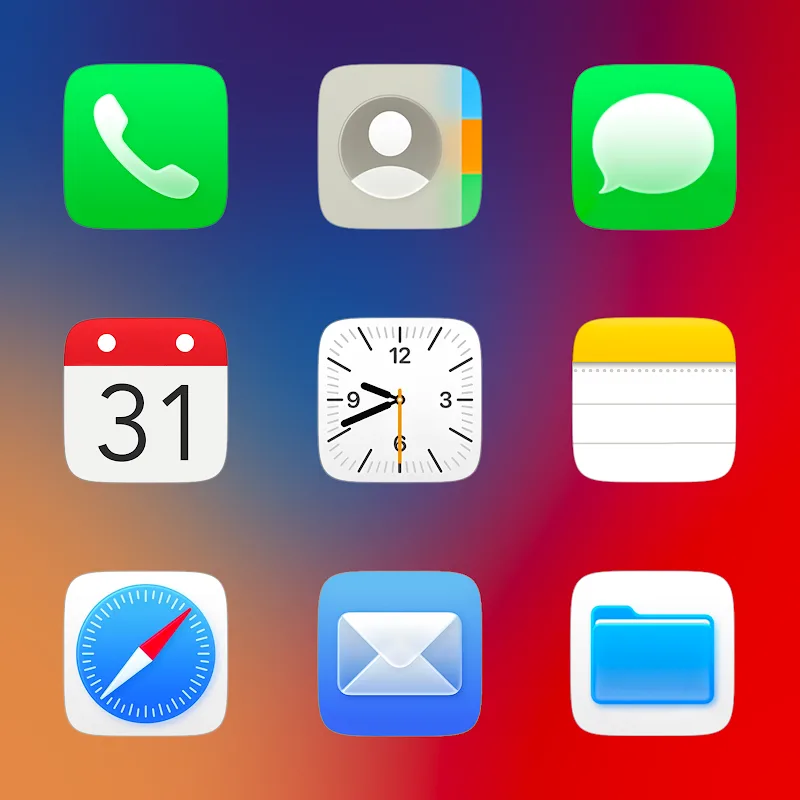
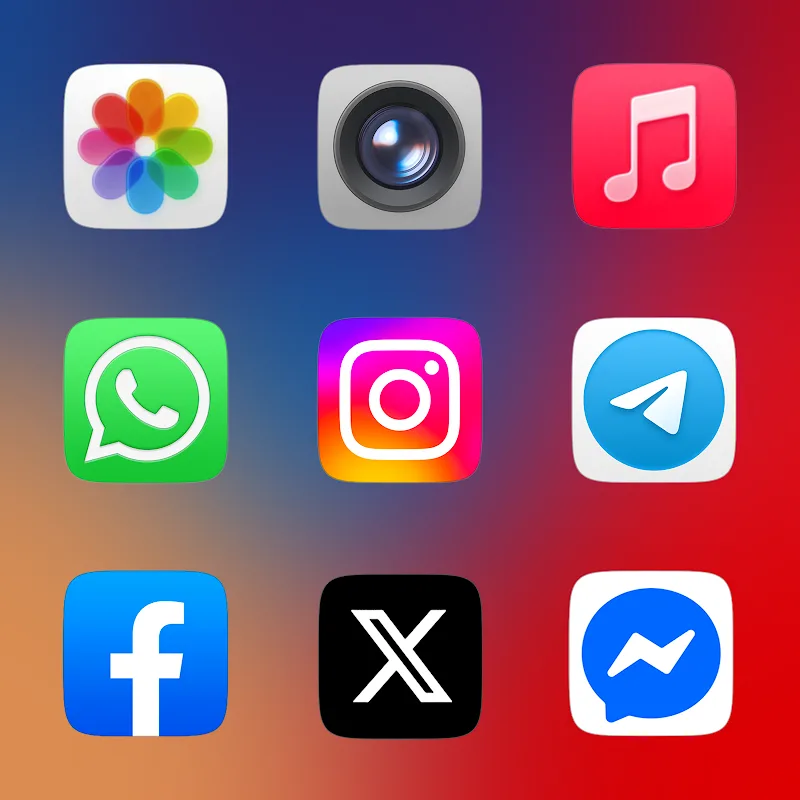
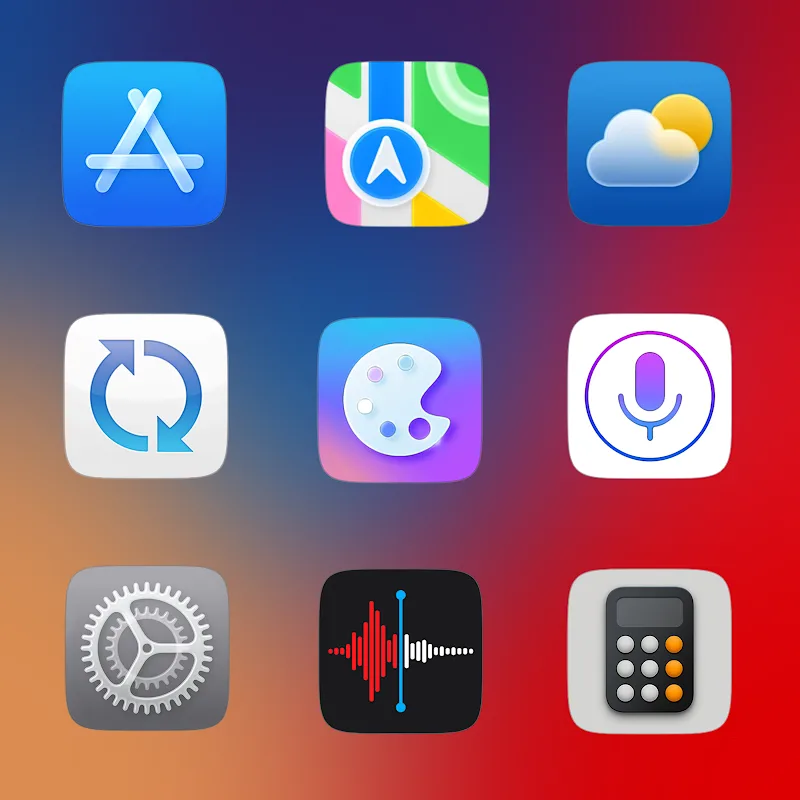
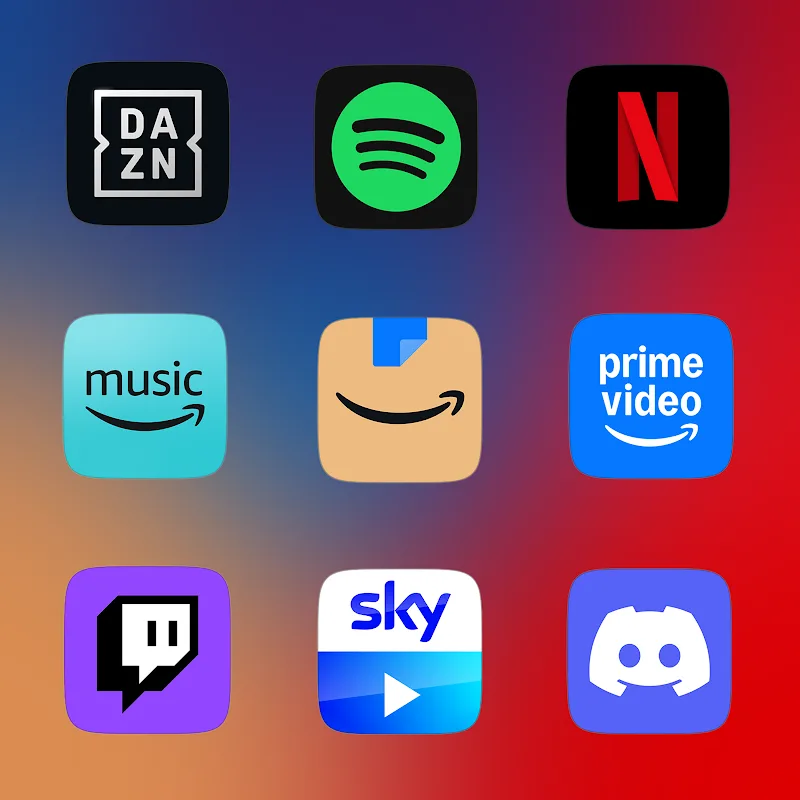
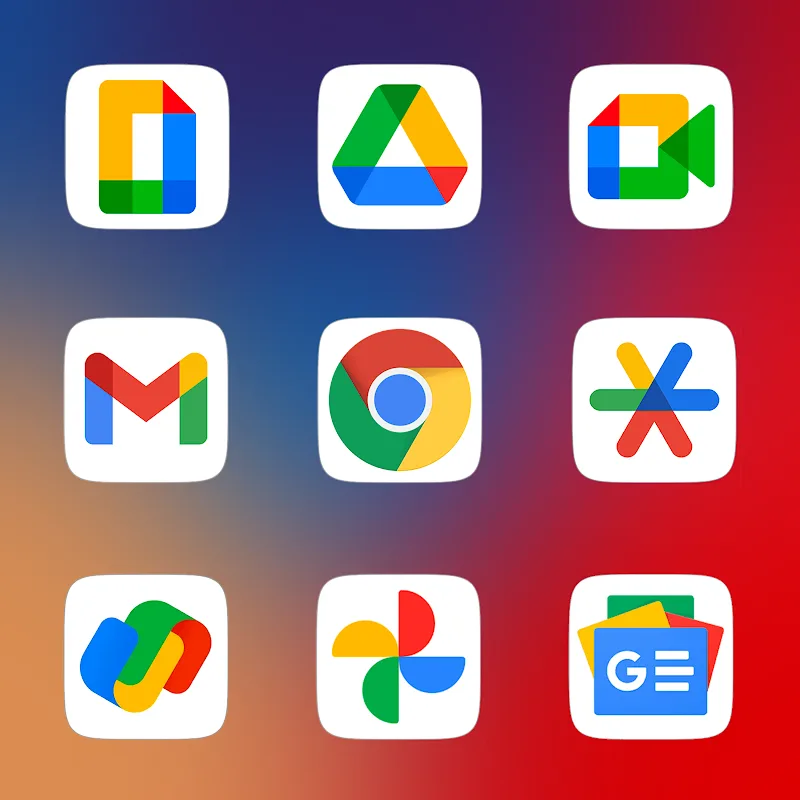
Choose, apply, refresh: CRiOS X - Icon Pack helps you transform a routine home screen into a tailored visual experience in seconds. This Android icon pack delivers high-resolution artwork, matching wallpapers and a handful of utility features so you can quickly style app icons, keep a live calendar on the desktop and maintain a consistent look across lesser-known apps. Whether you want a subtle redesign or a bold overhaul, CRiOS X - Icon Pack aims to make customization accessible without complex setups.
Install and apply: Open the app, choose your preferred launcher from the supported list and tap Apply to replace existing icons in one pass.
Grant permissions: Allow the app basic access if prompted so the dynamic calendar and icon request tools can operate correctly.
Use the wallpaper chooser: Pick a matching background from the integrated wallpaper library to ensure icons sit well against your home screen.
Request missing icons: Tap the request tool to submit apps that aren’t themed yet; developers typically add requested icons in a future update.
High-resolution artwork: Icons are produced at up to 2K SuperHD quality so they remain crisp on large displays and after scaling.
Triple-stage rendering: Each icon is processed through a multi-pass render routine to preserve detail and avoid jagged edges on varied screen sizes.
Handcrafted designs: The collection focuses on fine detail and soft gradients to give a polished, realistic appearance rather than flat glyphs.
Dynamic calendar support: Compatible calendar icons update automatically to show the current date, keeping your home screen informative.
Masking for unthemed apps: A masking system blends icons that lack a dedicated artwork so your grid looks consistent and tidy.
Match icon size to your launcher: Adjust the icon size or grid spacing in your launcher settings to avoid cropping and keep spacing balanced.
Create a seasonal set: Pair a few themed wallpapers with specific icon subsets to switch the phone’s mood for holidays or special events.
Batch apply style changes: If you maintain multiple home screens, apply the pack and then selectively replace icons on secondary pages to keep frequently used apps visible.
Will this work with my current launcher?
The app supports most popular launchers; check the supported list inside the app and follow the Apply steps for your launcher.
How do I get an icon added for an obscure app?
Use the built-in icon request feature to submit the package name or screenshot. Developers review requests and include popular ones in updates.
Does the dynamic calendar drain battery?
The dynamic calendar only updates the visible icon date and uses minimal background work, so any battery impact is negligible compared with typical widgets.
CRiOS X - Icon Pack gives you a straightforward path to a cleaner, higher-fidelity Android home screen with useful extras like a live calendar and masking for missing icons. The pack suits users who want a polished visual overhaul without deep theming knowledge; keep in mind that full coverage depends on regular updates and launcher compatibility. Availability and specific features may vary by version or device.