Logo Maker Designer
Version: 4.3
20.90MB
4.2
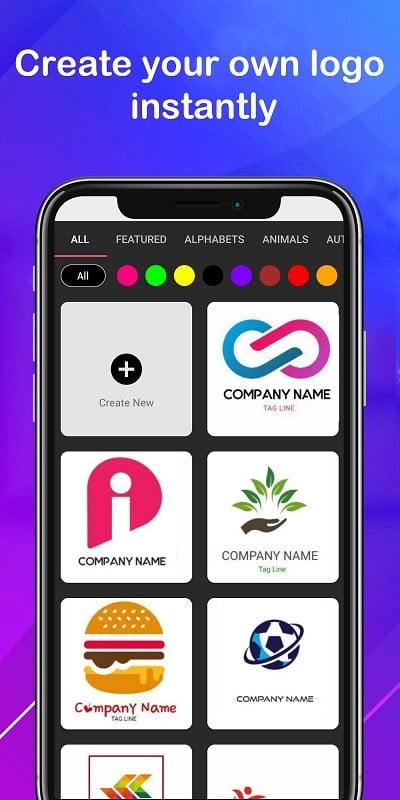
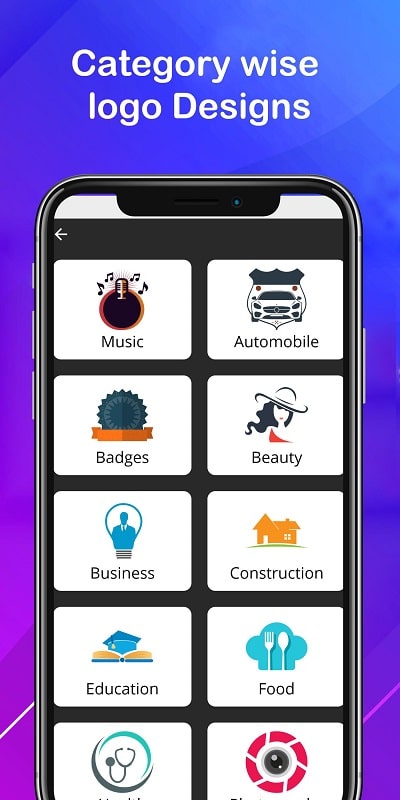
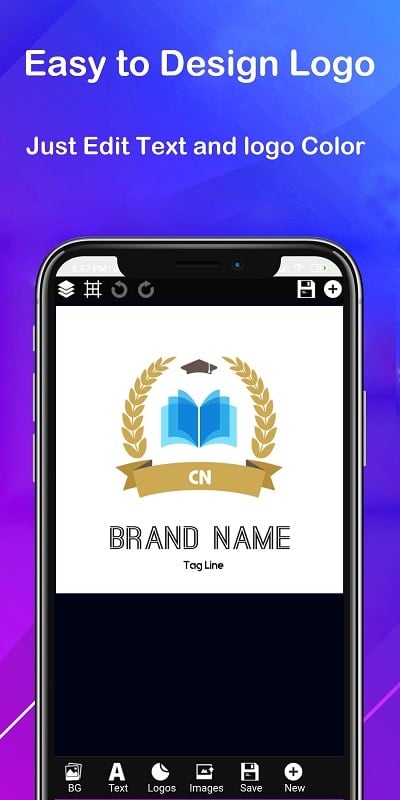
Logo Maker Designer is a mobile app that streamlines logo creation for freelancers, startups, and small businesses. It combines an accessible interface with a large library of templates, icons, and typography controls, letting users produce polished brand marks quickly without prior design skills or expensive desktop tools.
Logo Maker Designer targets users who need effective branding without a steep learning curve. The app focuses on speed and clarity: choose a template, tweak colors and shapes, add text, and export. It supports high-resolution outputs suitable for social media, business cards, and basic print needs.
The interface leans on a canvas-first design that keeps tools nearby but unobtrusive. A left-hand toolbar presents essential actions — add shape, insert icon, or type text — while a contextual properties panel updates as you select elements. Live preview mode makes it easy to see how a logo will look on dark or light backgrounds.
Logo Maker Designer includes fundamental vector operations such as grouping, layering, rotation, and alignment. Color pickers support hex and RGB inputs, and you can save palette presets for brand consistency. Slightly advanced users will appreciate the ability to nudge elements by pixel increments and to lock layers for precise adjustments.
Customization is a strong point. Beyond changing fonts and colors, the app lets you modify icon strokes, apply gradients, and alter opacity. A snapping grid and alignment guides help maintain symmetry and balance. For teams, the app offers a favorites or saved-elements folder to store repeated assets like monograms or taglines.
Performance is optimized for mid-range devices: canvas interactions remain responsive, and asset loading is quick. Large exports may take a moment depending on file format and resolution, but the app queues these tasks intelligently. Outputs are compatible with common desktop tools if further refinement is necessary.
Logo Maker Designer is useful for a range of users: entrepreneurs creating a first logo, content creators needing channel art, or small agencies producing quick concept drafts. It excels when a fast turnaround is required, such as setting up a landing page or printing promotional materials for an event.
When first opening Logo Maker Designer, spend a few minutes exploring templates to understand how different structures are assembled. Experiment with negative space and keep text legible even at small sizes. These habits produce logos that read well on profile images and printed materials alike.
People pick Logo Maker Designer for its balance of speed and control. It avoids overwhelming beginners while still giving experienced users the tools to iterate. Template-driven workflows reduce creative friction, and the export quality supports real-world use cases without needing desktop software for every step.
Download the app, grant basic permissions, and you can start with a blank canvas or a template. Built-in tutorials walk through common tasks, and sample projects demonstrate layout techniques. If you plan to use the app professionally, consider saving brand kits and exporting master files for archival use.
Overall, Logo Maker Designer is a practical, approachable tool for anyone who needs reliable logos quickly. It emphasizes clarity, repeatability, and clean outputs, making it a solid option for non-designers and small teams seeking professional-looking results with minimal fuss.