MyScript Notes for Students
Version: 6.4.7
148.10MB
4
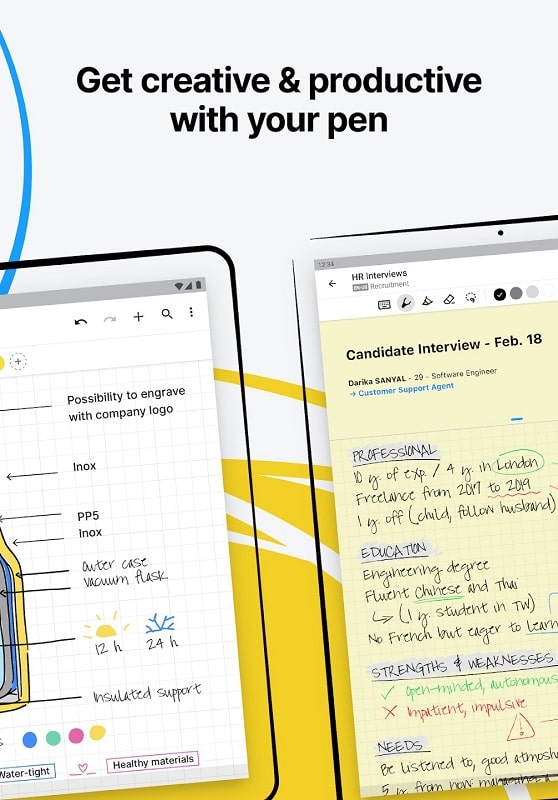
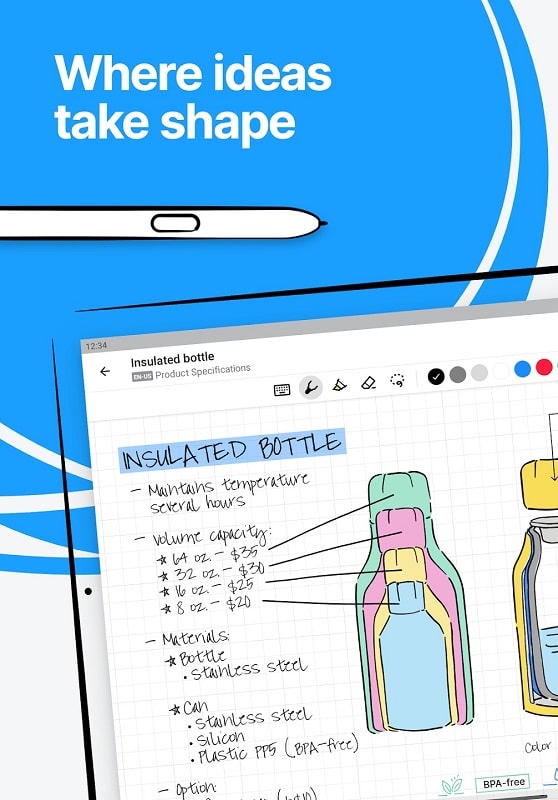
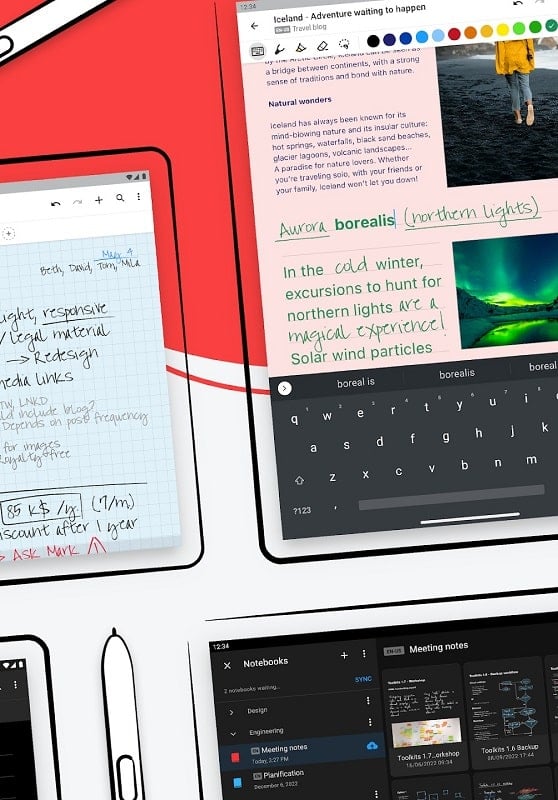
Most note-taking tools leave you juggling photos, typed text and messy scrawls with no clear way to tie them together. MyScript Notes for Students aims to simplify that by combining handwriting capture, live ink conversion and PDF-friendly exports into a single mobile workspace. The app supports pen input, voice notes and camera imports, and it focuses on making edits, annotations and reorganizing fast so you can keep study material tidy and searchable.
Study notes: MyScript Notes for Students is built for students who take lecture-style notes, sketch diagrams and need a readable record afterwards.
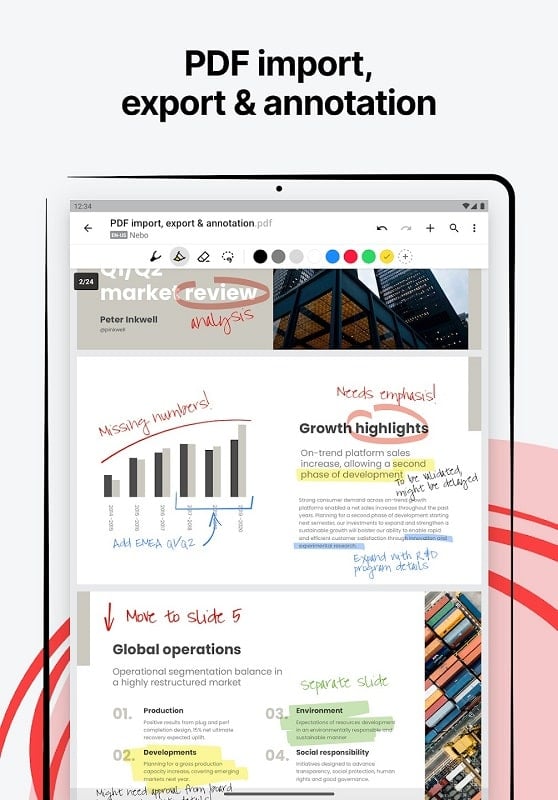
PDF annotation: Use it to mark up slides and handouts, add comments and save a new annotated PDF for sharing or printing.
Digital handwriting toolkit: The app sits between a handwriting recorder and a text editor, offering ink gestures, shape recognition and conversion features in one place.
Handwritten to typed text: You can write naturally with a stylus and convert those strokes into editable text, so notes become searchable without retyping.
Infinite canvas: Pages expand as you write, letting you brainstorm or map ideas across a large virtual sheet and move blocks of content around with a lasso tool.
PDF capture and export: Quickly import photos or scans and turn handwritten pages into fresh PDFs you can rename and secure when a document needs to be shared or archived.
Smart editing gestures: Erase, join, split and format ink with intuitive pen gestures that make reorganizing a page faster than switching between menus.
Math & diagrams: Handwrite equations and convert them into LaTeX-style math, or draw charts that can be straightened into neat shapes for handouts or presentations.
Process lecture snapshots: After a class, photograph a board or slide and use the app to convert important handwritten items into editable notes so you don’t lose anything from a fast-paced lecture.
Personalize page backgrounds: Swap in lined, grid or custom backgrounds to keep calculations tidy or to match the visual style of a specific course or project.
Organize with crops and clips: Cut out a paragraph or diagram, paste it into a different page and build a study packet without recreating content; this is handy when assembling a revision sheet before exams.
Can I use MyScript Notes for Students without a stylus?
Yes. Typing and touch input are supported, but a stylus improves handwriting accuracy and makes gestures faster.
Does the app convert handwriting into editable text reliably?
Conversion works well for clear handwriting and standard symbols; complex layouts or very stylized script may need a quick manual tidy before finalizing.
Which export options are available?
You can export pages and notebooks as PDFs and share images of pages; file names can be changed and sensitive documents can be protected when needed.
MyScript Notes for Students blends handwriting freedom with practical editing and export tools so you can capture ideas, clean them up and distribute polished notes. If you want a mobile workspace that turns ink into usable text and annotated PDFs, give MyScript Notes for Students a try and see how it fits your study flow.