Office Documents Viewer
Version: 1.36.13
4.23MB
4
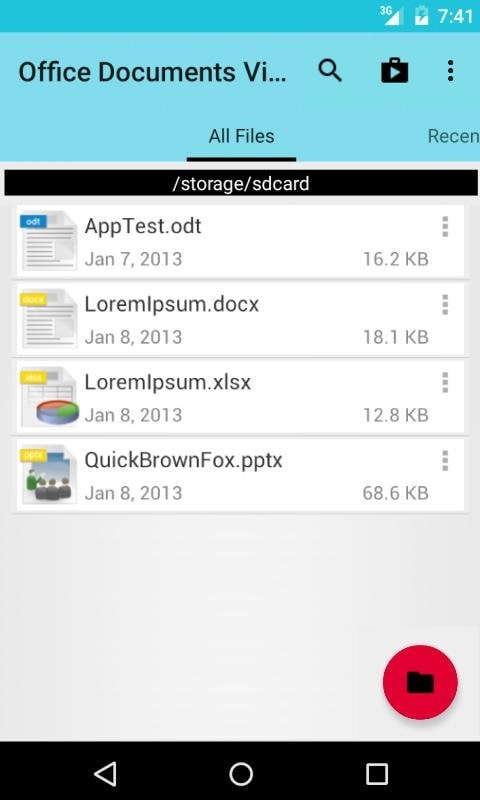
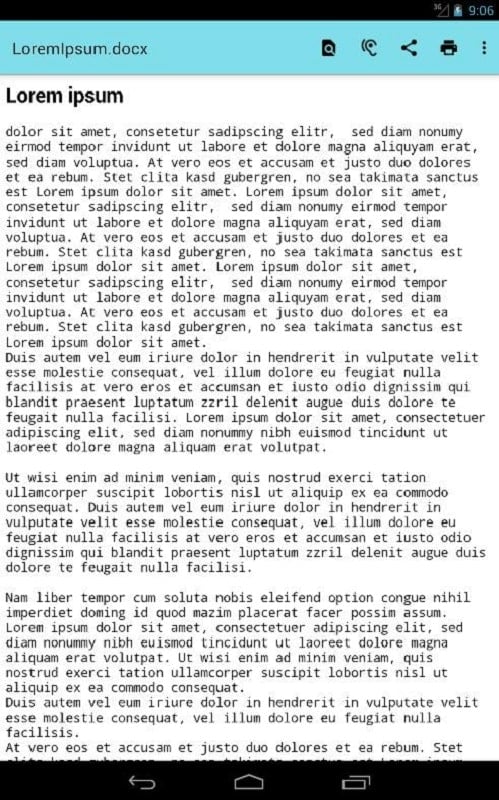
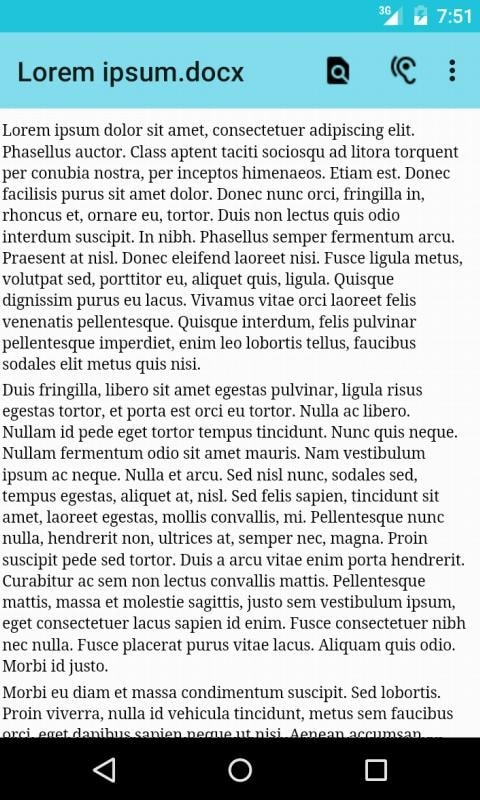
Office Documents Viewer is a lightweight reader and simple editor designed to help you open, scan and correct text-based files quickly on Android. Office Documents Viewer starts immediately from local storage, SD cards or common cloud attachments, and it keeps the focus on reading and proofreading so you can find errors, make light edits and prepare documents for printing or sharing without switching between multiple apps.
Office Documents Viewer supports a broad set of file types you are likely to encounter in daily work: recent and legacy Microsoft Office documents, OpenOffice and LibreOffice files, PDFs, rich text, HTML, plain text, CSV and TSV. The app preserves most layout and formatting elements while rendering pages for fast navigation. Built-in text-to-speech helps when you want to listen to long documents, and integrated printing support lets you send files to a cloud or local print service once edits are complete.
The interface favors common mobile gestures and basic hardware controls so you can move through long files efficiently. Pinch-to-zoom and double-tap zoom are available for precise reading, while swipe gestures and a touch-friendly scrollbar make jumping between sections simple. Support for external keyboards and mice means editing and cursor movement feel familiar on tablets or Chromebook devices, and a searchable index helps you jump to headings, tables or specific phrases.
Proofreading tools highlight likely spelling and formatting issues so you can prioritize fixes without reading every line. Use the copy-to-draft function to assemble a working draft from selected passages and make targeted edits before saving a clean version. The app provides manual save options and a straightforward export workflow so you can produce corrected copies in common formats; this keeps the editing progression clear: open, review, draft, edit, export.
The viewing experience is adaptable: choose day or night themes to reduce eye strain during long sessions, adjust font size and line spacing for readability, and switch to a simplified layout that emphasizes text over decorative elements. Text-to-speech voices and playback speed are configurable to match listening preferences, and contrast and color adjustments improve legibility for users with visual sensitivities. These accessibility options are built into the viewer rather than requiring separate plugins.
Office Documents Viewer is optimized for responsive reading on a range of devices, but very large or highly complex files may open more slowly on older hardware. You can open files completely offline if they are stored locally; cloud-sourced files can be downloaded for offline review where needed. The app respects password protection on secured documents and will request credentials rather than attempting to bypass security, which preserves user control and privacy when handling confidential materials.
Beyond single-file viewing, the app helps you structure your review work: keep multiple drafts, maintain simple bookmarks inside long documents, and use the search history to revisit recent review points. These small organization tools increase the replay value of the app for recurring tasks such as proofreading, converting meeting notes to polished drafts, or preparing multiple versions of a report for print and distribution.
Be aware that editing extensive documents on a small smartphone screen can be awkward; using a tablet, a device with a larger screen or attaching an external keyboard will make longer sessions more comfortable. Files behind secured accounts require credentials and cannot be auto-retrieved, and extremely media-heavy files may not preserve every advanced layout element when displayed in a simplified mobile-friendly view.
For best results, open large files when you have a stable battery or connect to power, use the copy-to-draft workflow to isolate the portions that need work, and enable night mode for late-night reviews. Office Documents Viewer is intended as a practical, efficient tool for reading, basic editing and preparing documents for printing or sharing, helping you reduce friction in everyday document tasks without adding complex features you don’t need.