My Passwords Manager
Version: 24.07.01
10.60MB
4.5
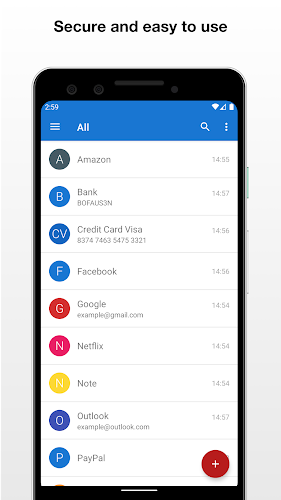
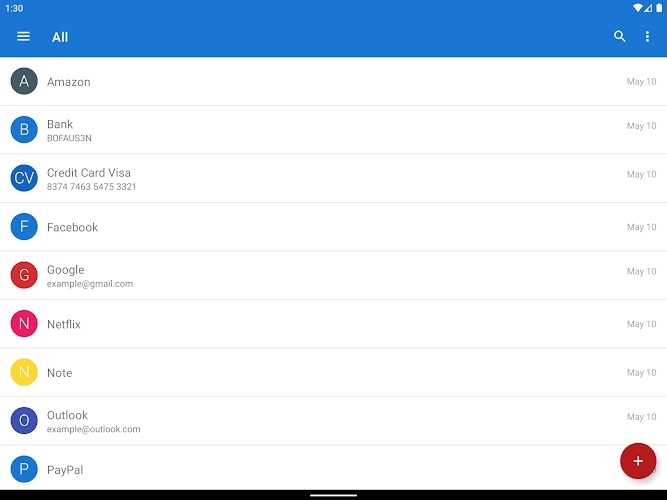
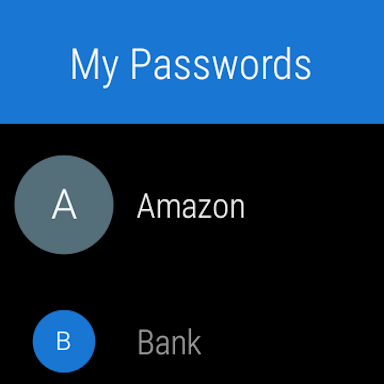
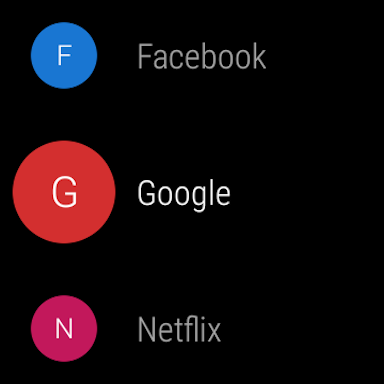
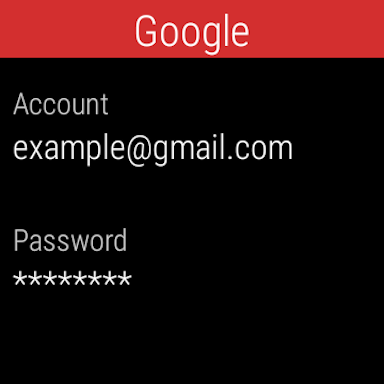
My Passwords Manager is a compact yet robust Android utility that stores and organizes login credentials, secure notes, and card details in an encrypted vault. Designed for daily use, it simplifies account management while keeping access fast and protected, ideal for users who need a practical and reliable password solution.
My Passwords Manager focuses on giving users a single place to manage passwords, autofill data, and maintain a clear view of digital access. It balances simplicity with strong security options, offering layered protection that suits both casual users and those who handle many accounts across devices.
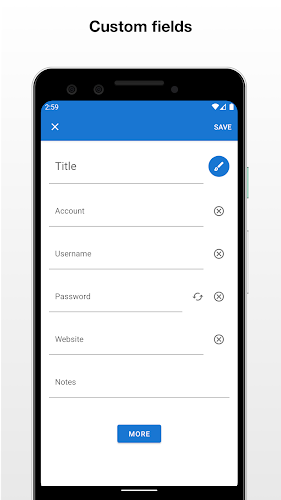
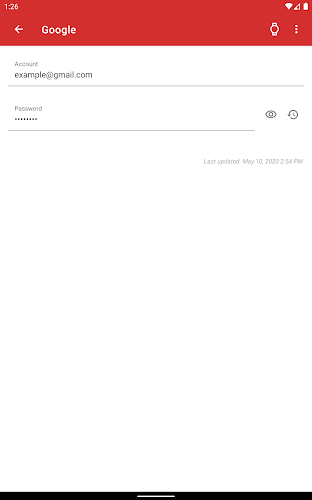
The workflow of My Passwords Manager centers on creating entries for each account, then labeling and prioritizing them. Adding a new credential takes a few taps: title, username, password, and optional fields like URL or notes. The app also supports password generation to replace weak or repetitive passwords with unique, strong alternatives.
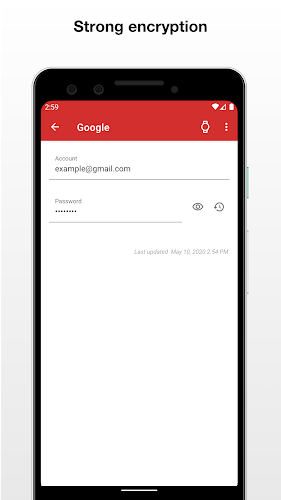
Beyond storing passwords, the app includes built-in tools that streamline account management. A password strength meter highlights weak credentials, while a history log tracks recent changes. Bulk import/export options mean you can migrate from other tools or create an encrypted backup for safekeeping.
The interface is clean and responsive. Lists and details load quickly even on mid-range devices, and the app minimizes unnecessary animations to focus on utility. Search is immediate and supports partial matches, so finding a specific login doesn’t require exact memory of titles or usernames.
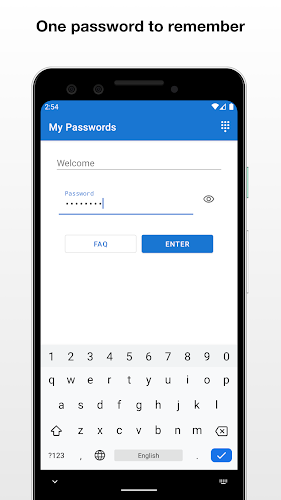
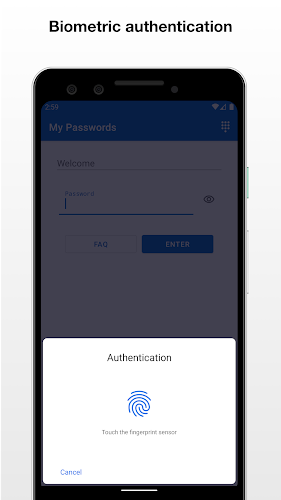
Security is a core design goal. My Passwords Manager protects your vault with a master password and supports biometric unlock for convenience. Local-only storage is an option for users who prefer not to use cloud sync; alternatively, encrypted cloud backups can be enabled for cross-device access.
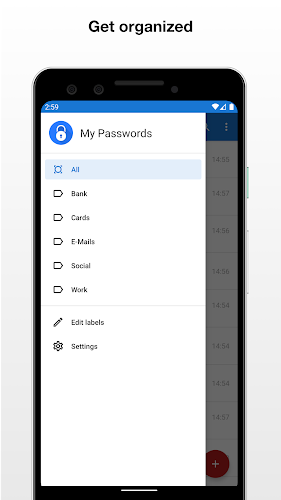
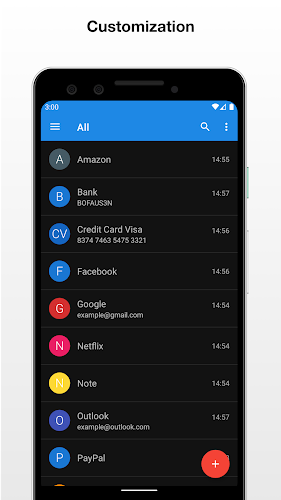
Users can adapt the app to their workflow with configurable themes, entry templates, and sorting options. Templates speed up adding multiple similar accounts, and tag filters make it easy to narrow the list to work, financial, or personal credentials. Notifications for password expiration or reuse help keep accounts current.
My Passwords Manager supports manual and scheduled backups. Backups are encrypted and can be stored on device storage or synced to a chosen cloud provider. The recovery process requires the master password and provides straightforward steps to restore an encrypted backup to a new device.
For anyone looking to streamline credential management, My Passwords Manager offers a practical mix of functionality and ease of use. It suits people who need dependable local protection as well as those who appreciate optional cloud convenience. The app’s straightforward design and focused features make it a useful addition to an Android security toolkit.
Install the app from the store, create your master password, and optionally enable biometric unlock. Begin by importing existing credentials or adding a few key accounts manually. Regularly review the security dashboard, replace weak passwords, and keep backups up to date to maintain a tidy and secure vault with My Passwords Manager.