PrintHand Mobile Print
Version: 14.1.0
17.60MB
4.1
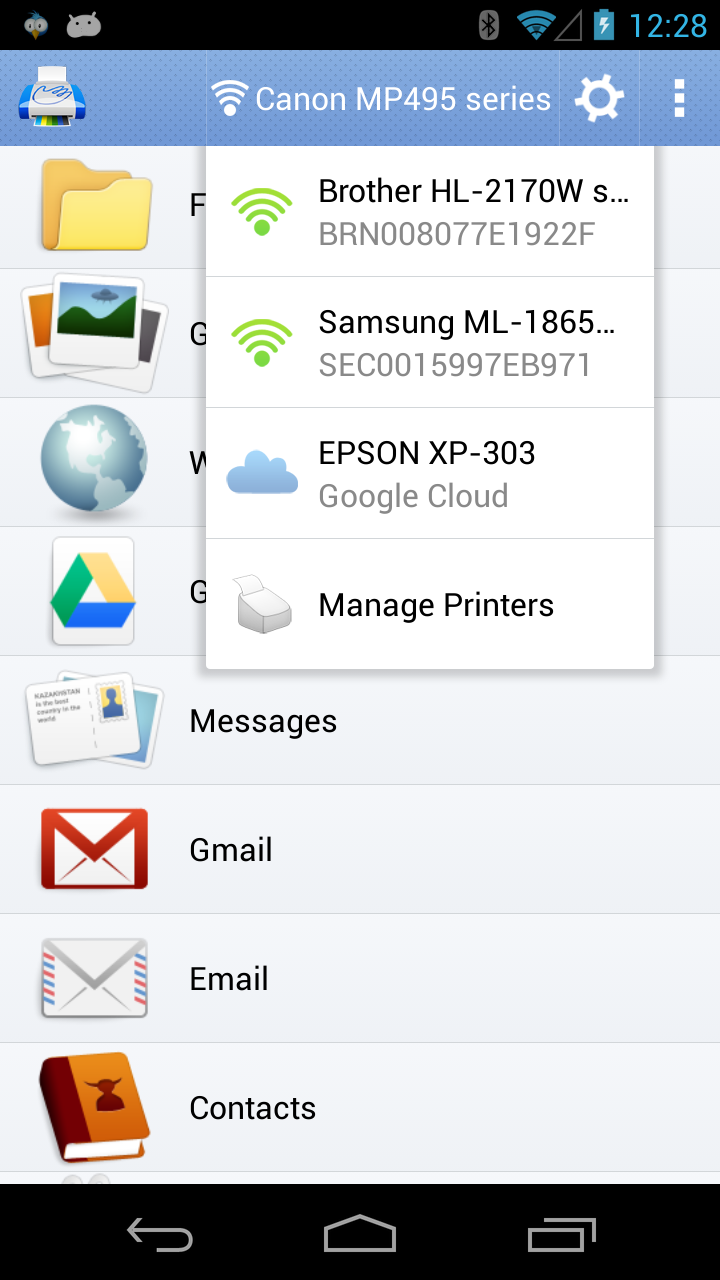
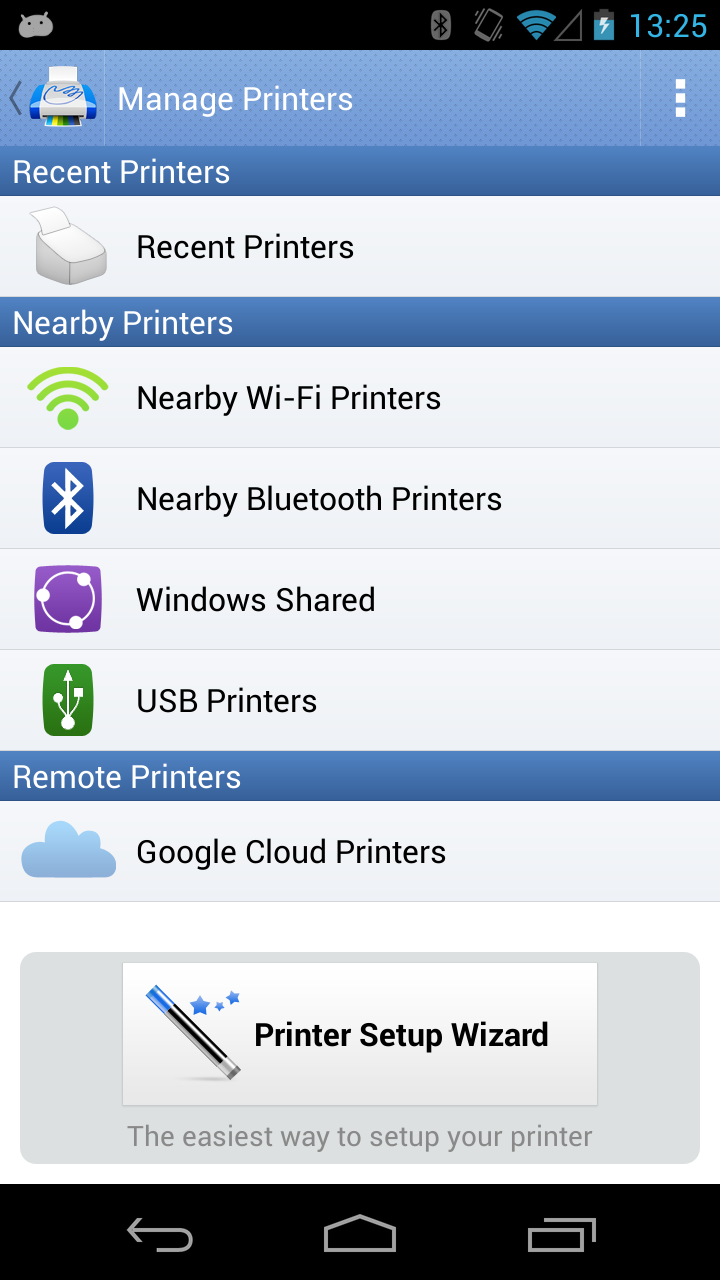
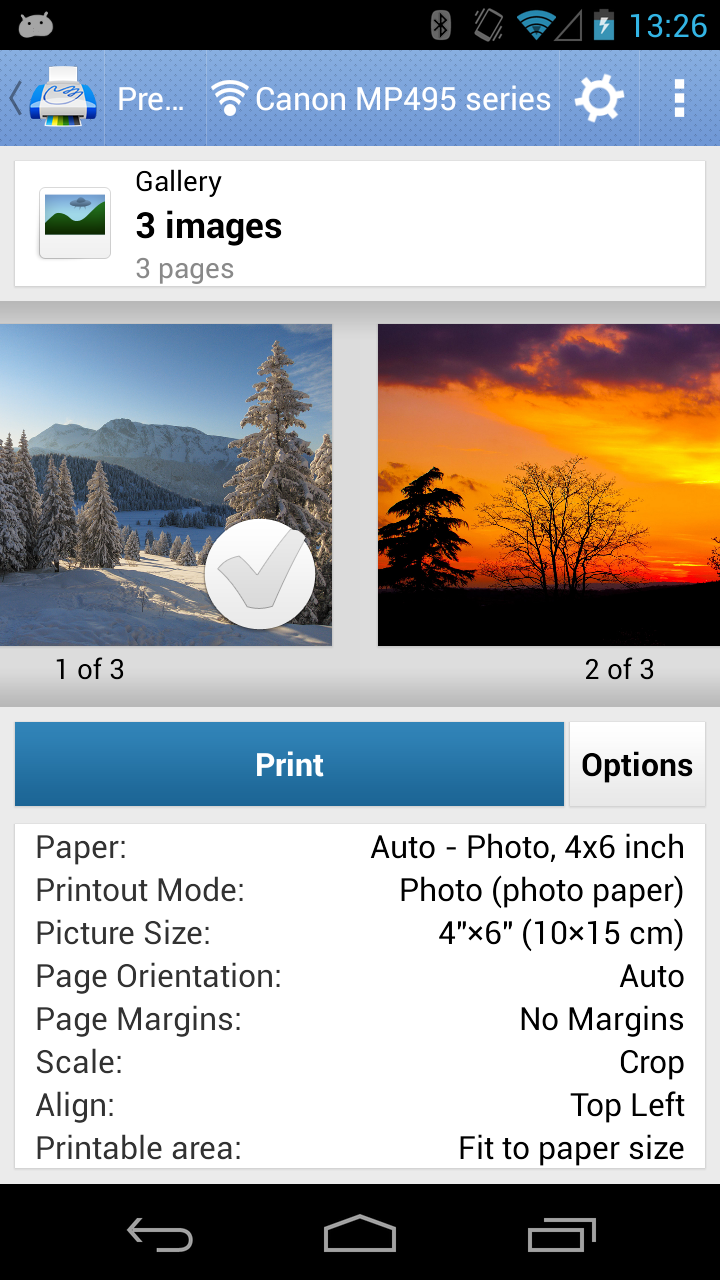
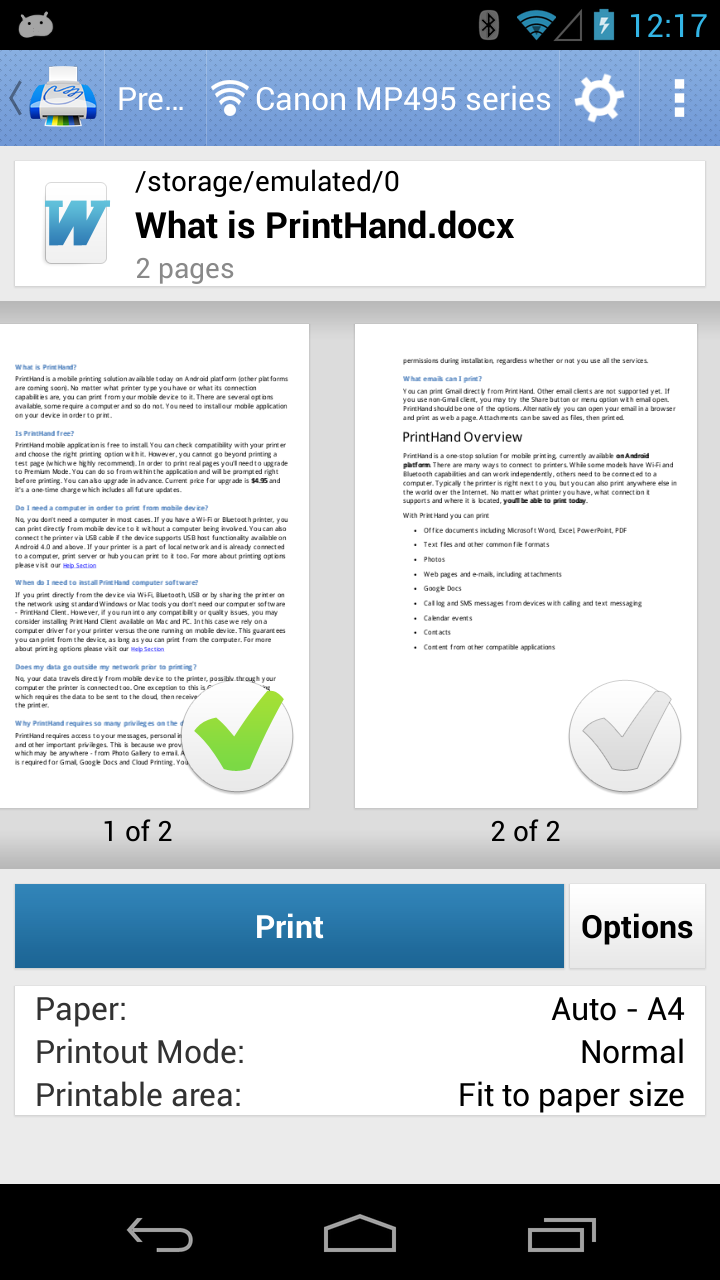
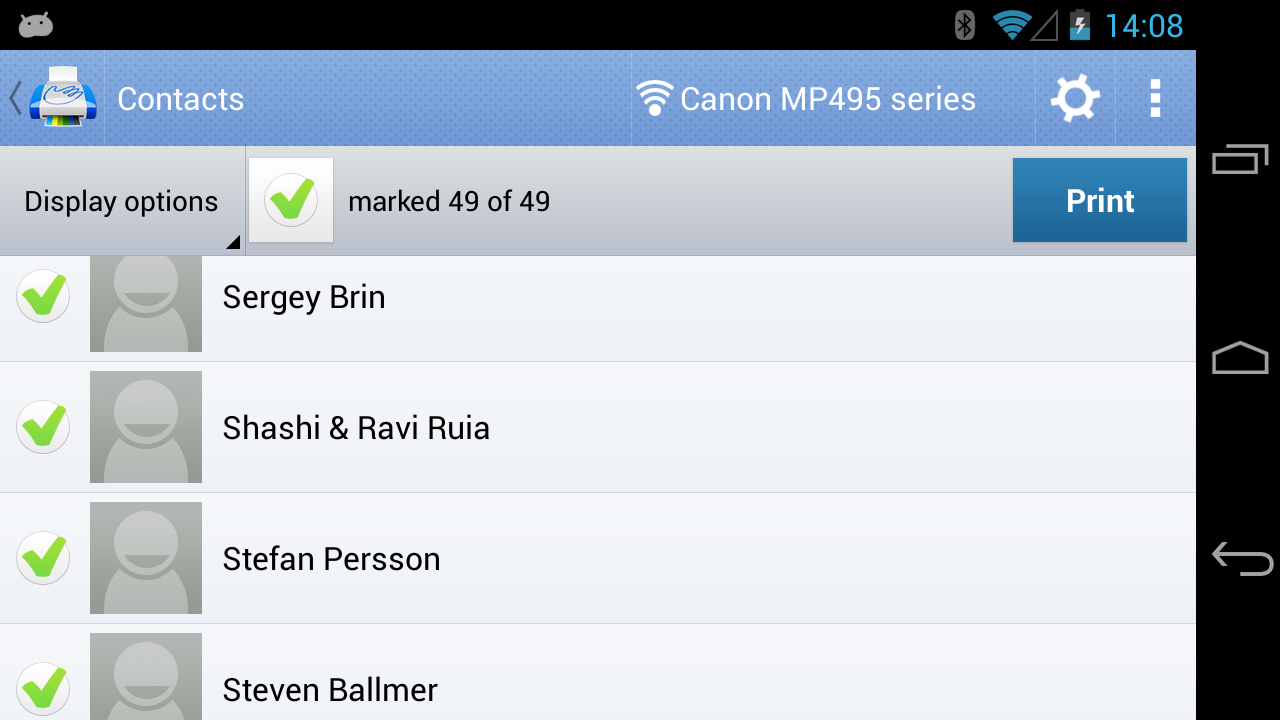
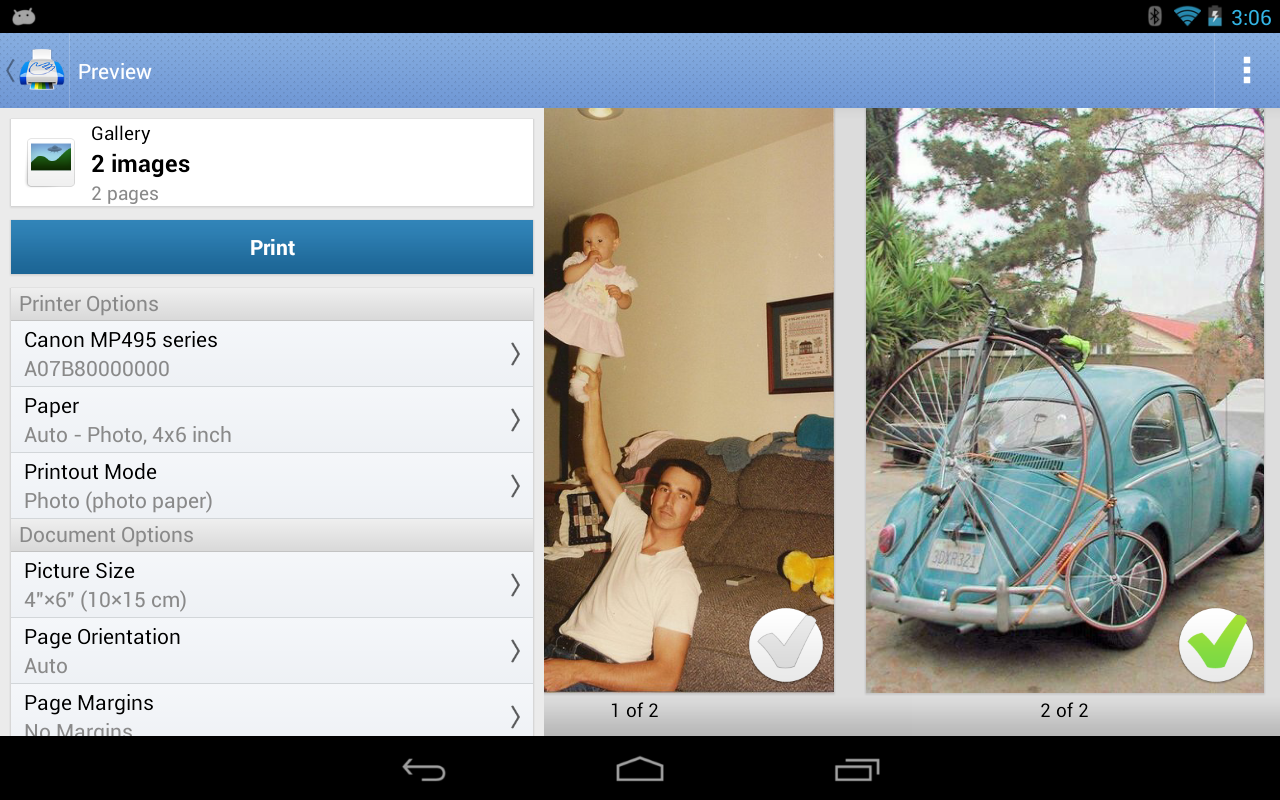
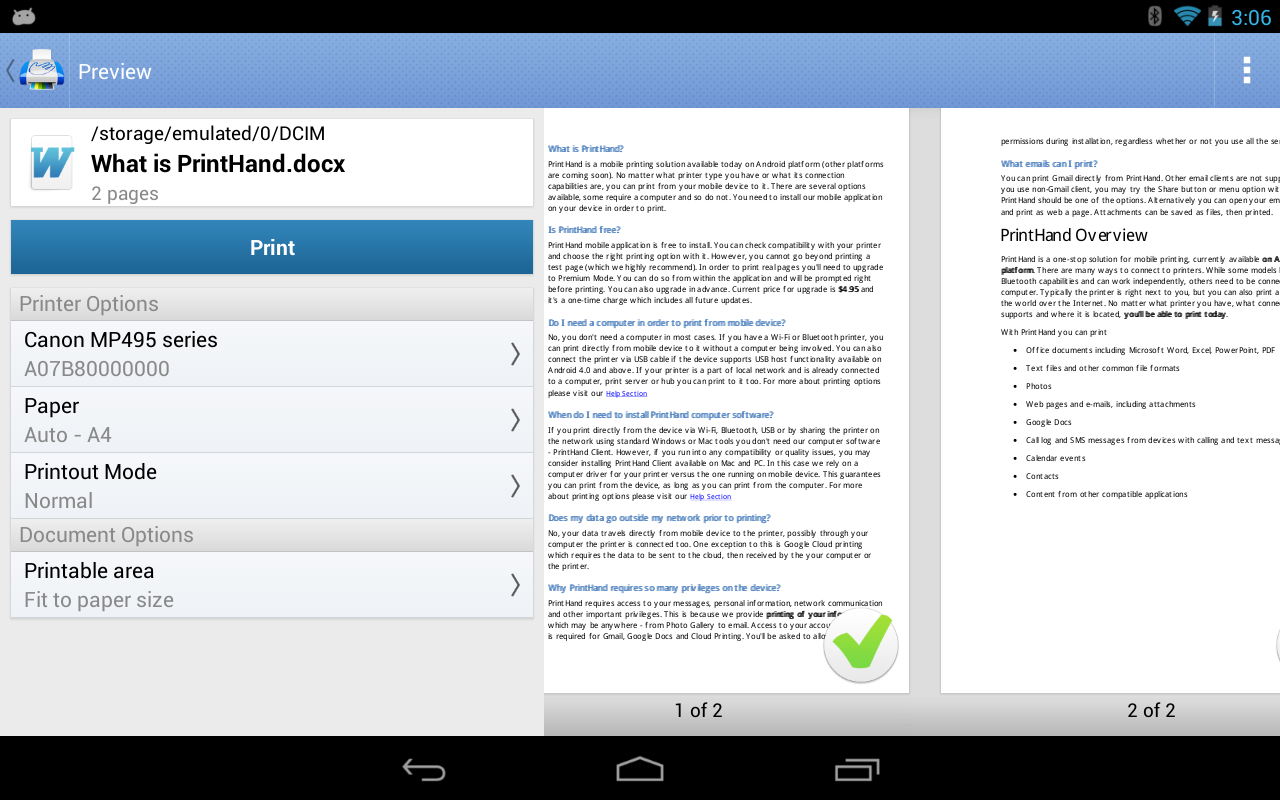
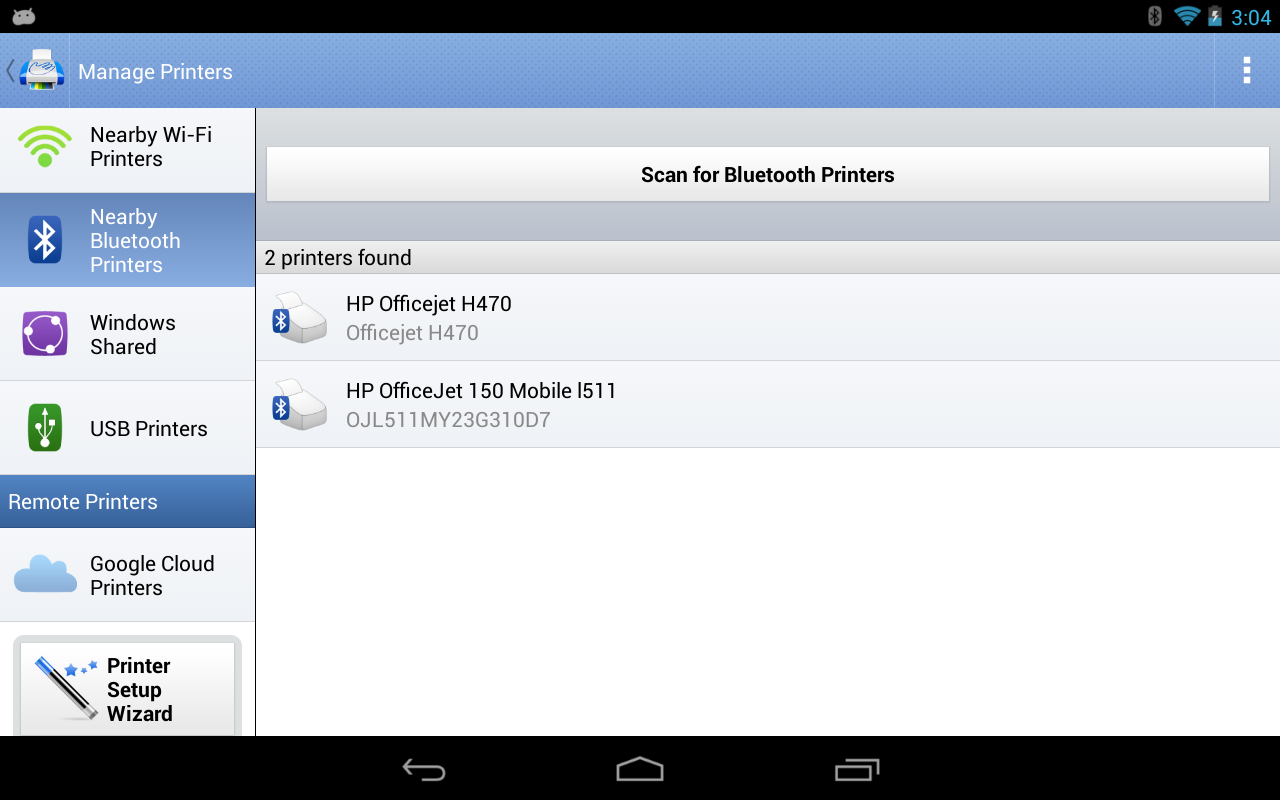
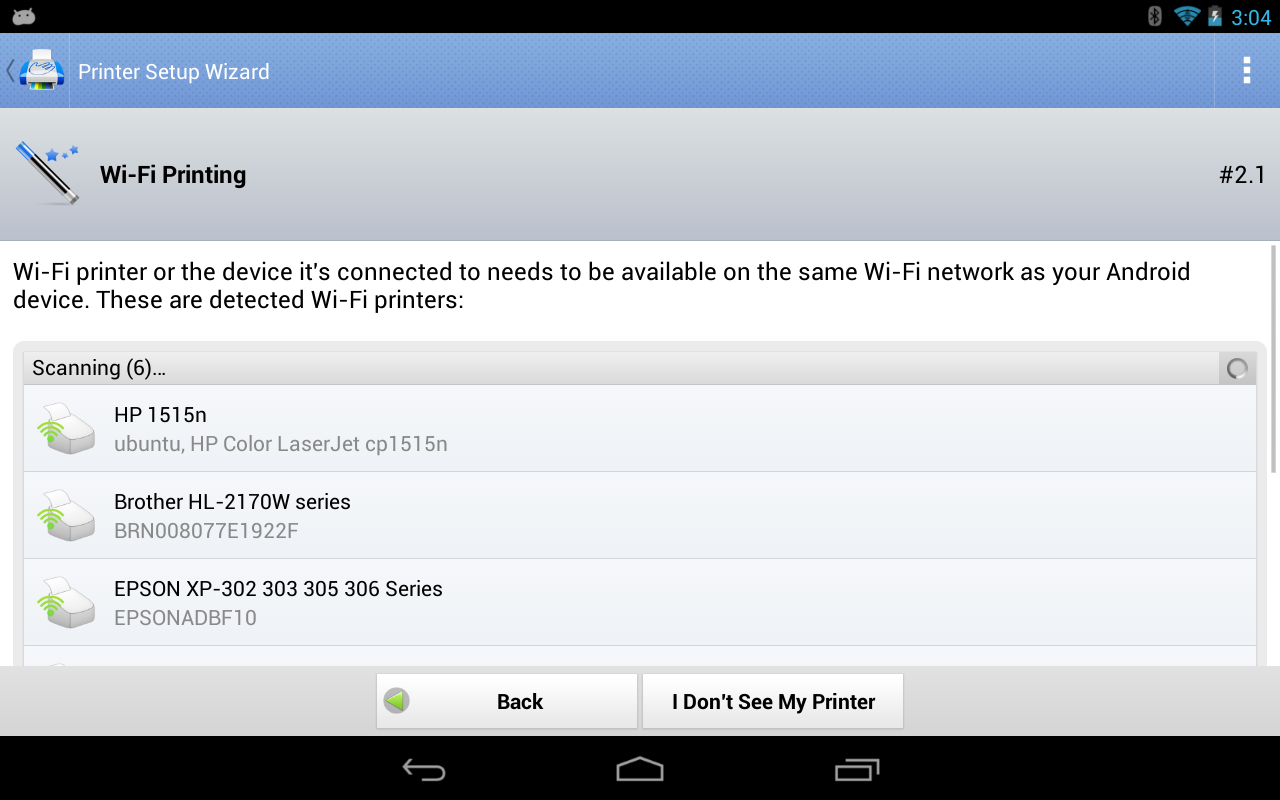
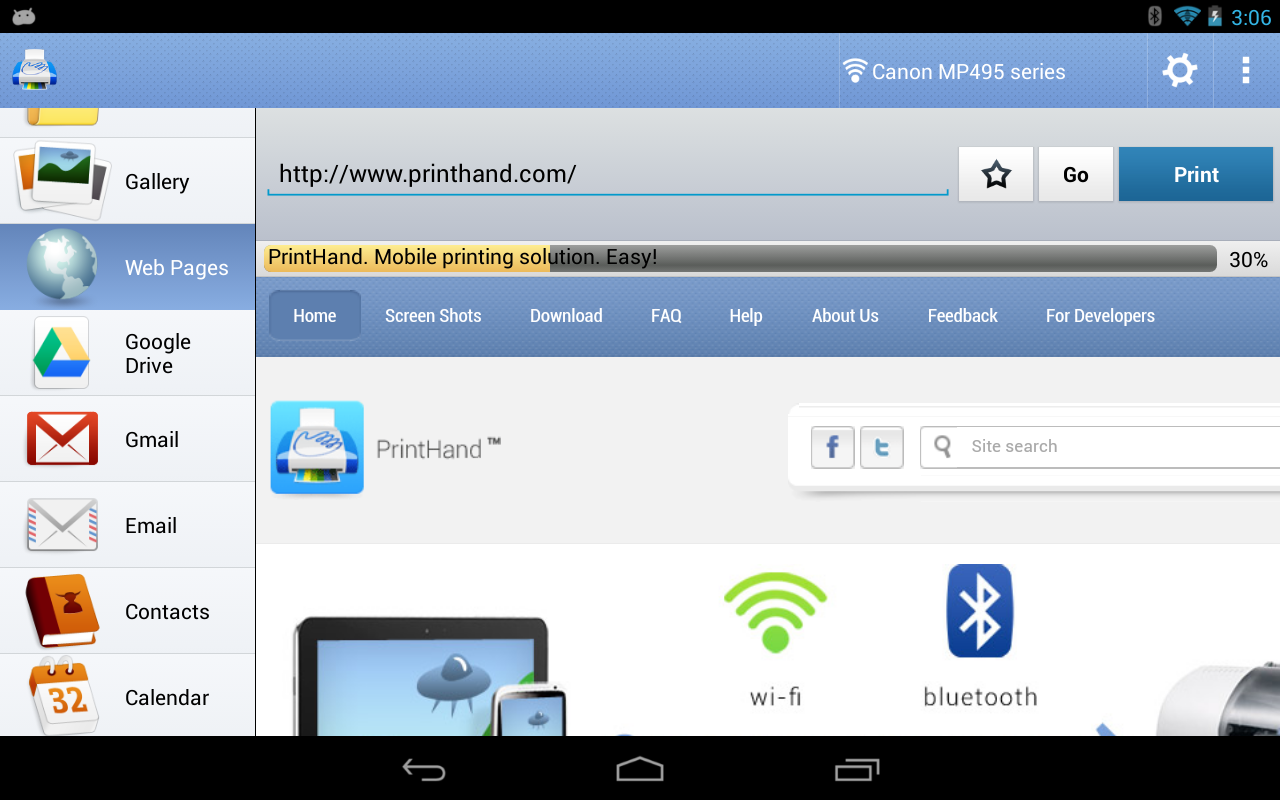
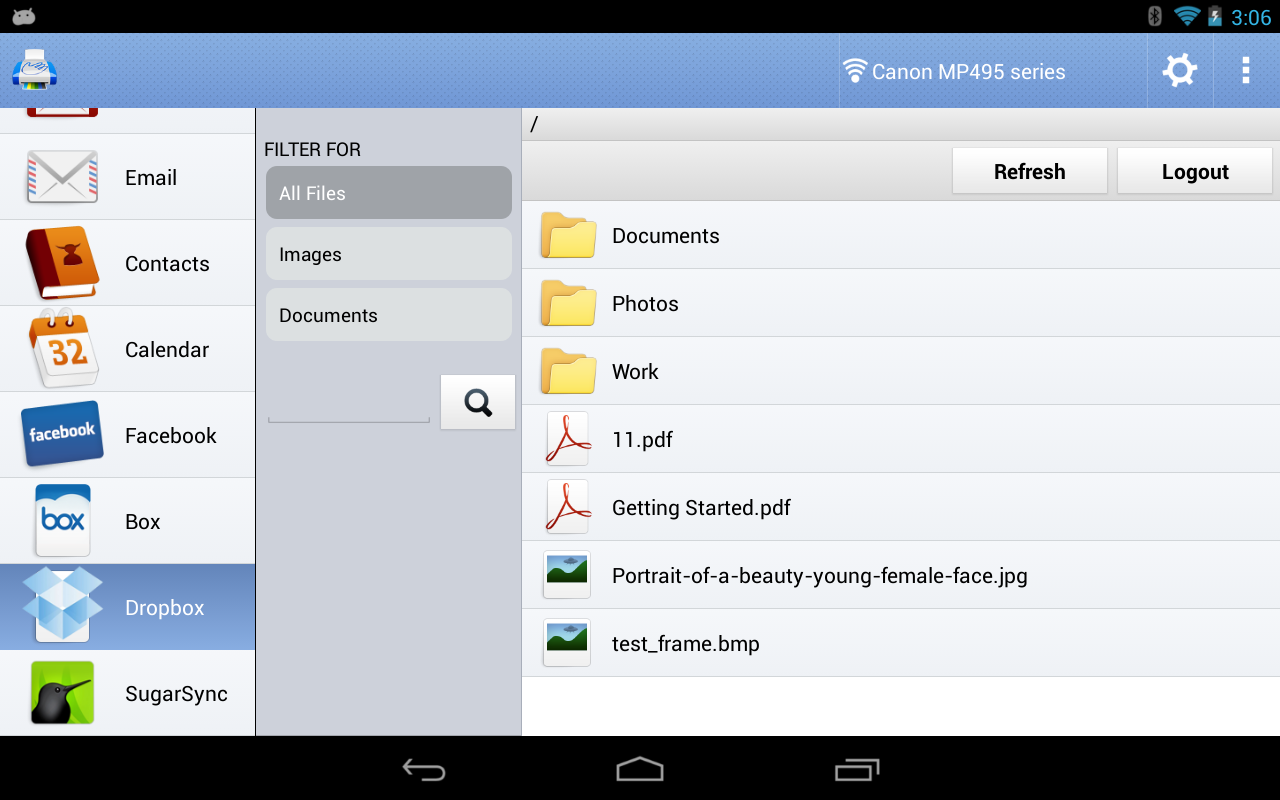
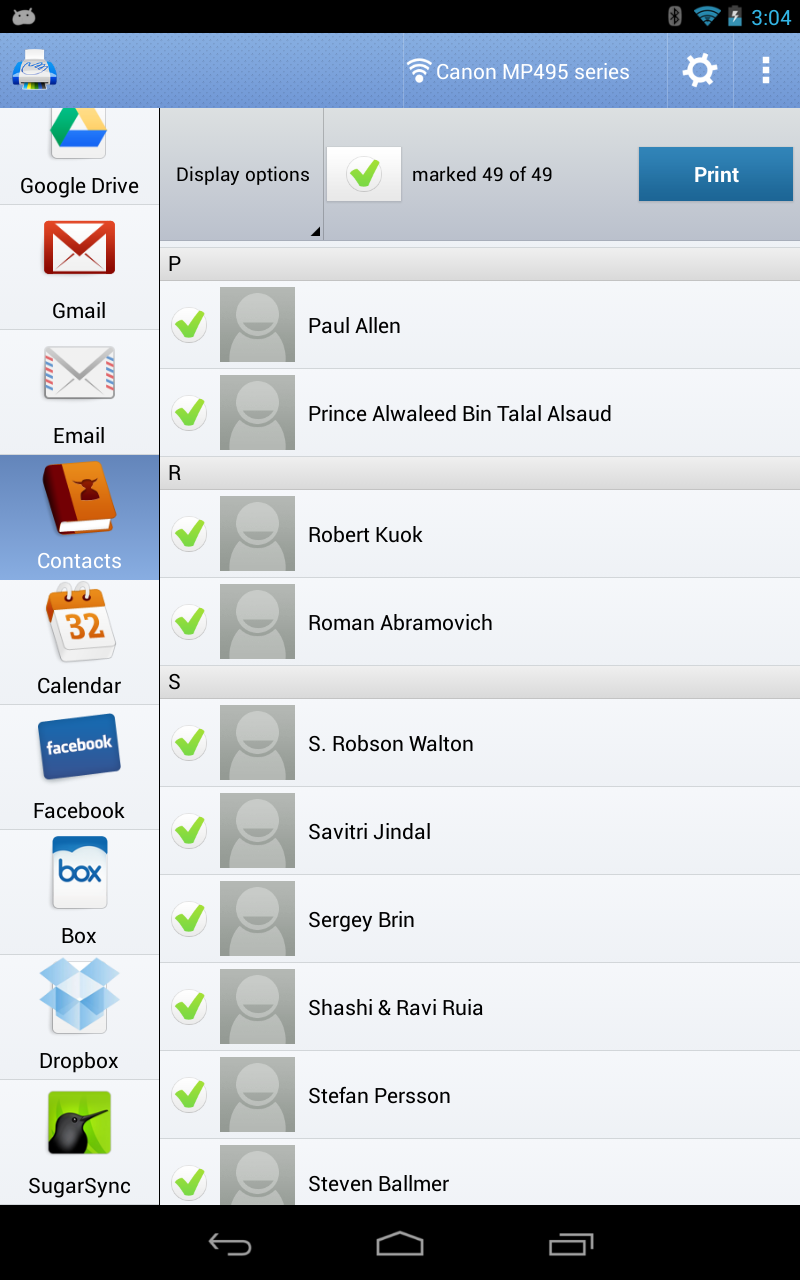
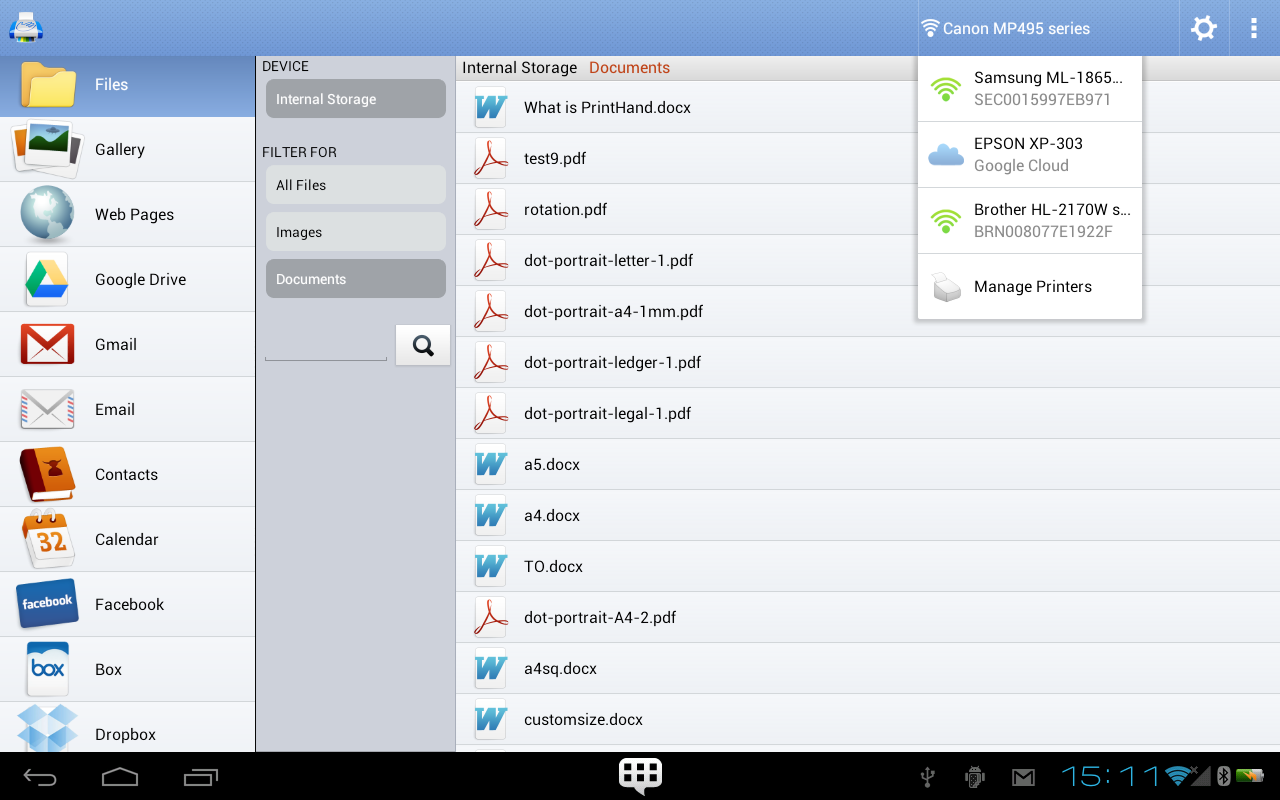
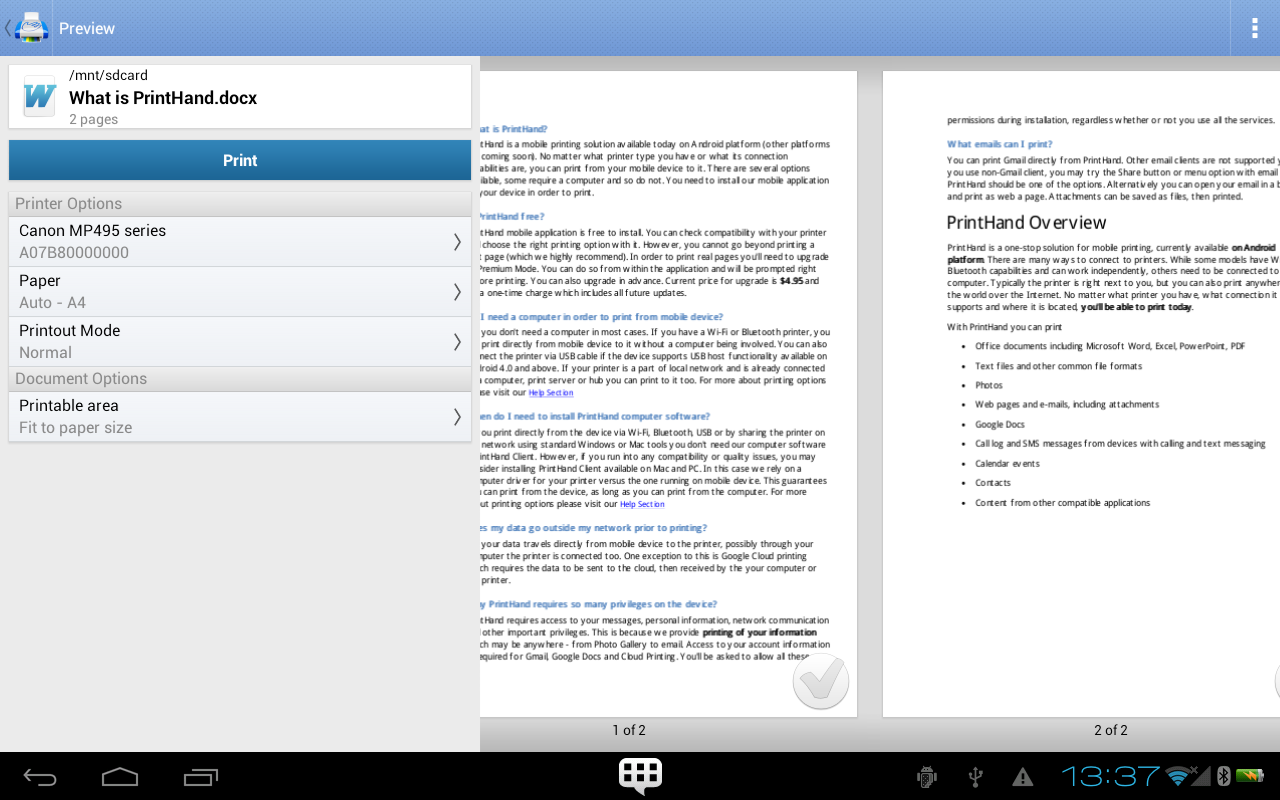
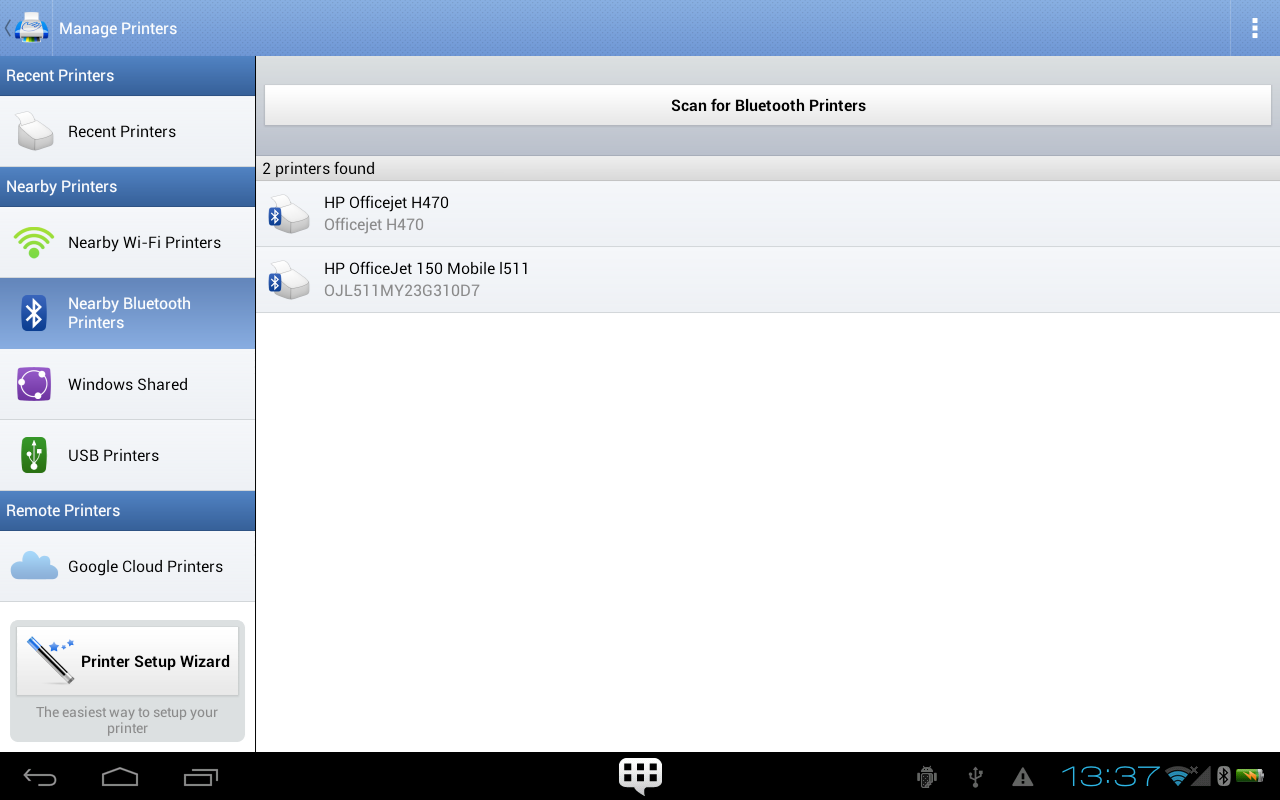
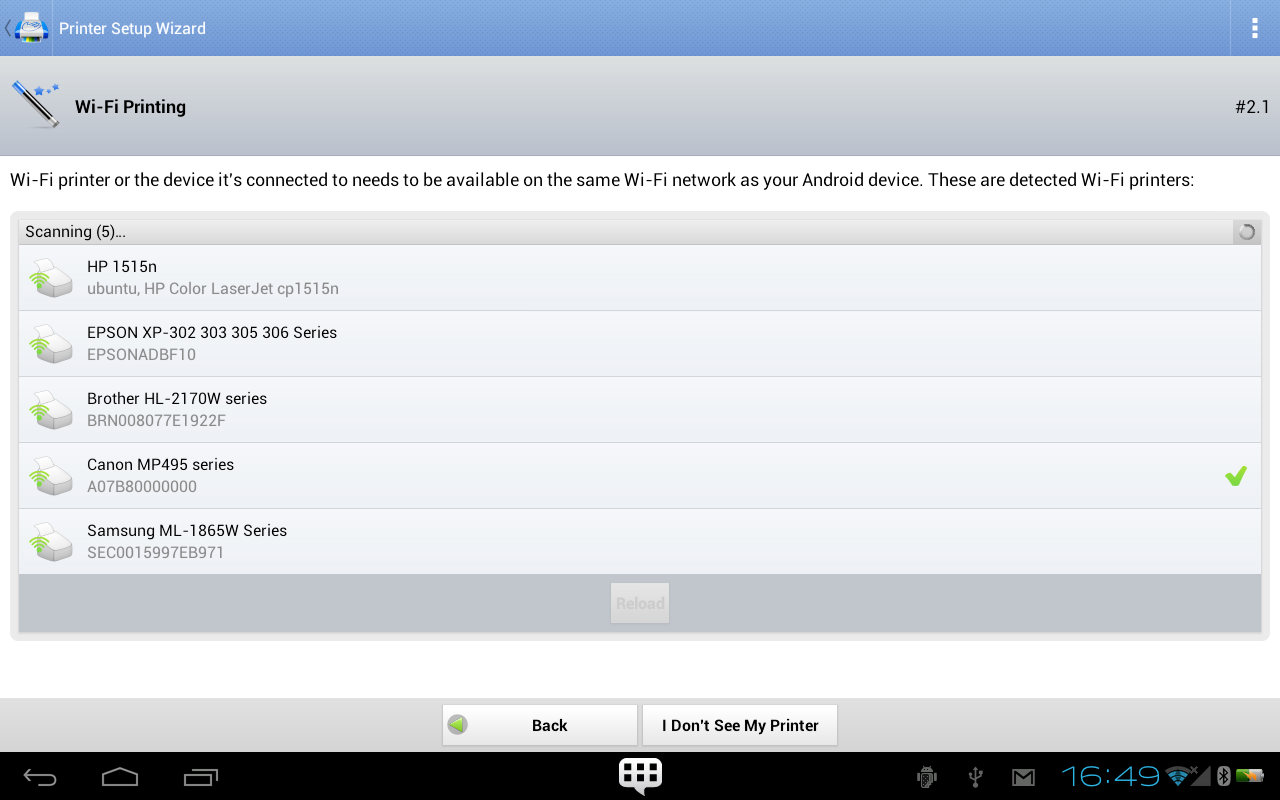
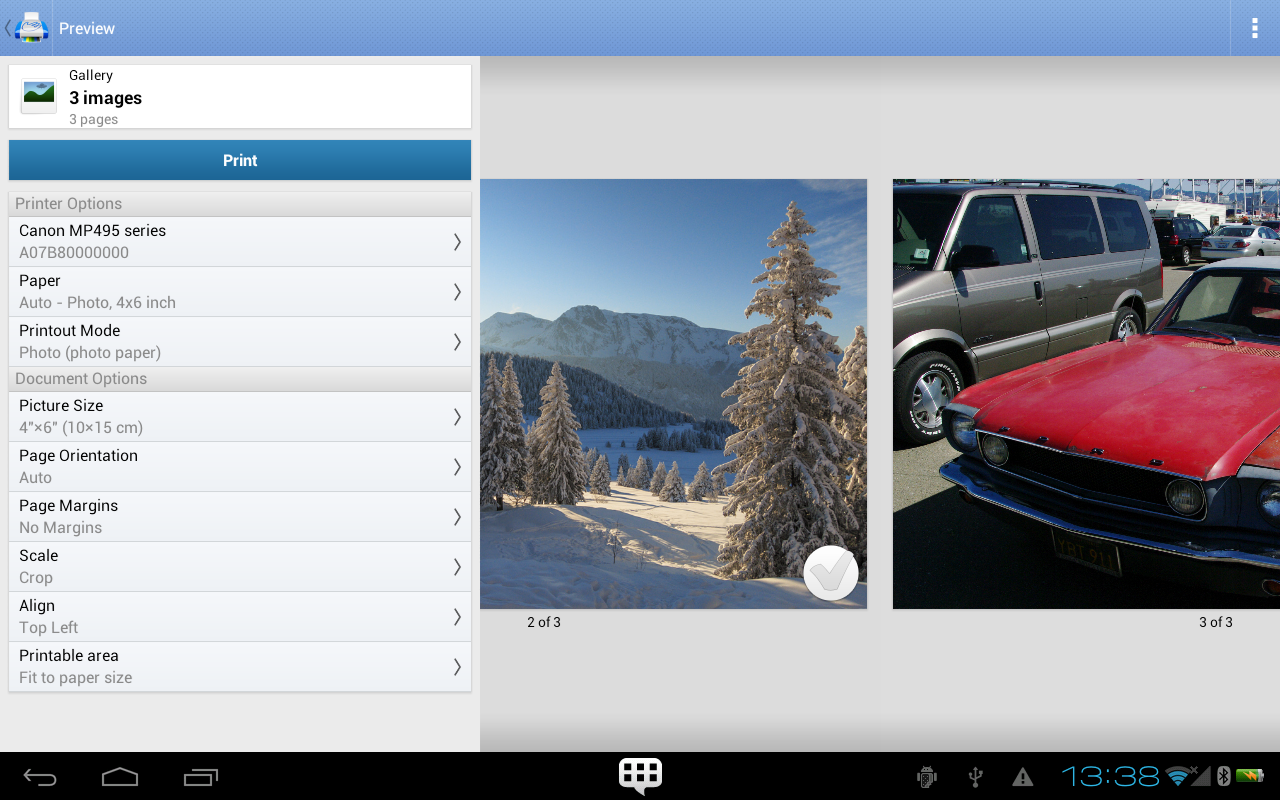
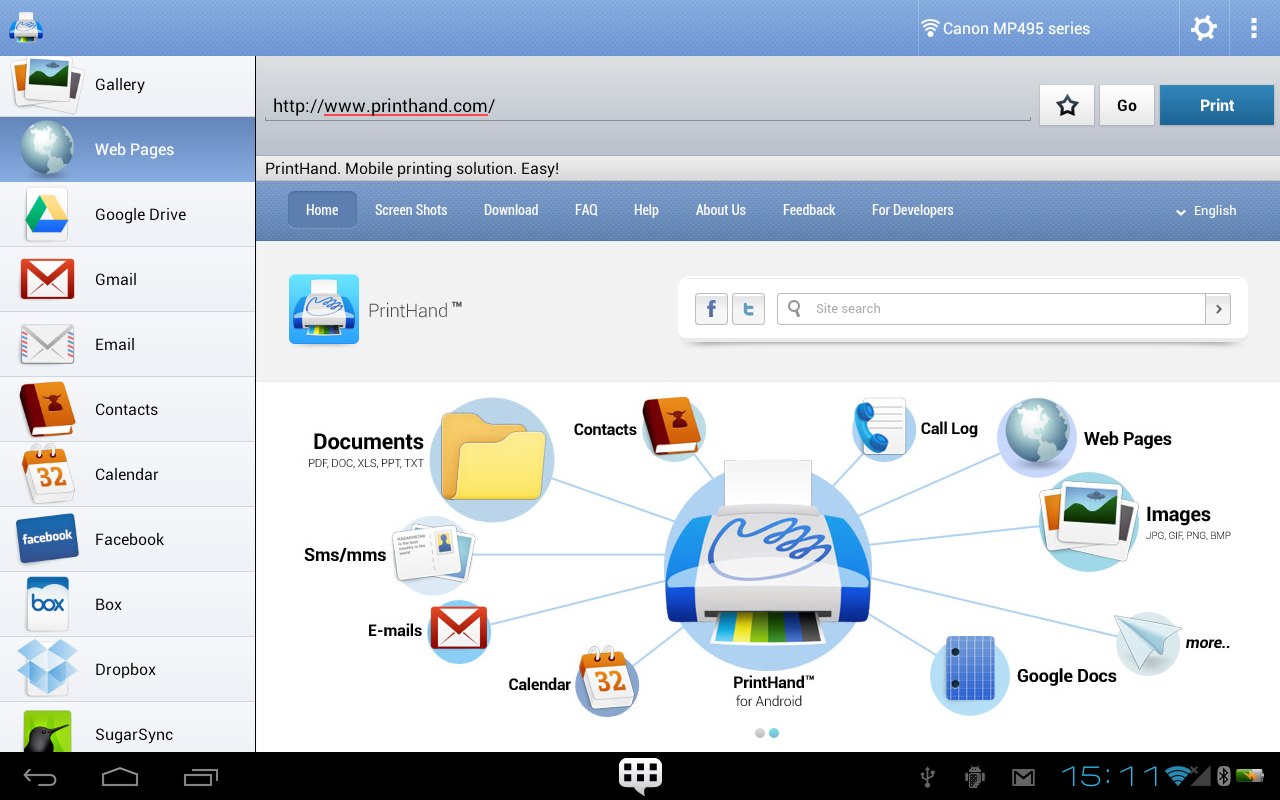
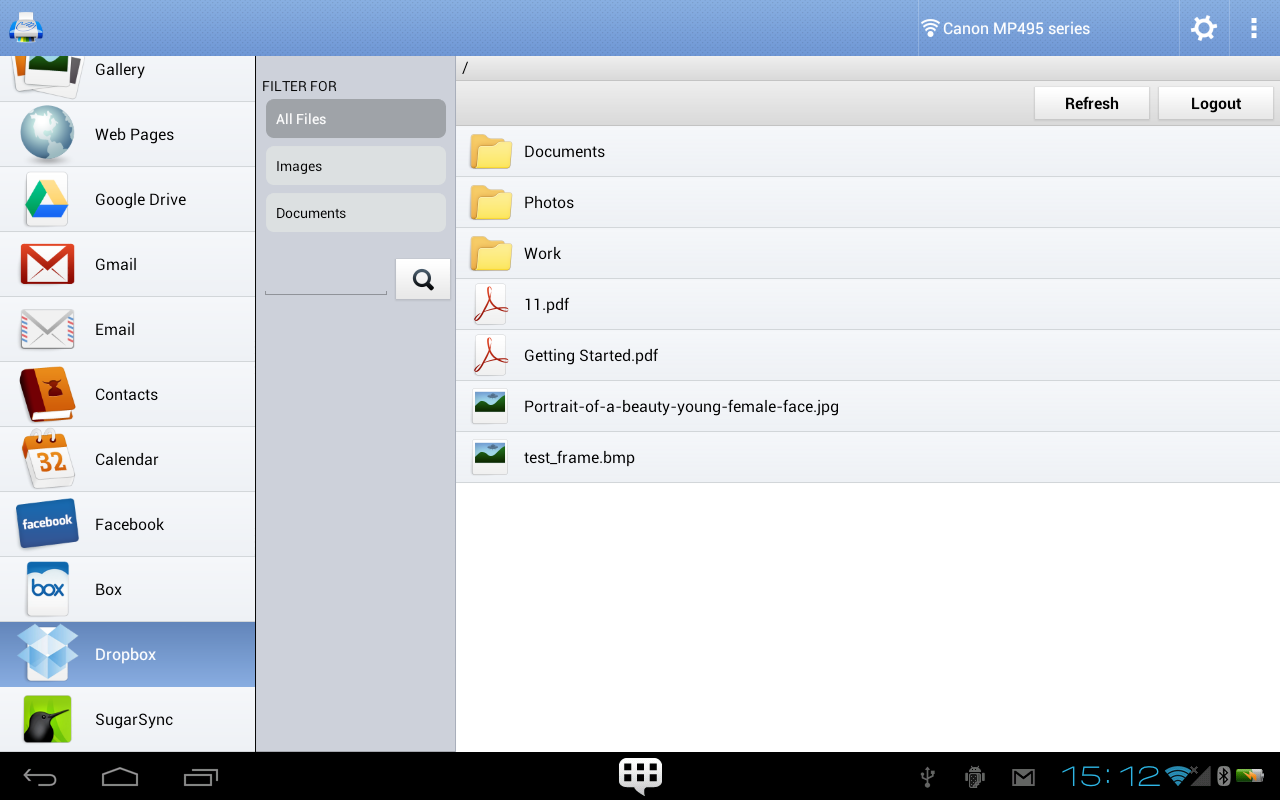
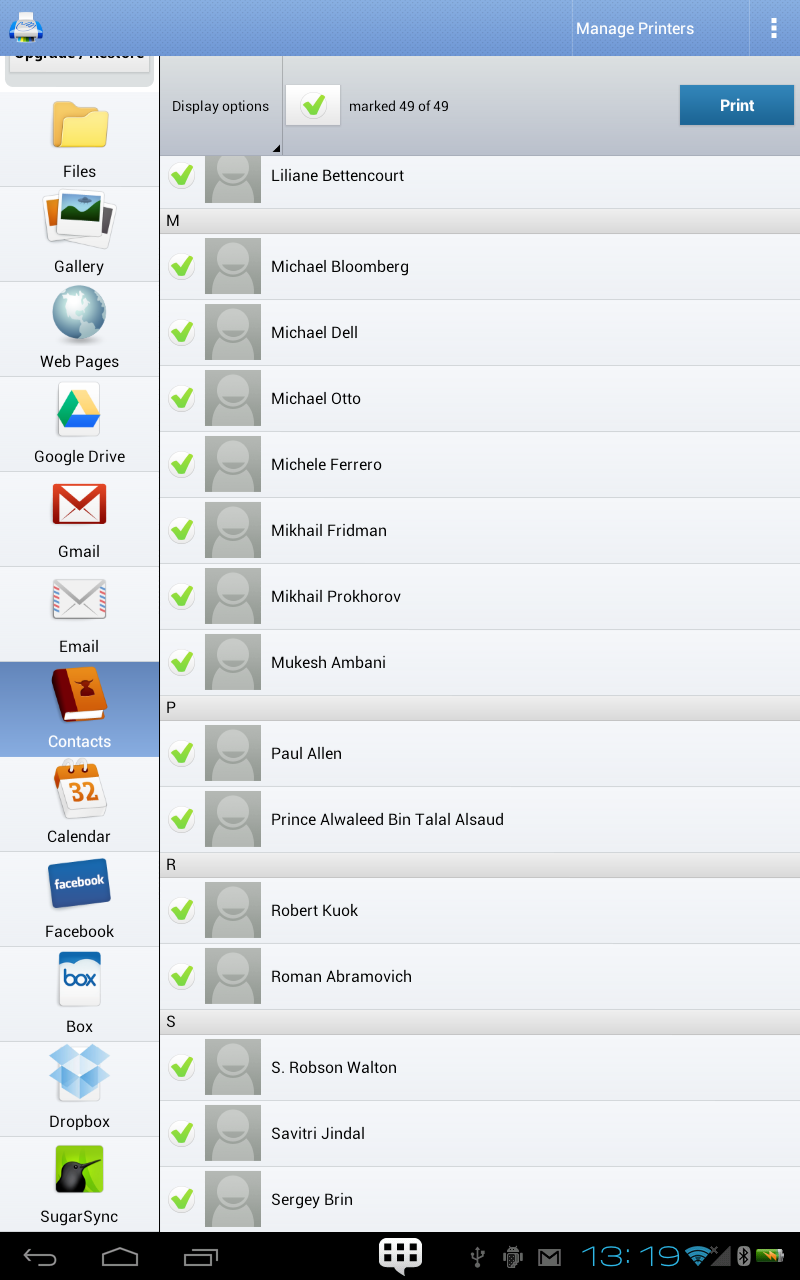
Most people get frustrated when they must fire up a laptop just to print a single document from their phone; PrintHand Mobile Print aims to remove that detour. This Android utility lets you send documents, photos and email attachments to a nearby printer using Wi-Fi, Bluetooth or a direct USB link, and it includes options to preview and configure output before you spend a page. The app is a handy bridge between mobile files and physical copies, with a premium unlock for full printing and tools to help you confirm compatibility before committing.
Productivity: Aimed at users who need quick hard copies of documents while away from their desk, simplifying small office workflows.
Office Tools: Useful for mobile professionals who handle receipts, forms and meeting handouts and want a simple way to produce paper on demand.
Utilities: Fits into the toolbox of anyone who wants more control over printing from Android without relying on a computer.
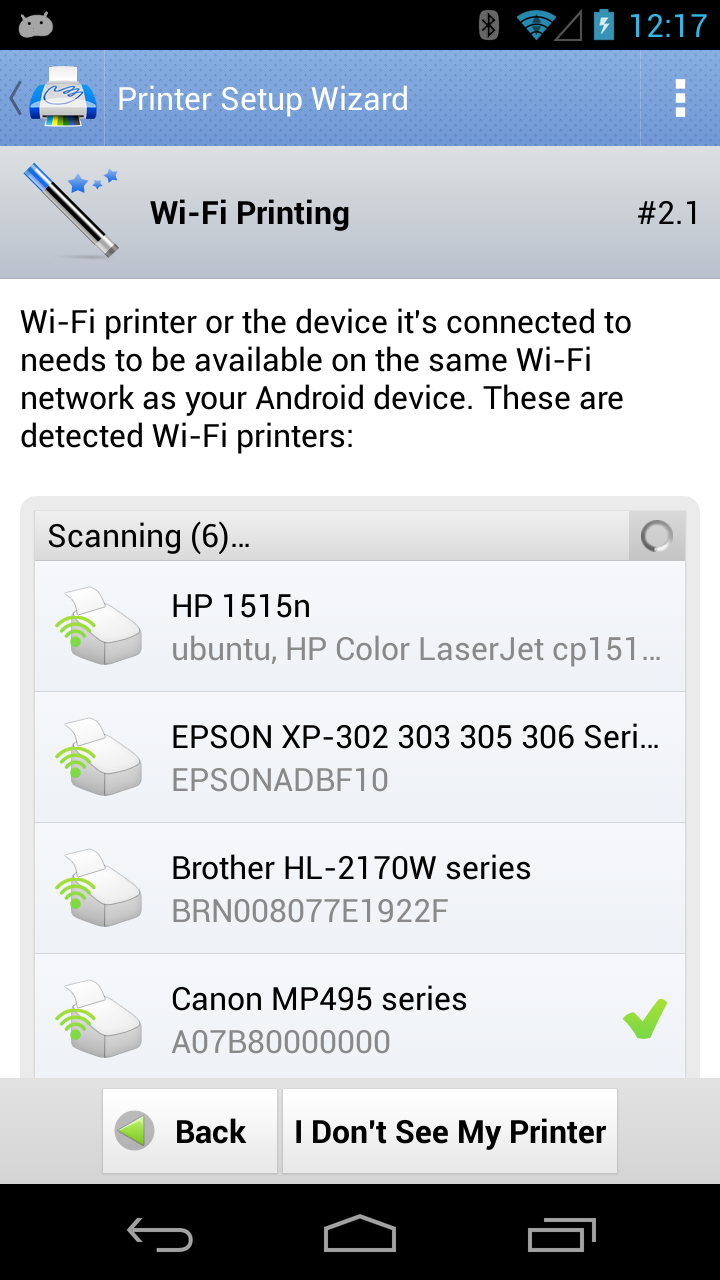
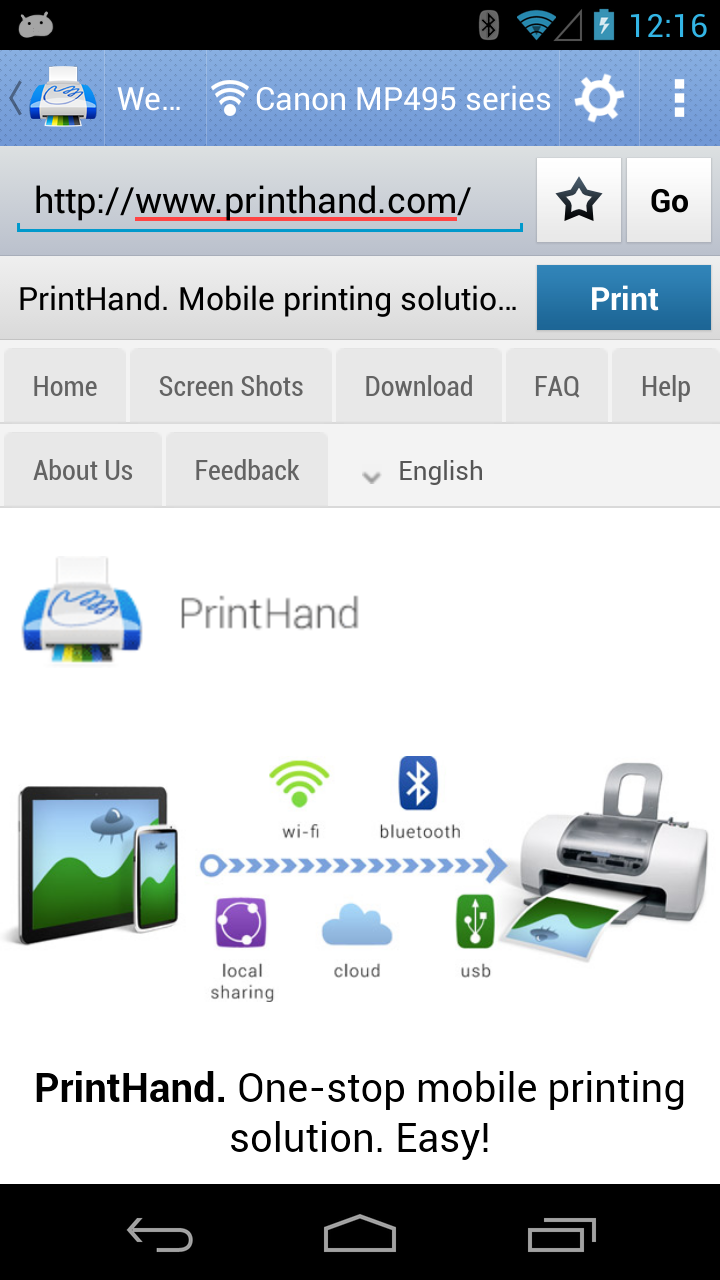
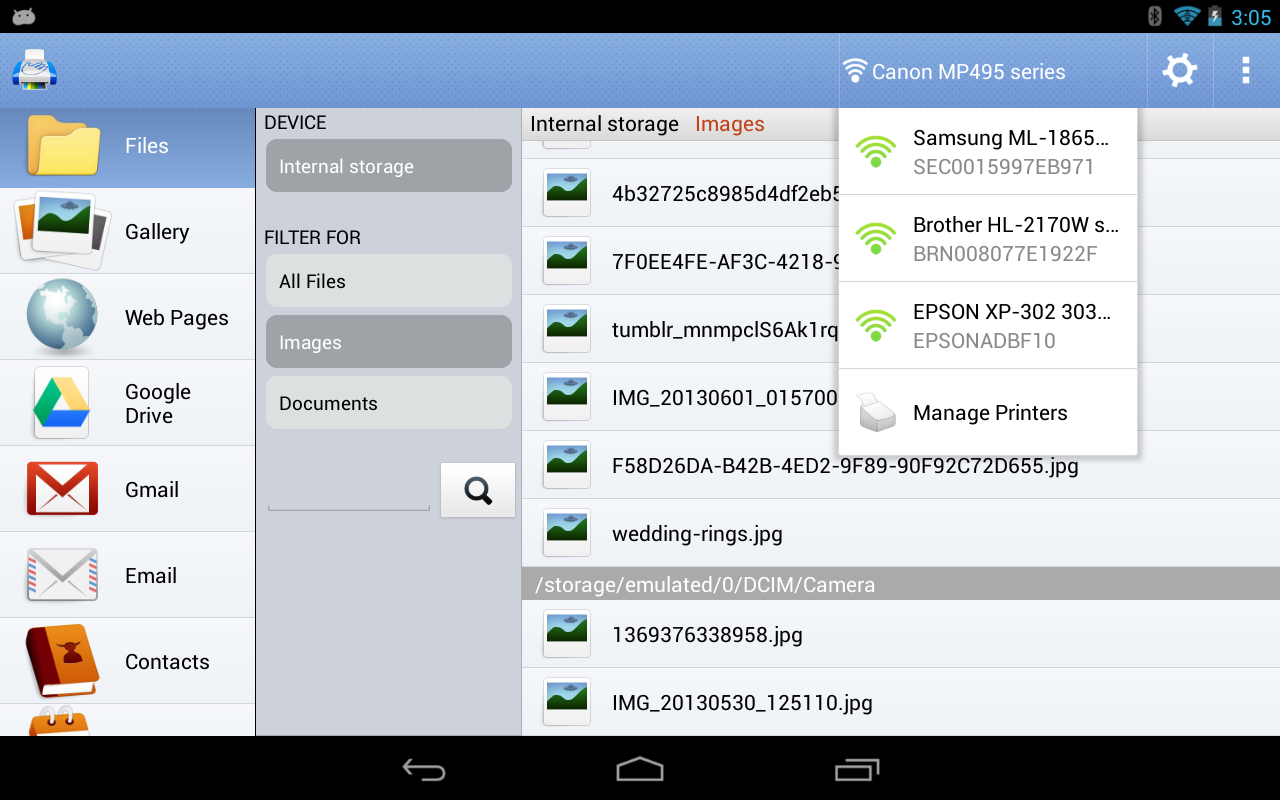
Multiple connection options: PrintHand supports local printing over Wi-Fi and Bluetooth and can use a USB cable when your device supports Android's host mode, so you have alternatives if one method is flaky.
Preview and print settings: Before committing a page you can check layout, choose paper size and adjust basic settings so the first output is more likely to be correct.
One-time premium upgrade: The free download allows a test page so you can verify a printer will work; a single in-app purchase unlocks full printing capabilities and future updates without recurring fees.
Email and cloud handling: Built-in hooks let you print from Gmail on Android and connect to cloud services; other email providers may require a quick setup step or opening a message in a browser to send it to the app.
Desktop helper available: If you run into compatibility or quality issues, a desktop companion app can act as a bridge using the printer drivers on Windows, macOS or Linux.
Permission transparency: The app requests access to accounts, storage and network features to find and send the right files; some printing functions that once used call and SMS data were temporarily removed during a permissions review and may return if policy allows.
Print a test page first: Use the free test print to check that your chosen connection and settings produce the expected result before buying the premium unlock.
Keep a USB cable handy: When a public Wi-Fi network is unreliable, a direct USB connection can be the most dependable way to get a printable copy on devices running Android 4.0 and above with host support.
Save complex attachments as PDF: Converting multi-page documents to PDF before printing reduces layout surprises and helps the app handle the file consistently across different printers.
Practical scenarios: Need a receipt scanned and printed while waiting at a cafe, or a last-minute directions sheet before a meeting? Carrying the right cable or verifying your hotel network lets you produce a paper copy from your phone quickly.
Is the app free to use?
You can install PrintHand Mobile Print at no cost and perform a test print to verify compatibility. To print regular pages you must purchase the Premium Mode, which is offered as a one-time upgrade inside the app.
Do I need a PC to print from my phone?
In most cases no. Printers on the same Wi-Fi network or connected via Bluetooth can receive jobs directly from your Android device. A USB connection is also possible if your phone supports USB host mode. If the printer is only available through a computer or print server on the network, the desktop helper can be used.
Why does the app request so many permissions?
Access to accounts, storage and network features allows the app to locate files, connect to cloud services and send jobs to a chosen printer. Permissions are requested for printing needs; certain features that accessed call or SMS logs were disabled while the team seeks updated policy approval.
Will my data leave my local network?
Print jobs travel from your phone to the selected printer and typically stay inside the local network. Cloud-based printing options require sending the job through remote services, so check which printing path you choose.
PrintHand Mobile Print is a practical tool for anyone who needs to convert mobile files into paper without booting a computer; it offers multiple connection methods, a safety-first test page and a single upgrade to unlock full printing. Try the free test print to confirm compatibility, then consider the premium unlock if you rely on mobile printing regularly.