
WeTV
Version: 2.0.1.53081
35.90MB
4




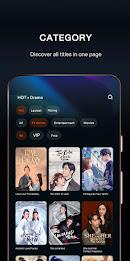






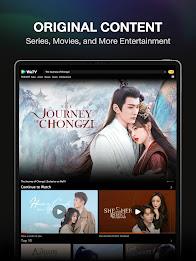
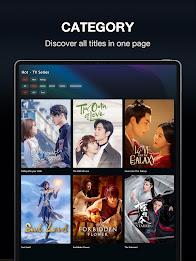
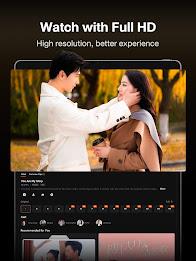



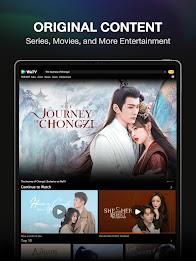
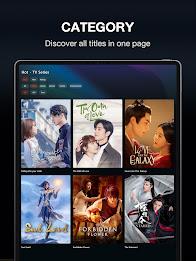
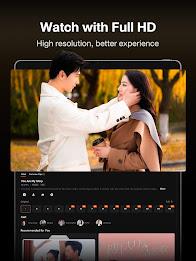



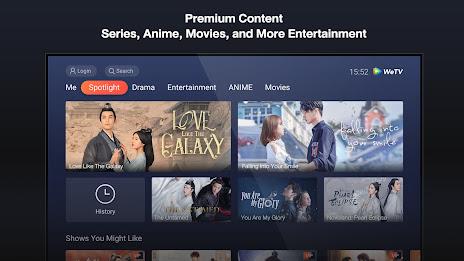
WeTV is a streaming app that brings dramas, movies, and variety shows into a single, mobile-friendly interface. It focuses on licensed Asian content, curated playlists, and offline downloads. Users can stream in multiple resolutions, create watchlists, and access subtitles across languages for a smoother viewing experience.
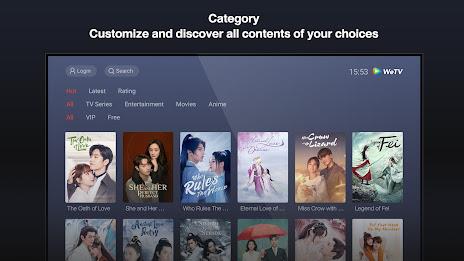
Designed for viewers who want a mix of local and international entertainment, WeTV organizes content by genre, release date, and popularity. The app targets binge-watchers as well as casual users who want quick access to episodes and clips. It aims to simplify discovery through recommendation algorithms and editorial selections, so you spend less time searching and more time watching.
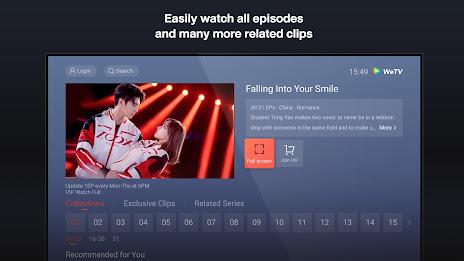
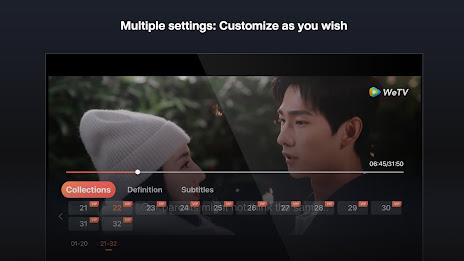
The app bundles a number of practical tools that enhance viewing on Android devices. Core features include adaptive streaming, subtitle options, user profiles, and an offline download manager. A streamlined player offers playback speed control, skip-intro, and resume-from-last-position. The catalog is frequently updated and often highlights exclusives and seasonal hits.
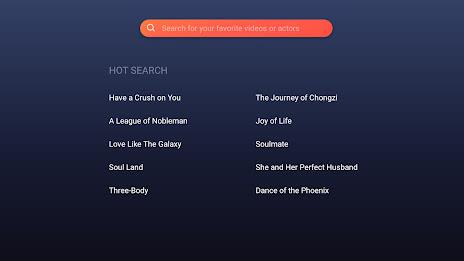
Navigation in WeTV leans on a clean grid and minimal menus. Thumbnails, filters, and a persistent search bar reduce friction when exploring large catalogs. Performance is generally stable: the player adjusts quality based on connectivity, and background downloads pause if the network becomes unstable. For lower-end devices, there are data-saving modes that lower resolution and restrict background activity to conserve battery and bandwidth.
Recommendations are driven by a combination of explicit choices and viewing history. The home screen mixes trending titles, staff picks, and personalized rows such as "Because you watched..." or "Continue watching." Playlists and curated channels group related content, which helps users follow actors, series, or themes without manually building a library.
Profiles let multiple users share a single device while keeping personal watchlists and viewing progress separate. Parental controls can lock mature content behind a PIN and limit in-app purchases. Subtitle customization supports font size and timing tweaks, useful for non-native speakers. The app also allows users to toggle notifications for new episodes, live events, or recommended releases.
Start by creating a profile and setting language preferences; this immediately improves recommendation relevance and subtitle defaults. Use the download manager to queue episodes overnight on Wi‑Fi if you have data limits. Take advantage of the "watchlist" feature to compile shows before they trend; this prevents spoilers and keeps your queue organized. If you experience buffering, switch to a lower resolution manually and clear the app cache periodically.
Installing WeTV on Android is straightforward: download the APK from a trusted source, then enable app installations from unknown sources in your device settings if needed. After installation, sign in with an email or social account to sync preferences across devices. Be mindful of storage when enabling offline downloads — high-definition episodes can consume significant space.
Users praise WeTV for its focused catalog of Asian dramas and for delivering a familiar streaming experience without clutter. The combination of offline viewing, subtitle support, and account-level customization makes it useful for international audiences. Regular updates to content and periodic interface refinements keep the app relevant as preferences shift.
For anyone looking to manage their viewing routine on the go, WeTV provides practical controls, steady playback, and a simple discovery flow. Whether you’re building a watchlist for a long commute or saving episodes for offline nights, the app balances convenience and functionality in a compact package.