MeloShort
Version: 2.42.00
55.56MB
4
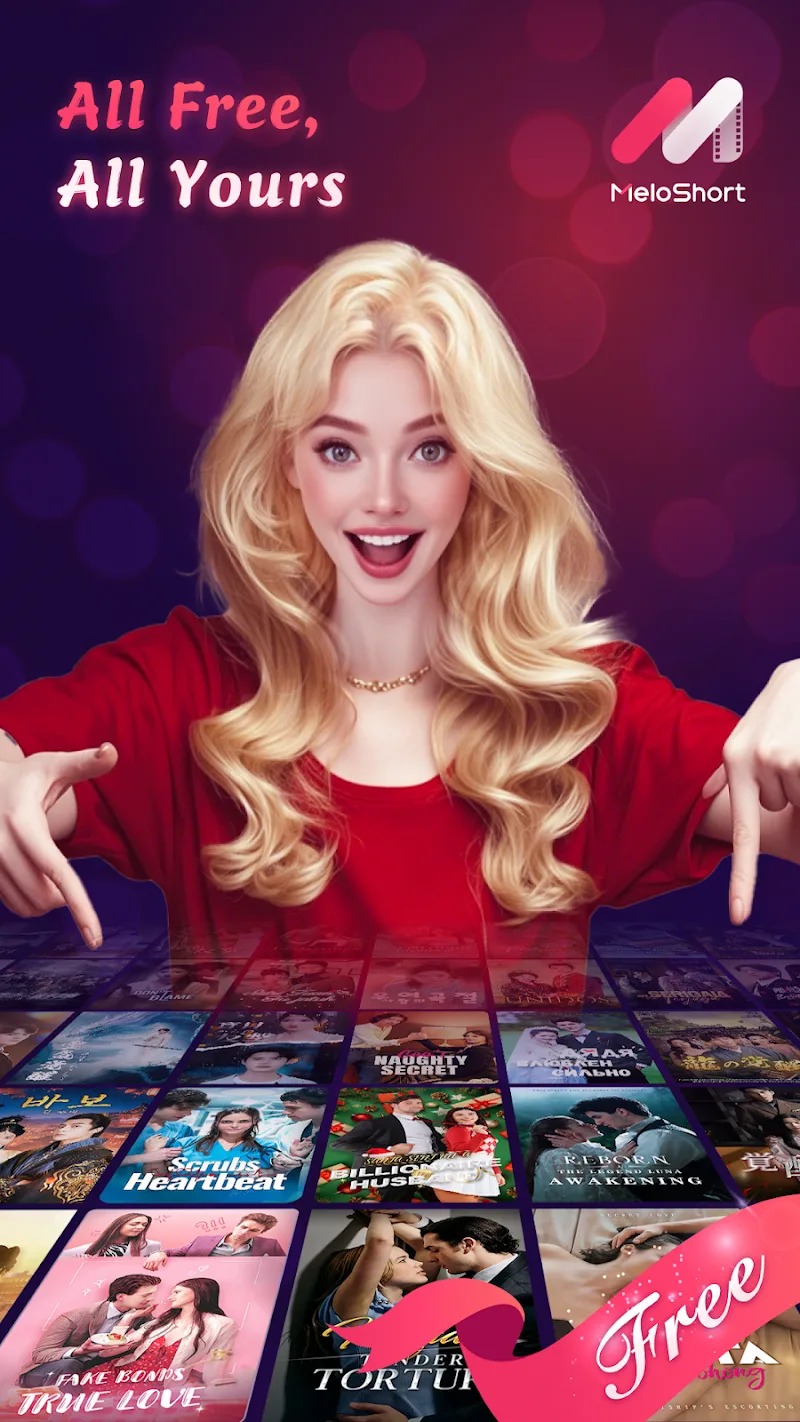
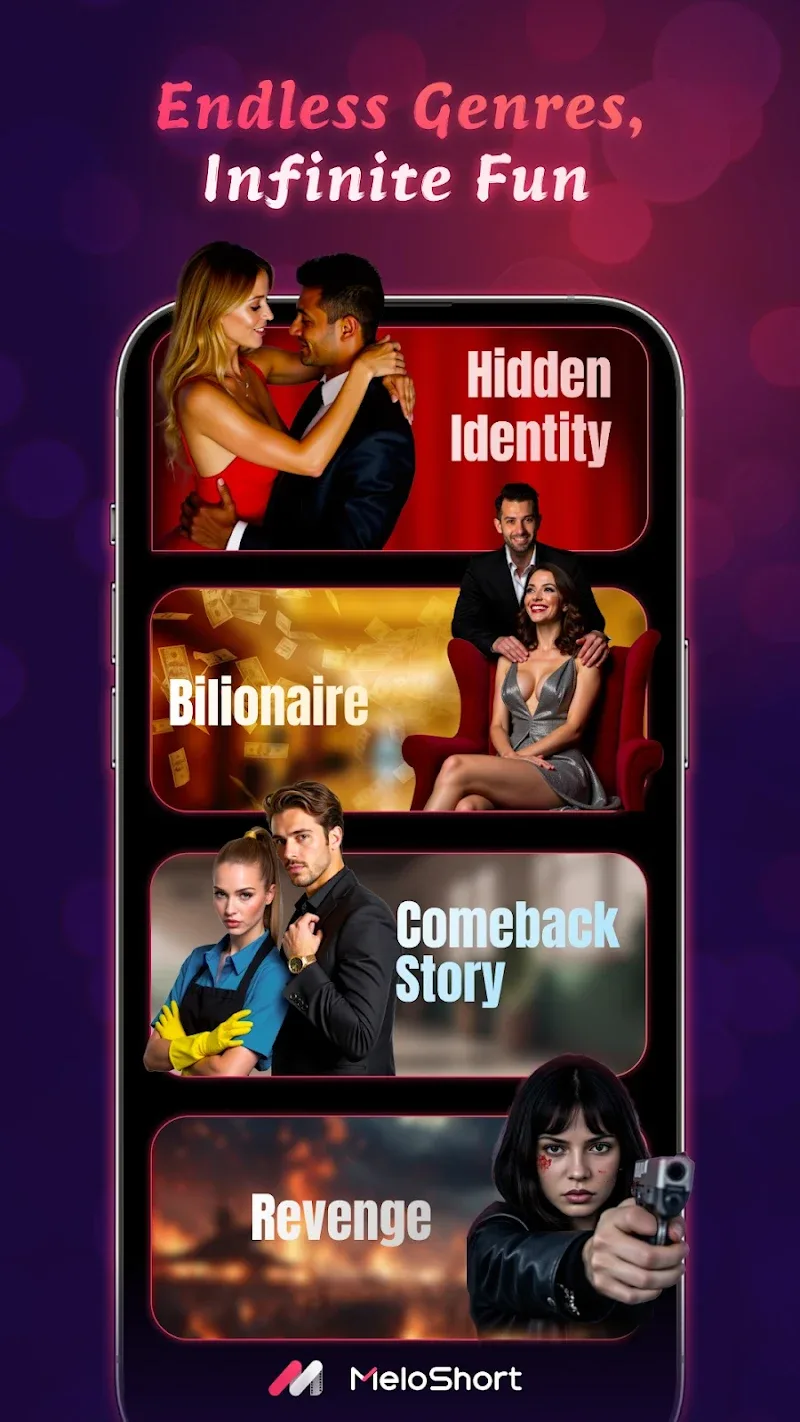
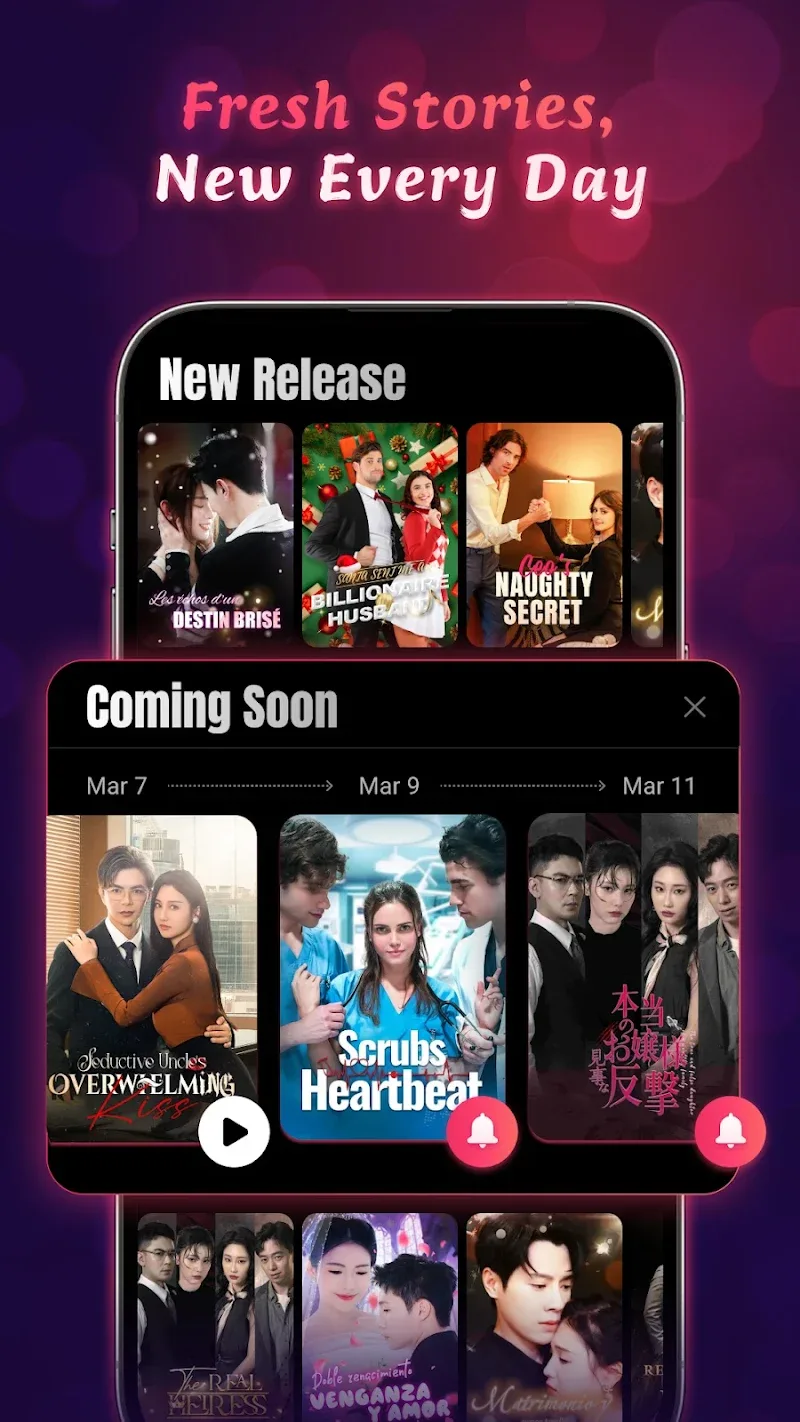
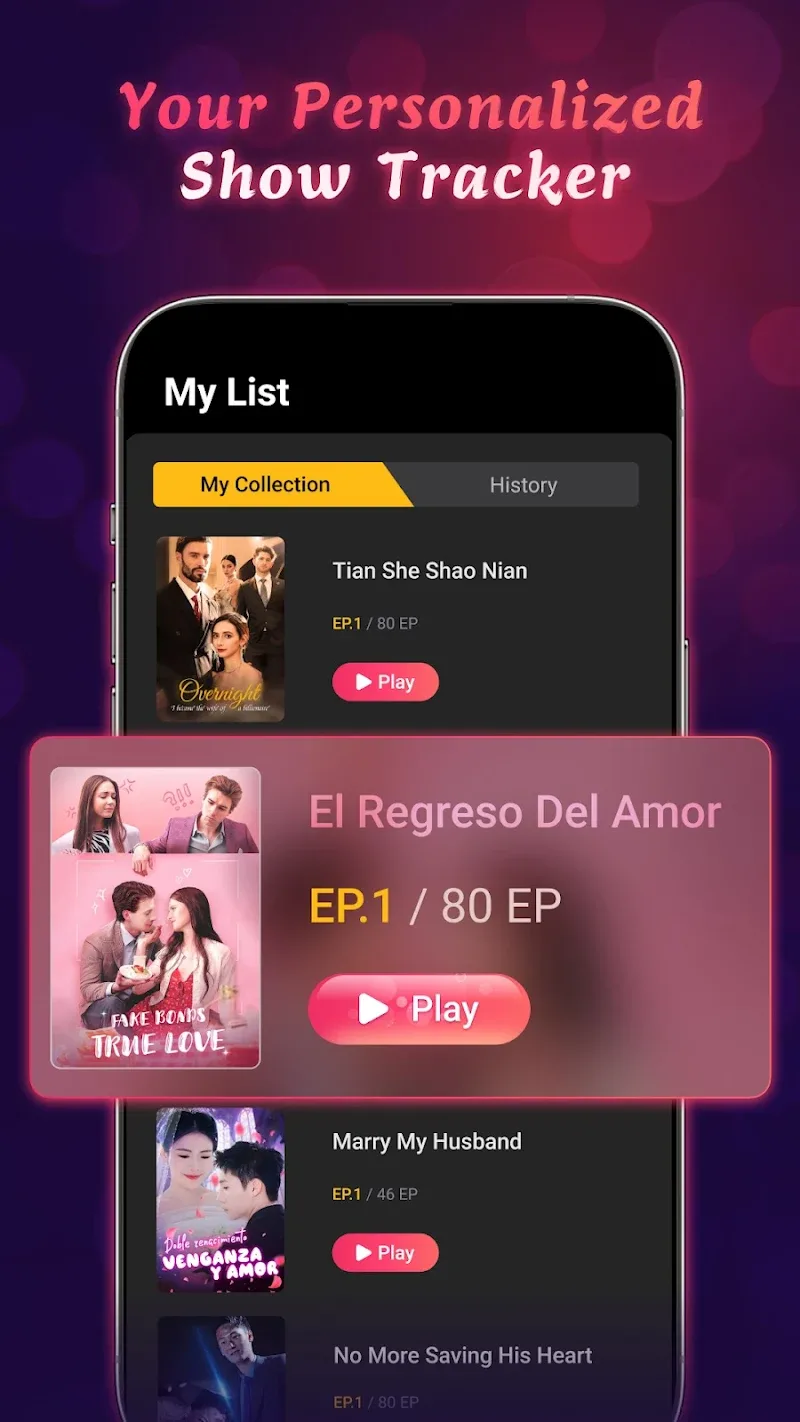
MeloShort is a compact short-video creator focused on quick music-driven clips, letting users assemble, edit and share snappy videos in minutes. It combines intuitive trimming, beat-synced effects and ready-made templates to speed production while keeping output polished and social-ready for platforms like Instagram and TikTok.
The app focuses on rapid clip creation: import footage, pick a soundtrack, apply beat-aware transitions and export a shareable file. MeloShort is built for creators who need professional-looking results without a deep editing workflow. It balances automation with manual controls so you can tweak timing and visual accents easily.
Start by selecting clips from your phone gallery or recording directly inside the app. Choose a soundtrack from the built-in library or upload your own. MeloShort will propose cut points based on musical phrases; accept its suggestions or refine manually. Add visual overlays, subtitles and one-touch color grades to finish the piece.
Editors will find familiar tools laid out in a compact toolbar. Trim handles, snap-to-beat markers and a drag-to-reorder timeline make sequencing fast. Visual filters are previewed in real time and can be stacked. The subtitle editor supports quick typing and auto-sync options, while speed controls let you slow or accelerate clips to match rhythm.
The interface leans minimalist: large preview, condensed timeline and prominent export button. This reduces clutter and shortens the learning curve. Performance is optimized for modern Android devices; rendering times vary with resolution but remain competitive thanks to background processing and hardware acceleration when available.
Keep source clips short and focused to reduce render time. Use MeloShort’s templates as a base, then personalize color and text to avoid generic visuals. When adding music, preview the automated sync and use manual trimming for moments that need exact alignment. Export a lower-resolution draft first to check pacing before finalizing.
Feedback emphasizes speed and convenience: users appreciate how quickly a concept becomes a finished short. The learning curve is shallow, so new creators can publish within minutes. The app handles common formats reliably and reports progress during rendering. Some advanced users may miss multi-track timelines, but the streamlined approach suits most quick-creation scenarios.
Creators pick this app for speed and music-aware editing tools. It removes many tedious steps while preserving control over final details. The library of themes and export options makes sharing to multiple platforms straightforward. For social-first storytelling, MeloShort hits the balance between automation and customizability.
Download the APK from a trusted source and follow standard Android installation prompts. Grant permissions for storage and camera if you want to record inside the app. Take a quick tour of the templates and audio packs after launching to familiarize yourself with the most-used tools.
Whether you’re posting a daily highlight, promoting a product or experimenting with short-form storytelling, MeloShort speeds the creative loop. It’s practical for casual users and efficient enough for content creators who value time without sacrificing visual polish.