Amoled.in
Version: 2.1.1
9.00MB
4.3
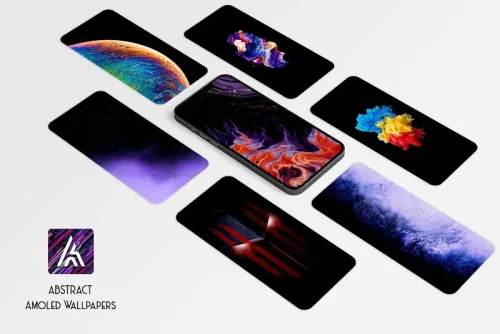

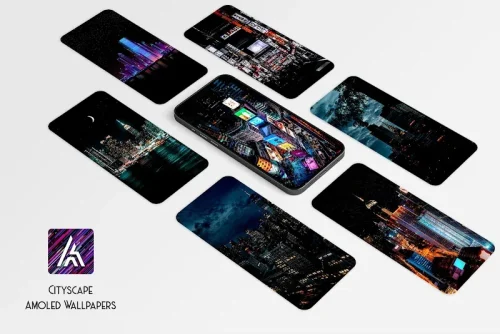
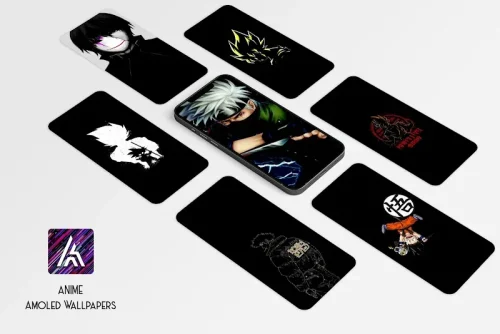
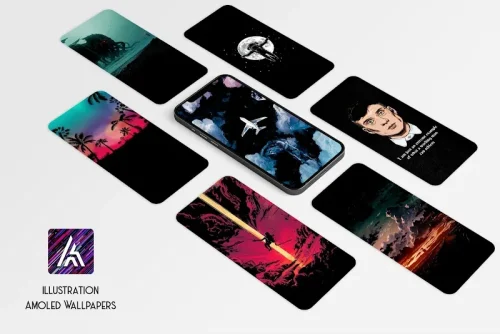
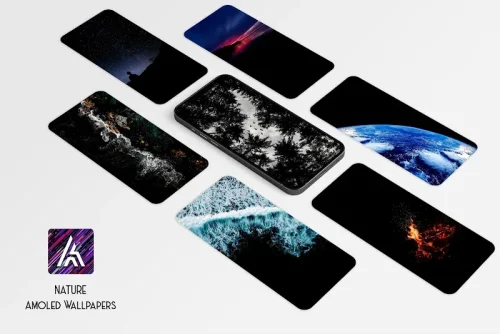
Amoled.in is a wallpaper app tailored for OLED and AMOLED screens, offering a curated library of deep-black, high-contrast backgrounds to maximize battery savings and visual impact. It emphasizes pure blacks, subtle color accents, and an easy setup process so users can quickly refresh their home and lock screens.
Amoled.in focuses on a specific use case: delivering wallpapers that take advantage of pixel-level power savings on OLED displays while maintaining refined aesthetics. The app organizes images by theme, color, and mood so you can find bold minimalism, textured dark patterns, or photographic scenes that preserve contrast and legibility for icons and widgets.
The app includes a set of practical features designed for everyday use and customization. Highlights include:
The interface is intentionally simple, prioritizing large previews and quick actions. A left-to-right browsing flow exposes categories and tags, while image tiles show resolution and aspect ratio to help you select the best fit for your device. Amoled.in uses familiar gestures: swipe to move between previews, pinch to zoom, and long-press to save or mark favorites.
Customizing wallpapers in Amoled.in is straightforward. After selecting an image, you can adjust scale, position, and apply a soft vignette or blur to improve icon contrast. The app provides separate save points for home and lock screens so you can mix and match designs. Scheduling lets you rotate through a set of wallpapers at intervals you choose, creating a dynamic look without manual changes.
Because the collection centers on dark imagery, Amoled.in can contribute to lower display power usage on OLED devices. Images are delivered in multiple resolutions so the app serves a size appropriate to your screen, minimizing memory use. It performs smoothly on mid-range and flagship devices; background downloads and scheduling are handled by lightweight services that avoid heavy battery drain.
To get the most from the app, choose wallpapers that match your device resolution and enable the built-in cropping tool to prevent icon overlap on complex images. Use the scheduling feature to switch between darker and slightly lighter images throughout the day if you prefer more visual variety while keeping energy savings in mind. Regularly clear cached downloads from the settings if you are low on storage.
The app limits permissions to essentials such as storage and optional scheduling controls. Regular updates add fresh artwork and performance improvements; a small feedback section lets users report issues or request new themes. Amoled.in also provides attribution for artists and encourages respectful use of content through clear licensing notes inside the app.
Begin by browsing top categories, mark several favorites, and try the crop-and-preview tool before applying a wallpaper. If you want to test battery impact, set a dark image on the home screen for a day and compare usage metrics. With its focused feature set and unobtrusive design, Amoled.in makes it quick to achieve a polished, energy-conscious look for OLED-equipped phones.