Mandala Maker 360
Version: 23.0
12.00MB
4.3
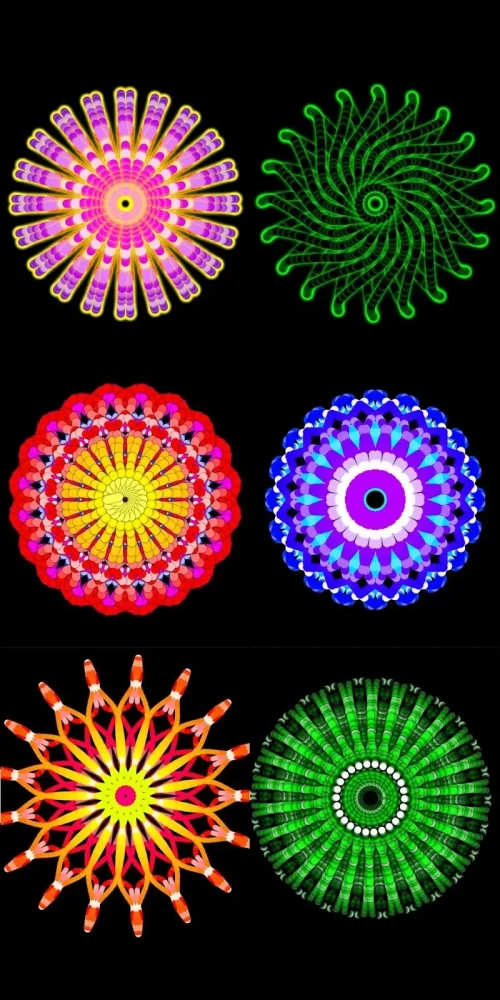
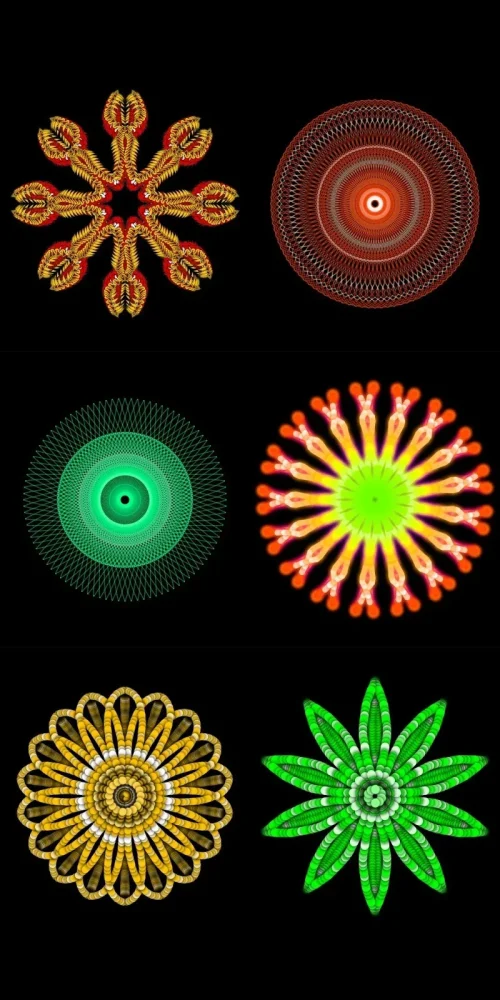
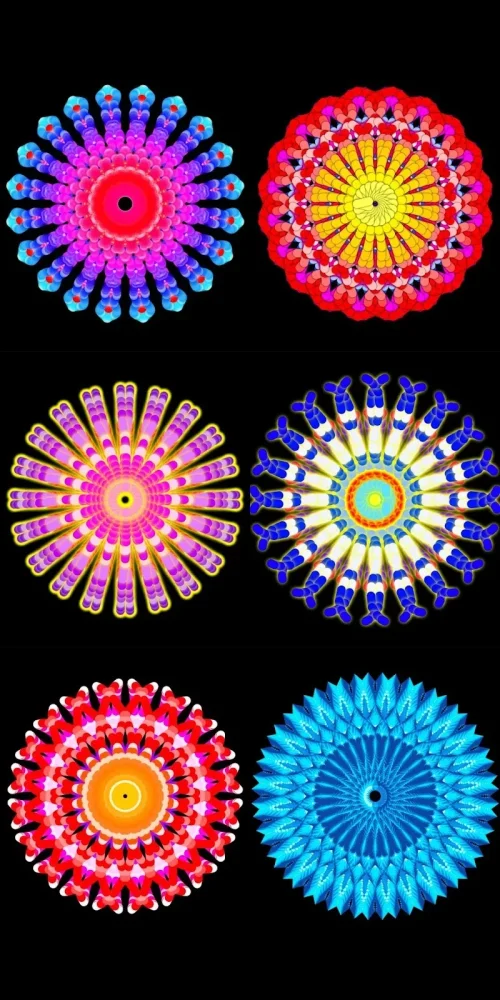
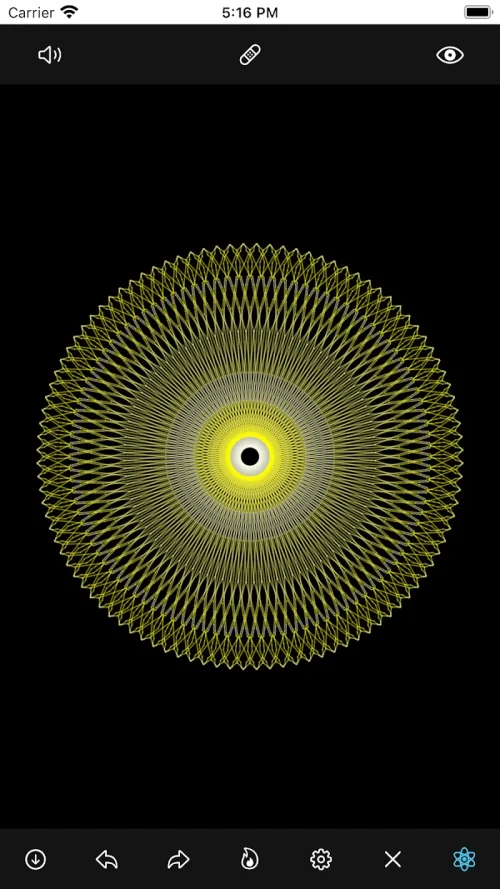
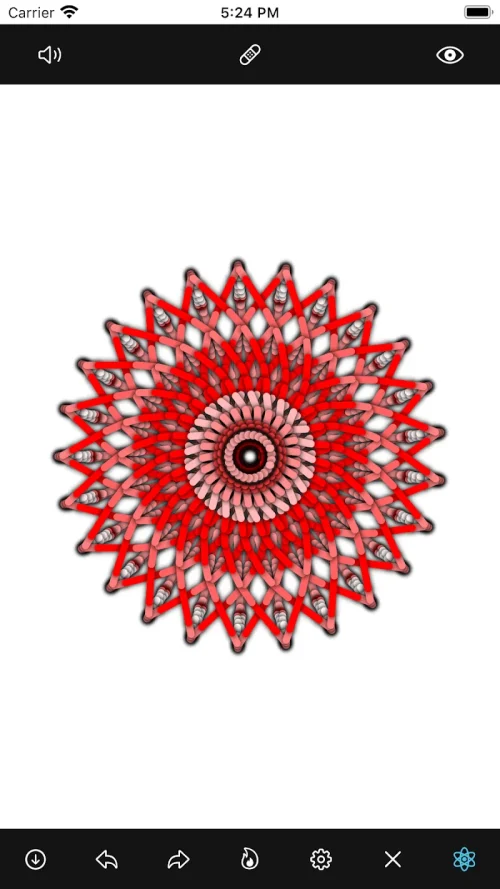
Digital drawing and symmetry tools get a fresh, focused spin on Android with Mandala Maker 360. This app puts radial design within reach whether you want to unwind with repetitive drawing, explore color and shadow, or build assets for craft projects. You can change how the canvas behaves, switch between preset patterns and image overlays, and experiment with brush types that respond differently as you trace around a center point. The interface keeps controls close while leaving room to create complex, mirrored designs without a steep learning curve.
Canvas symmetry: Multiple mirroring options let you divide the circle into segments and produce perfectly symmetrical strokes as you draw.
Center placement: You can move the focal point and set the center by touch so the pattern radiates from wherever you place it.
Brush variety: A range of brushes is provided, from dots and lines to splatter styles, with adjustable thickness and behavior.
Color modes: Choose single hues, palette selections, random color cycling, or classic black and white to change the mood of a piece.
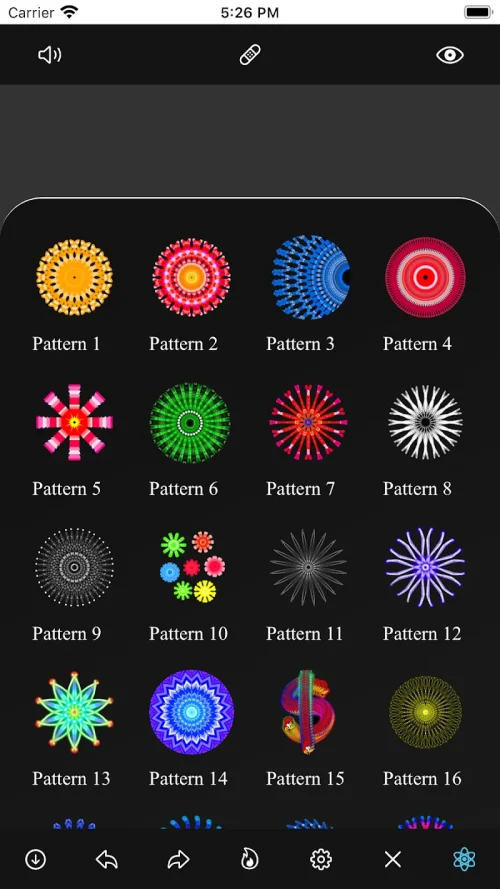
Image overlays and patterns: Use templates or pick from more than 50 included images as a backdrop, or start from predefined geometric patterns to speed the process.
Blank canvas: Start with an empty circle and build a design from scratch, ideal for freehand exploration.
Pattern starter: Select a base grid like circles, triangles, or squares and layer details on top to jumpstart a composition.
Image overlay: Place a photo or one of the bundled images beneath your strokes to trace shapes and add thematic elements.
Random mode: Activate random color or shadow generation for unpredictable palettes and subtle texture shifts.
Set your center deliberately: Tap to place the focal point where you want the symmetry to originate, especially helpful when adapting the mandala to a rectangular canvas.
Mix brush types: Alternate thick and thin brushes within the same radial pass to create contrast and layered effects that read well at different sizes.
Use image overlays for practice: Trace over a floral or animal silhouette to learn how shapes translate into repeating patterns; this is a good exercise before attempting a large composition.
Work with shadows sparingly: Add small, colored shadows to lift elements without overpowering delicate line work; random shadow placement can add organic depth.
Save drafts of experiments: Keep variations when you try different symmetry counts or color rules so you can compare and refine later.
How many example images are included?
The app includes over 50 images that you can use as backdrops or tracing guides.
Can I change the symmetry level mid-drawing?
Yes, symmetry is adjustable so you can experiment with more or fewer segments and immediately see how new strokes respond.
Are there preset patterns to speed up a design?
There are multiple predefined patterns such as circular grids and polygons that act as a starting point when you want to build quickly.
Mandala Maker 360 is a solid pick if you enjoy methodical, creative drawing and want a tool that highlights symmetry, brushes, and quick pattern options. It works well for beginners and hobbyists who like to experiment with color and shadow, though highly advanced vector editing is not its focus. If your goal is relaxed, satisfying mandala creation on Android, this app deserves a try.