Fluffy Widgets
Version: 1.9
46.77MB
4.5
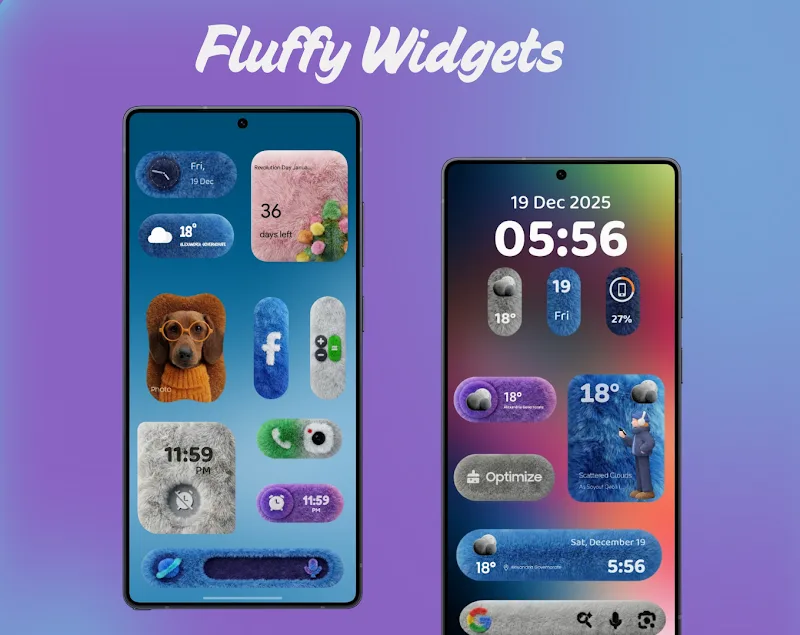
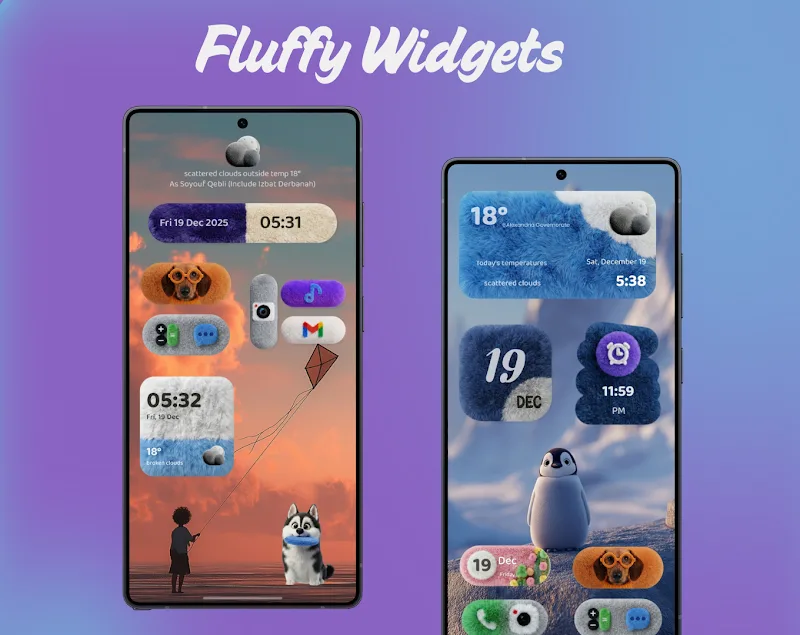
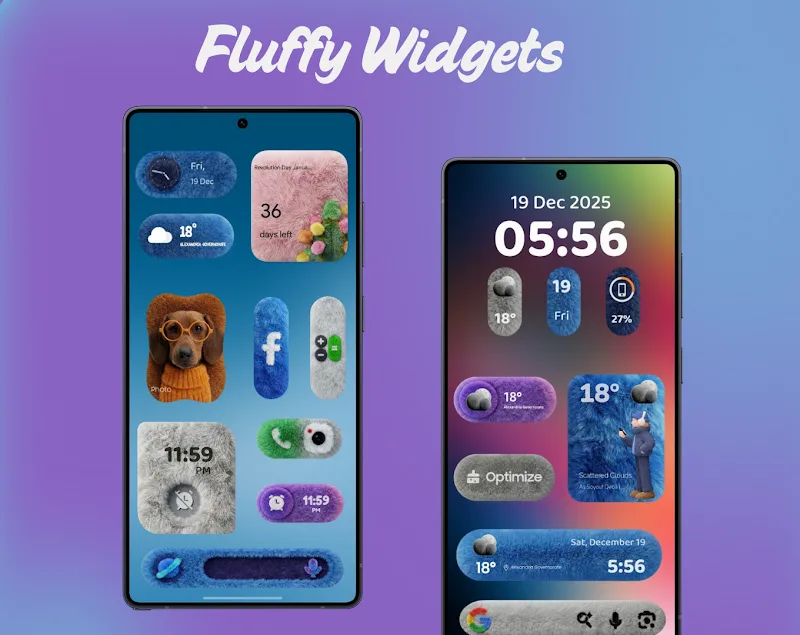
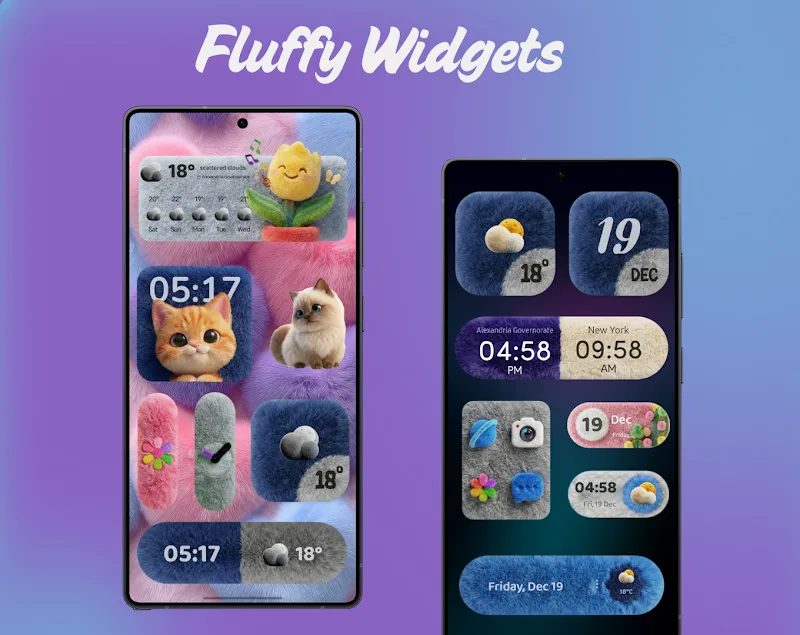
Home screen customization for Android gets a softer, more refined option with Fluffy Widgets. If you want to refresh the look of your phone without swapping launchers, this app supplies a curated set of elegant widgets and straightforward tools for shaping a cohesive home screen. Fluffy Widgets focuses on clean visuals and tactile-friendly layouts, letting you mix clock faces, weather panels and shortcut tiles with a consistent aesthetic. The result is a polished interface that feels intentional from the first swipe to the last icon.
Premium visual themes: A selection of muted, modern palettes and material-inspired textures creates a calm, high-end appearance across widgets.
Flexible sizing: Widgets come in multiple dimensions so you can place compact modules or larger info tiles without awkward gaps.
Layered icon support: You can pair widgets with adaptive icons to keep the overall look uniform across different launchers and screen densities.
Quick style presets: Prebuilt combinations of fonts, shadows and backgrounds let you apply a complete look in a few taps rather than tuning each element by hand.
Minimal clocks: Soft-edged clock widgets that prioritize legibility and pair well with light or dark wallpapers.
Weather summaries: Compact weather cards show current conditions and a short forecast without crowding the page.
App shortcuts: Tactile shortcut tiles let you launch frequently used apps or actions from a stylish tile instead of a plain icon.
Info stacks: Multi-row modules combine time, date and a glanceable notification count for a tidy status area.
Match wallpaper tones: Sample your background colors before choosing a preset to maintain contrast and avoid washed-out text.
Mix sizes for balance: Use one large info stack with several smaller tiles around it to create visual hierarchy on wide screens.
Use shortcut tiles for routines: Add a grouped tile for navigation or music controls to speed common tasks like starting a commute or an evening playlist.
Backup your layout: Export your widget arrangements if you plan to test new themes or switch devices so you can restore them quickly.
Do widgets work with most Android launchers?
Yes. Fluffy Widgets is built to be compatible with popular launchers and supports adaptive icon formats so widgets remain consistent across setups.
Can I resize widgets after placing them?
Most widgets in the pack allow resizing. You can adjust grid spans via your home screen editor to fine-tune spacing and alignment.
Is there a way to save custom styles?
The app includes preset saving so you can reuse a combination of colors, fonts and shadows without rebuilding the layout each time.
Fluffy Widgets is a solid pick if you want an elegant, low-key redesign for your Android home screen without overcomplicated options. It leans toward tasteful, minimal presentations and makes it easy to assemble a cohesive interface, especially if you prefer calm palettes and tidy information tiles. Try it if you value consistency and visual polish; power users who need deep automation may look elsewhere, but most daily users will be pleased with the results.