Fluffy Icons - One UI Style
Version: 16.7
73.16MB
4.5
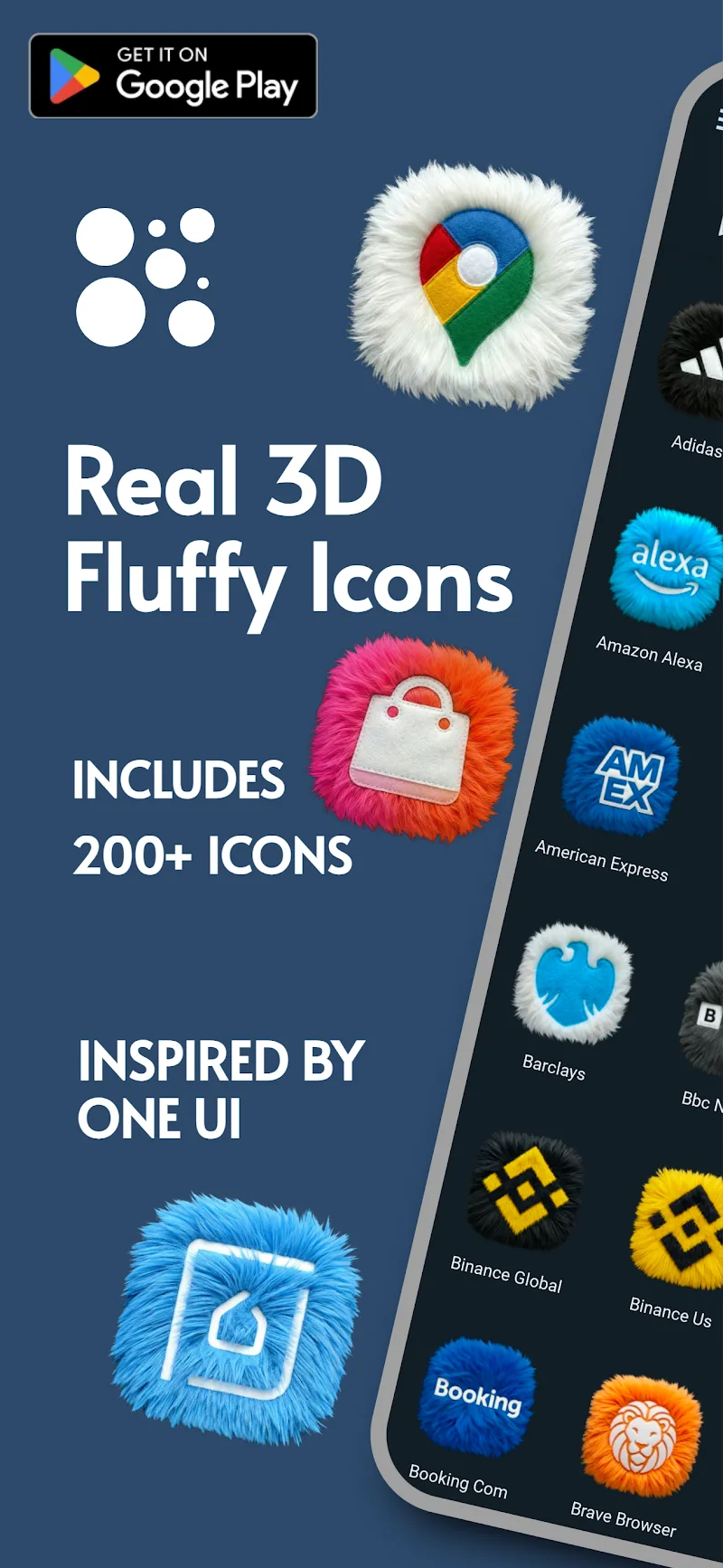
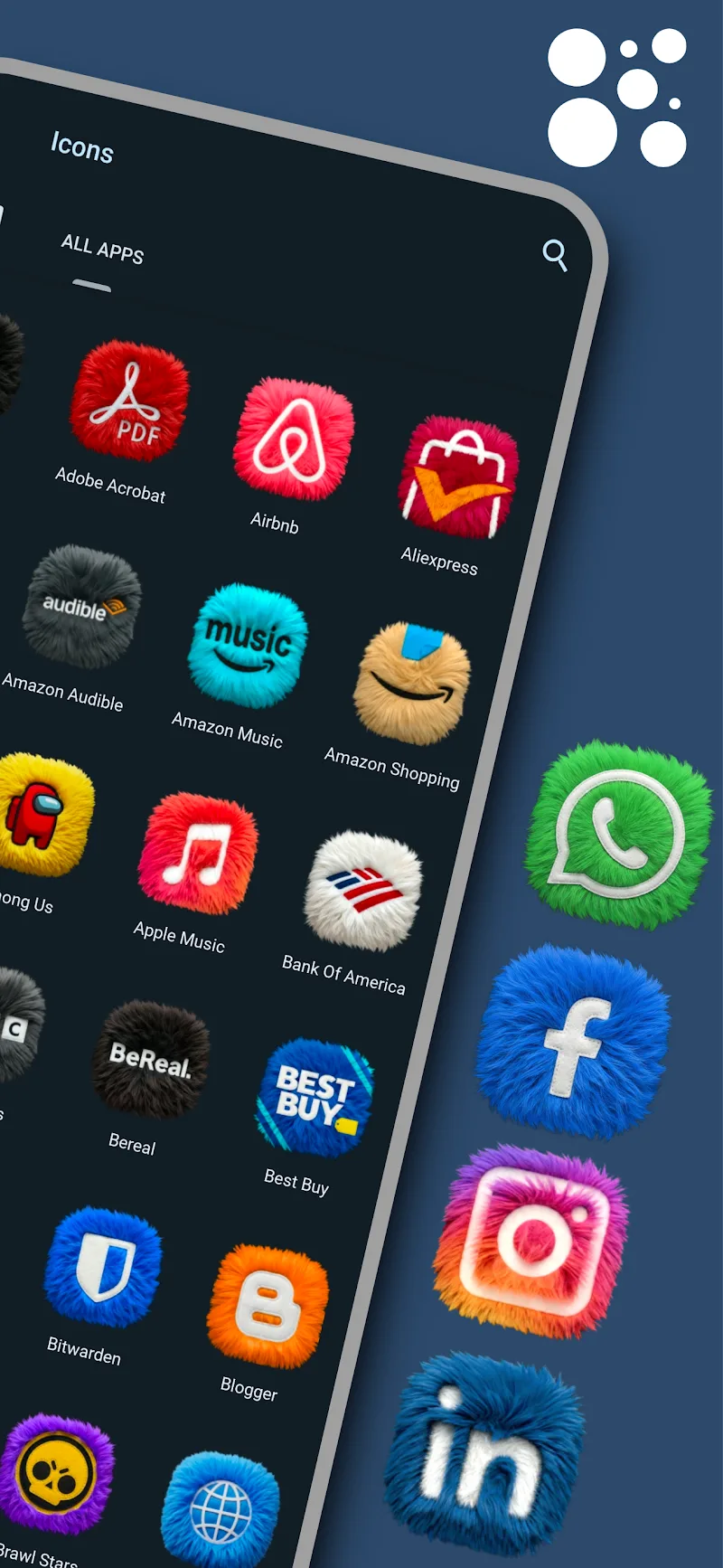
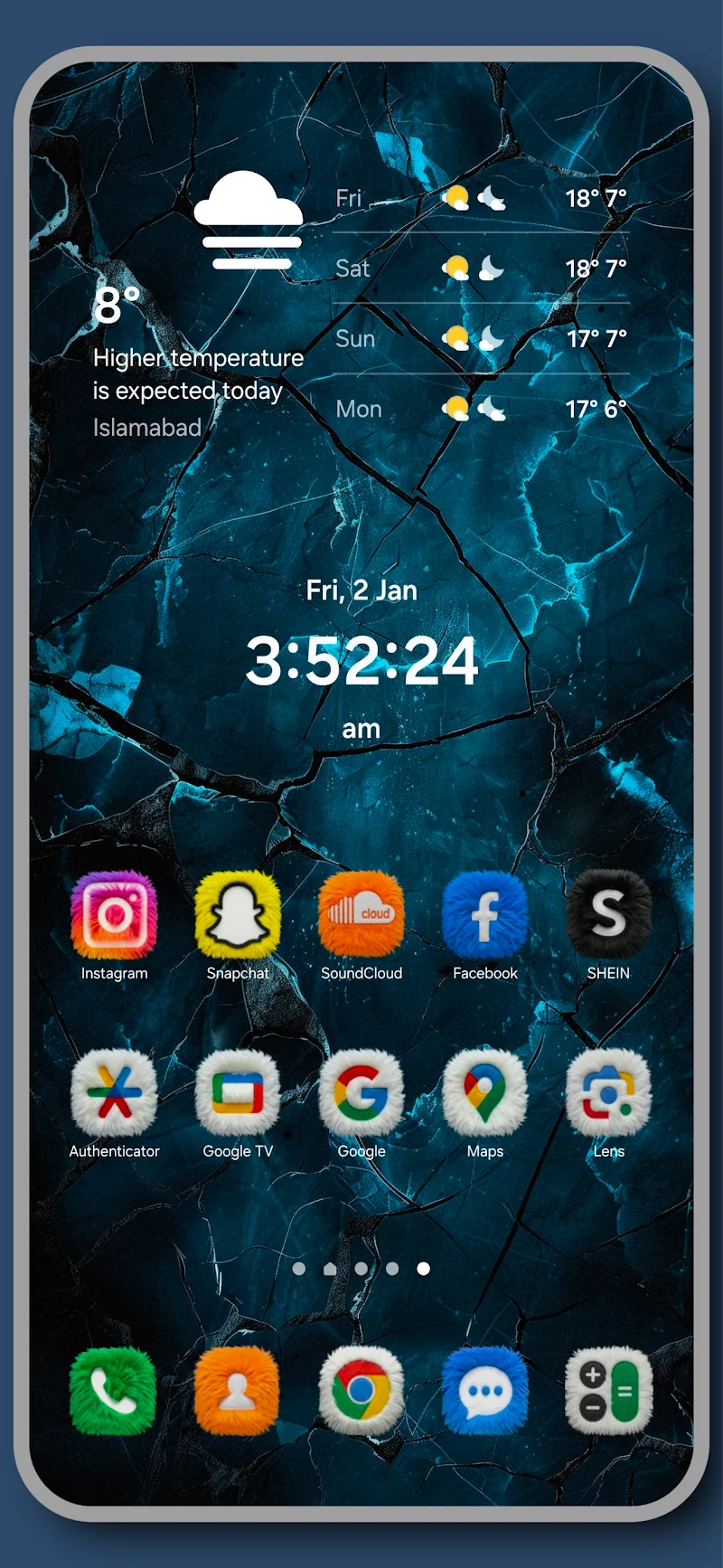
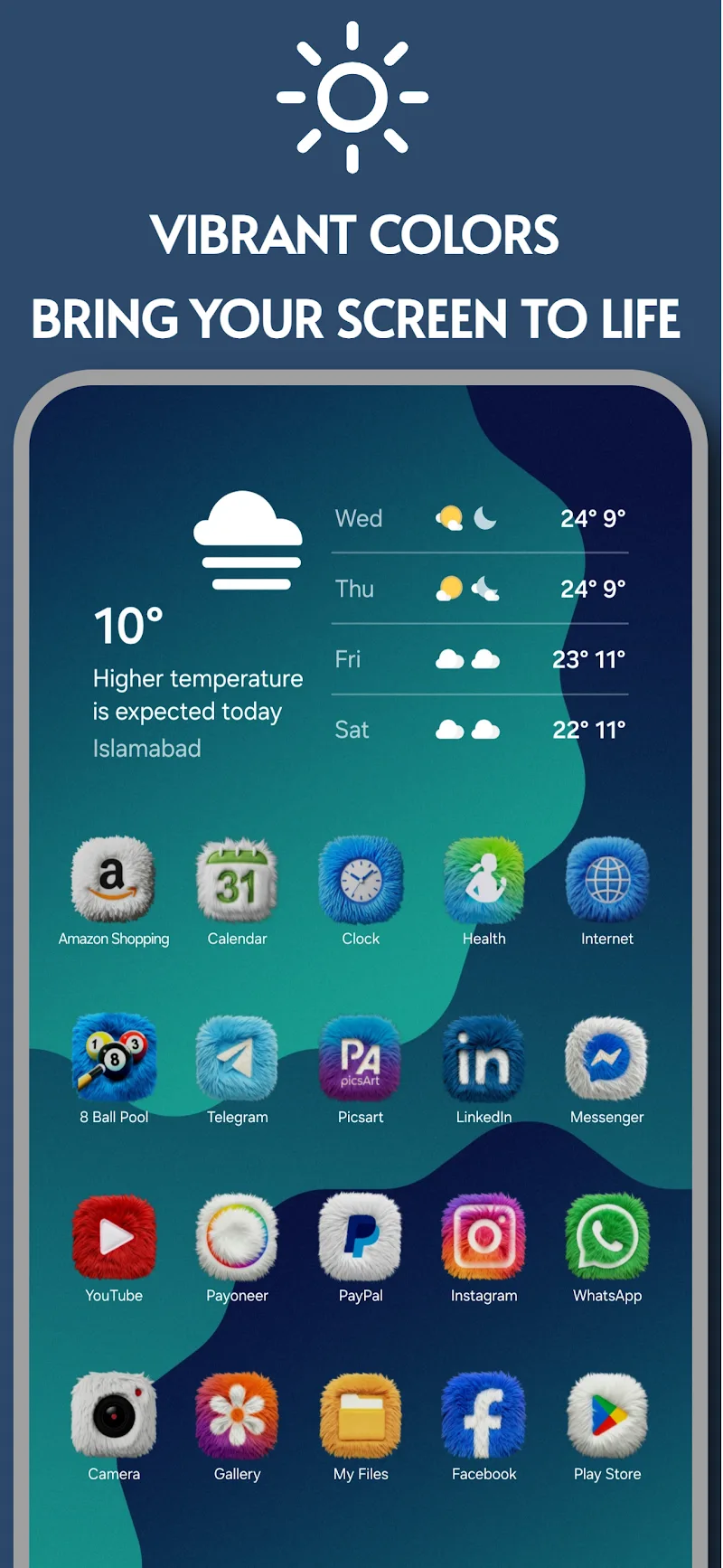
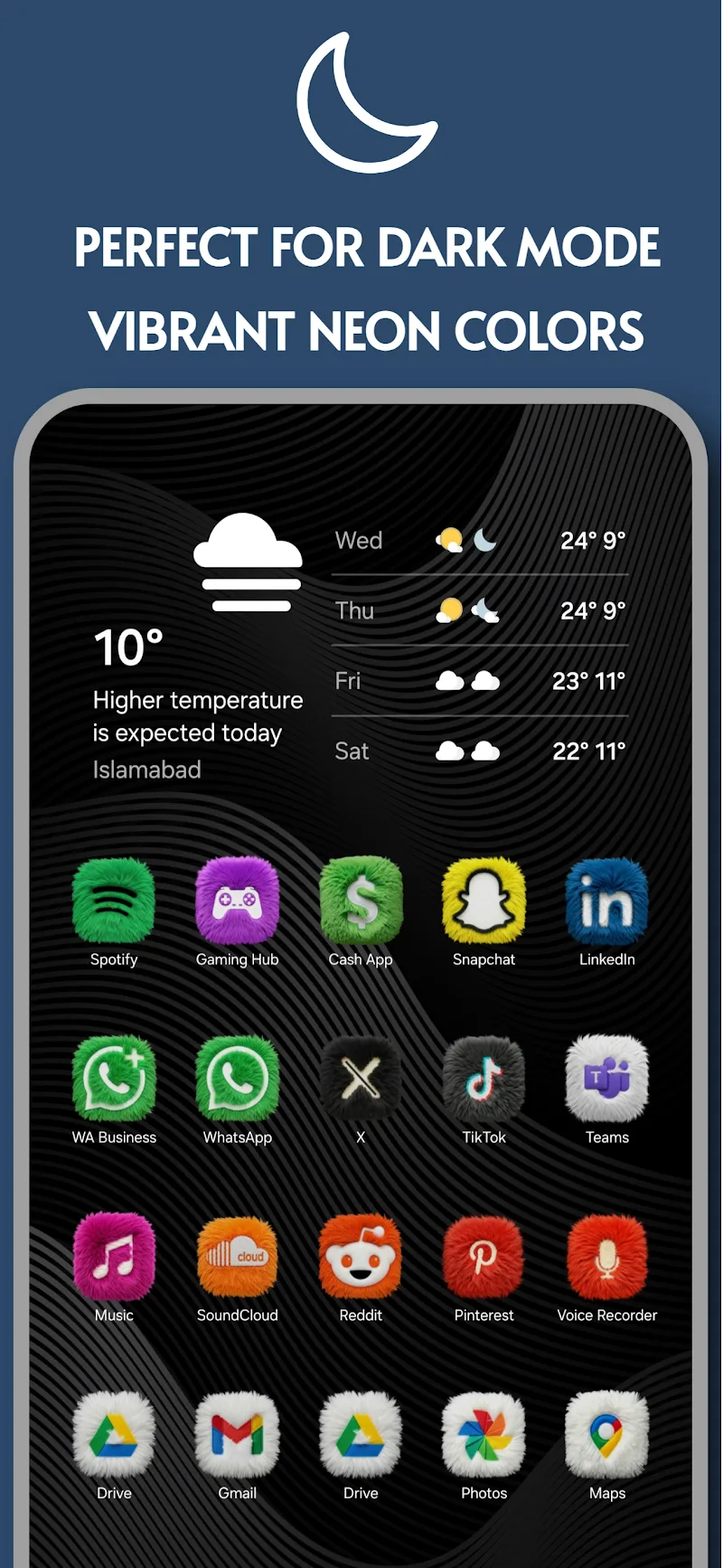
Fluffy Icons - One UI Style brings a soft, rounded icon set to Android devices, replicating One UI aesthetics while adding plush textures and pastel tones. The pack provides thousands of high-resolution icons, adaptive shapes, and coordinating wallpapers to give your launcher an inviting, cohesive look with minimal setup.
Fluffy Icons - One UI Style is an icon pack designed for users who want a gentle, modern appearance on their phones without sacrificing clarity or consistency. It delivers a large library of themed icons, each rendered in crisp PNGs and adaptive formats so they scale cleanly across modern screen densities. Wallpapers and accent elements match the icon palette for a unified desktop.
The app covers essential customization tools and extras expected from a premium icon pack:
Compatibility is a key focus. Fluffy Icons works with a wide range of popular third-party launchers such as Nova, Lawnchair, Action Launcher, and many others. Applying the pack typically takes a few taps from the theme engine inside the app. For launchers without direct support, manual icon replacement and masking still let you achieve the intended look.
The visual direction emphasizes softness and harmony. Icons use rounded corners, subtle shadows, and gentle gradients to evoke a plush, tactile feel. Instead of stark contrasts, the color palette favors muted pastels and warm neutrals to reduce visual noise and improve focus on app glyphs. Attention to consistent padding and balance ensures icons read well at smaller sizes.
Despite the large number of assets, Fluffy Icons is optimized to minimize storage impact and memory usage. Icon packs are essentially collections of image resources and metadata, so there’s minimal runtime overhead. The app avoids background processes and heavy animations, which helps preserve battery life and keeps home screen performance snappy even on mid-range devices.
To get the most from the pack, try these simple tweaks:
Getting started is straightforward. Install Fluffy Icons - One UI Style, open the app, and choose your launcher from the supported list. Apply the theme with the apply button or follow the manual instructions for launchers without direct integration. If you prefer hands-on control, long-press any icon on your home screen to edit and select a specific Fluffy icon from the pack.
Developers typically update the pack to add icons for newly released apps and refine designs based on feedback. If you encounter mismatched icons or want variants, check the update log and use the request tool to submit missing icons. Support channels within the app or on the Play Store listing usually provide timelines and help for specific launcher instructions.
Fluffy Icons - One UI Style is a well-tailored option for Android users seeking a calm, cohesive look that mirrors One UI cues while adding a softer aesthetic. Careful attention to adaptive support, icon density, and matching wallpapers makes it a practical choice for everyday customization without extra fuss.