Wave Keyboard
Version: 1.78.0
106.20MB
4

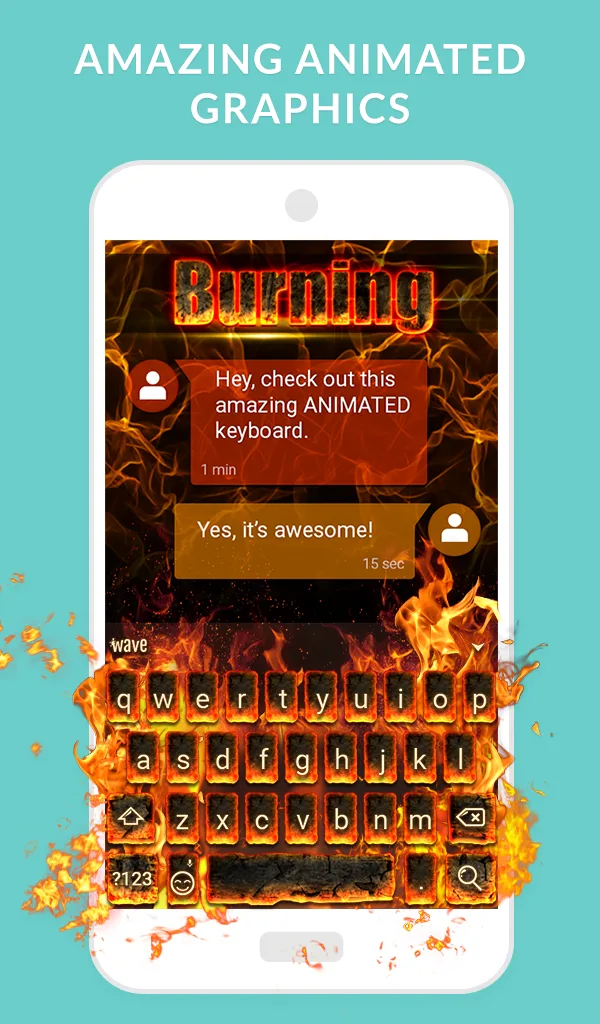

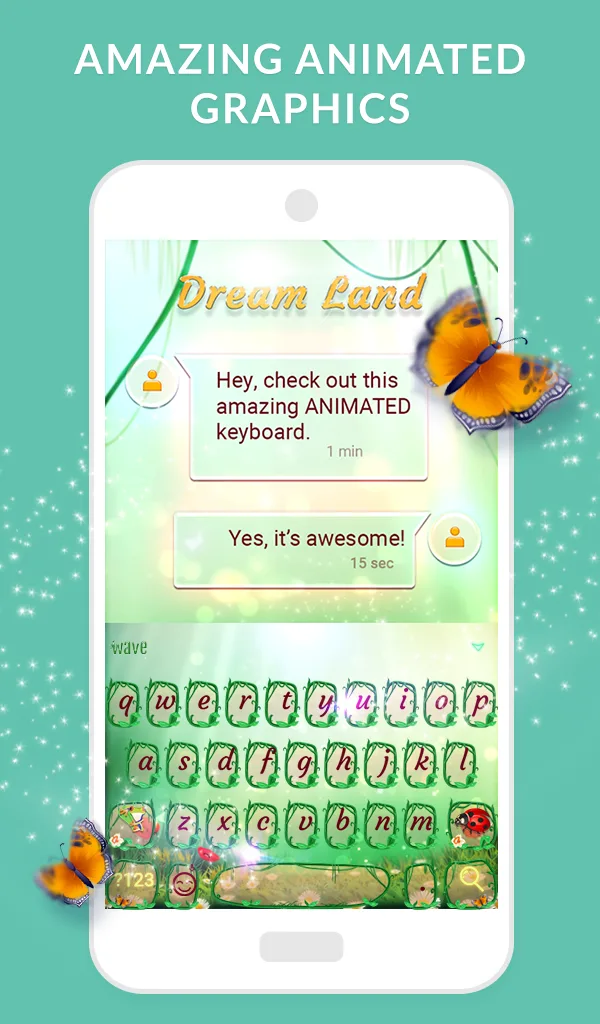
Wave Keyboard is a modern Android keyboard designed to speed up typing with intelligent swipe input, customizable themes, and context-aware suggestions. It blends productivity-focused tools with a clean interface, giving users fast input, gesture shortcuts, and personalization options that suit both casual texters and power users in everyday mobile workflows.
Wave Keyboard aims to replace the default keyboard by providing a lightweight experience that emphasizes accuracy and convenience. It supports glide typing, predictive corrections, multilingual layouts, and a growing set of extras such as emoji search and clipboard management. The design favors legibility and minimal distraction while retaining powerful under-the-hood features.
Wave Keyboard combines a neural language model with heuristic rules to offer reliable predictions. When you swipe across letters, the app converts the trace into candidate words and ranks them using context. Autocorrect runs in parallel, filtering obvious typos while preserving intentional slang or acronyms when appropriate. The result is a balance between aggressive correction and user intent.
The interface is organized into a central typing area and a compact toolbar for quick actions. Frequently used tools—emoji picker, voice typing, clipboard, and settings—sit within one or two taps. Key sizes and spacing are adjustable, so touch accuracy can be improved on both small and large screens. Wave Keyboard uses subtle animations to indicate successful gestures without distracting from typing flow.
Personalization is a highlight. Users can choose from several preinstalled themes or build their own by tweaking colors, transparency, and key outlines. There are also options to modify key feedback: visual popups, haptic pulses, or sound. For those who prefer a compact layout, a one-handed mode repositions the keyboard to either side of the screen.
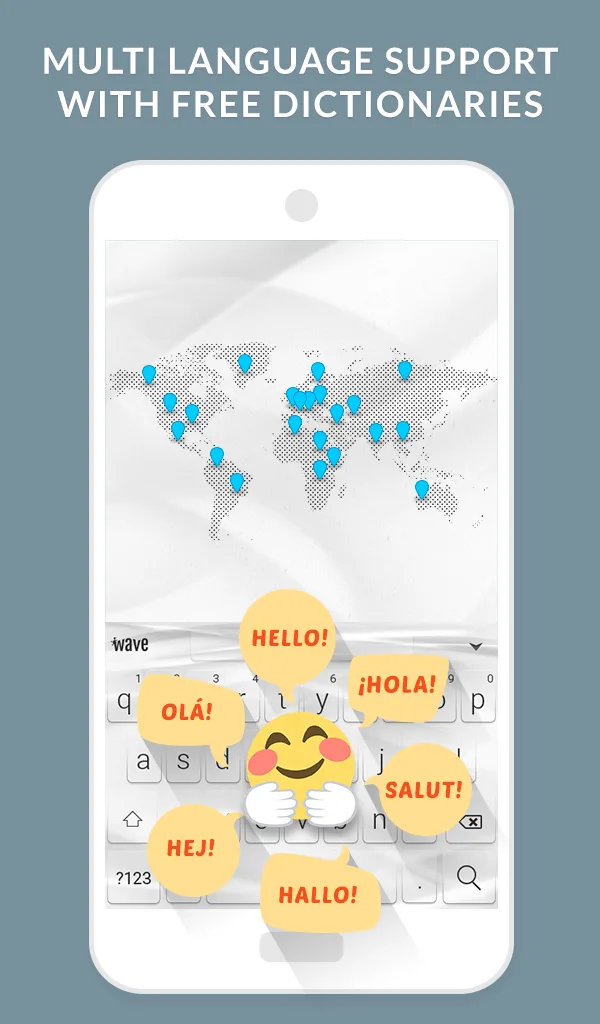
Beyond basic typing, the app packs several productivity features. A multi-item clipboard stores recent copies for quick reuse. Text expansion lets you map short abbreviations to longer phrases. The search-enabled emoji panel accelerates finding the right emoji. For multilingual professionals, seamless language switching keeps autocorrect and word suggestions accurate across languages.
Wave Keyboard is engineered to remain responsive while minimizing battery drain. Background models are optimized to refresh only when typing or after notable preference changes. Large language packs can be selectively installed to save storage. On modern devices, the keyboard runs smoothly with low latency and minimal memory footprint.
Many users point to Wave Keyboard’s clean UI and intelligent suggestions as standout elements. The mix of customization and practical tools makes it useful for both casual conversations and professional messaging. Regular updates add features and performance tweaks, keeping the experience current without overwhelming the settings menu.
Installation is straightforward: enable Wave Keyboard in Android’s Input settings and select it as the default keyboard. During setup you can import dictionaries, choose a theme, and configure privacy options. The initial tutorial walks through swipe typing and the toolbar so new users can be productive within minutes.
For people who type a lot on mobile devices, Wave Keyboard offers a focused toolset that improves speed and comfort while allowing deep personalization. Its combination of predictive intelligence, compact productivity features, and responsive design makes it a compelling choice among Android keyboards.