CRiOS Circle - Icon Pack
Version: 4.1
119.80MB
4.1
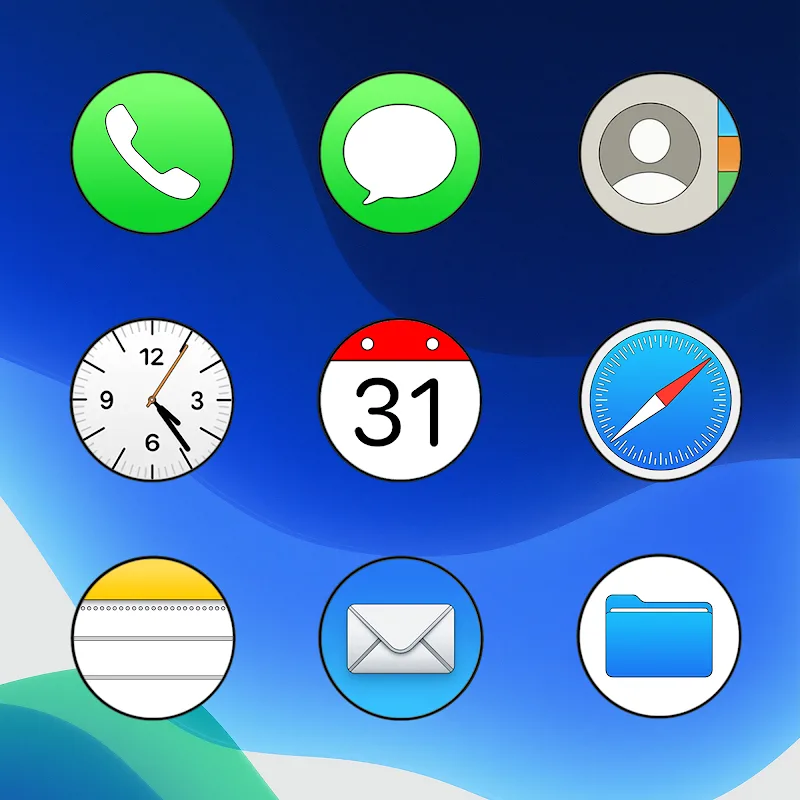
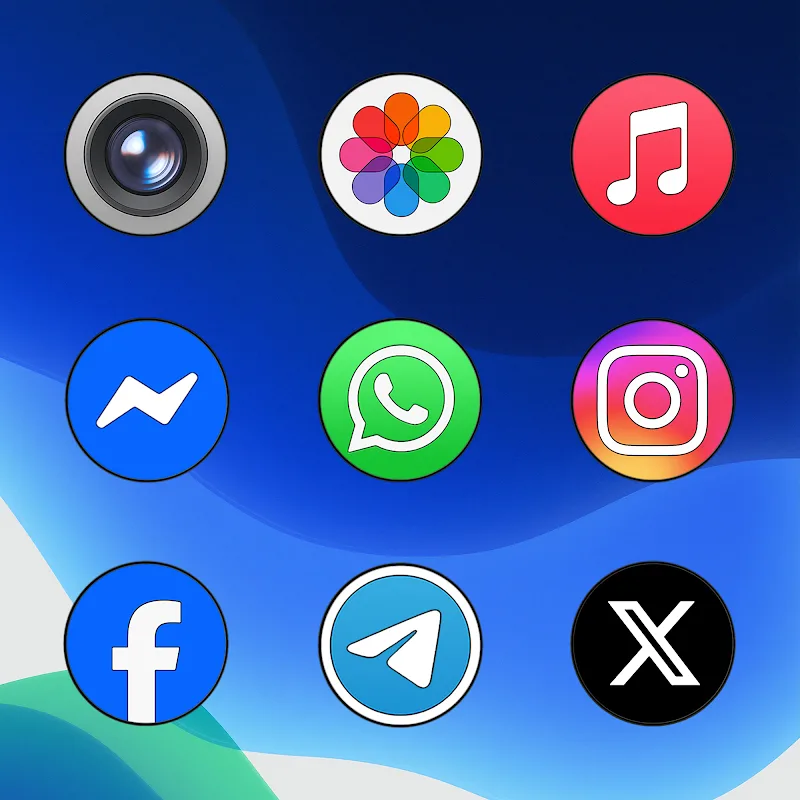
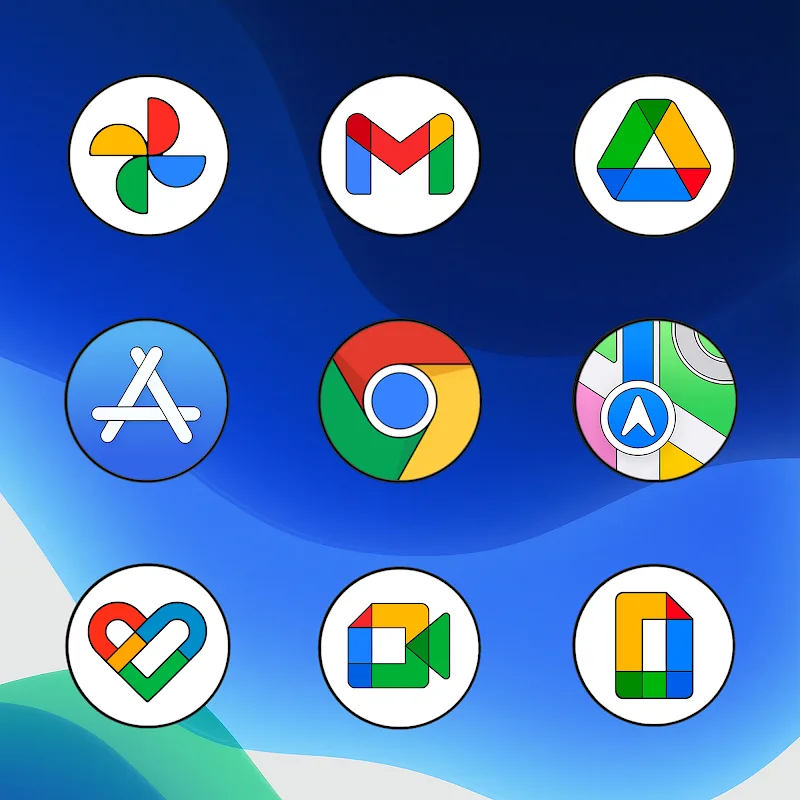
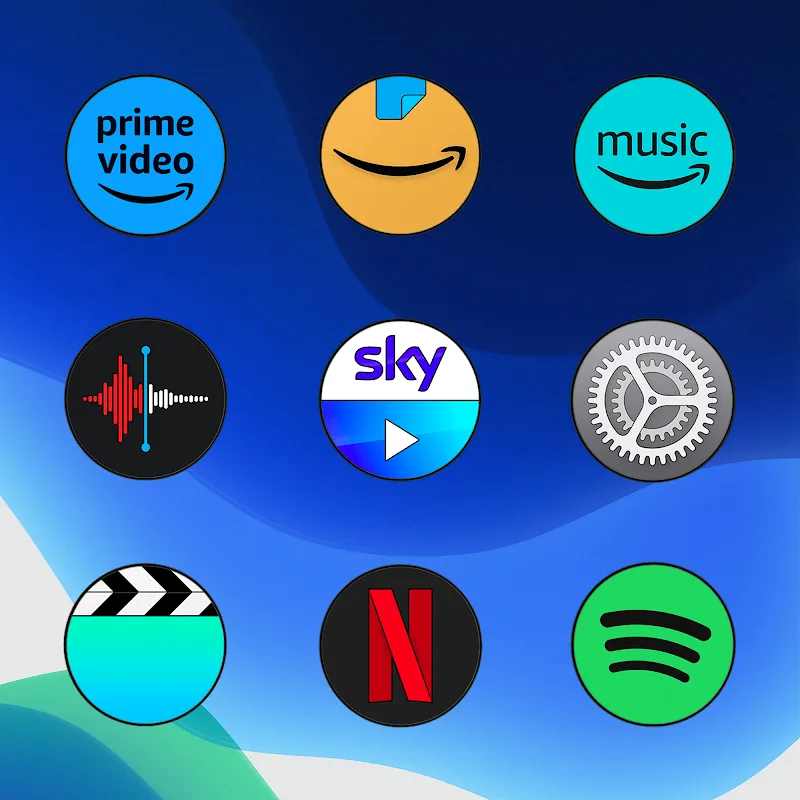
CRiOS Circle - Icon Pack refreshes Android home screens with a coherent circular design, delivering consistent geometry, soft edges and subtle shadows to create a neat, modern appearance. CRiOS Circle - Icon Pack is built to replace mismatched or jagged icons with a unified visual language while remaining lightweight and easy to apply, so users can tidy their device without changing launchers or deep system settings.
CRiOS Circle - Icon Pack centers on simplicity and visual balance. The package includes hundreds of handcrafted icons, a curated wallpaper gallery to complement the icon tones, and an integrated dashboard that streamlines application and updates. The overall aesthetic is minimal and warm: icons are circular with restrained shading and consistent padding so app grids feel orderly and deliberate rather than visually noisy.
Icons are supplied as high-resolution assets tuned for different screen densities, which helps them remain crisp on phones and tablets. The circular template enforces a uniform silhouette across apps while preserving recognizable app marks, and alternate variants are supplied when a softer or bolder presentation is required. Wallpapers are designed to accentuate the circular motif, using complementary color palettes and subtle textures so icons sit naturally against the background.
Applying the pack is performed through a simple dashboard: select Apply and pick your launcher from the provided list or follow manual instructions for launchers that require it. Many launchers detect icon packs automatically; where they do not, the dashboard shows step-by-step guidance. For finer control you can swap individual app icons by long-pressing an icon in supported launchers or by using the dashboard’s manual override option to choose an alternate asset or a custom image stored on the device.
Customization is straightforward and intentionally limited to meaningful choices: change wallpapers, switch between icon variants for contrast or saturation, and adjust the masking behavior to control how legacy icons are conformed to the circular template. The pack follows a progression model driven by periodic updates: new icons are added based on incoming requests and coverage increases over time, so the set grows with your app usage rather than remaining static.
The included request tool lets you report missing or poorly represented icons directly from the dashboard. Each request bundles the app name and sample icon so the designer can prioritize additions in future updates. Updates arrive through the usual app update channels; the pack does not require an always-on connection to apply icons, although an internet connection is used to transmit requests or to download new wallpapers and assets when updates are available.
CRiOS Circle - Icon Pack supports a wide range of popular Android launchers and respects adaptive icon standards where supported, converting legacy icons into the circular format when possible. The icon assets are stored locally after installation, ensuring the pack works fully offline for daily use. Only optional operations such as requesting new icons or checking for updates need a network connection.
Icons are optimized for low memory and quick load times so visual improvements come with minimal performance impact. Accessibility considerations include high-contrast variants and scalable assets for different DPIs, which help maintain recognizability for users who need larger icons or stronger tonal separation. The dashboard emphasizes clear labels and large action buttons to make navigation straightforward for a wide range of users.
Applying the pack typically takes less than a minute on supported launchers. If an icon appears off-center or clipped, use the manual override to select an alternative variant or submit a request through the dashboard. If a launcher does not list the pack, consult the in-app instructions to apply the theme manually via the launcher’s icon settings. Backing up your home screen layout before a global apply is recommended for users who prefer to restore exact arrangements later.
CRiOS Circle - Icon Pack offers a low-friction way to bring visual order to a device: consistent shapes reduce visual clutter, coordinated wallpapers reinforce the look, and a compact dashboard keeps routine tasks simple. Regular updates driven by user requests mean the pack adapts over time, making it a practical choice for users who like to re-theme their device periodically without a steep learning curve.