CRiOS Circle 3D - Icon Pack
Version: 3.6
132.19MB
4.3
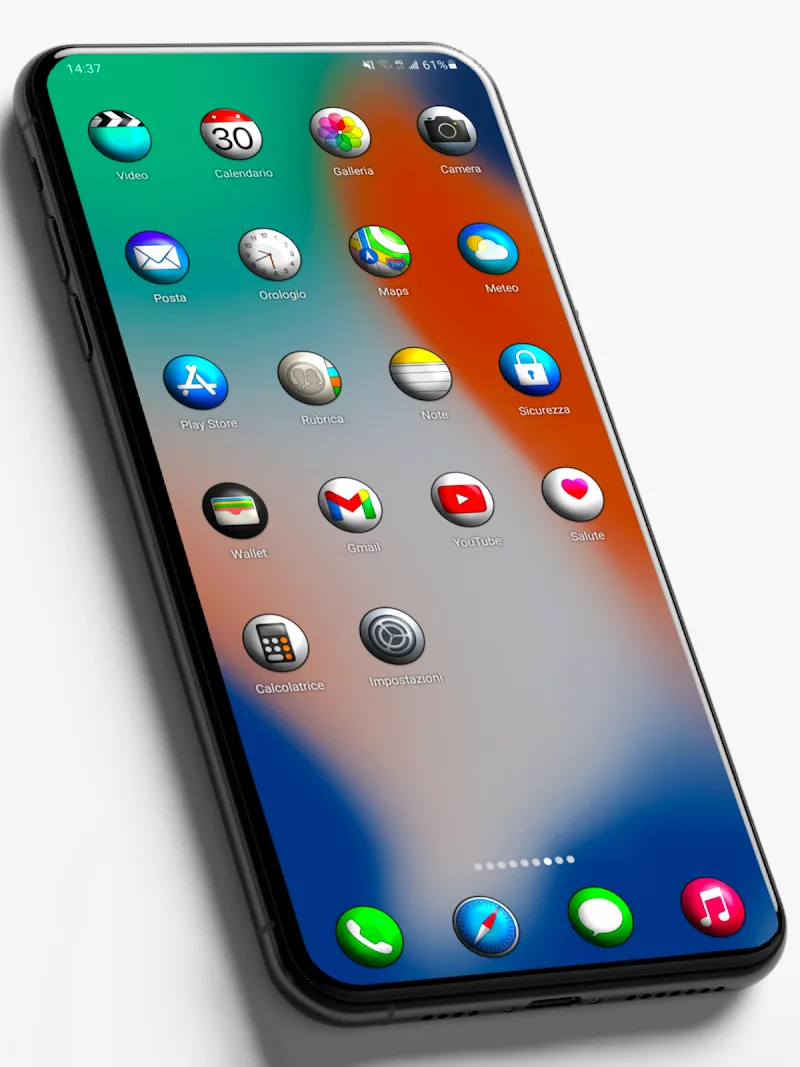
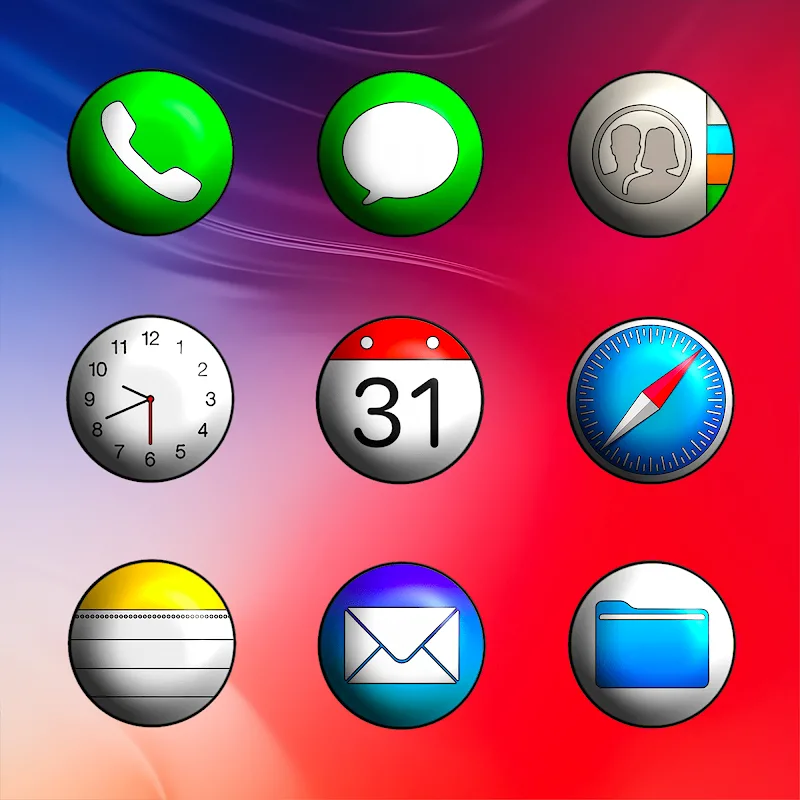
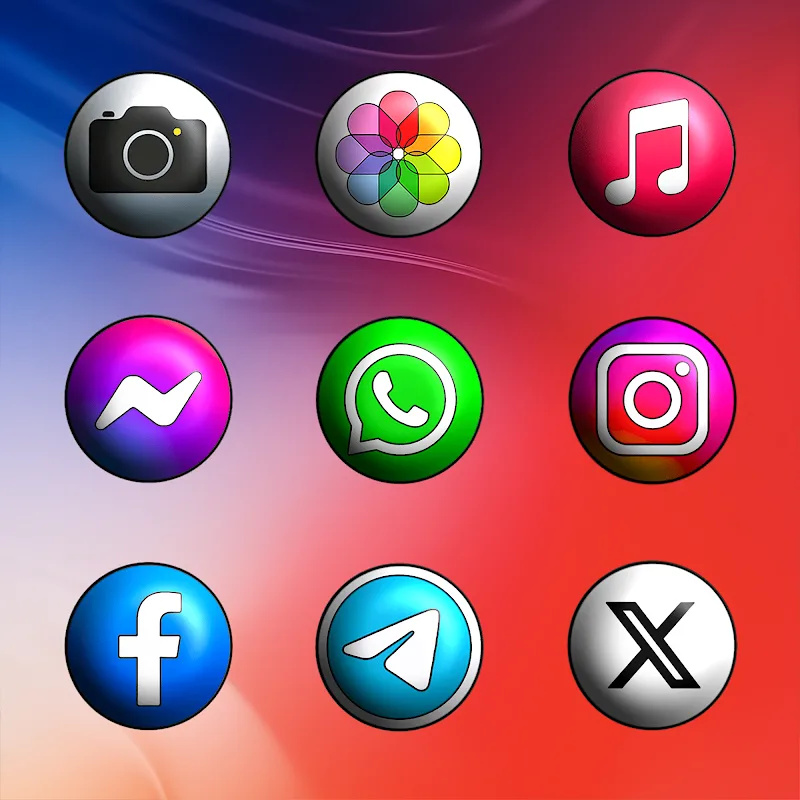
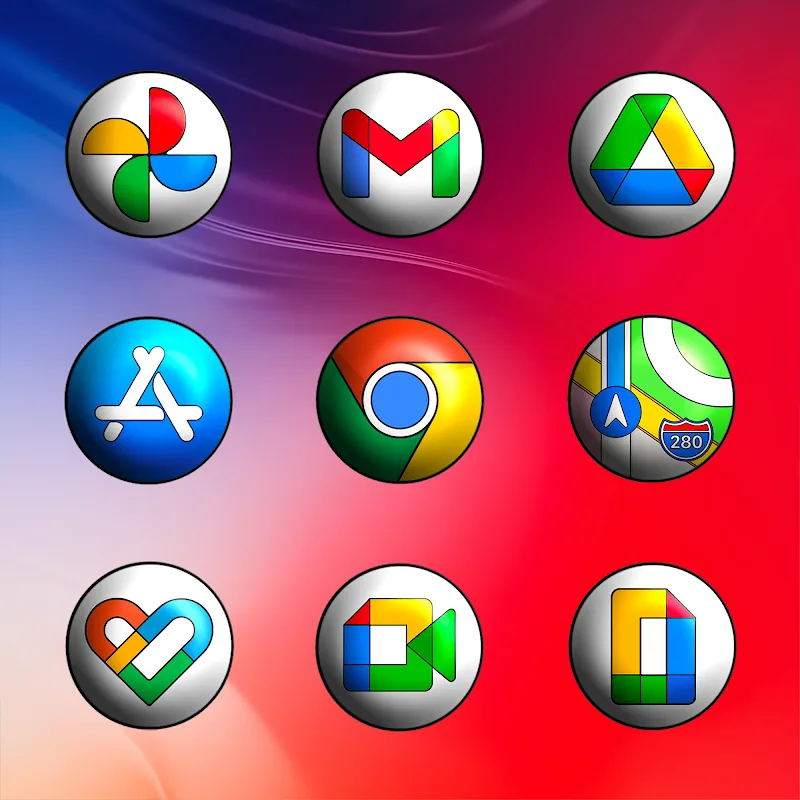
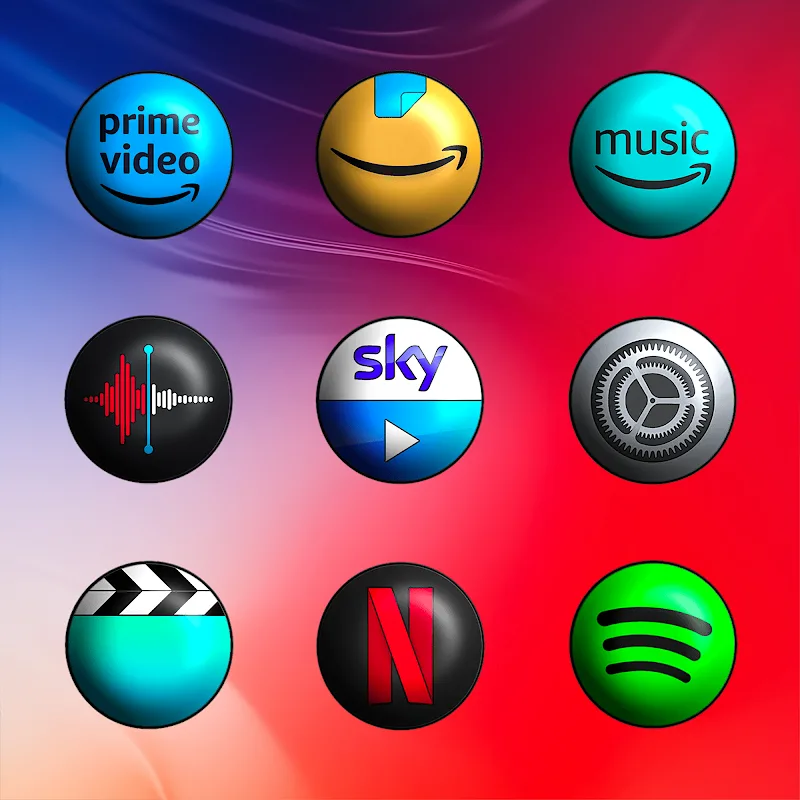
Custom icon packs and Android theming tools give your home screen an instant makeover. CRiOs Circle 3D - Icon Pack brings a polished circular look to app icons, offering high-density artwork and options to tidy up mixed icon sets. The package focuses on visual quality — refined edges, layered shading and consistent shapes — so your launcher feels cohesive. This review walks through what the pack delivers, how to apply it, and practical ways you might use it, from prepping a phone for a business demo to refreshing the look before a long trip.
High-resolution artwork: Icons are created with extra pixel detail so they appear sharp on modern screens and when displayed at larger sizes.
Consistent circular design: The set enforces a unified round shape that helps diverse app icons match and reduces visual clutter.
Automatic masking: For apps without dedicated artwork, the pack can apply a mask so icons remain aligned and uniform across your home screens.
Ongoing updates and support: The developer provides regular updates and accepts direct icon requests to expand coverage over time.
Apply via a compatible launcher: Install a launcher that supports third-party icon packs, then select CRiOs Circle 3D - Icon Pack from your launcher's theme or icon settings for quick application.
Request missing icons: If an app in your drawer keeps its original look, use the pack's direct request feature so the developer can add a matched icon in a future release.
Match wallpapers sparingly: Choose a neutral or minimal background to let the three-dimensional circular icons stand out without causing visual noise.
Practical scenarios: Use the pack to present a tidy, professional phone during meetings or to quickly refresh your device style before a holiday or long trip.
Will this icon pack work with my launcher?
Most icon packs require a launcher that supports third-party themes. Check your launcher settings or the pack description to confirm compatibility.
How do I ask for an icon if one is missing?
Open the pack's request option inside the app and submit the app name or package. The developer typically adds popular requests in subsequent updates.
Does automatic masking change original icons permanently?
Masking only affects how icons are displayed through the icon pack and your launcher; it doesn't alter the original app files on your device.
Are the icons suitable for high-resolution displays?
Yes, the artwork is produced with high pixel density so icons remain crisp on high-resolution screens.
If you enjoy a clean, unified look on Android and want a circular, three-dimensional aesthetic, CRiOs Circle 3D - Icon Pack is a practical choice that balances polish with straightforward setup. It works well for users who value visual consistency and prefer the option to request missing icons, though you will need a compatible launcher to apply it fully.