Fashion Icon Pack
Version: 1.4
96.27MB
4.5
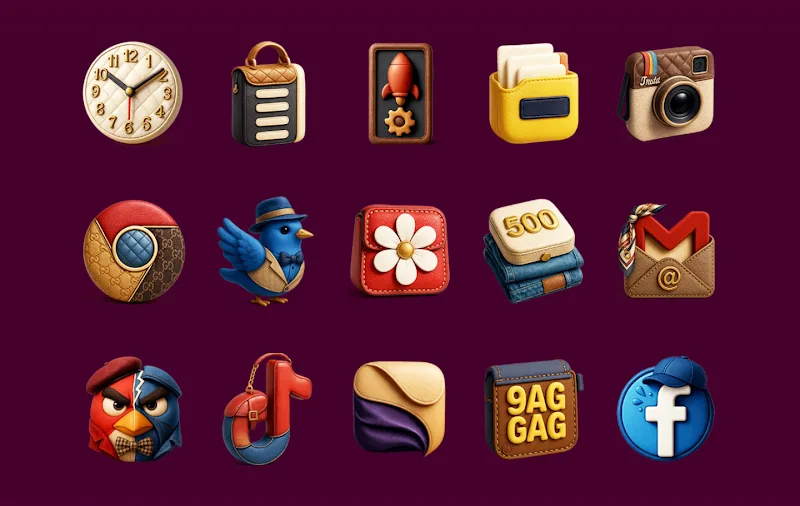
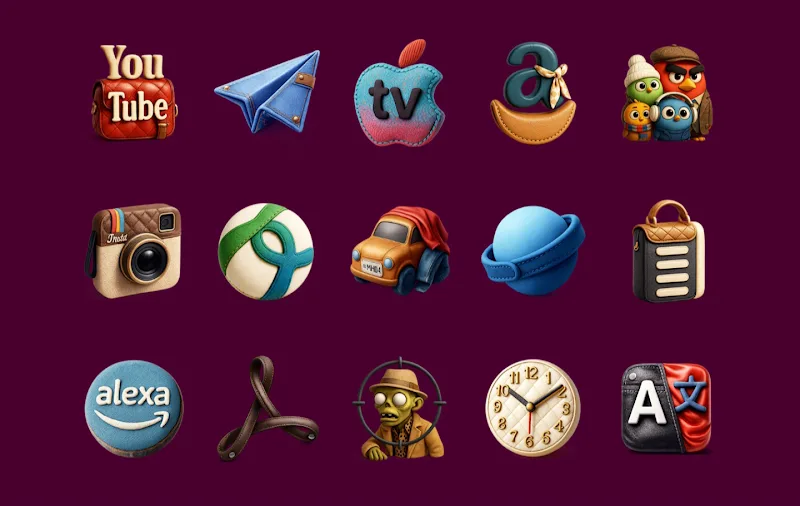
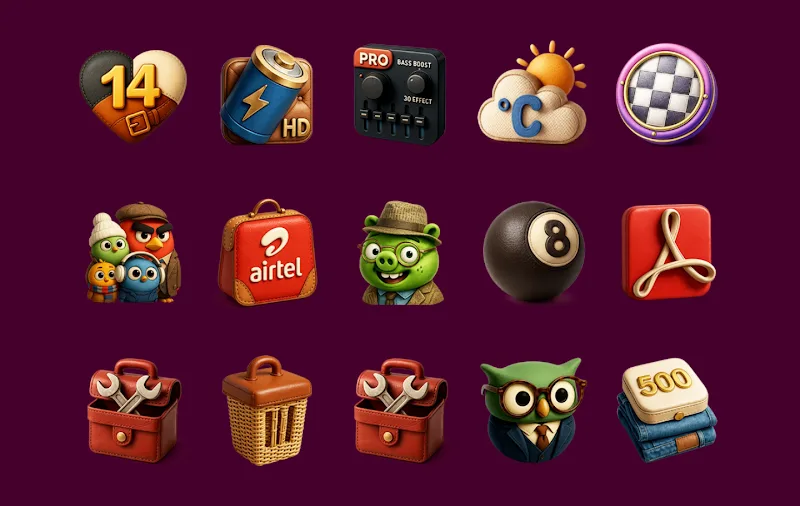
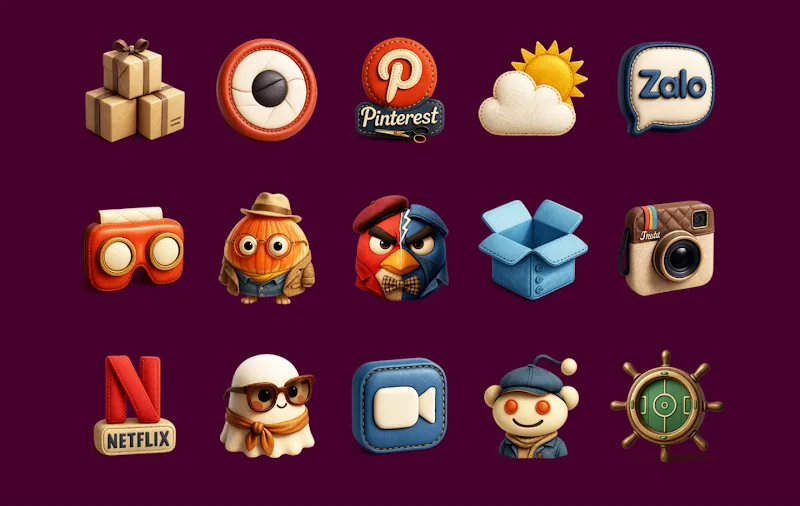
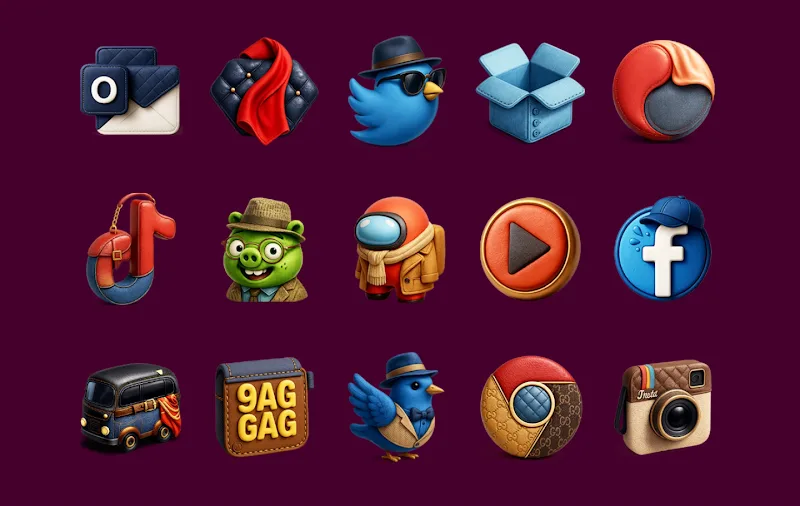
Fashion Icon Pack transforms your Android home screen with a refined collection of high-resolution icons and coordinated wallpapers. Fashion Icon Pack brings a polished visual identity to your device, combining minimalist shapes, vibrant color palettes, and adaptive icon support for a consistent, modern look across apps.
Fashion Icon Pack delivers a curated set of thousands of icons, each crafted with attention to detail and scalable vector artwork. The package includes multiple styles, from muted pastels to bold monochrome sets, enabling a cohesive aesthetic without compromising legibility. Icons are regularly updated to cover new apps and system changes.
Every icon in Fashion Icon Pack is designed as a crisp vector asset, ensuring sharpness on any screen density. The set supports adaptive icon masks so icons fit naturally with your launcher’s shape rules. Designers focused on balance: clear glyphs, consistent stroke weights, and subtle shadowing create a premium, fashion-forward appearance.
Fashion Icon Pack works with the most popular Android launchers and customization tools. Compatibility includes Nova, Lawnchair, Action Launcher, Smart Launcher, and many others. The pack also supports icon request systems to add missing app icons, and it integrates easily with third-party wallpaper apps to complete your themed setup.
Applying Fashion Icon Pack is straightforward. Open your launcher’s theme or icon settings, select Fashion Icon Pack from the list, and choose whether to apply the full set or customize per-app icons. For launchers without direct support, the pack includes instructions to apply icons via built-in shortcuts or third-party utilities.
Beyond swapping icons, Fashion Icon Pack includes coordinated wallpapers and accent color options to match the icon palette. Users can mix and match icon styles, apply alternate glyph variants, or enable a uniform background tint. The pack also provides a mask and size adjustment to align with different launcher requirements.
Lightweight and optimized, Fashion Icon Pack minimizes battery and memory impact since icons are static resources rather than live widgets. Vector-based files reduce APK size while preserving clarity on high-resolution displays. Updates are delivered efficiently, focusing on new icons and refinements rather than large asset downloads.
To keep coverage current, Fashion Icon Pack includes an in-app request tool so users can submit icons for unsupported apps. Regular update cycles incorporate community feedback, ensuring the icon library stays relevant as new apps appear and existing app icons change.
Fashion Icon Pack balances aesthetics with accessibility: icons maintain high contrast and clear silhouettes to improve recognition. The pack respects Android accessibility settings, and designers considered color-blind-friendly palettes to avoid reliance on subtle hue differences alone.
For users who care about a cohesive and up-to-date look, Fashion Icon Pack offers a professional toolkit to elevate any Android setup. Whether you prefer understated elegance or a more vibrant, fashion-forward approach, the pack provides flexible options and ongoing updates to keep your device looking current.
Install Fashion Icon Pack from your app store, open the app to browse available styles and wallpapers, then follow the simple apply guide for your launcher. Use the built-in request and update features to keep icons complete and synchronized with your favorite apps.