Radient Icons
Version: 5.5
138.90MB
4.4
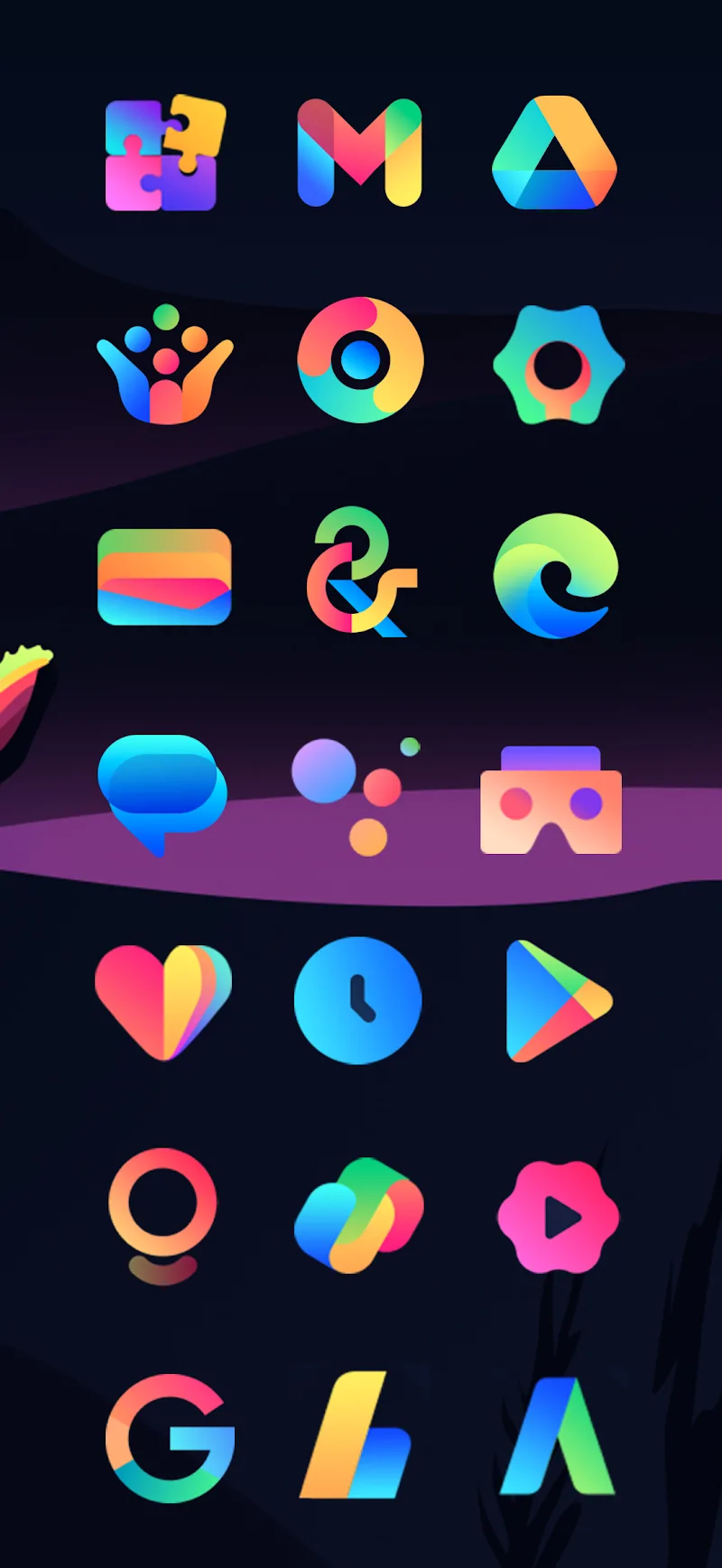
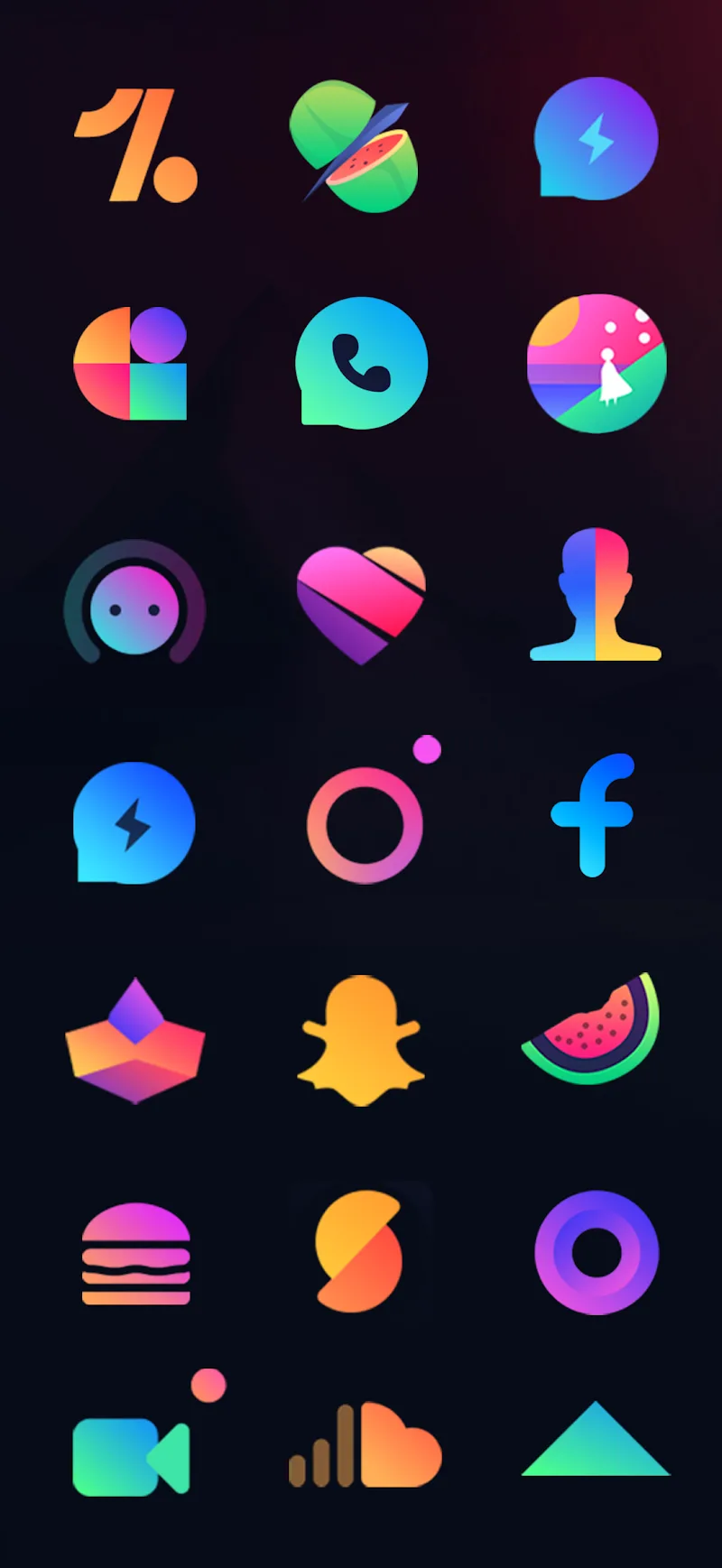
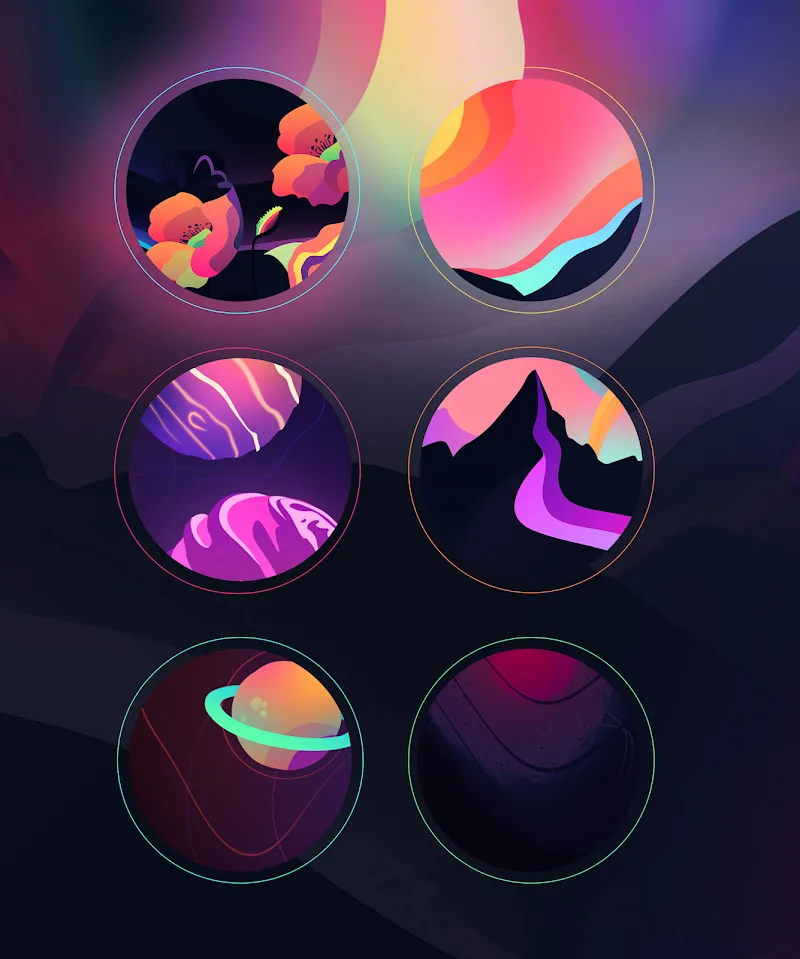
Radient Icons gives your Android device a cohesive, color-rich look with thousands of high-quality icons and matching wallpapers in a lightweight package. Designed for speed and broad launcher support, Radient Icons replaces inconsistent app art with a unified aesthetic while keeping performance and battery impact minimal.
Radient Icons is an icon pack built for users who want a consistent visual language across home screens. The app provides a large library of hand-crafted icons, multiple wallpaper sets, and an easy-to-use dashboard to apply themes. Icons aim for clarity at various sizes and include adaptive variants for modern Android versions.
The art direction favors bold colors, subtle gradients, and clean geometric shapes that make apps readable at a glance. Each icon follows a coherent grid and shadow style to maintain balance across different app brands. Backgrounds and wallpapers are curated to complement the icon palette, offering both minimal and vibrant options so you can match mood or seasonal themes.
Radient Icons supports a wide range of third-party launchers including Nova, Lawnchair, Action Launcher, and many others. Adaptive icon support ensures compatibility with Android 8.0+ systems, while legacy masking helps older launchers display icons smoothly. The app includes an icon request tool to add missing icons over time and works with popular custom launchers through the built-in apply menu.
Getting started is straightforward. Open the Radient Icons dashboard to preview icons, browse wallpapers, and apply the pack with a single tap. Users can choose automatic apply for supported launchers or follow manual instructions provided in-app. An integrated search helps find an app icon quickly, and the calendar icons update dynamically with system date where supported.
Beyond applying a global icon theme, Radient Icons includes options to mix and match styles. You can request alternate icons for specific apps, backup your preferences, or export a list of applied icons. The dashboard also offers quick shortcuts for creating themed folders and pairing wallpaper sets with icon groups for a consistent look across pages.
Performance was a priority during development: the icon pack itself is compact, consumes minimal RAM, and does not run persistent background services. Icon rendering is handled by the launcher, so battery impact is negligible compared with live wallpapers or widgets. Updates are delivered as lightweight packages that add icons and refinements without inflating storage use.
The developer behind Radient Icons issues frequent updates to expand icon coverage and refine artwork. A straightforward request process in the app lets users submit missing icons with a single tap. Documentation inside the dashboard covers installation steps for less common launchers, and the support channel is available for troubleshooting or compatibility questions.
If you enjoy personalizing your Android device and want an approachable but polished aesthetic, Radient Icons is a practical choice. It suits users who value a consistent interface without sacrificing speed, and designers who appreciate thoughtfully produced iconography will find the attention to detail useful.
Radient Icons balances artistic quality with practical considerations like compatibility and performance. With a clean dashboard, ongoing support, and responsive design, the pack makes it simple to transform a cluttered home screen into a unified, attractive experience that stays light on system resources.