Screen Color Filter
Version: 6.16.0
14.82MB
4.2
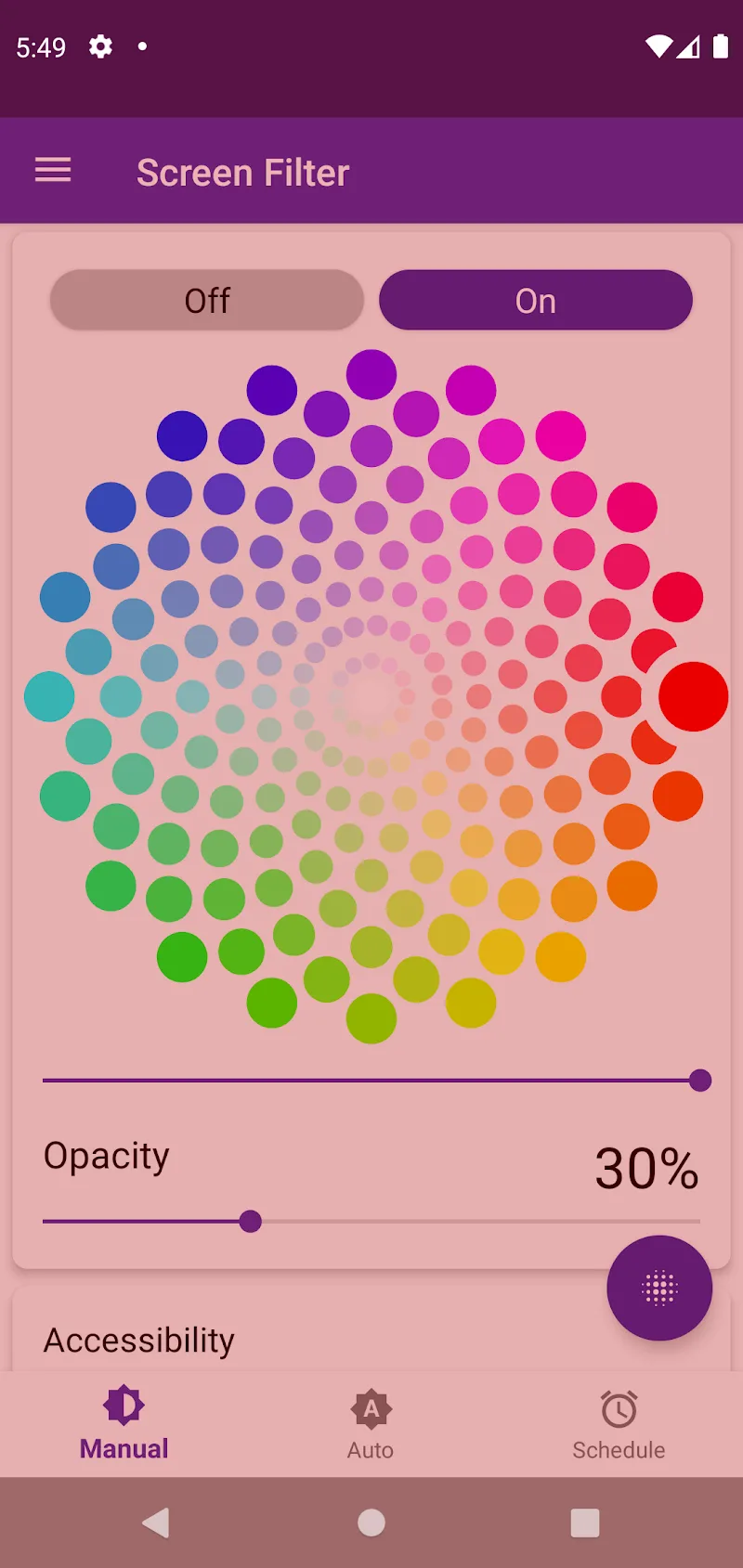
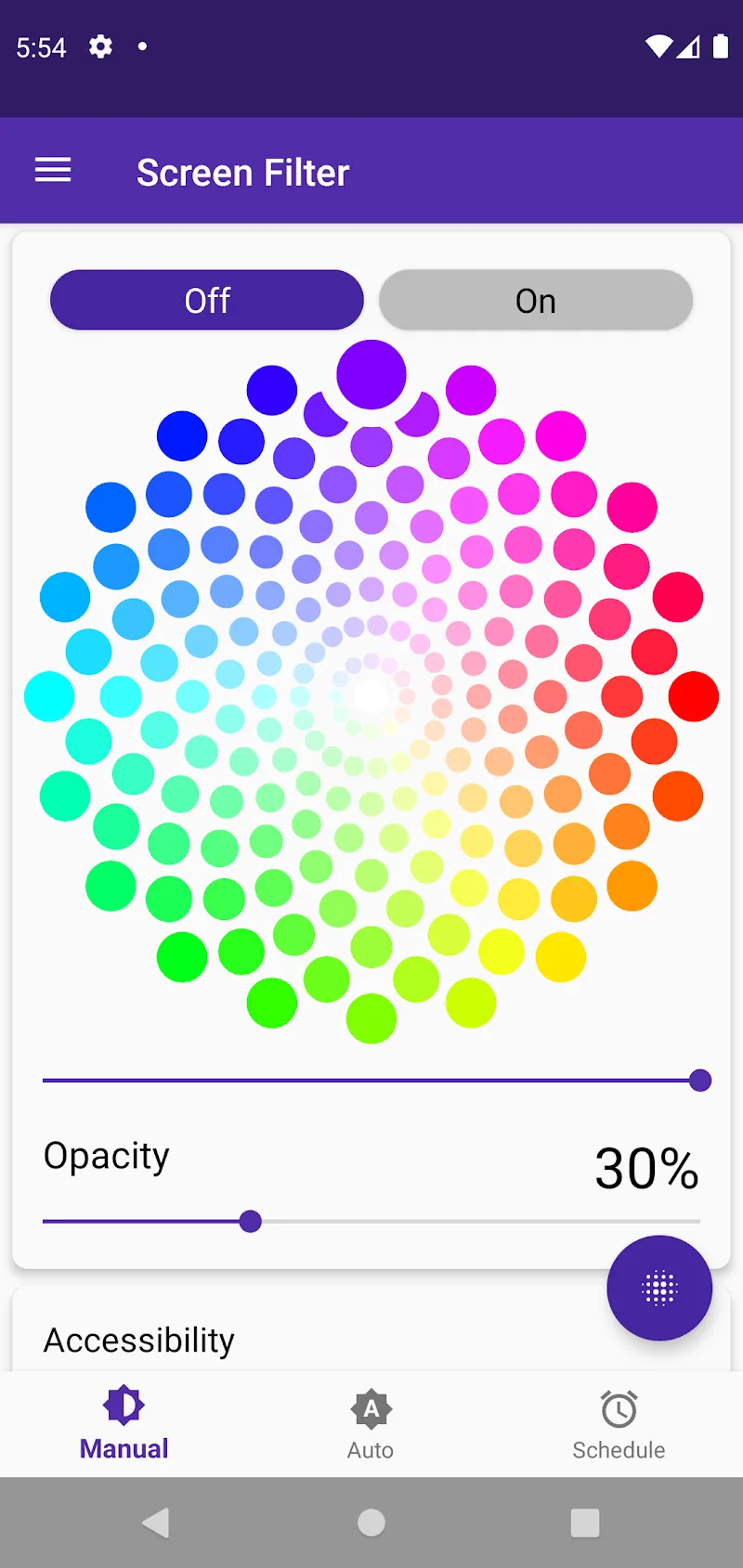
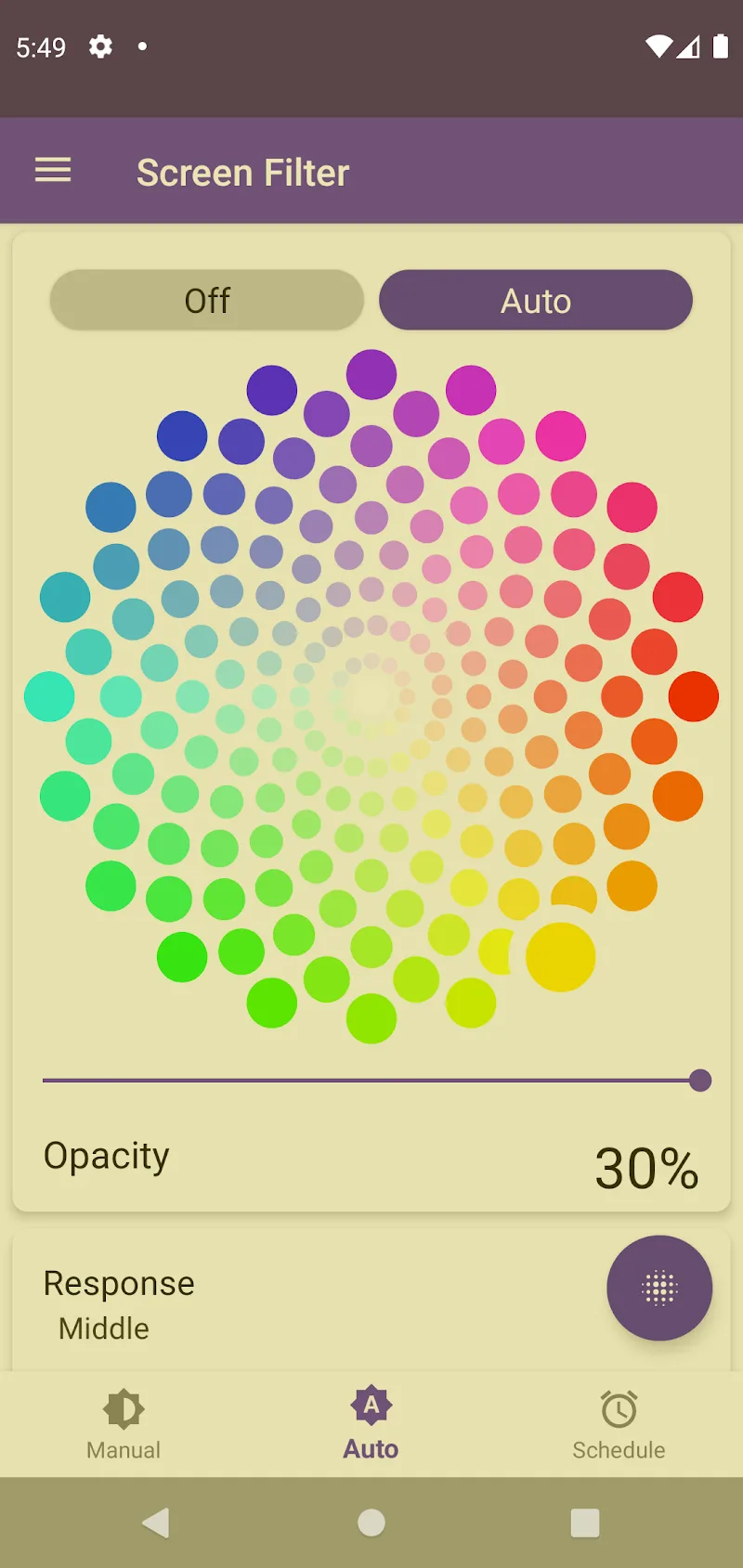
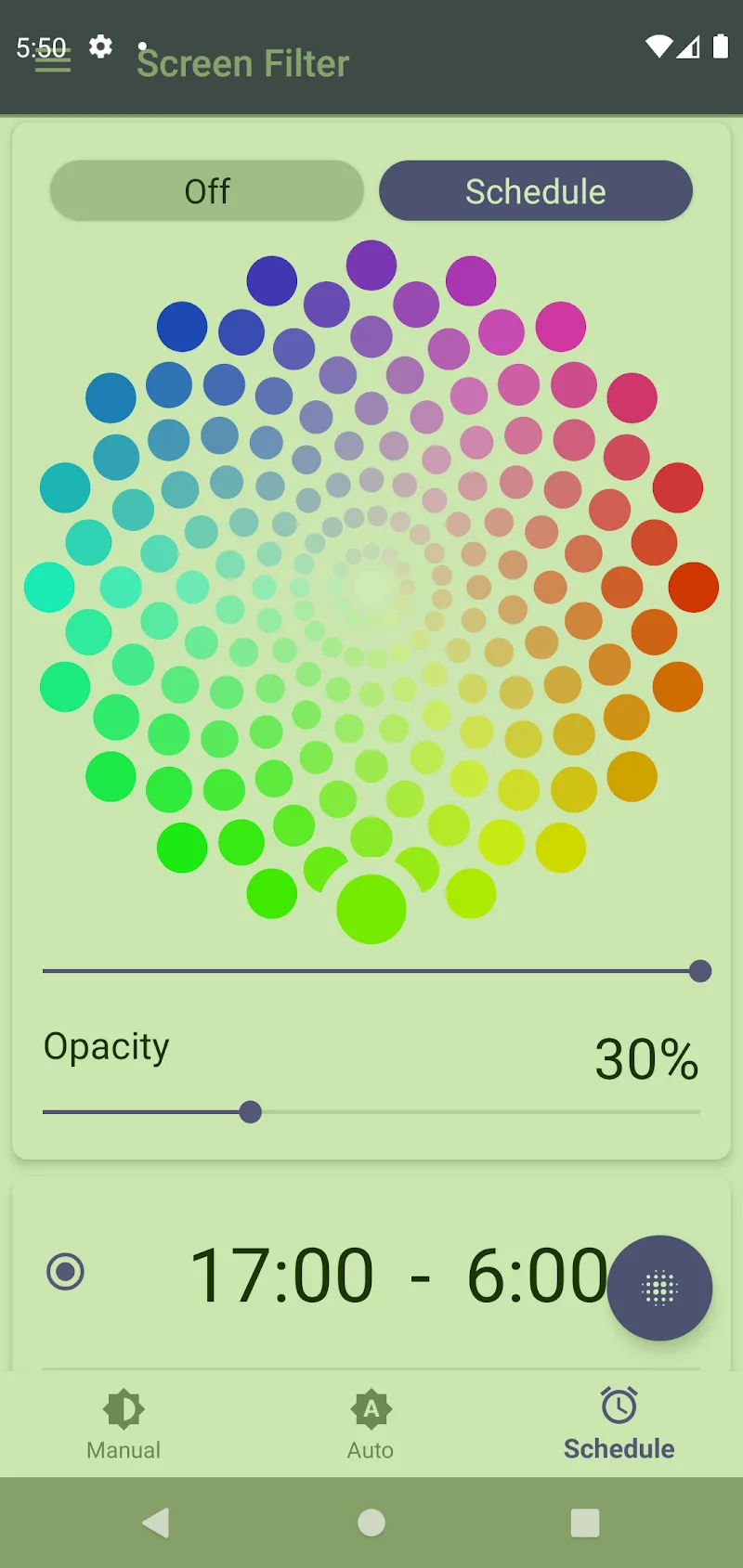
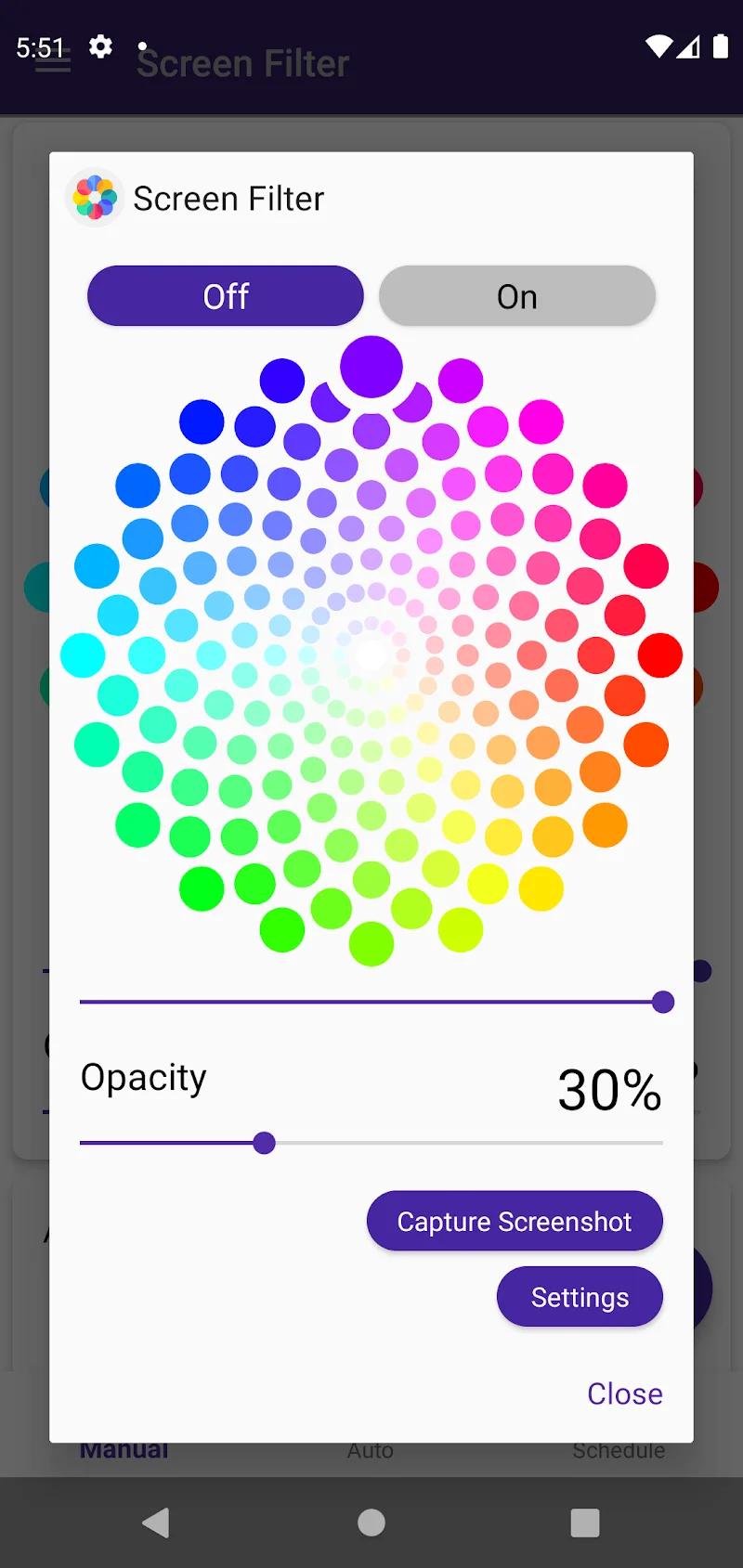
Screen Color Filter is a compact utility that helps reduce eye strain and improve comfort when using your Android device in dim or changing light. From gentle blue light reduction to fine-grain color balancing, Screen Color Filter runs on-device and gives you control over tint, warmth and perceived brightness so reading, browsing and late-night tasks feel less tiring without complex menus.
After installing, grant the overlay permission so the filter can be applied across apps; this single permission enables system-wide tinting without modifying your display settings. The app opens to a simple control surface where you can choose a ready-made preset or unlock sliders for custom adjustments. Turning the filter on and off is possible from a persistent notification or from a quick toggle inside the app, and you can create a schedule so the app activates automatically at sunset and returns to neutral at sunrise or at times you choose.
The main controls include intensity, color temperature and a hue slider to nudge the screen toward warmer or cooler tones. Each control works in small increments for precise results and responds immediately so you can judge changes in real time. Presets provide sensible defaults for reading, night mode and video viewing, and custom profiles can be saved and renamed. Profiles act like a lightweight progression system: start with gentle settings, tweak them over a few nights, then keep the ones that work best for different activities.
Screen Color Filter supports scheduled transitions so your screen can shift through multiple profiles automatically as light changes. For example, you might use a bright daytime preset for outdoor reading, an evening preset with reduced blue light for e-books, and a warmer low-intensity preset for late-night browsing. Scheduling helps avoid manual adjustments and preserves the visual continuity of your workflow throughout the day.
The core feature is selective blue light reduction, implemented as an overlay that softens short-wavelength light while preserving readability. Color balancing smooths areas of high contrast so text and UI elements appear less glaring without making colors completely inaccurate. The visual style produced by the filter is intentionally subtle: it prioritizes legibility and reduced glare over color-perfect reproduction, which is worth remembering if you work on photo editing or color-sensitive tasks.
Screen Color Filter is designed to be lightweight and run continuously with minimal battery impact. All processing is done on-device; no internet connection is required for core functionality, presets or scheduled profiles. Because the app uses an overlay rather than screen compositing that taxes the GPU, it remains responsive on a wide range of devices and works well for users who need a reliable offline tool.
The app supports easy readability improvements for users with light sensitivity and those who prefer high-contrast or low-glare displays. Text remains selectable and app interactions are unaffected by the overlay. Controls are large enough to use one-handed, and the notification toggle provides quick access without reopening the main interface. Small touches like previewing a new profile before saving help reduce trial-and-error adjustments for people who rely on predictable screen behavior.
Use the filter on long flights to reduce glare during movies, switch to a warm reading preset before bed to limit sleep-disrupting blue light, or enable a neutral profile while giving a presentation so viewers see accurate slides. Because you can save multiple profiles and switch between them instantly, the app maintains strong day-to-day value instead of being a one-time tweak.
While Screen Color Filter is effective at reducing eye strain, any overlay will slightly alter color accuracy, which may be noticeable when editing photos or color-critical tasks. The overlay permission is necessary for system-wide operation; granting it improves functionality but should be considered before installing. Otherwise, the app offers a straightforward, low-friction way to make long screen sessions more comfortable.
Overall, Screen Color Filter provides practical customization, reliable scheduling and simple controls that suit users who want a softer, more comfortable screen without complicated settings. Try different presets and save the ones that fit your routine to get a quieter, easier-to-read display through every part of your day.