Pixly Material You - Icon Pack
Version: 3.6
126.40MB
4.4
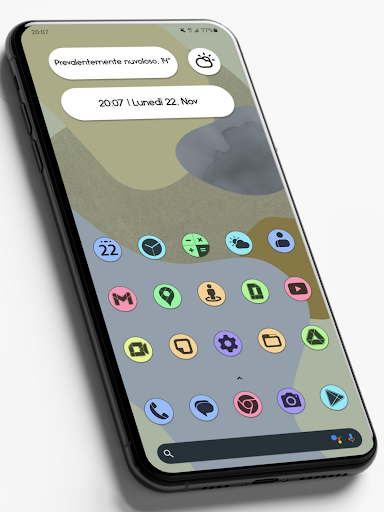
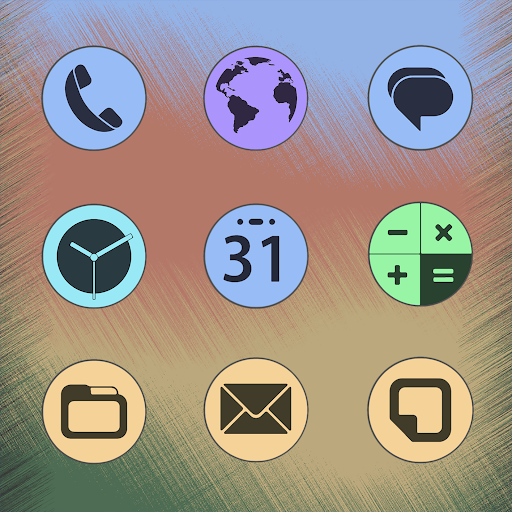
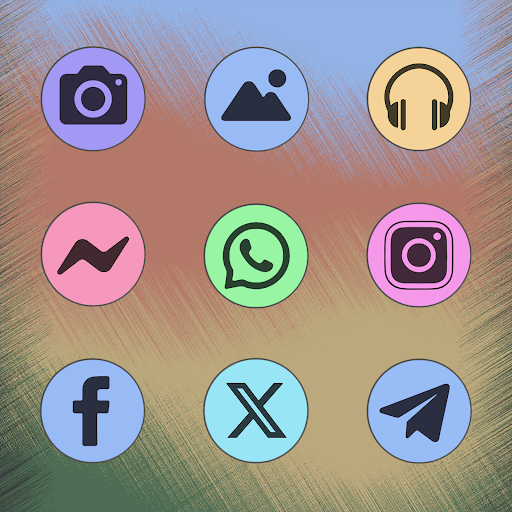
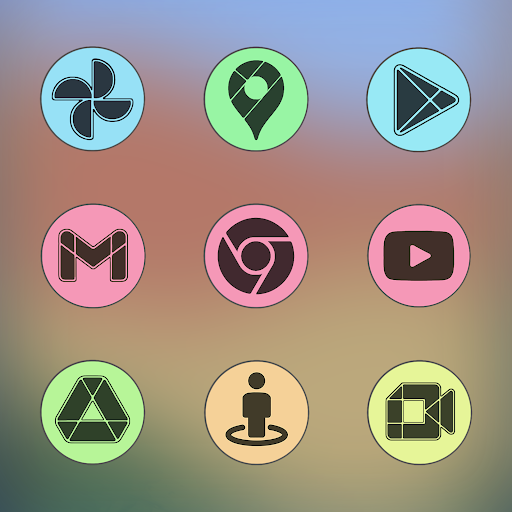
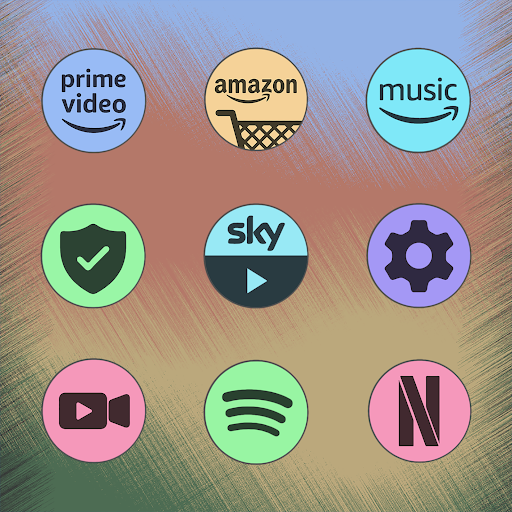
Pixly Material You - Icon Pack transforms your Android home screen with cohesive, adaptive icons inspired by Material You design. It provides a wide selection of themed icons, dynamic color matching, and high-resolution artwork for a polished, consistent look across launchers while keeping performance light and battery-friendly.
Pixly Material You - Icon Pack is an icon collection built for users who want a modern, unified aesthetic on their phones. Rather than changing widgets or wallpapers, this pack focuses on iconography: rounded shapes, subtle shadows, and color accents that follow the Android Material You palette. It targets both visual consistency and minimal impact on system resources.
The pack installs like a standard icon theme and connects to popular third-party launchers such as Nova, Lawnchair, and Action Launcher. After applying the theme through your launcher’s settings, icons are replaced automatically. Many launchers also support adaptive icon masking and color overlays, which Pixly Material You leverages to ensure each icon fits the overall look.
Customization is simple but flexible. The app lets you apply a global icon set, choose alternative icons for individual apps, and enable or disable dynamic coloring. You can also export icon combinations or restore defaults if you want to revert changes. Those who like manual tuning will appreciate the ability to mix masked icons with full custom designs.
Design emphasis is on lightweight performance. Pixly Material You - Icon Pack stores assets efficiently so it won’t slow down your launcher or drain the battery. The interface within the icon pack app is straightforward: a preview grid, search bar, and the request tool are all a tap away. Updates are delivered through the Play Store or APK updates, depending on how you installed the pack.
If you’re new to icon packs, start by installing a compatible launcher, then apply the Pixly Material You - Icon Pack from the launcher’s theme or icon settings. If a particular app still looks out of place, open the icon pack app, search for that app, and choose a suggested icon manually. Regularly check for updates to keep icon coverage current.
Users appreciate Pixly Material You - Icon Pack for its balance between aesthetics and simplicity. It doesn’t try to reinvent Android’s visual language; instead, it refines it. The adaptive coloring, clean icon shapes, and regular updates deliver a polished, consistent home screen without demanding advanced configuration.
After applying the pack, spend a few minutes fine-tuning individual icons and folder styles. That small investment makes the overall theme feel bespoke. For power users, combining the icon pack with a custom launcher grid and gesture controls yields a highly personalized and efficient home screen setup.
Pixly Material You - Icon Pack is a practical choice if you want a contemporary, unified look on Android with minimal fuss. The pack’s thoughtful design, frequent updates, and sensible feature set make it a dependable option for anyone aiming to refresh their device’s visual identity.