Grafika
Version: 3.5.2
9.80MB
4
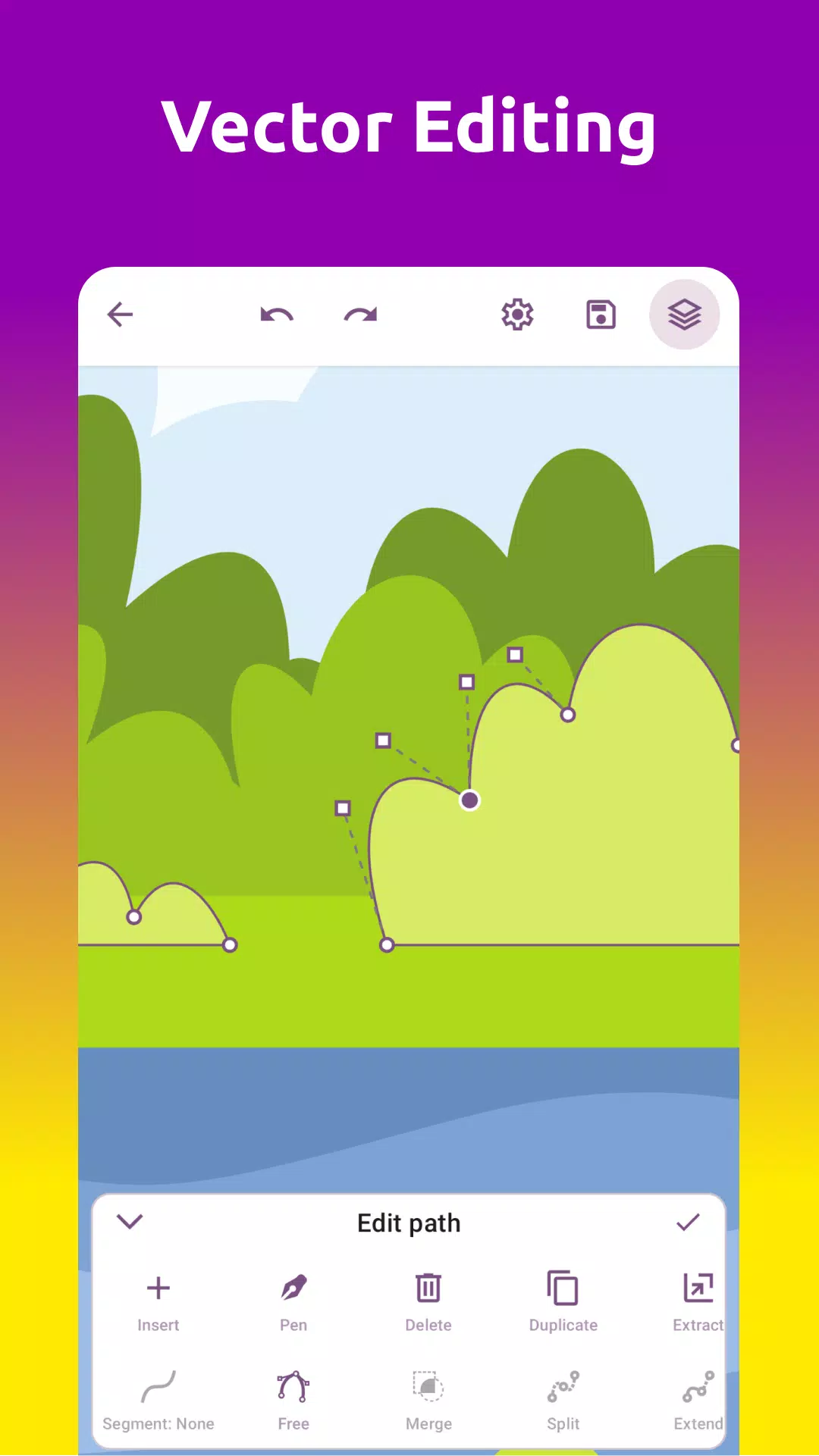
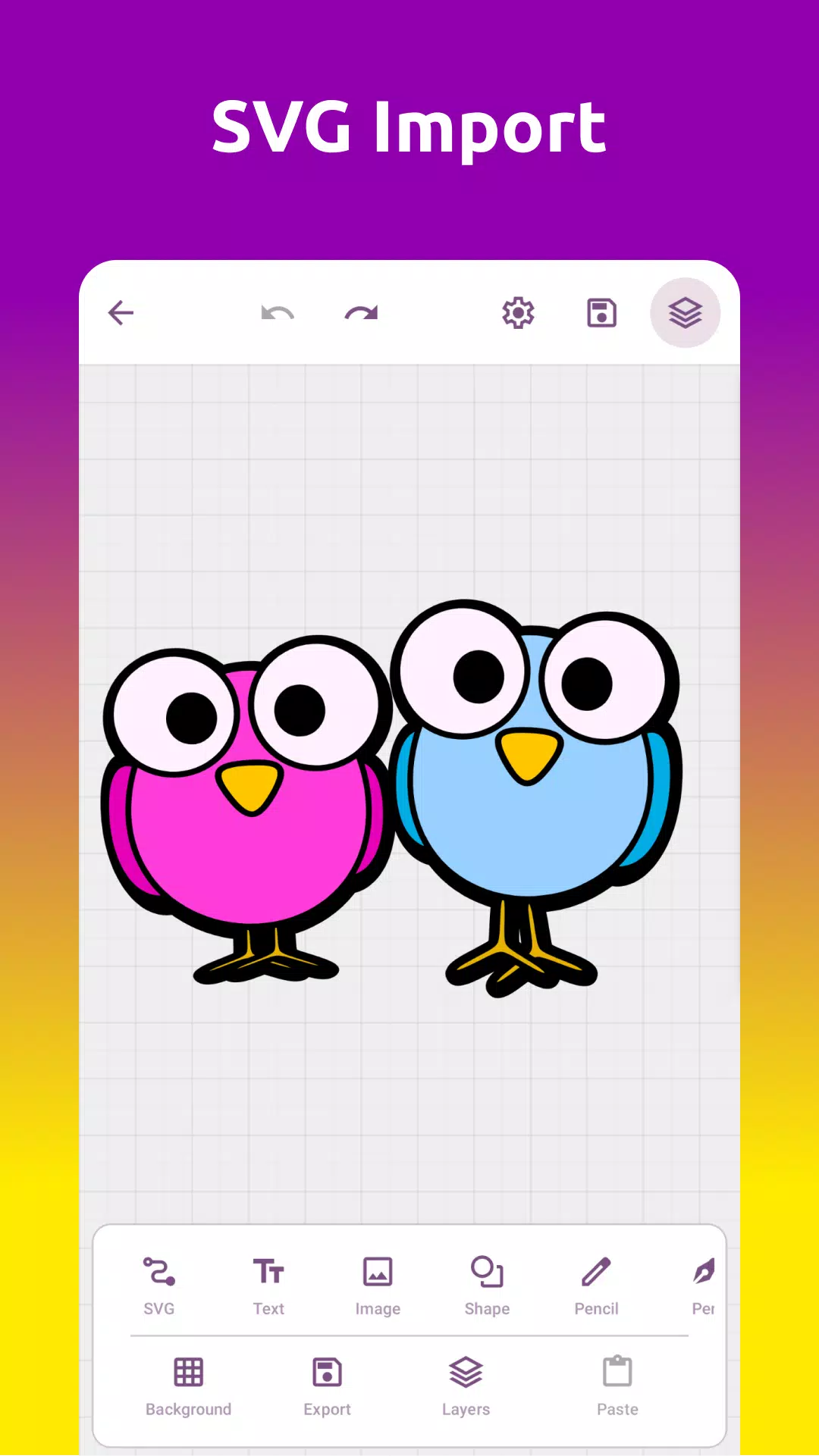
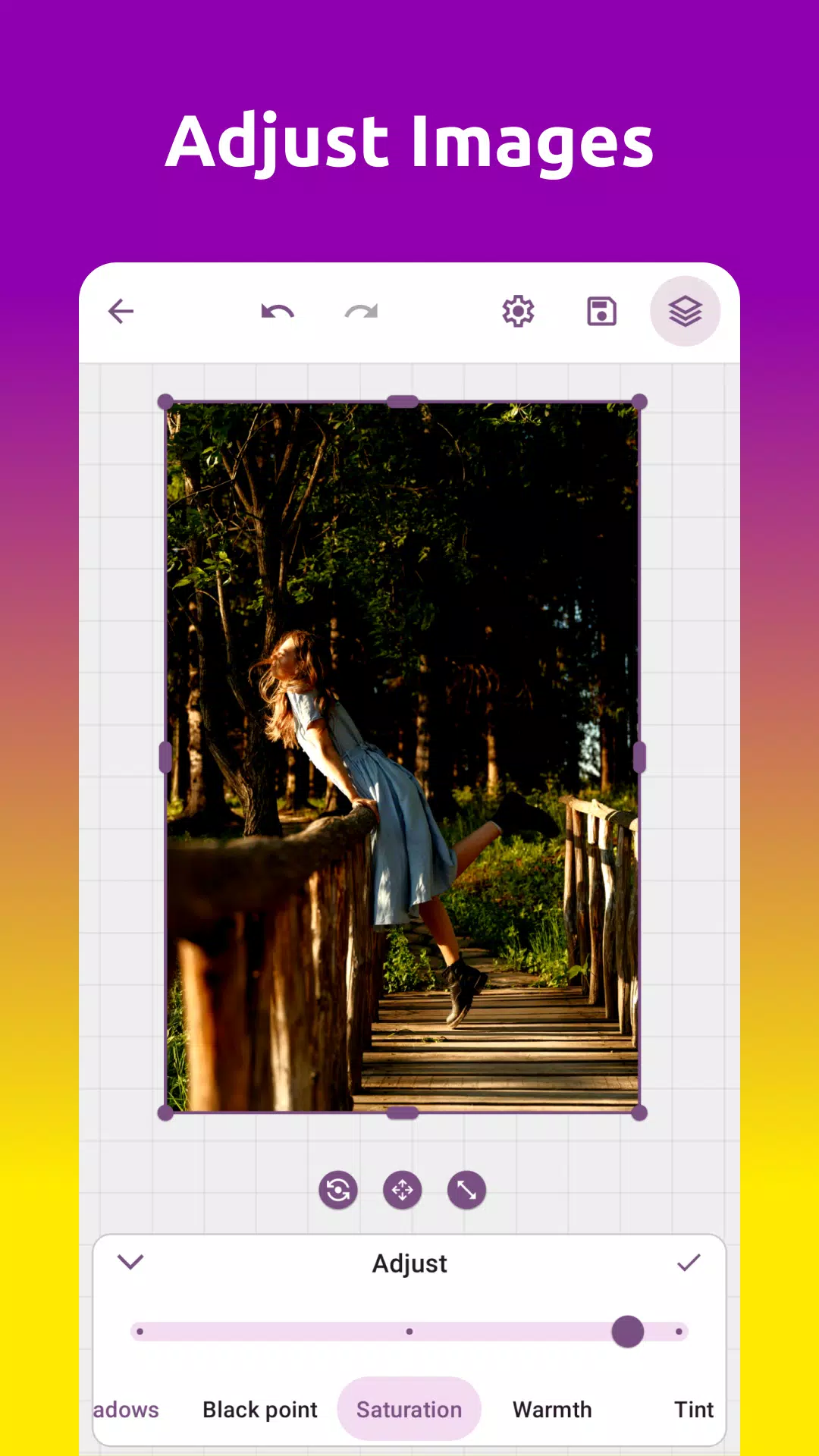
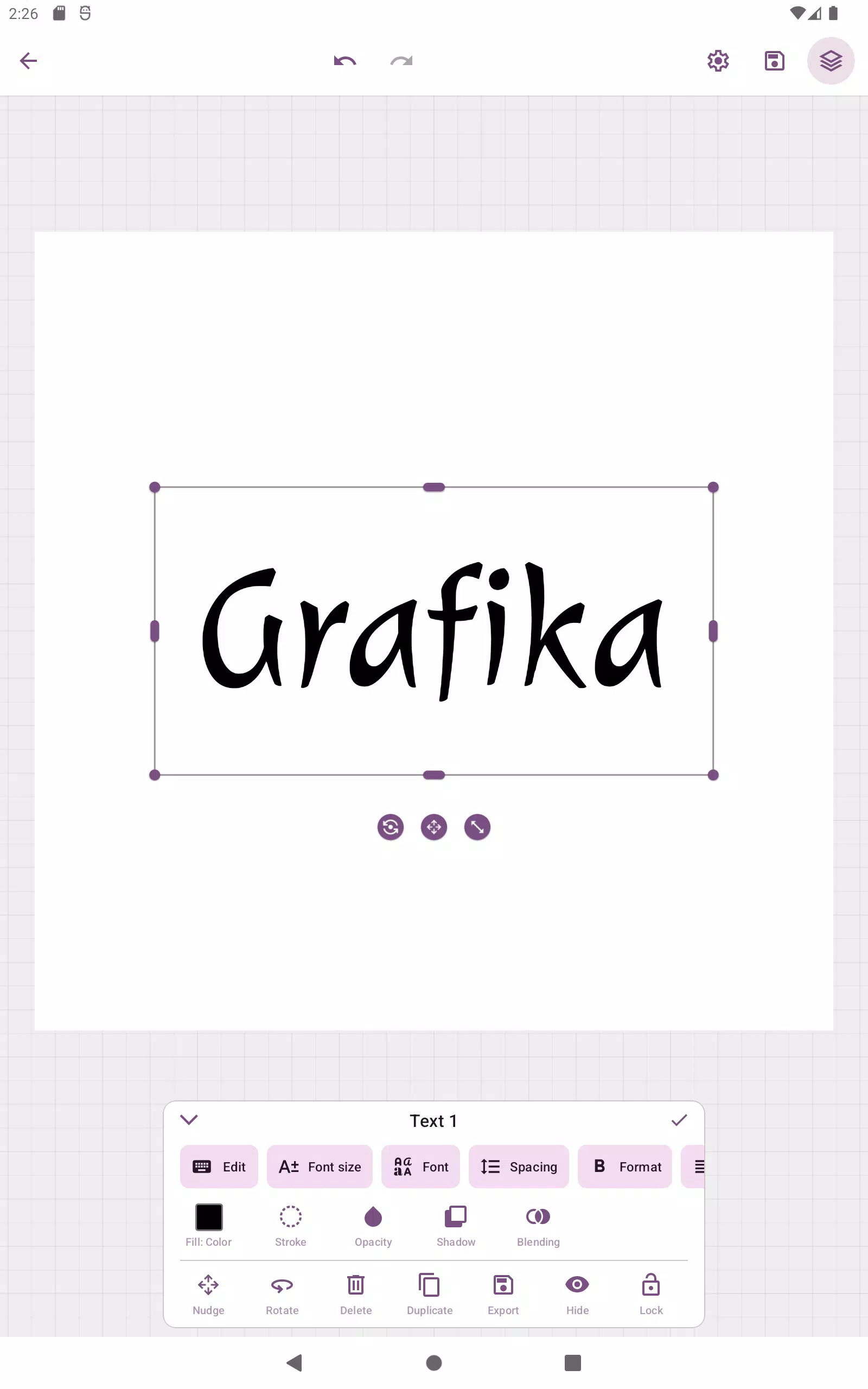
Grafika brings desktop-quality vector and raster editing into a mobile app, designed to let you create logos, illustrations and photo layouts directly on your phone. The app emphasizes a non-destructive SVG workflow so you can import, edit and re-export vector files without losing structure, while also offering layered raster editing for combined projects. If you work frequently with text, shapes or image composites, Grafika provides an environment that balances precision and immediacy: an infinite canvas, unlimited layers and an unlimited history let you iterate quickly and recover earlier versions of your work.
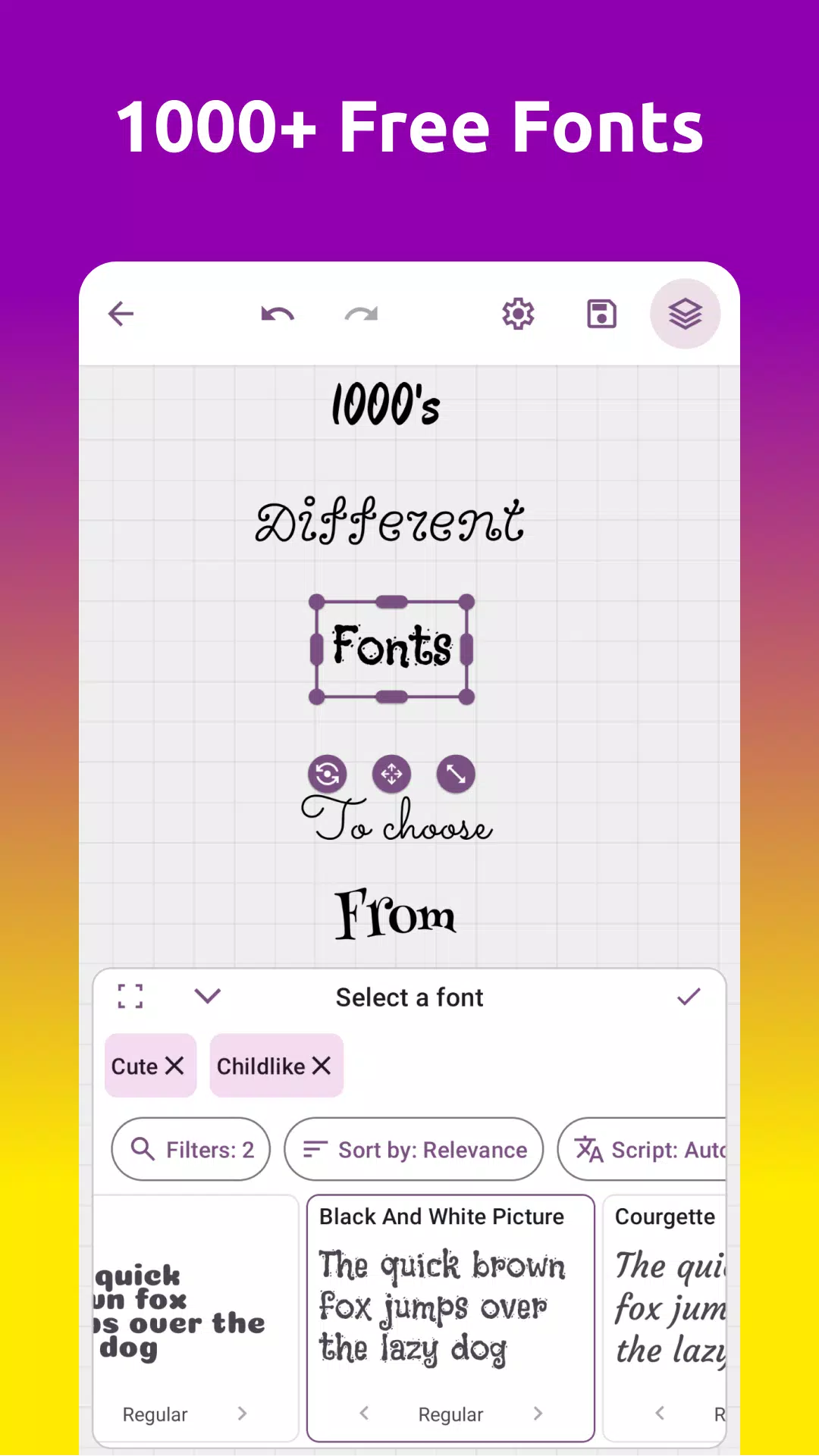
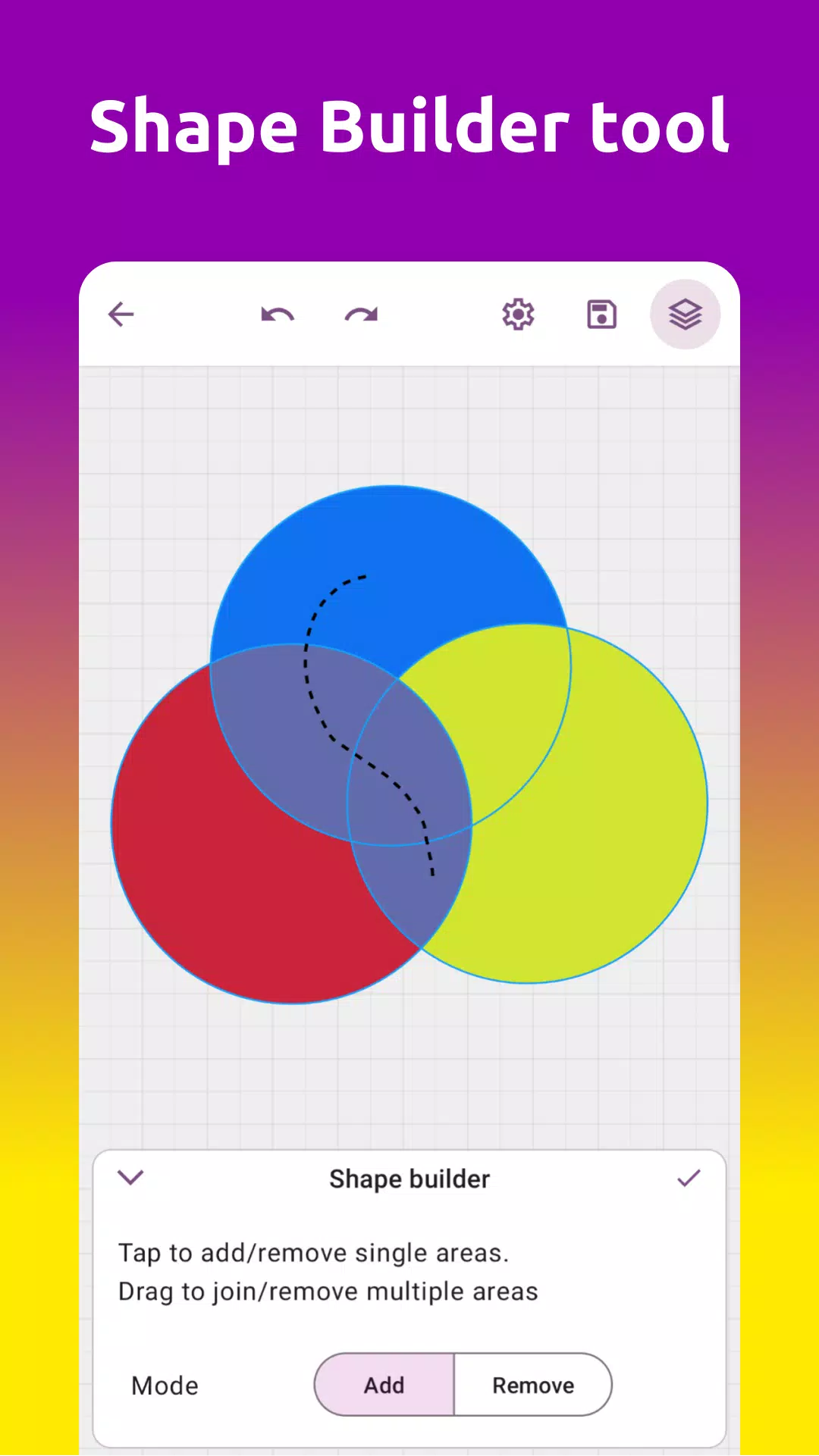
Grafika combines classic vector tools such as pen and bezier curve editors, boolean operations and a Shape Builder with raster conveniences like image import and pixel export. The vector engine preserves SVG structure and edits are non-destructive, so common tasks like adjusting typography, reflowing shapes or changing gradients remain editable after import. You can apply masks, blend modes and shadow effects, use thousands of fonts for typographic work, and export finished pieces to PNG, SVG, JPEG or WEBP. Color selection is flexible thanks to four color pickers that help you match exact hues for branding or illustration work.
The app is optimized for touch-first interaction: common gestures such as pinch-to-zoom and pan make navigating the infinite canvas intuitive, while selection and transform handles let you move and scale objects precisely. The editing workflow centers on layers and history rather than modal dialogs, so you can experiment freely with autosave and unlimited undo/redo steps. Drawing tools include both freehand and point-based bezier controls to suit quick sketches and detailed vector tracing alike. Logical tool grouping and contextual toolbars reduce clutter while keeping advanced operations accessible when you need them.
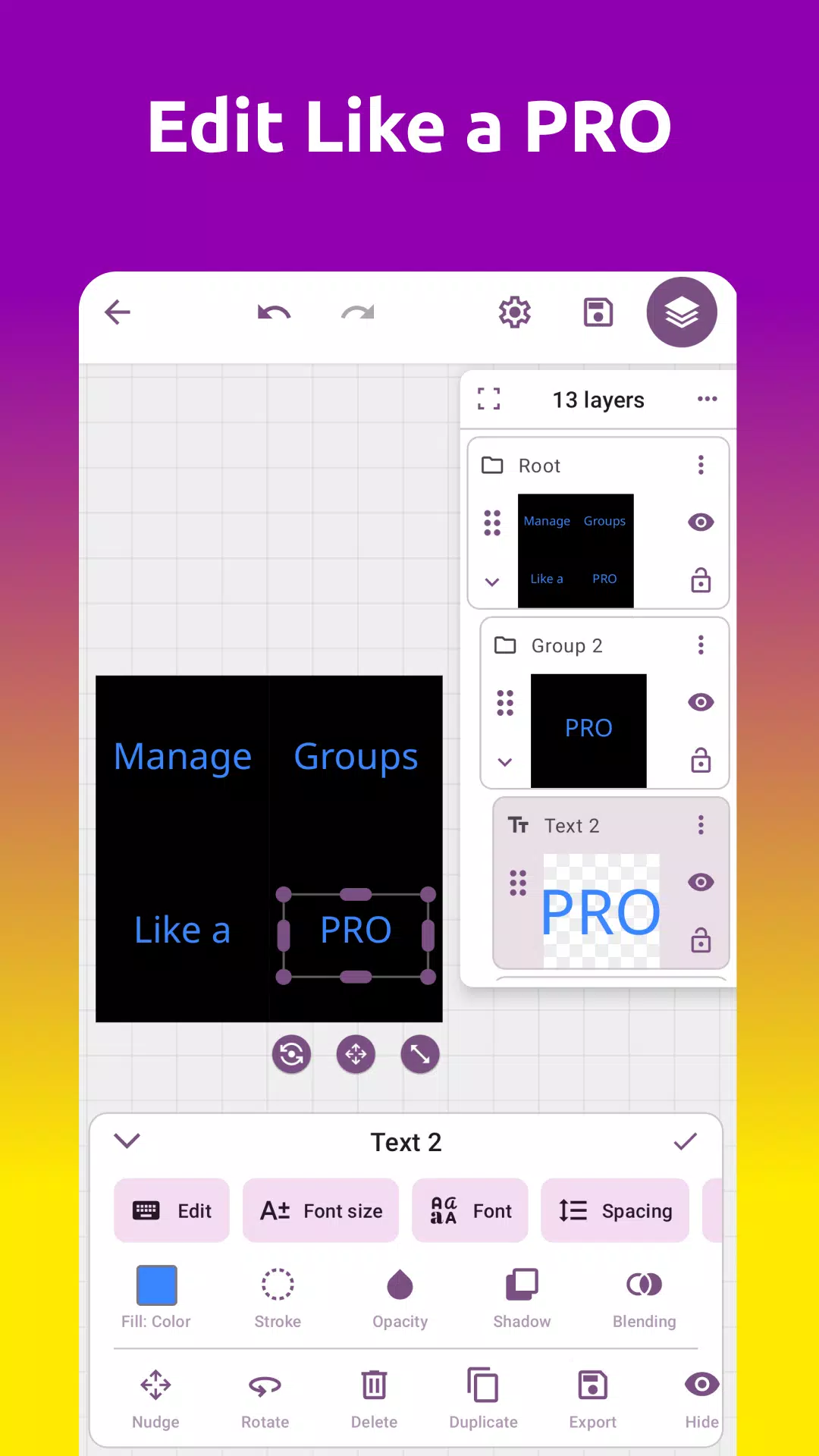
Projects in Grafika are organized around an unlimited layer stack with grouping and reordering capabilities that mirror desktop design apps. This structure supports a natural progression from simple edits to complex compositions: start with primitives and text blocks, nest shapes and masks as you refine, and use boolean operations to create compound paths. The unlimited history encourages iterative learning, where each saved state can be revisited, compared and branched into new variations without losing earlier work. Over time you build a personal workflow for recurring tasks like logo iterations, social media assets or multi-layer illustrations.
The visual output you can achieve ranges from crisp, flat vector icons to richly shaded illustrations with gradients and shadows. Grafika’s gradient and shadow tools are designed for speed and clarity, letting you apply consistent visual language across a project. When your design is ready, export options include lossless vector SVG for scalability and common raster formats for web and print. Color pickers and export previews help you confirm visual fidelity and file size before saving or sharing assets externally.
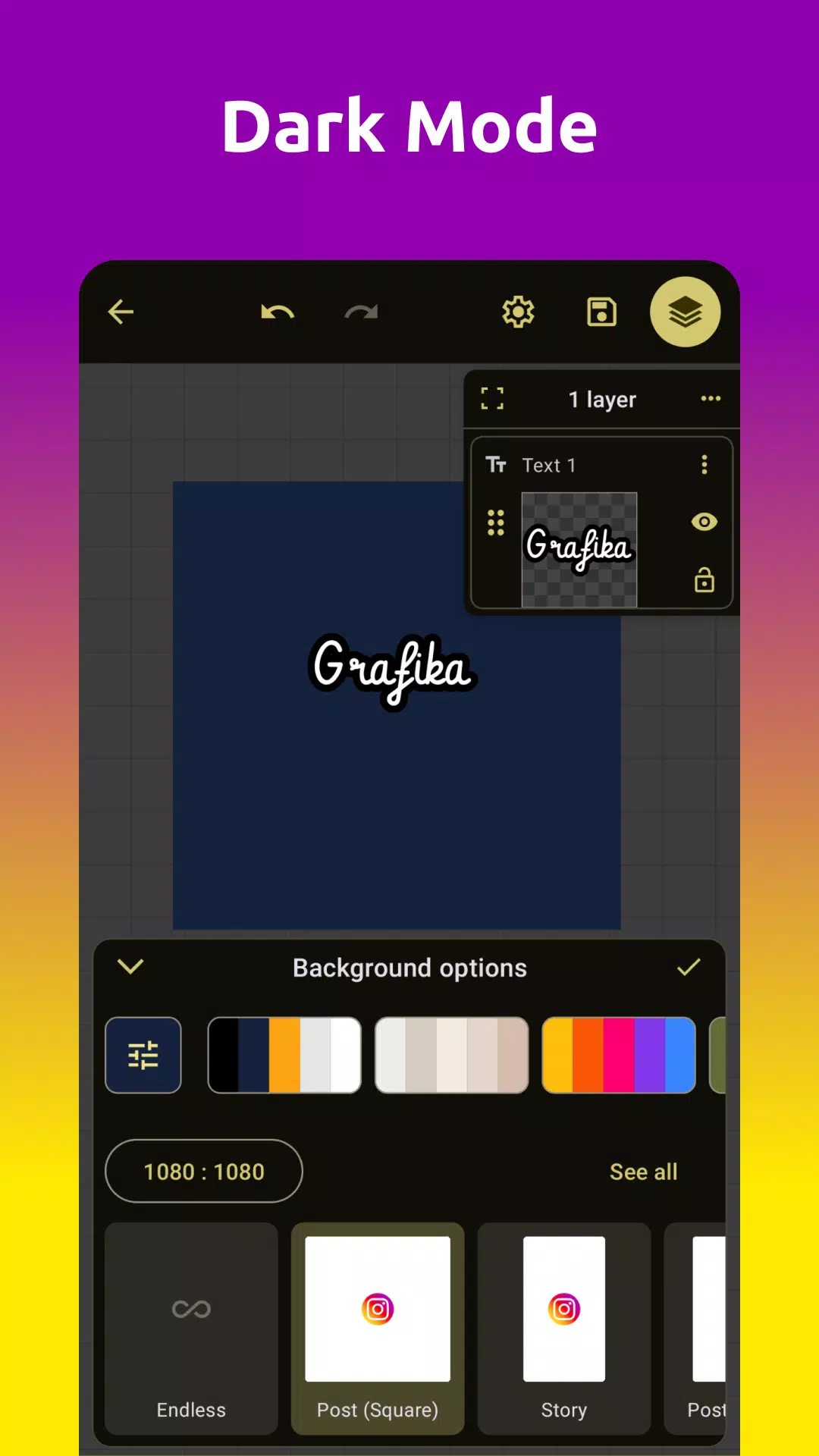
The interface adapts to different screen sizes and maintains large touch targets to aid accessibility while keeping advanced controls available for experienced users. Tool sensitivity and UI density can be adjusted to reduce accidental taps when working on intricate paths. Descriptive labels, contextual help hints and a predictable layer-based workflow support new users as they build familiarity with bezier curves and boolean tools. Overall, the app aims to be approachable for quick edits while providing the depth needed for professional vector work.
Grafika is designed to work fully offline so you can create and edit projects without a network connection, relying on local autosave and the built-in history to protect progress. Performance scales with project complexity and device capability: simple logo layouts run smoothly on modest hardware, while very large, highly detailed compositions will demand more memory and CPU. When projects grow in size, flattening selected layers or exporting intermediate assets can help maintain responsiveness.
The strengths of Grafika include its non-destructive SVG handling, the combination of vector and raster tools in a single mobile environment, and the freedom afforded by an infinite canvas and unlimited history. These features make it well suited for designers who need to iterate quickly on branding, illustration and typographic layouts. Limitations are mostly related to the learning curve and device constraints: users new to vector editing will need time to master bezier curves and boolean operations, and very complex projects may be challenging on lower-end devices. Understanding these trade-offs helps set realistic expectations and encourages a gradual approach to building more complex work in the app.