UbikiTouch
Version: 1.13.10
5.22MB
4.2
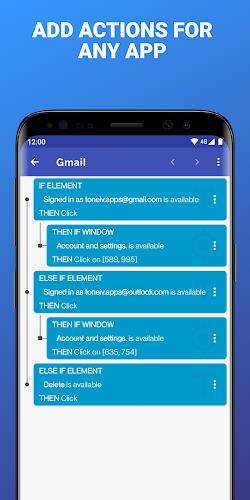
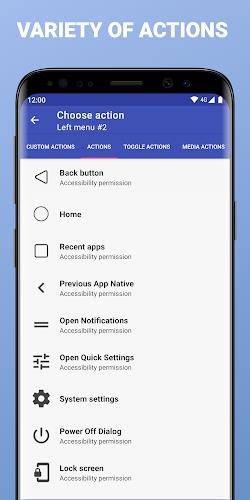
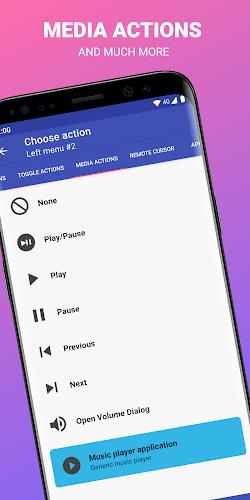
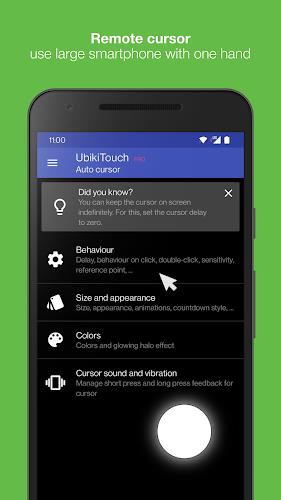
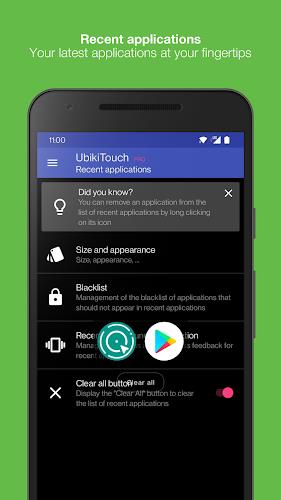
UbikiTouch is a flexible remote control and gesture-mapping utility that turns Android devices into customizable input hubs for apps, presentations, and media playback. It lets you assign taps, swipes, and hardware buttons to actions, automate frequent tasks, and control multiple devices with a compact, responsive interface.
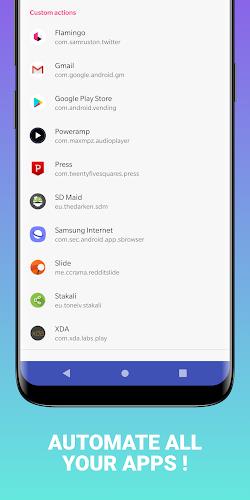
UbikiTouch provides a toolkit for turning simple touches into powerful commands. Users can create custom touch zones, map Bluetooth or wired button presses, and trigger shortcuts or macros across apps. The app supports multi-touch patterns, long presses, and swipe gestures, so common operations can be executed without opening menus or switching context.
Getting started with UbikiTouch is designed to be straightforward. After granting the necessary accessibility and input permissions, you define a workspace and place interactive zones on the screen. Each zone is paired with an action: launching an app, sending a key event, performing a system function like volume or brightness control, or running a scripted sequence.
Profiles let you switch configurations depending on the task at hand. Create one profile for media control when streaming, another for presentation mode with slide navigation and laser-pointer emulation, and a separate profile for gaming shortcuts. Profiles can be saved, exported, and shared, which is useful for teams deploying a standard layout or for users who maintain different workflows on the same device.
UbikiTouch is built to work with external controllers, keyboards, and button pads. It can interpret inputs from Bluetooth controllers and map them to touch events or system commands. This makes it suitable for turning inexpensive controllers into bespoke input devices for kiosks, accessibility setups, or custom entertainment systems.
Latency and reliability are critical when an app is used as an input layer. UbikiTouch focuses on minimizing input lag and preserving smooth interaction. Touch zones are optimized to avoid accidental activation while remaining responsive to deliberate gestures. Background operation is handled carefully to maintain performance without unduly draining battery life.
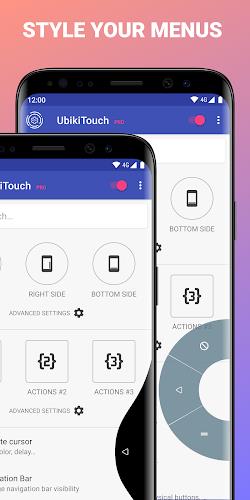
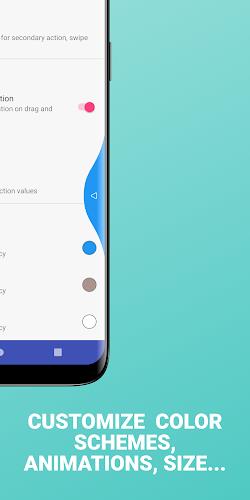
The interface balances simplicity and depth. A visual editor shows the active touch areas and lets you tweak size, opacity, and behavior. Tooltips and example templates help new users build practical layouts quickly. Advanced options are tucked into labeled menus so the main workspace remains uncluttered.
UbikiTouch runs on modern Android releases and requests permissions related to accessibility and overlay in order to deliver simulated input securely. Because it operates at the input layer, the app needs explicit consent to perform some actions; the setup flow explains each permission and why it’s required. Hardware compatibility varies with Android device drivers and external controller implementations, but most mainstream Bluetooth devices are supported.
Start with a simple profile and test each assigned action before expanding. Use contrasting opacity for critical controls and lock layouts to prevent accidental edits. If you rely on multiple devices, export profiles to transfer settings quickly. Regularly back up profiles to avoid reconfiguring after updates or device changes.
People who need a reliable, programmable input layer turn to UbikiTouch because it blends precision mapping with real-world flexibility. Whether streamlining presentation tasks, creating accessible interfaces, or customizing hardware controls, the app provides the building blocks to craft a tailored input experience without deep technical overhead.