Touch VPN
Version: 6.0.551
25.60MB
4.3
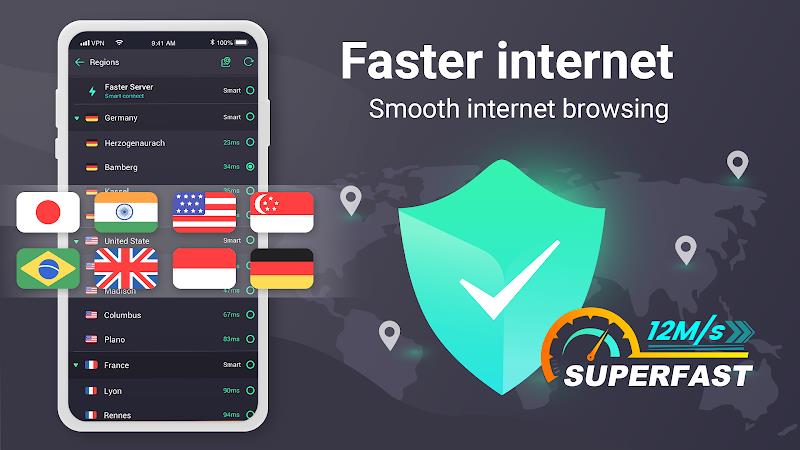

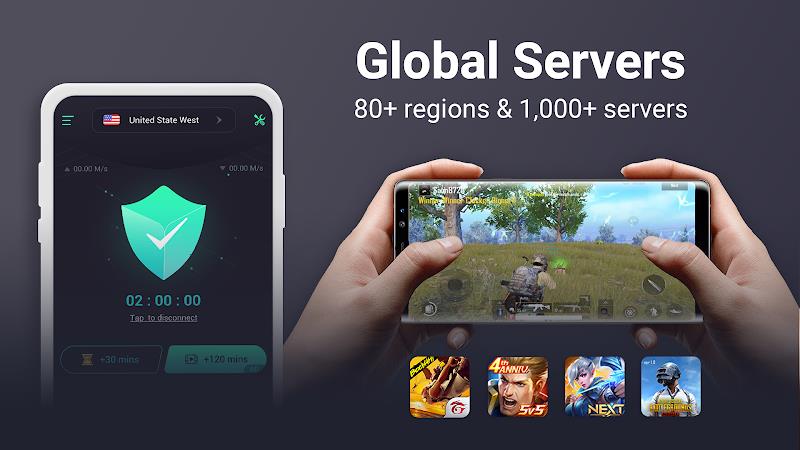
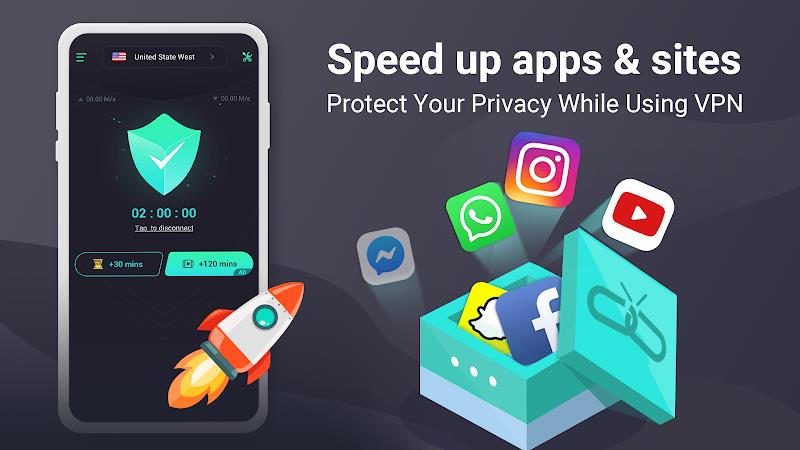
Touch VPN provides a simple way to secure your mobile internet connection and bypass regional restrictions with a single tap. Designed for quick setup, it offers encrypted tunnels, automatic server selection, and a lightweight interface that protects privacy while keeping browsing fast and straightforward on Android devices.
Touch VPN centers on usability without sacrificing essential functionality. Core features include strong encryption to shield traffic from eavesdroppers, a global network of servers to access geo-restricted content, and a one-tap connect button that removes configuration hassles. Additional conveniences often found in modern VPN clients—such as automatic reconnection, split tunneling options, and minimal background battery usage—make the app practical for daily use.
Security is built around standard VPN protocols that encapsulate data across public networks. The app uses encryption to prevent third parties from intercepting communications while you use public Wi-Fi or cellular data. A clear privacy policy and limited logging practices are important to evaluate; Touch VPN aims to minimize stored metadata and prioritize anonymous browsing for casual users, though advanced users may want to review the privacy settings and any available transparency reports.
The interface focuses on speed and clarity: a prominent connect button, a simple list of server locations, and visual indicators for connection status. New users can establish a protected session in seconds, while more experienced users can select specific servers or countries to optimize latency and access content. The minimal design reduces friction during repeated use and keeps the most important controls a single tap away.
Performance is influenced by server selection, local network conditions, and device hardware. Touch VPN is optimized for Android and aims to balance encryption strength with connection speed. Switching to nearby servers typically improves responsiveness for streaming and browsing, while distant servers can unlock region-locked services at the cost of higher latency. The app is designed to work on a wide range of Android versions and devices, maintaining lightweight resource usage to preserve battery life.
There are several everyday scenarios where a mobile VPN proves useful. Travelers can access home-region content while abroad, commuters can secure their data on public Wi-Fi, and remote workers can add a privacy layer when connecting to company services. Touch VPN supports these workflows by simplifying server selection and providing consistent connectivity so users can focus on tasks rather than network details.
While the default one-tap experience fits most people, the app also includes tunable options for those who want more control. Users can choose specific server locations, enable an auto-connect option for untrusted networks, and adjust notification preferences. Advanced controls may include protocol selection and whitelisting apps that bypass the VPN tunnel, which helps maintain optimal performance for sensitive applications.
Getting started involves installing the APK or app from a trusted source, granting the necessary network permissions, and tapping connect. During the initial setup, the app walks users through permission prompts and explains the purpose of required access. A straightforward onboarding sequence ensures that even those unfamiliar with VPN technology can establish a secure connection quickly.
Reliable VPN services require consistent server maintenance and timely updates. Touch VPN typically provides regular updates to address security patches, add new server locations, and refine performance. A responsive support channel and clear documentation help resolve account or connection issues, while version changelogs provide insight into improvements and fixes.
For users seeking a fast, approachable VPN client for Android, Touch VPN offers a balance of convenience and core privacy protections. Its simple interface, automatic server selection, and focus on low overhead make it an attractive option for casual privacy-conscious users and frequent travelers. Evaluate the app’s privacy documentation and trial the service to ensure it matches your expectations for speed and data handling.
Note: Always download apps from reputable stores or official sources, and review privacy and permission settings to align the service with your personal security preferences.