Sound Recorder Plus: Voice Rec
Version: 1.8.20
20.50MB
4.1
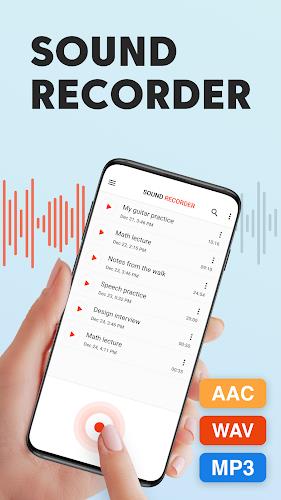
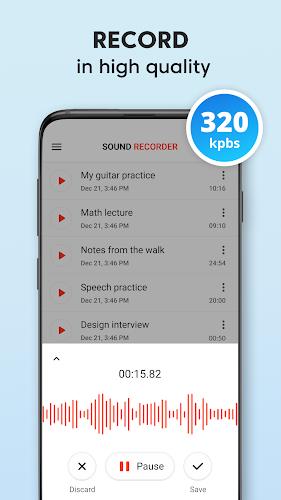
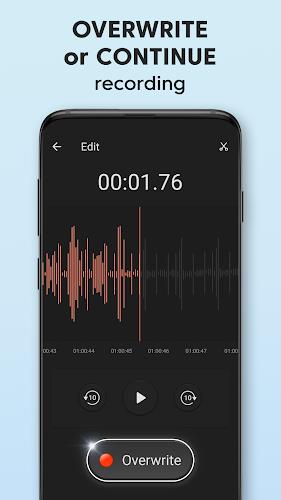
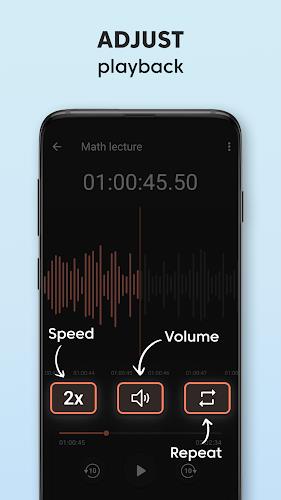
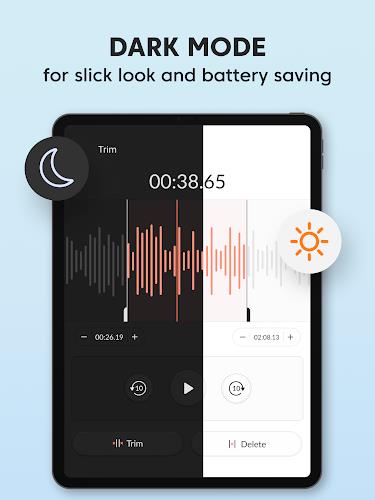
Sound Recorder Plus: Voice Rec is a lightweight, reliable Android recorder designed for clear voice capture, quick file management, and easy sharing. It combines simple controls with advanced recording options, supporting multiple formats and background operation to fit interviews, lectures, meetings, and personal notes without complex setup.
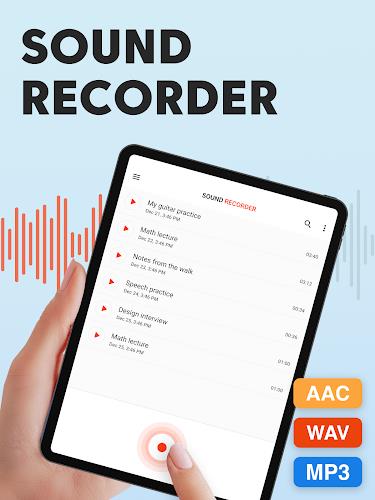
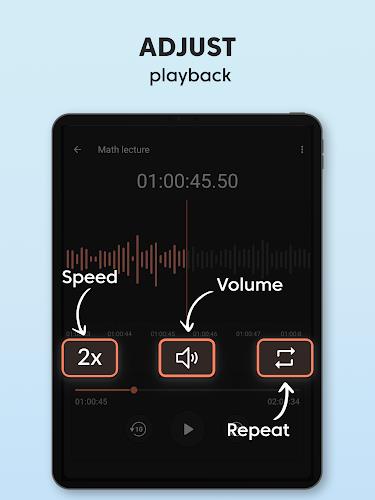
Sound Recorder Plus: Voice Rec offers a compact set of tools that make everyday recording straightforward. Built-in pause and resume controls, automatic file naming, and support for MP3, WAV, and AAC formats let you tailor recordings to storage and quality needs. The app also supports long-duration captures and can run in the background while you use other apps.
The user interface focuses on minimal taps: a main record button, clearly labeled playback, and quick access to file lists. New recordings appear in a chronological list with timestamps and duration indicators. Sorting and searching are integrated so you can find an item by date, name, or length without scrolling through dozens of files.
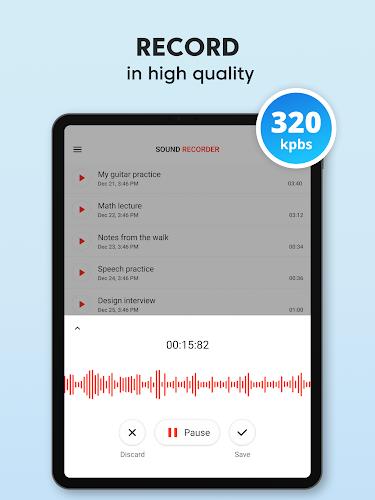
Adjustable sample rates and bitrate settings give balance between audio fidelity and file size. The app includes a noise reduction toggle and an optional gain control to prevent clipping in loud environments. Sound Recorder Plus: Voice Rec leverages these settings to capture intelligible voice recordings for meetings, lectures, and interviews while conserving storage when necessary.
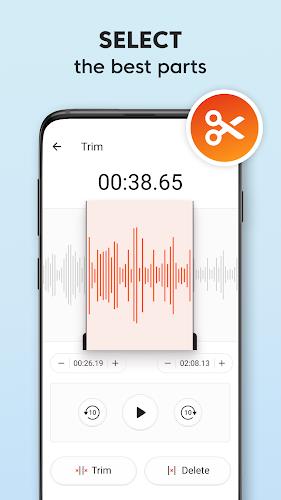
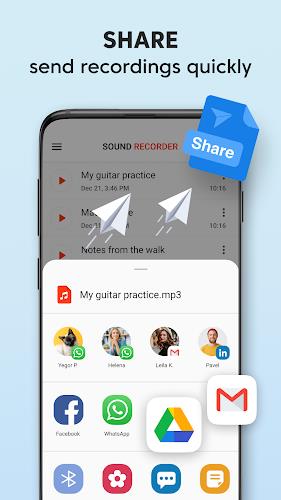
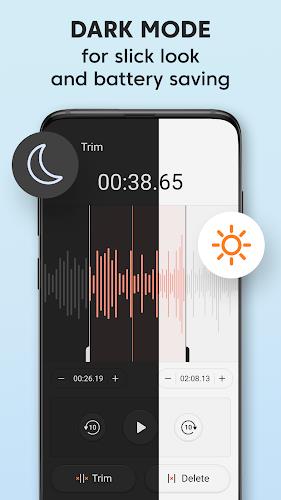
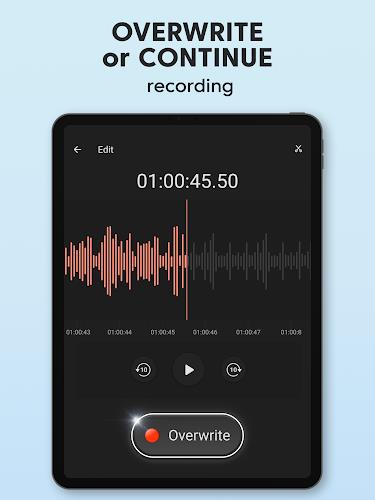
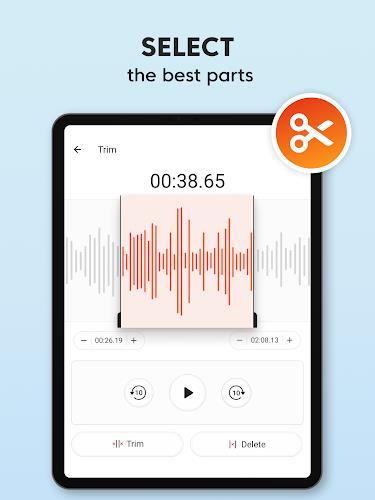
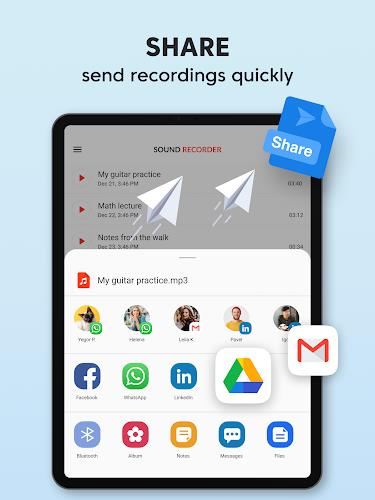
Files can be renamed, tagged, and grouped into folders. In-app playback includes simple trimming tools so you can remove pauses or irrelevant sections before exporting. Sharing is integrated with Android's share sheet: send recordings to email, cloud storage, messaging apps, or export them directly to other tools for transcription or editing.
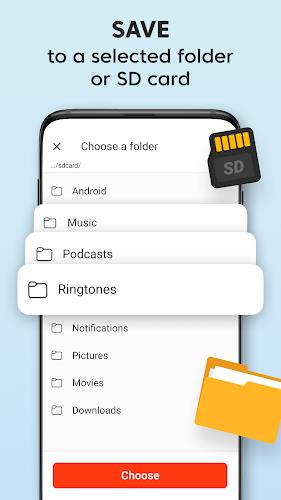
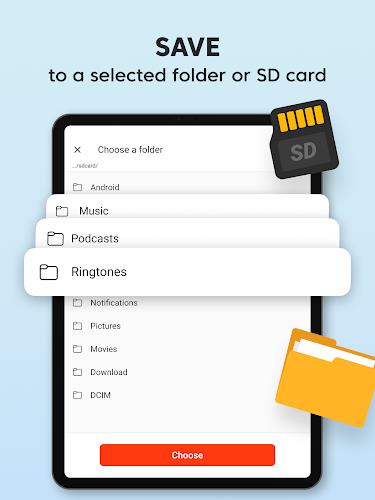
Predefined recording profiles let you switch quickly between modes optimized for lecture halls, interviews, or voice memos. Customize file naming patterns, default folders, and whether metadata like GPS and timestamps are attached. Compression presets let busy users prioritize either high-quality archives or compact files for fast uploads.
Designed to be battery-conscious, the app minimizes CPU usage during background recordings and provides notifications to indicate active capture. It supports a wide range of Android versions and is compatible with external microphones connected via USB or TRRS adapters. Automatic handling of interruptions, such as phone calls or notifications, ensures recordings are not abruptly lost.
Recordings stay on your device by default with optional encryption for sensitive files. Permissions are requested transparently and can be revoked without losing already stored data. Local backup options and scheduled exports help you maintain an archive while keeping control over where files are stored.
Download Sound Recorder Plus: Voice Rec from your preferred app store, grant microphone access, and try a short test recording. Select a format and preset, record a few seconds of speech, then play it back to confirm volume and clarity. Once comfortable, organize files using tags and enable cloud export for automatic backups.
This recorder suits students, journalists, professionals, and anyone who needs dependable voice capture without a steep learning curve. Its balance of simple controls and useful advanced options makes it appropriate for both spontaneous notes and planned recording sessions.
Regular updates improve device compatibility and add incremental features based on user feedback. If dependable voice capture, clear file organization, and straightforward sharing are priorities, this app delivers a practical toolset for everyday recording needs.