
Multi Parallel
Version: 4.0.11.0608
7.00MB
4.3
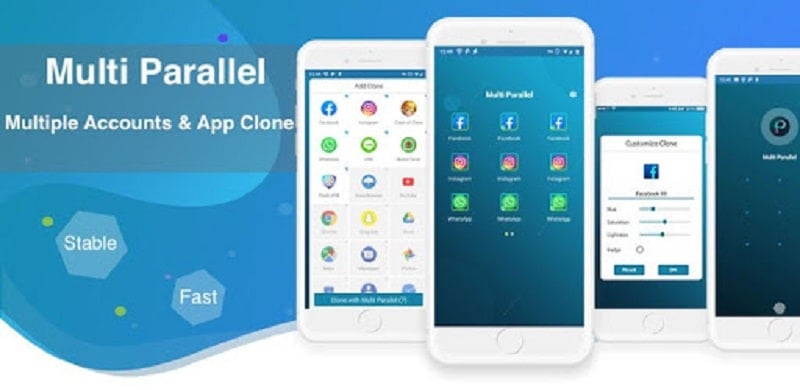
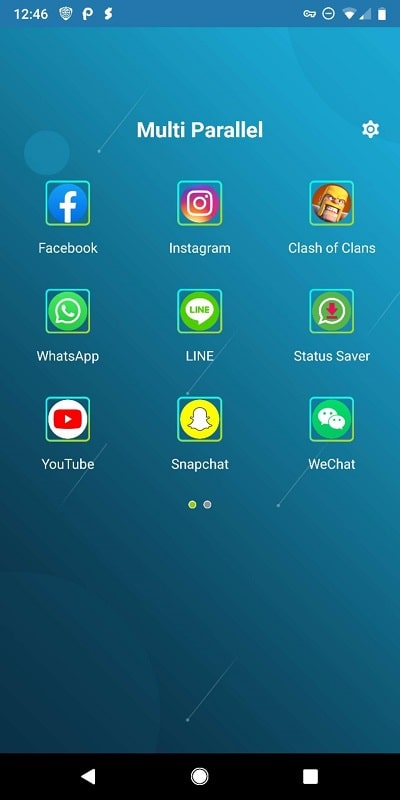
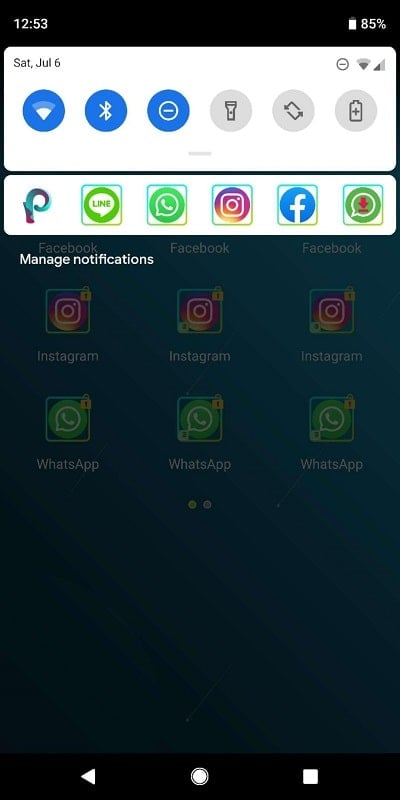
Looking for a way to sign into several social accounts at once without swapping apps? Multi Parallel brings that convenience to your Android device by letting you run multiple instances of the same app side by side. The tool is designed to help you separate personal and work profiles, run parallel game accounts, or test social posts under different logins — all on a single phone. This overview highlights how Multi Parallel simplifies account management, keeps clones compact, and adds basic security controls so you can stay productive and connected without constant app switching.
Multiple app instances: Create independent copies of installed apps so each account runs as if it were on its own device.
Light resource footprint: Cloned apps are small and designed to minimize extra storage and battery use compared with installing multiple full apps.
Broad compatibility: Works with a wide range of social networks, messaging tools and many games, letting you keep several profiles active at once.
Quick switching: Jump between cloned accounts without logging out, which speeds up routine tasks like replying on different channels.
Separate access control: Assign a distinct passcode or lock for each clone to keep accounts isolated and reduce accidental cross-access.
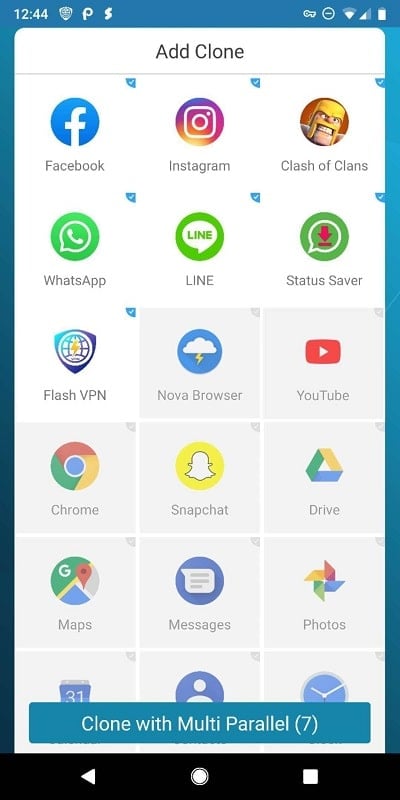
Simple cloning workflow: The app guides you through duplicating an installed application with a few taps and places the clone on your home screen.
Custom labels and icons: Rename clones and customize icons to avoid confusion when you run similar apps side by side.
Session persistence: Cloned apps retain login states so you don’t need to re-enter credentials when switching frequently.
Resource management tools: Basic controls help you monitor the clones that are active and free up memory if needed.
Privacy-focused settings: Lock individual clones and clear access history for a layer of local protection.
Install and grant permissions: After installation, allow the minimal permissions requested so the app can create and launch clones.
Create your first clone: Tap the app you want to duplicate, pick a label and icon, then let Multi Parallel finish the setup process.
Sign in to each account: Open each cloned app independently and sign in with different credentials; each clone keeps its own session.
Organize and secure: Move clones into folders, set locks for sensitive accounts, and delete unneeded clones from within the app.
Can I run three or more instances of the same app?
Yes, Multi Parallel supports multiple copies of an app; practical limits depend on your device's available memory and storage.
Will cloned apps receive updates normally?
Clones typically update along with their original app through the Play Store or the store you use; check the store settings if an update affects a clone's behavior.
Is my account data kept private inside clones?
Each clone keeps its own login and a separate access lock can be applied. For sensitive accounts, treat cloned apps like separate profiles and use unique passwords.
Compared with switching between logins or carrying a second device, Multi Parallel centralizes multiple profiles on one handset and reduces friction for social posting, chatting, or running parallel game accounts. It’s a good match for social managers, small-business owners, and players who juggle several profiles, though heavy multitasking will still depend on your phone’s hardware. If you need a straightforward way to separate identities and speed up routine account work, Multi Parallel is worth trying on compatible Android devices.