Glasswing Dark Glass Icon Pack
Version: 1.1.5
34.73MB
4.1
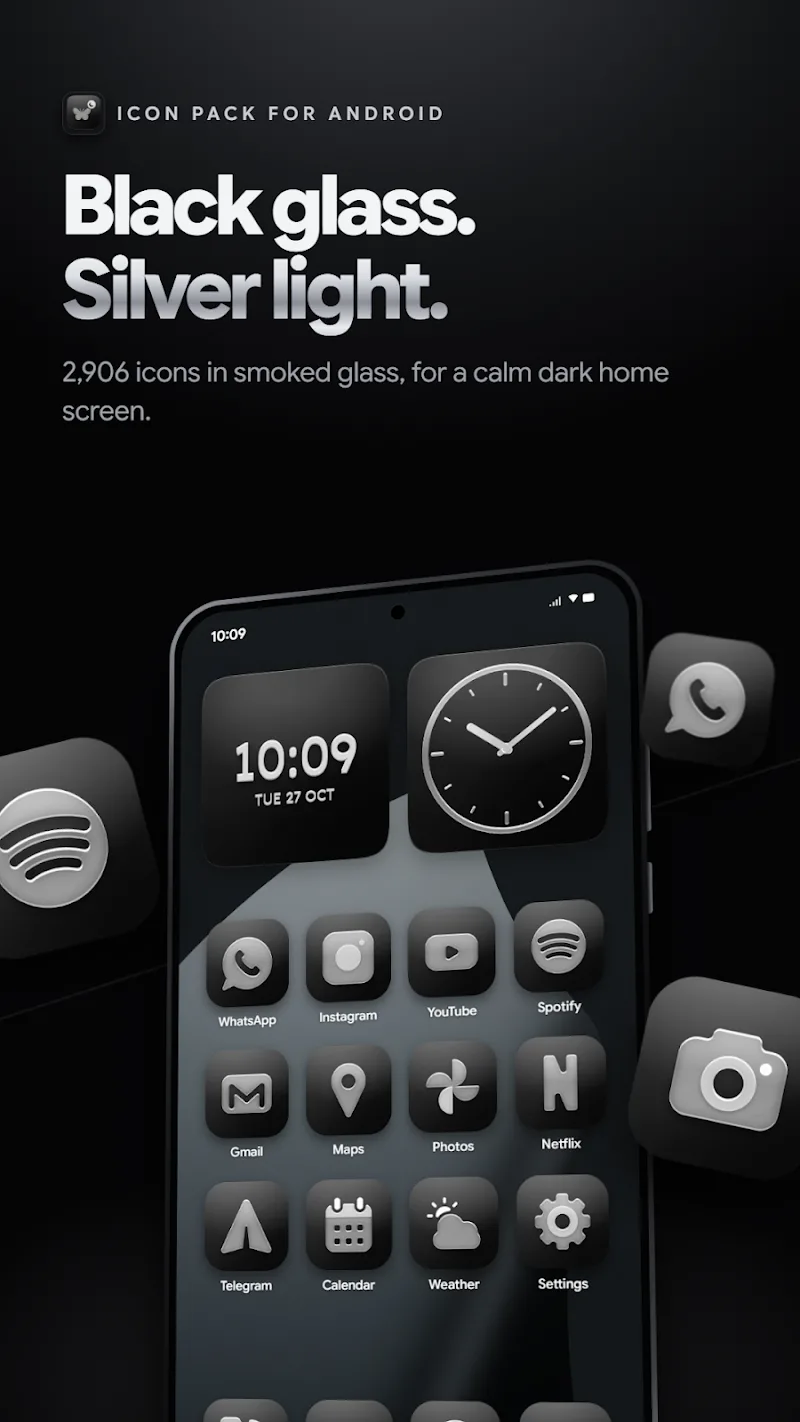
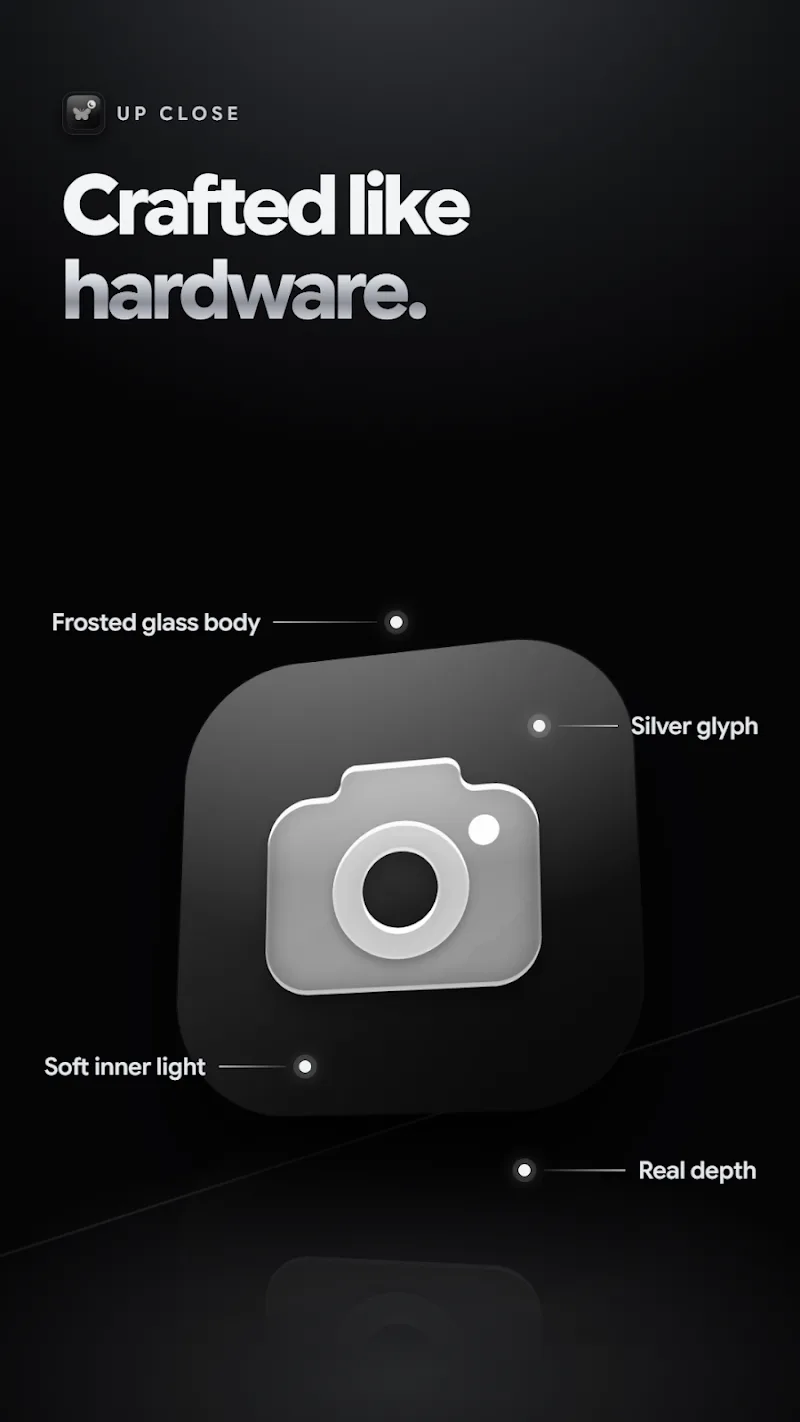
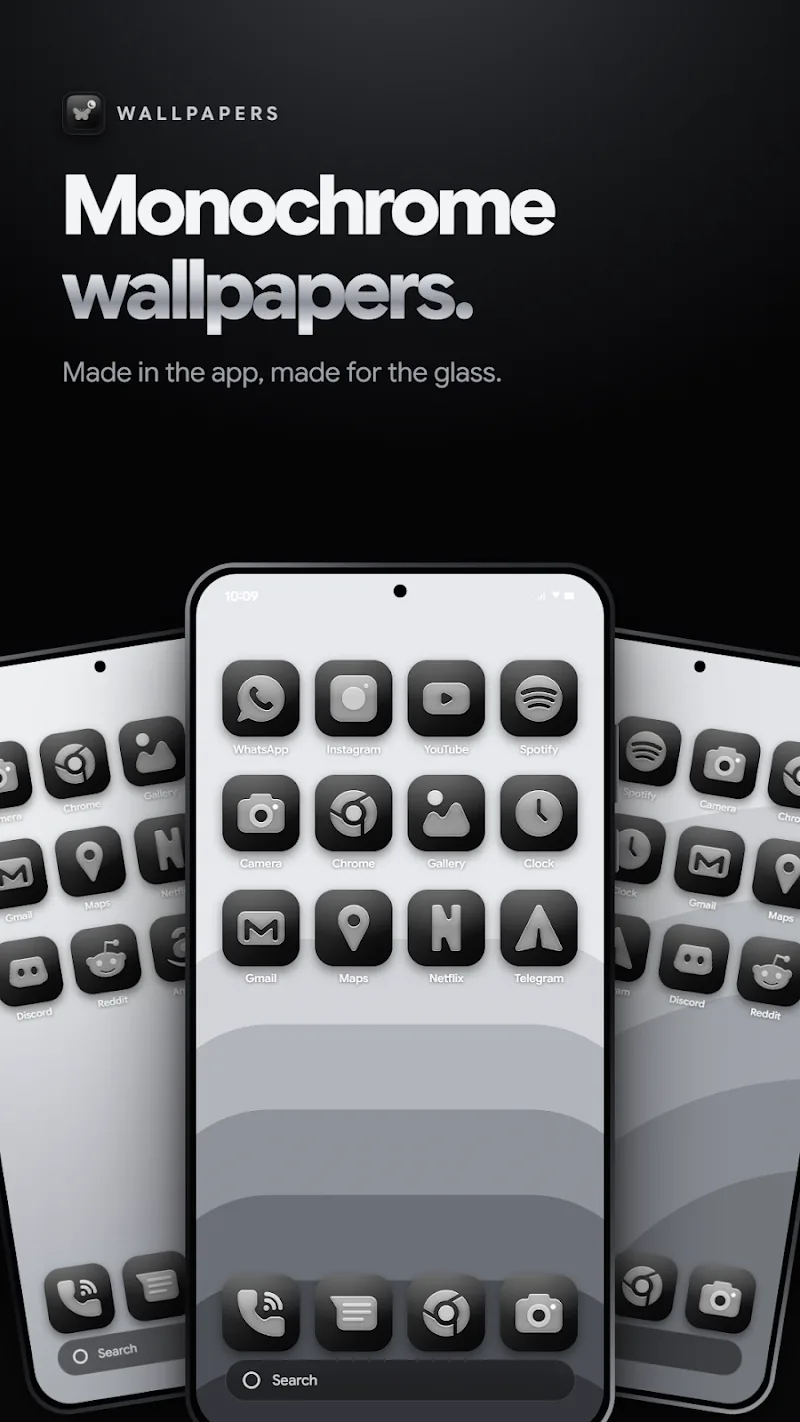
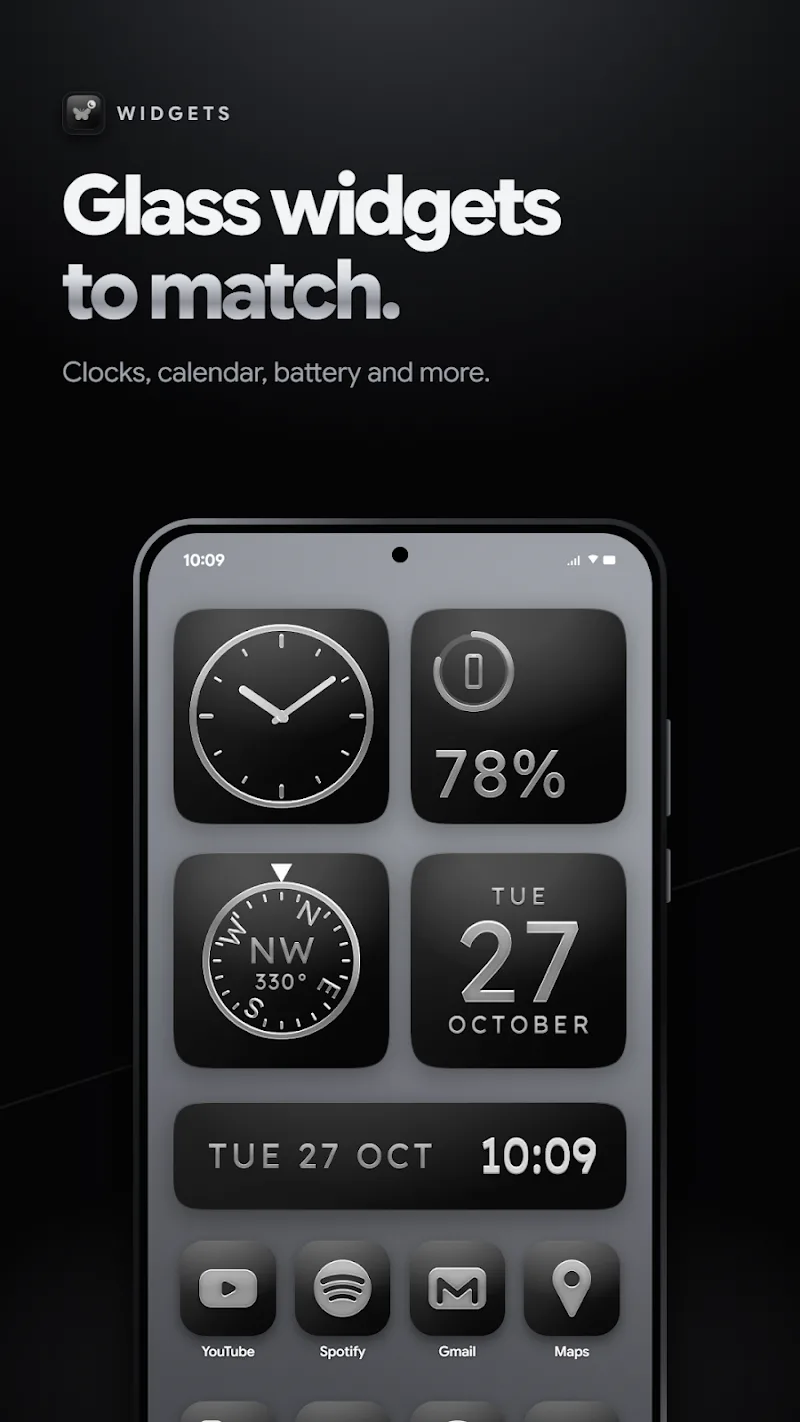
Glasswing Dark Glass Icon Pack brings a refined dark glass aesthetic to your Android home screen, replacing standard icons with a cohesive, moody look that suits dark wallpapers and night themes while keeping app behavior unchanged. This icon pack is designed for people who prefer a low-contrast, sophisticated appearance and want a single visual language across launchers, folders and the app drawer. Glasswing Dark Glass Icon Pack focuses on polish and consistency: glossy, translucent surfaces, careful shading and subtle reflections give icons a premium, unified presence without altering how you use the device.
The visual approach of Glasswing Dark Glass Icon Pack emphasizes translucency and depth rather than bright or aggressive accents. Each icon is crafted to read clearly against dark backgrounds, with layered highlights and muted rim reflections that simulate a glass pane over the original glyph. High-resolution artwork supports a variety of screen densities, so icons remain crisp on phones and tablets alike. The overall style aims to reduce visual clutter by standardizing proportions and alignment, helping folders and grids feel more intentional and curated.
Applying the Glasswing Dark Glass Icon Pack is handled through a compatible launcher or theming tool. Many popular launchers expose an apply or theme option where you select the installed icon pack; for launchers without direct support you can usually change icons manually by long-pressing an app icon and choosing the edit option, then selecting the corresponding Glasswing Dark Glass Icon Pack artwork. Because this package modifies only icon images and not application code, there are no permissions required and the pack works locally without an active network connection once installed.
This icon pack supports a straightforward customization workflow: install, apply, and refine. Users can progressively apply the theme to just a home screen or extend it across folders and the app drawer as they update wallpapers and widgets. Where an app does not have a custom graphic included, you can substitute a visually similar icon from the pack or edit the icon individually in your launcher to maintain a consistent look. Over time you can build a personalized home screen by mixing Glasswing Dark Glass Icon Pack artwork with a small number of tailored exceptions, achieving a gradual progression from stock appearance to a fully themed interface.
Although not a game, the pack offers long-term visual replay value through iterative refinements to your layout. Rearranging app groups, experimenting with dark wallpapers, and adjusting widget transparency are simple ways to refresh the experience without installing additional software. The uniform icon shapes and tones make it easier to remix the home screen frequently while preserving a clear, consistent aesthetic across different arrangements and use scenarios.
Glasswing Dark Glass Icon Pack is intended to improve readability and reduce eye strain in low-light conditions by using subdued contrast and softened highlights. The icon designs maintain recognizable app glyphs so users can find apps quickly; if you depend on high-contrast visuals or larger targets, most launchers allow scaling icon size or increasing system font and UI magnification to enhance accessibility. Because the pack only replaces graphics, all original app labels, shortcuts and assistive settings remain available and unchanged.
The pack installs as a collection of local image assets and therefore functions fully offline after installation. It requires a compatible launcher or theming tool to apply automatically on many systems; without such a launcher you can still assign icons manually. Compatibility extends across a broad range of launchers that support third-party icon packs. Keep in mind that launcher behavior varies, so a small number of apps may display default icons if a custom version is not included in the pack.
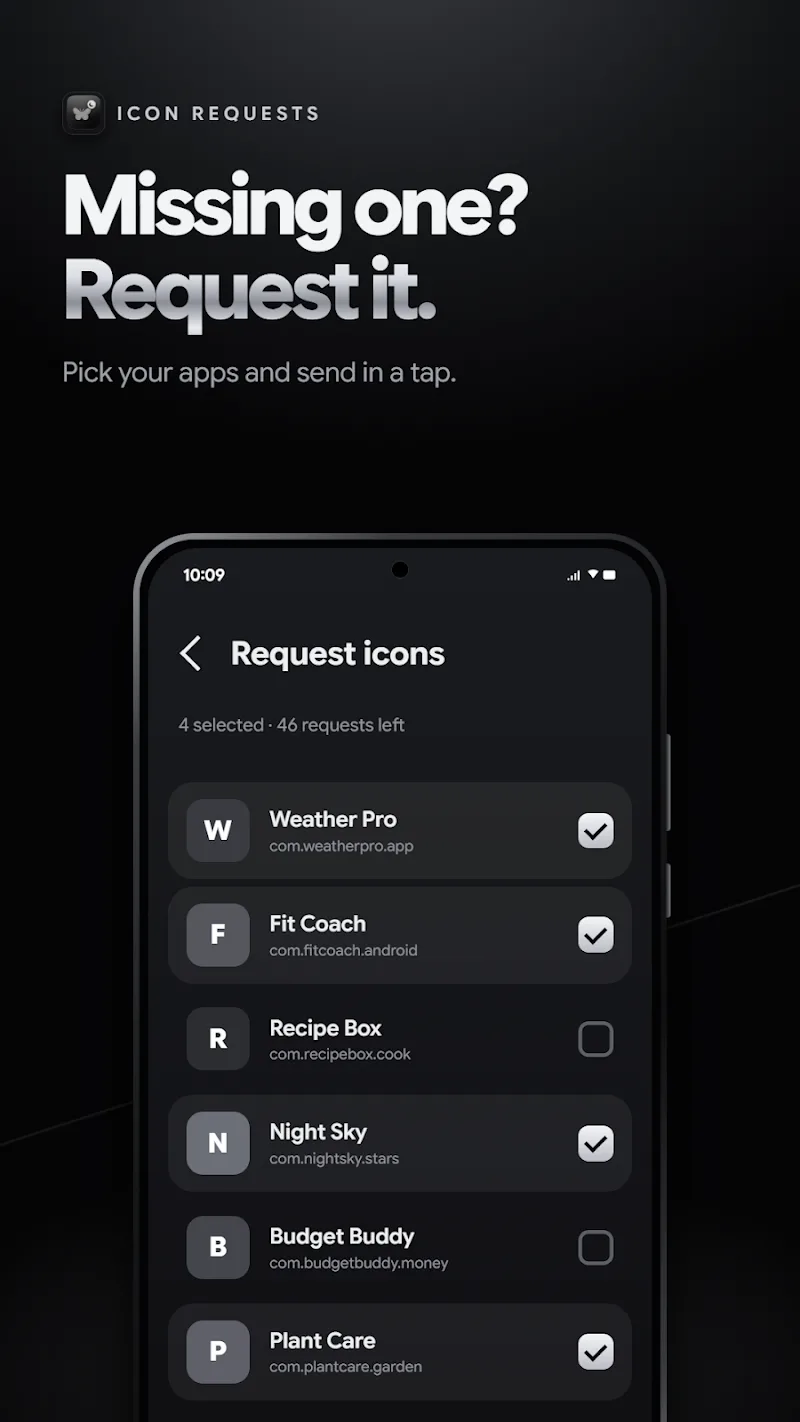
Because Glasswing Dark Glass Icon Pack supplies static, high-resolution images rather than running background processes, it has negligible impact on device performance or battery life. Limitations include the need for a supporting launcher and the possibility that a minority of apps will not have dedicated artwork, which can result in occasional mismatched visuals. For those cases, manual icon assignment or selecting a visually close replacement can preserve consistency on the home screen.
If you find icons missing or want to tweak particular items, consult the launcher’s icon editing features or the icon pack’s support channel listed in the store entry for guidance. Many users combine Glasswing Dark Glass Icon Pack with complementary wallpapers and KLWP or widget setups to achieve a fully integrated dark interface; this pack is intended to be a lightweight, easy-to-apply element of that overall customization approach. Glasswing Dark Glass Icon Pack remains a practical option for anyone seeking a subtle, glassy theme that enhances night-time usability without changing app functionality.