Vapor Iconpack
Version: 2.3.7
112.27MB
4
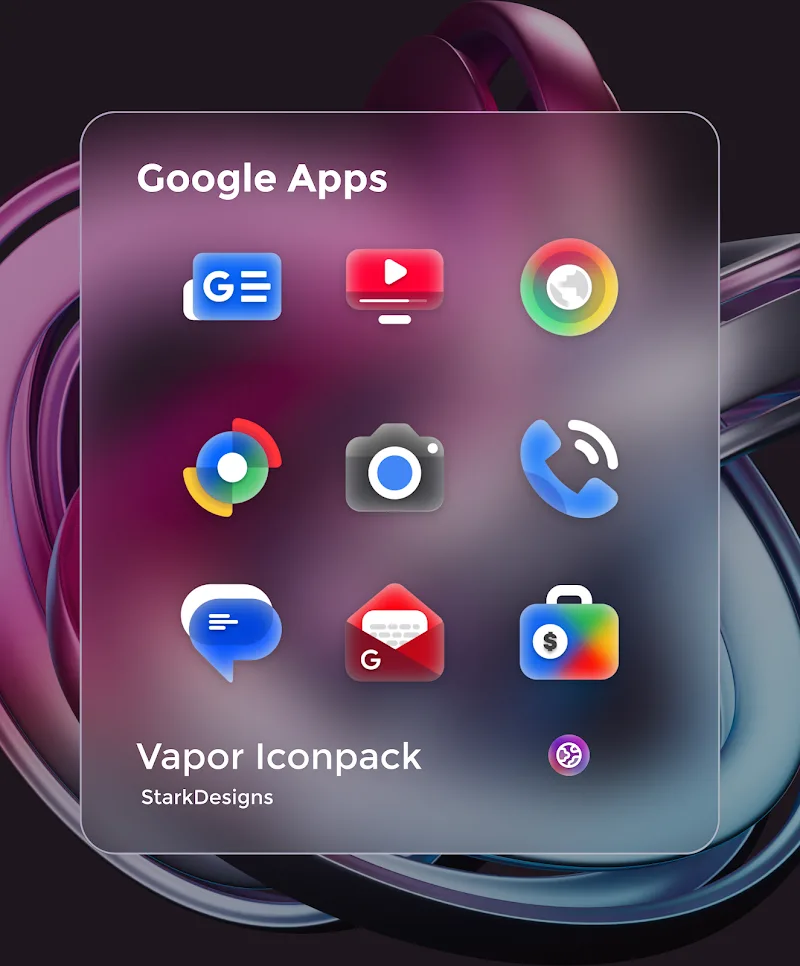
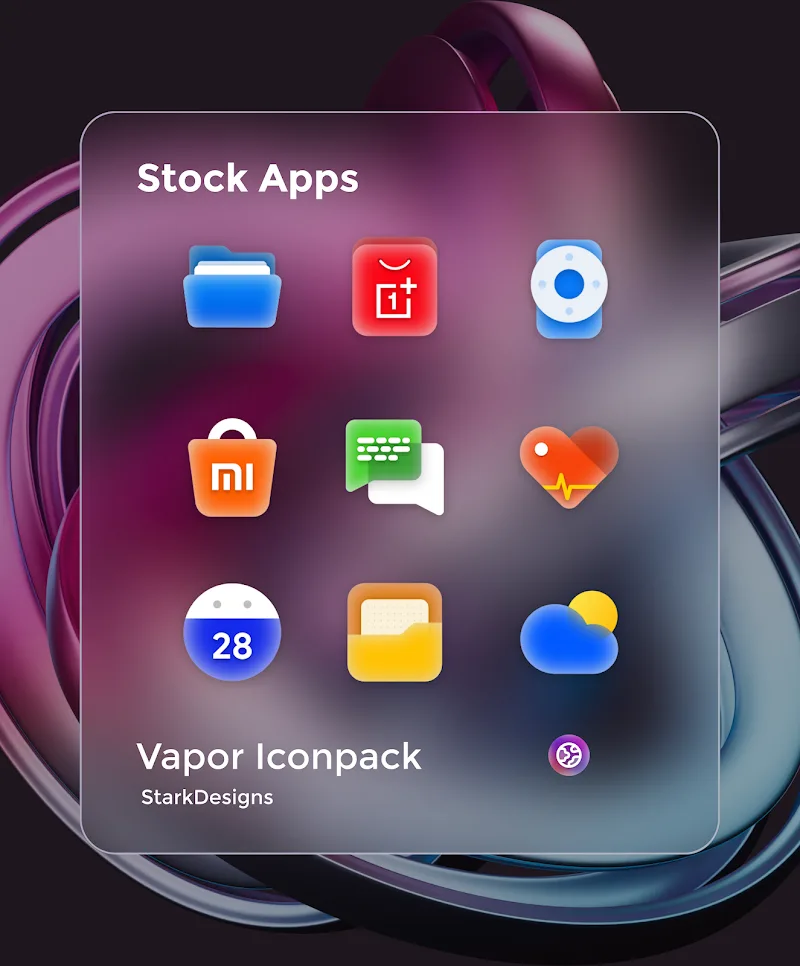
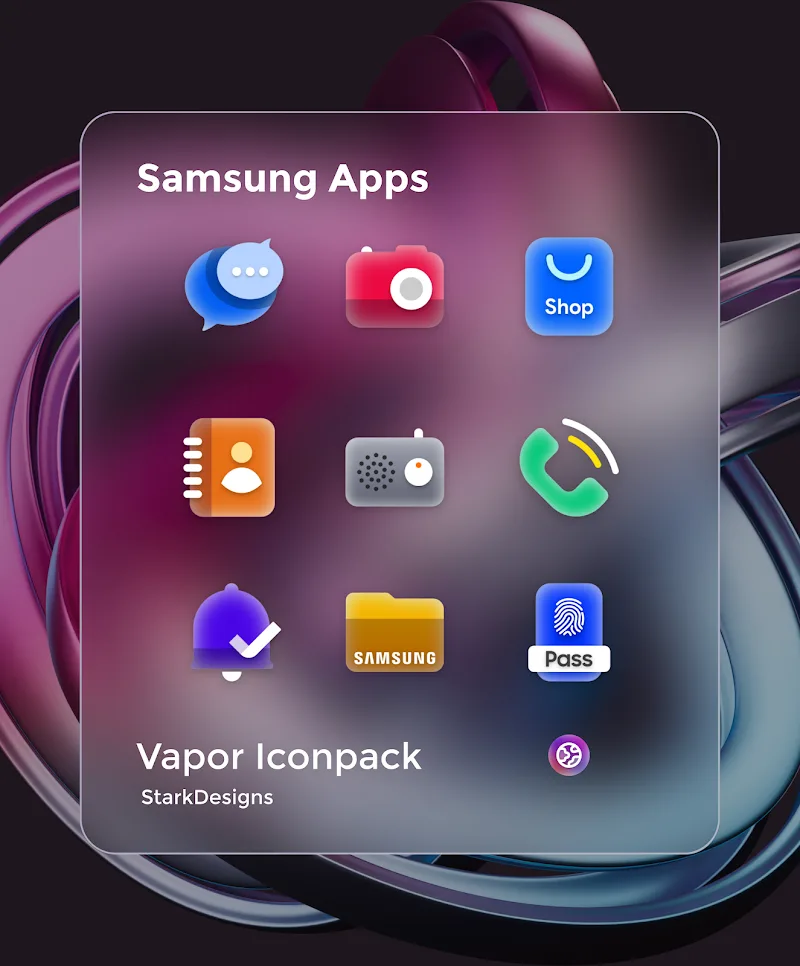
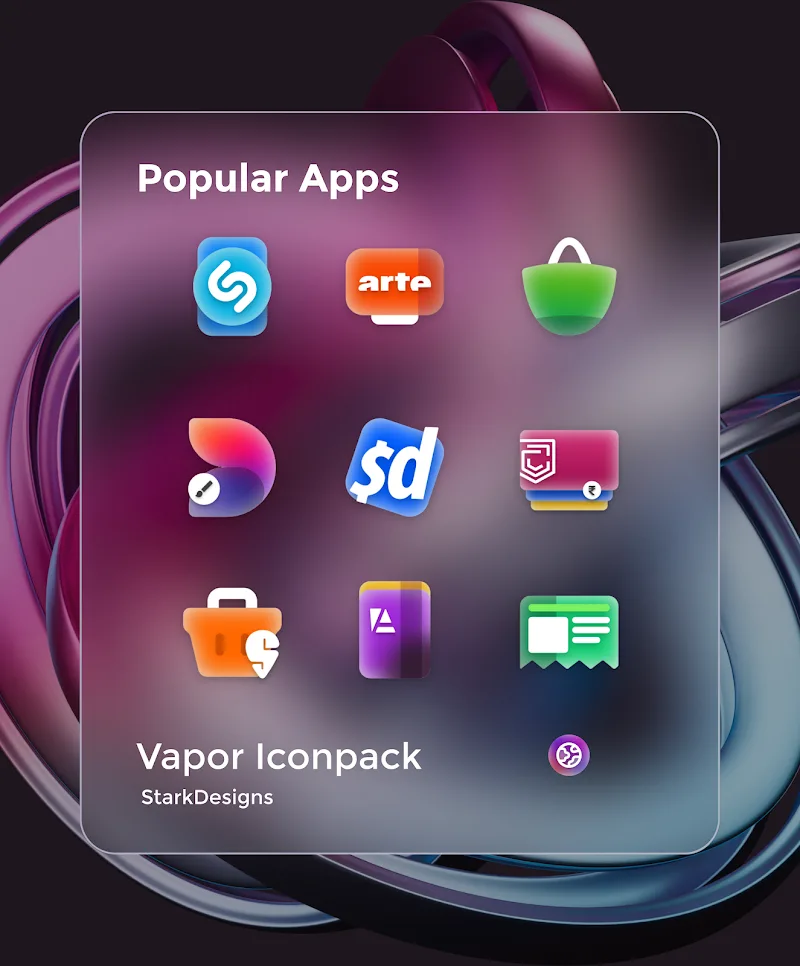
Vapor Iconpack reimagines home-screen visuals with a soft neon aesthetic and consistent glyph design. This icon pack delivers hundreds of rounded, pastel icons plus matching wallpapers to refresh any Android launcher. Its lightweight approach prioritizes clarity and cohesion while giving your phone a subtle retro-futuristic vibe.
The Vapor Iconpack collection replaces app icons with a unified visual language that blends muted gradients and thin outlines. Instead of dramatic textures or photorealistic masks, it leans on simplicity: easy-to-read symbols, calm color palettes, and small details that appear crisp on OLED and LCD displays alike. It’s ideal for users who want a modern look without clutter.
Vapor Iconpack makes customization straightforward. Apply the pack through your preferred launcher and then tweak individual icons or replace wallpapers. Many launchers support per-app icon changes, allowing you to mix Vapor Iconpack elements with other visual assets. Users can also manually crop or resize icons if their launcher offers advanced settings.
Because the pack uses vector-based artwork and optimized PNG exports, it consumes very little storage and won’t slow down your device. The assets scale cleanly, so icons remain sharp on larger screens. The developer has included instructions for several widely used launchers; this helps prevent issues when applying adaptive icon shapes or masking rules.
The visual choices behind Vapor Iconpack focus on legibility and mood. Borders are thin to avoid heavy contrast, and glyphs use a predictable baseline so different icon subjects feel cohesive. The palette favors soft blues, pinks, and mauves to evoke a calming, futuristic screen presence that complements both dark and light wallpapers.
Consistent iconography reduces cognitive load when scanning a crowded home screen. That’s the core idea of Vapor Iconpack: make daily navigation easier while giving your device a distinctive personality. The pack balances aesthetic intent with functional clarity, so icons remain recognizable at a glance.
To get started: download the pack, open your launcher settings, select the theme or icon section, and choose Vapor Iconpack. If icons don’t change automatically, consult the app’s help screen for launcher-specific instructions. Some launchers require a restart or cache clear to display new assets.
The developer often responds to requests and pushes updates that refine edges or add requested icons. You can expect occasional themed wallpaper drops and incremental improvements to icon matching. If you want a neat, minimal neon look that remains practical, Vapor Iconpack is a strong candidate to refresh your Android interface.