Fun - Icon Pack
Version: 3.9
14.52MB
4.2
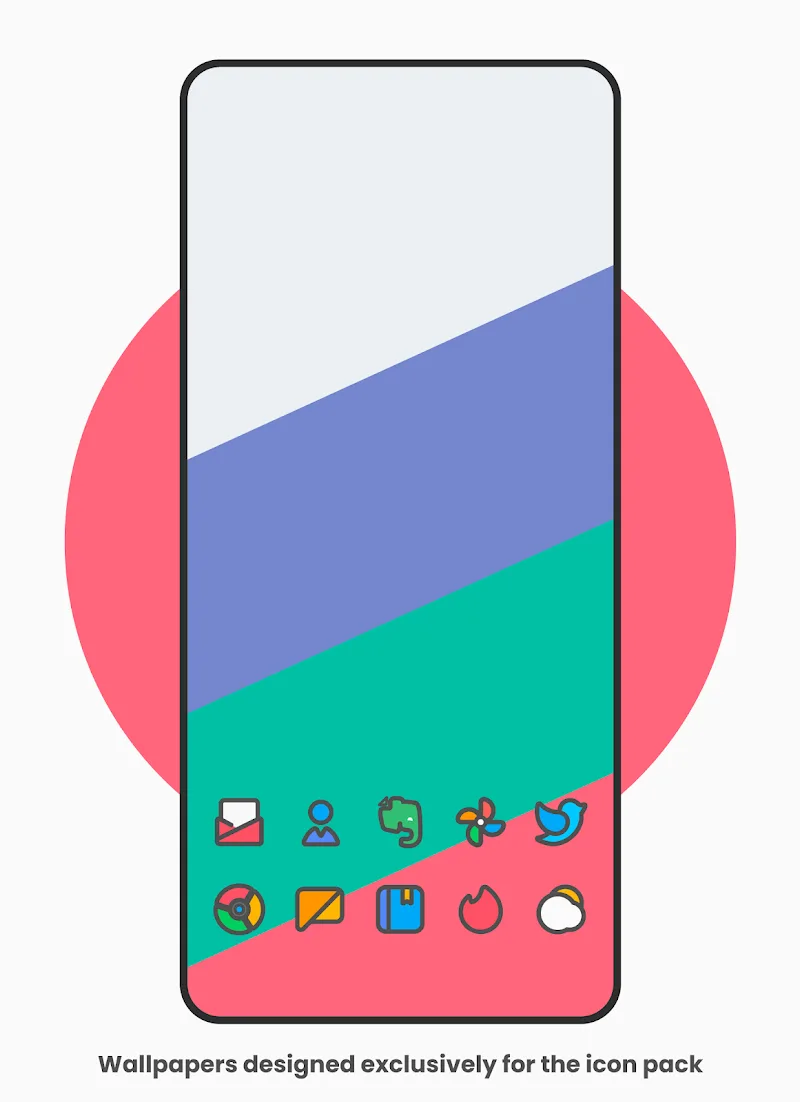
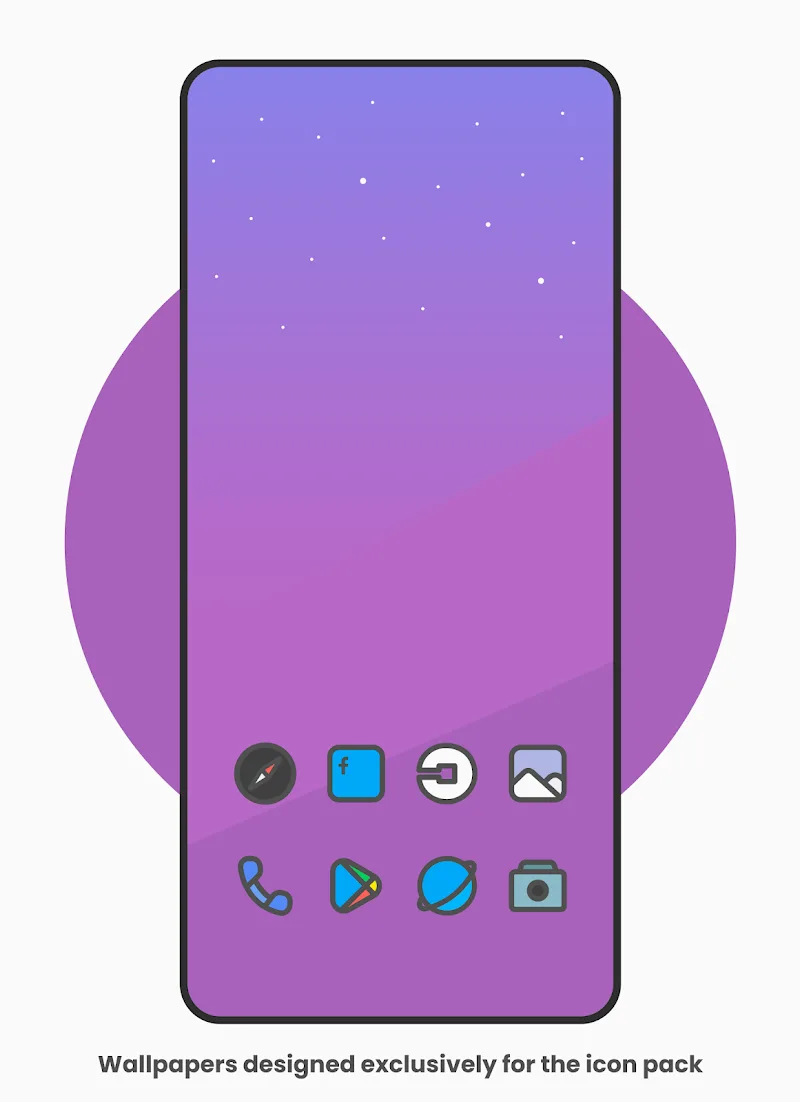
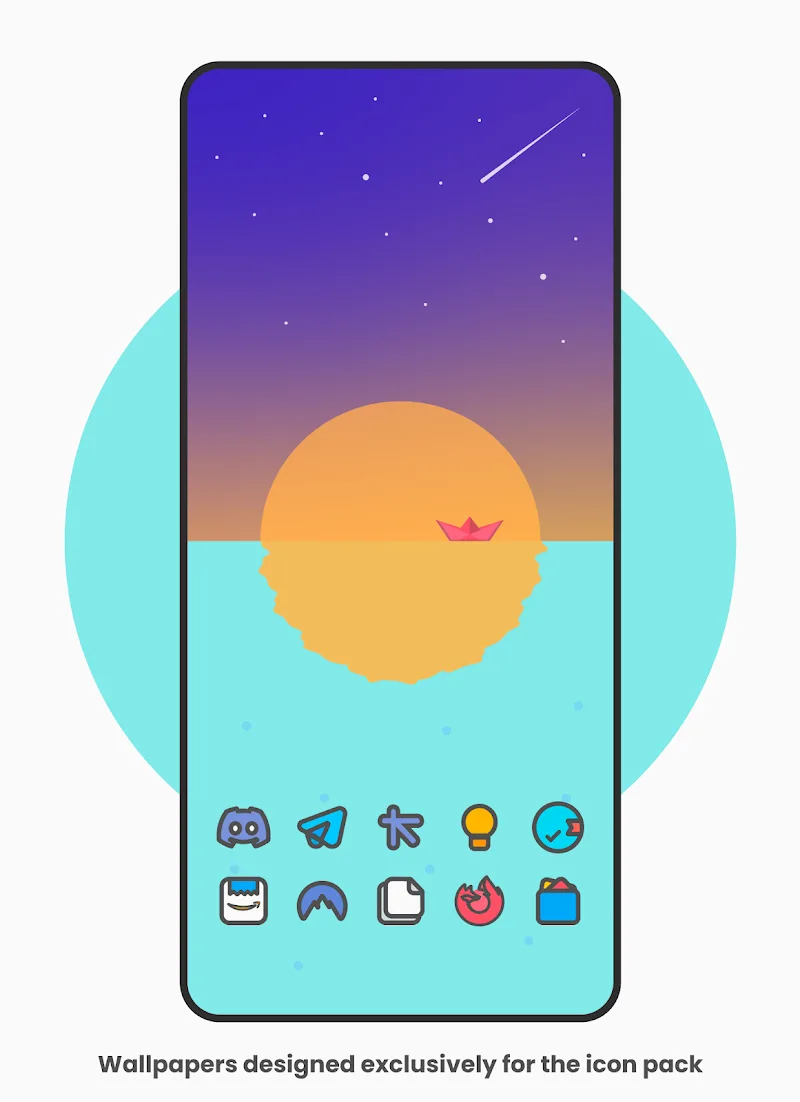
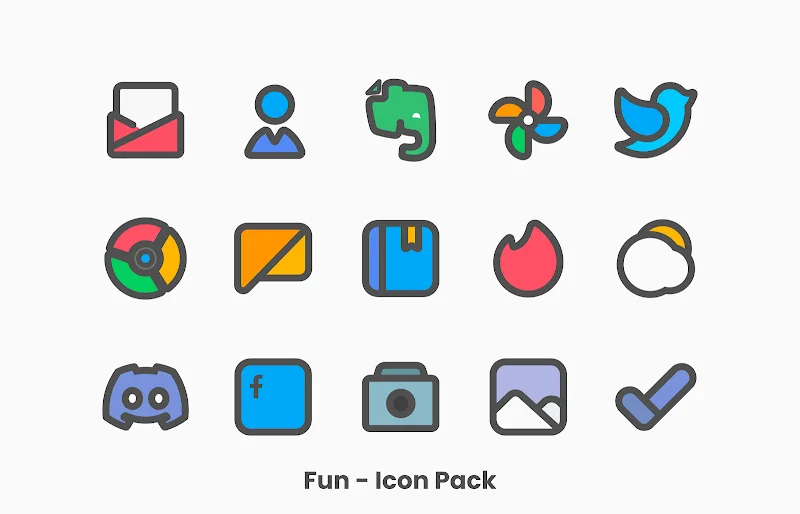
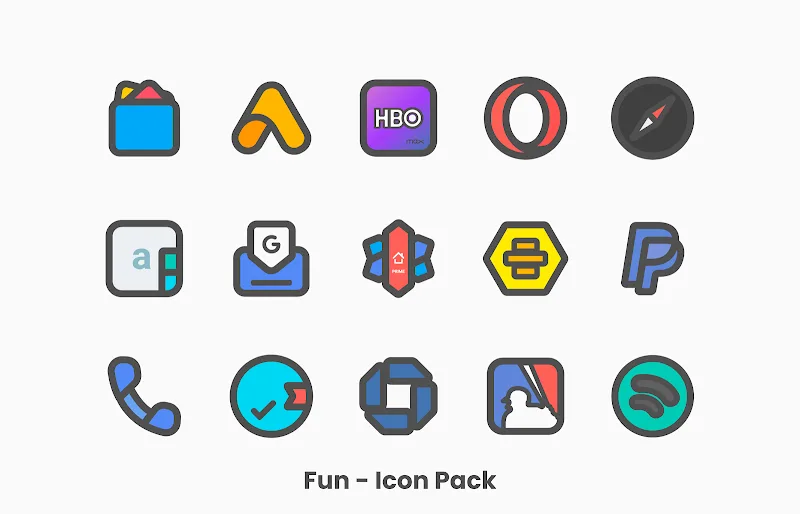
Fun - Icon Pack transforms your Android home screen with a playful collection of colorful, rounded icons and adaptive shapes. It brings a cohesive, modern look while supporting popular launchers and providing high-resolution artwork, quick updates, and straightforward controls to refresh your device's appearance instantly.
Fun - Icon Pack is a themed icon collection designed for users who want a vibrant, consistent aesthetic across apps and widgets. Rather than changing functionality, this pack focuses on visual identity: thousands of custom icons, a matching set of wallpapers, and smart masking that makes icons fit any launcher or grid size.
The visual style of Fun - Icon Pack leans toward rounded corners, saturated colors, and subtle shadows. Icons follow a unified grid so your home screen looks intentional and tidy. Within the app, you can apply the pack to supported launchers, request missing icons, and choose icon mask options for apps that lack a dedicated design.
Getting started is straightforward. Install Fun - Icon Pack, open it, and follow the on-screen guide to apply the theme to your preferred launcher. The pack supports most popular launchers such as Nova, Lawnchair, Action, ADW, and others. If a launcher isn’t officially supported, icon packs can often be applied using the launcher’s custom icon or theme settings.
Fun - Icon Pack is lightweight and optimized to avoid draining resources. The app interface is simple: a home screen with featured wallpapers, an icon search, and an update log. Applying themes does not require additional background services, and icon rendering is handled by the launcher, keeping battery impact minimal.
Icons are vector-based where possible, ensuring they scale cleanly for tablets and phones. The developer releases icon additions regularly, responding to popular requests and newly released apps. Update notes and changelogs help you track improvements.
Users who value consistent visual language will appreciate how Fun - Icon Pack brings order to a cluttered app drawer. The theme makes folders and widgets look integrated, and paired wallpapers enhance contrast and readability. Casual users get instant aesthetic improvement, while power users can mix and match individual icons for a unique setup.
Fun - Icon Pack stands out for balancing playful design with pragmatic tools. It doesn’t alter system behavior, which keeps compatibility high, but it elevates visual cohesion. Frequent updates, easy launcher integration, and a polished icon set make it a solid choice for users seeking a colorful, modern look without fuss.