
Photo Search
Version: 2.1.8
27.94MB
4.4
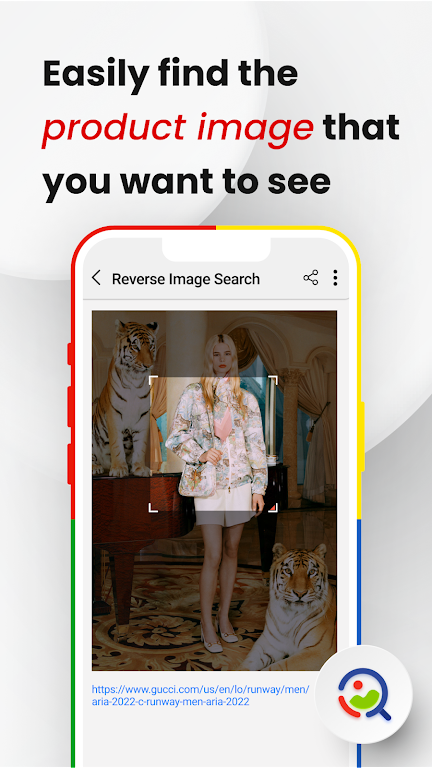
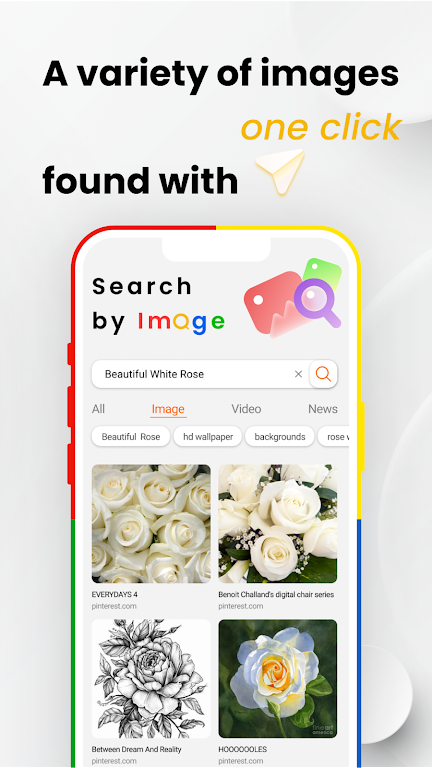
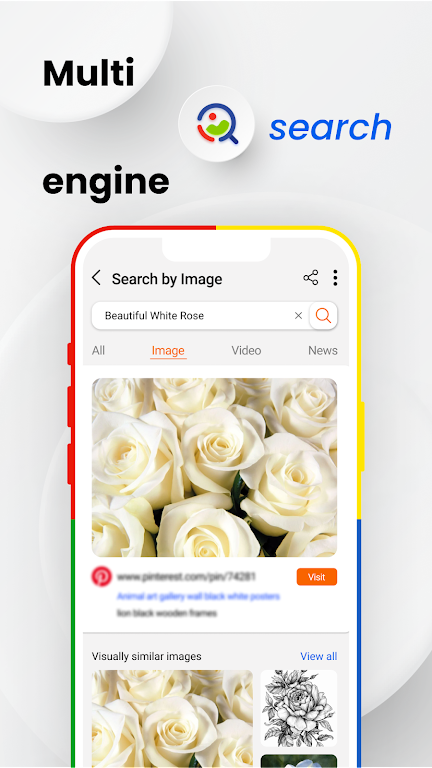
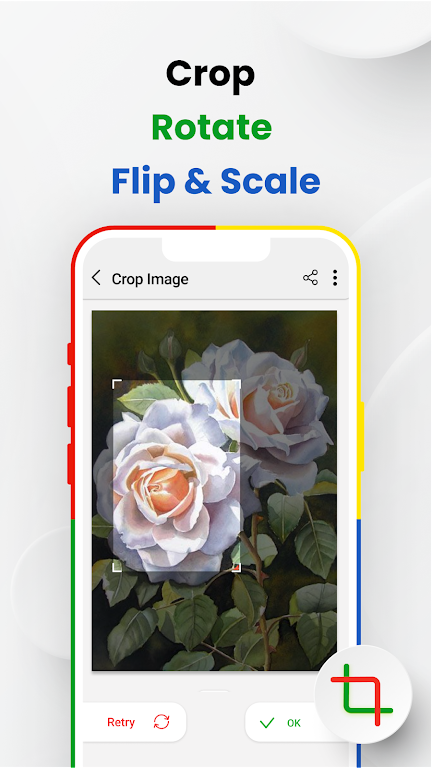
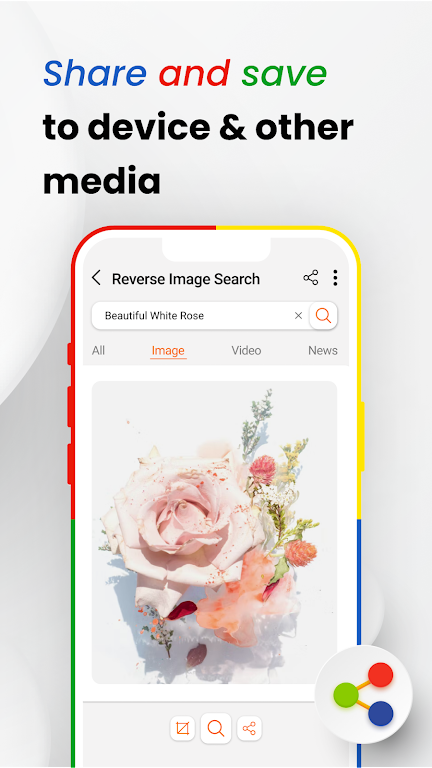

Photo Search helps you find images fast by letting you search photos on your device, in the cloud, or via reverse image lookup. The app combines visual recognition, metadata filtering and intuitive tags to locate pictures across albums, making it simple to retrieve duplicates, memorable moments, or specific object shots quickly.
Photo Search is a utility designed to make photo management effortless. It scans local storage and connected cloud accounts to build a searchable index of images. Using object detection, text recognition, and EXIF metadata parsing, the app lets you query by keywords, locations, dates, or by supplying an example image to find visually similar photos.
Indexing begins once you grant access to folders or cloud accounts. Photo Search extracts thumbnails and metadata into a compact database without modifying your originals. Queries use either text-based filters or image input: type a phrase such as "red dress 2019" to get matched items, or tap the camera icon and upload an example photo to run a reverse image search. Results display quickly thanks to a prioritized similarity algorithm that balances speed and accuracy.
The interface focuses on clarity and minimal steps. A unified search bar sits at the top for keywords, while contextual filter chips let you toggle date ranges, locations, and tags. Thumbnail previews include quick actions—share, archive, or open in an editor. Photo Search supports gestures for faster triage: swipe to favorite, long-press to multi-select, and pinch to change grid density.
Photo Search is optimized to run smoothly on a wide range of Android devices. Background indexing is throttled to avoid draining battery or hogging CPU. The app supports common image types including JPEG, PNG, HEIC, and RAW formats for popular camera models. Memory use scales with the size of your libraries; adjustable settings let you limit index depth or exclude folders to suit low-resource devices.
Privacy is handled in a transparent way: image files remain on your device or cloud account unless you choose to export them. Index data is stored locally and encrypted where possible. Cloud connections use token-based authentication so Photo Search never stores your account passwords. You control sync frequency and can fully clear the index at any time if you prefer a fresh start.
For anyone who manages a large photo collection—parents, travelers, content creators, or professional photographers—Photo Search reduces friction. Instead of losing time navigating nested albums, users can rely on accurate search and automated tagging to organize and retrieve images in seconds. The combination of local control and optional cloud reach makes it flexible for different privacy and workflow needs.
To begin, install Photo Search, grant permission to the folders you want indexed, and optionally link cloud accounts. Let the scanner run the first pass; depending on library size this may take a few minutes. After that, try a few searches and experiment with image-based lookups to see how the results align with your expectations. Tweak index settings if you need a lighter footprint on older devices.