Pixly Dark 3D - Icon Pack
Version: 1.4
106.58MB
4.1
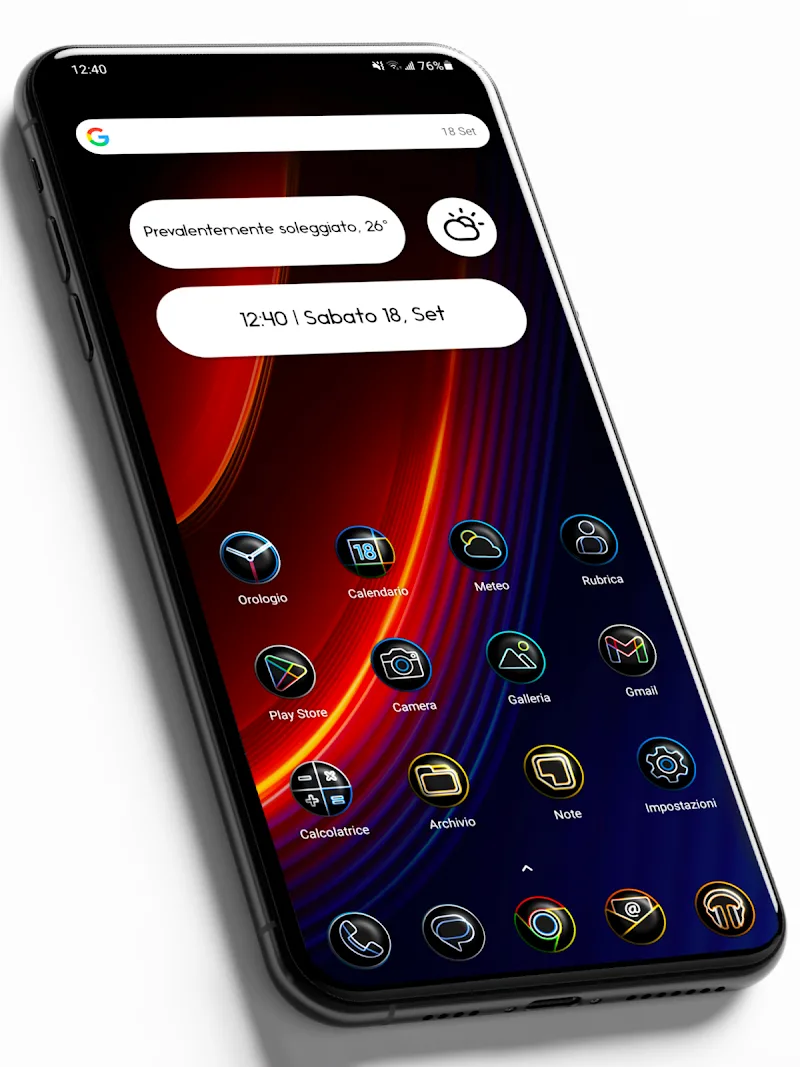
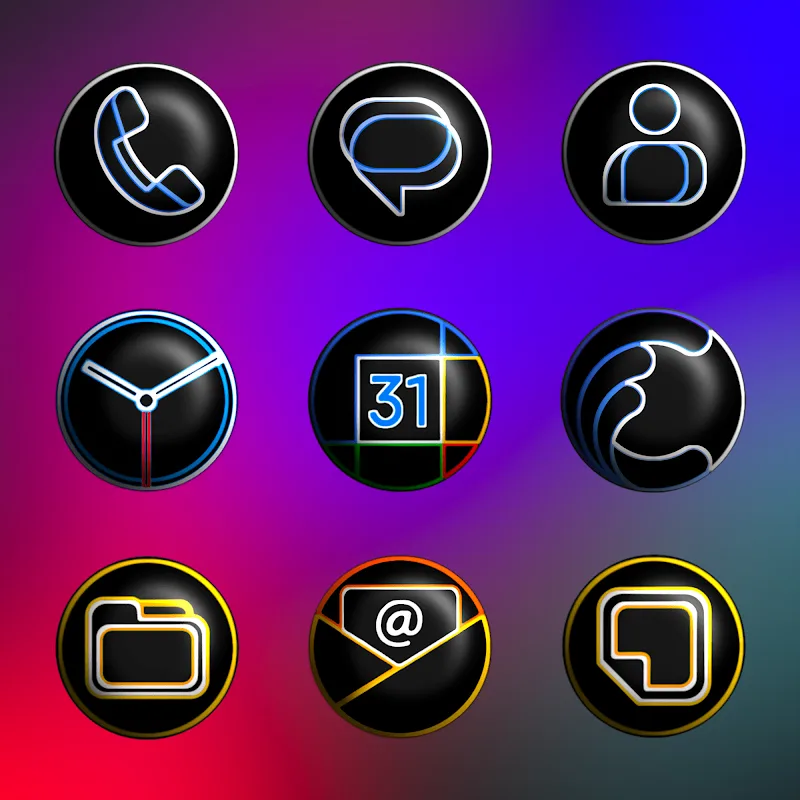
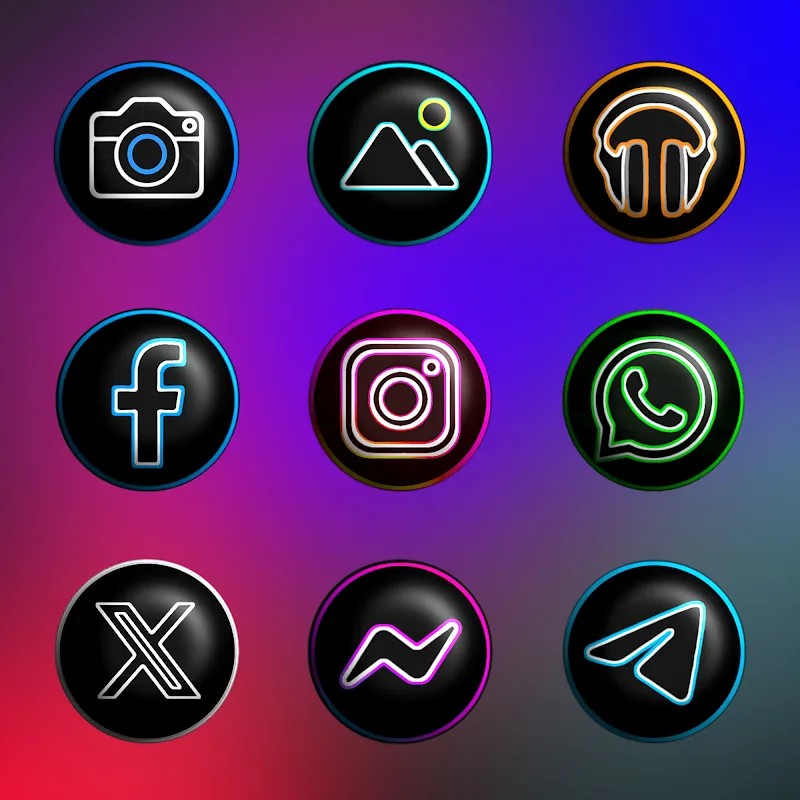
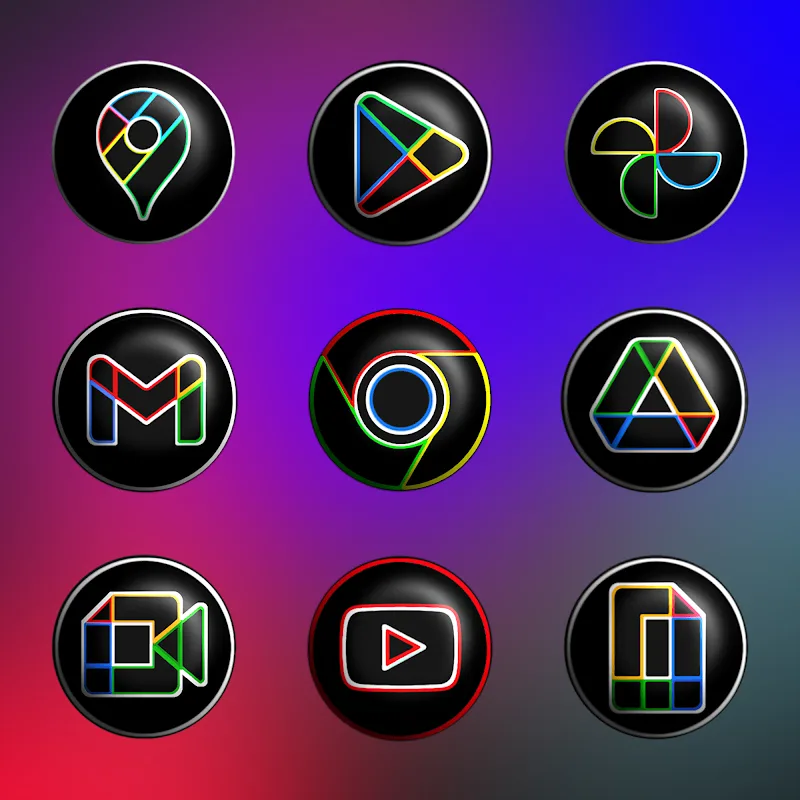
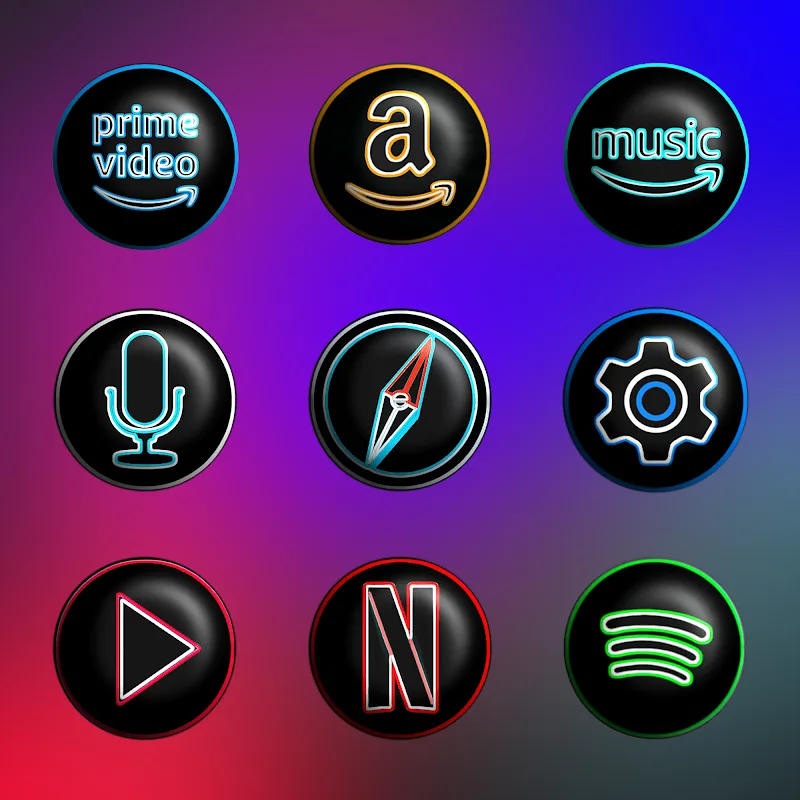
Pixly Dark 3D - Icon Pack brings a collection of refined, dark-themed 3D icons and matching wallpapers to Android devices. It focuses on visual consistency, depth, and shadowing to modernize app shortcuts, supports popular launchers, and receives ongoing updates to expand its icon coverage and aesthetic options.
The visual core of Pixly Dark 3D - Icon Pack is a balance between subtle realism and minimalist geometry. Each icon uses layered shading, soft rim lighting, and muted palettes to create a three-dimensional look without becoming ornate or busy. The pack favors darker tones and desaturated accents to keep focus on content while maintaining legibility on OLED and LCD panels.
Pixly Dark 3D - Icon Pack is designed with broad launcher compatibility in mind. It integrates cleanly with Nova, Lawnchair, Action Launcher, Smart Launcher, and many others. Installation typically involves selecting the pack from your launcher’s theme or icon settings and applying the changes. For launchers that do not natively support icon packs, manual application of icons or third-party tools may be necessary.
Setting up the pack is straightforward: install the APK, open the app, and use the apply menu to connect to your preferred launcher. If an icon is missing, the request feature lets you submit app details directly from the interface. For the most consistent results, pair the icon pack with a dark wallpaper and enable adaptive icon masking when available.
While the default theme delivers a polished, unified look, Pixly Dark 3D allows room for personalization. Mix custom widgets, change icon size and grid spacing in your launcher, or selectively replace icons to create a hybrid aesthetic. Designers will appreciate how the pack acts as a neutral foundation that highlights widgets and home screen content without competing for attention.
Icon packs are generally lightweight compared to full launchers. Pixly Dark 3D focuses on optimized assets to minimize storage and memory footprint. PNG and adaptive vector formats are used where appropriate to reduce loading times. The pack does not run constant background services, so battery impact is negligible once icons are applied.
Active maintenance is a notable strength. Developers frequently add requested icons, fix visual inconsistencies, and release packs to address new app variants. Keep automatic updates enabled to receive incremental improvements and seasonal content that preserves visual harmony across a growing app library.
For users seeking a modern, understated look without sacrificing clarity, Pixly Dark 3D - Icon Pack delivers consistent visual language and practical tools for customization. Its emphasis on dark tones, three-dimensional cues, and launcher compatibility makes it a flexible choice for daily drivers and curated home screens alike. If you want a durable, stylish icon solution that receives steady updates, this pack offers a strong blend of design discipline and usability.