Lines Dark Pro - Icon Pack
Version: 3.9.8
57.94MB
4.4
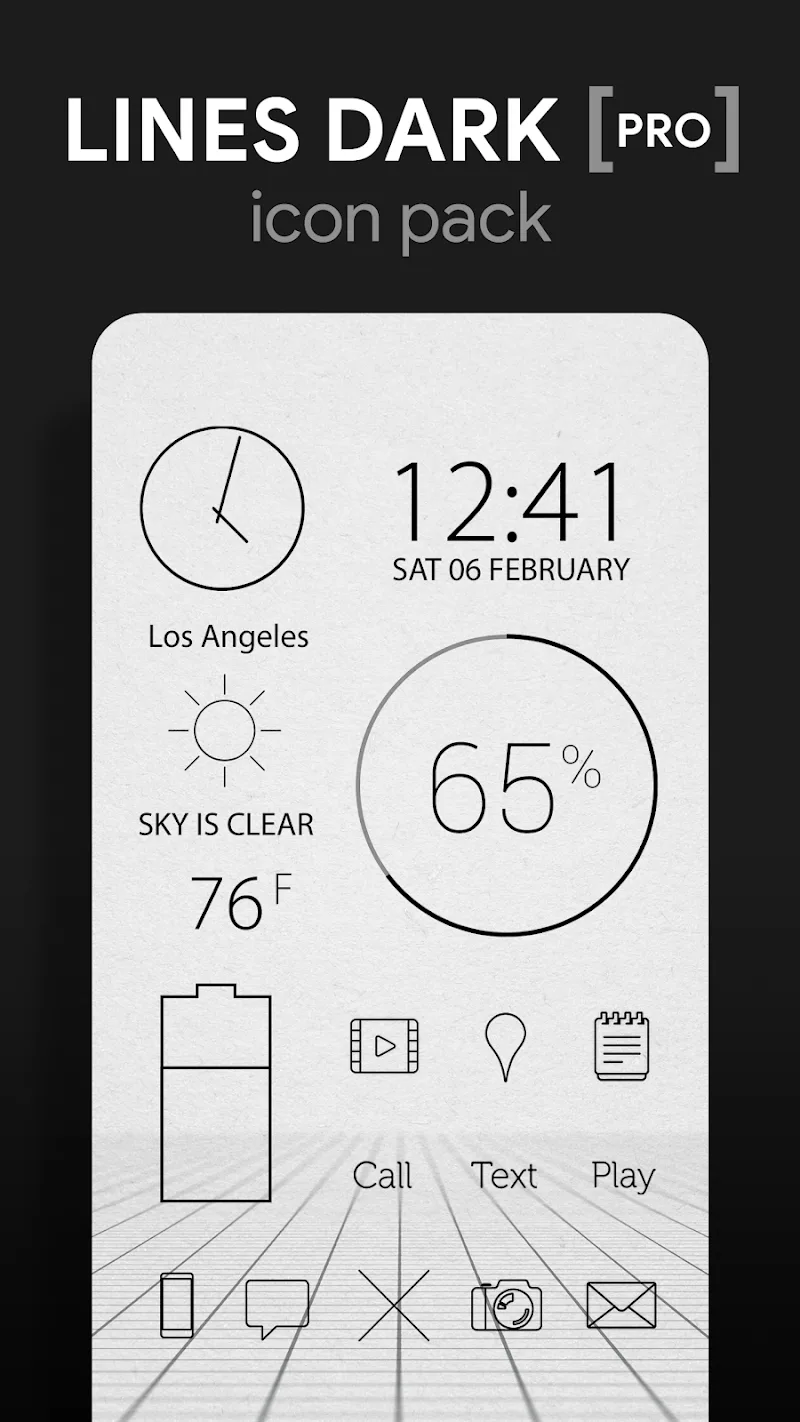
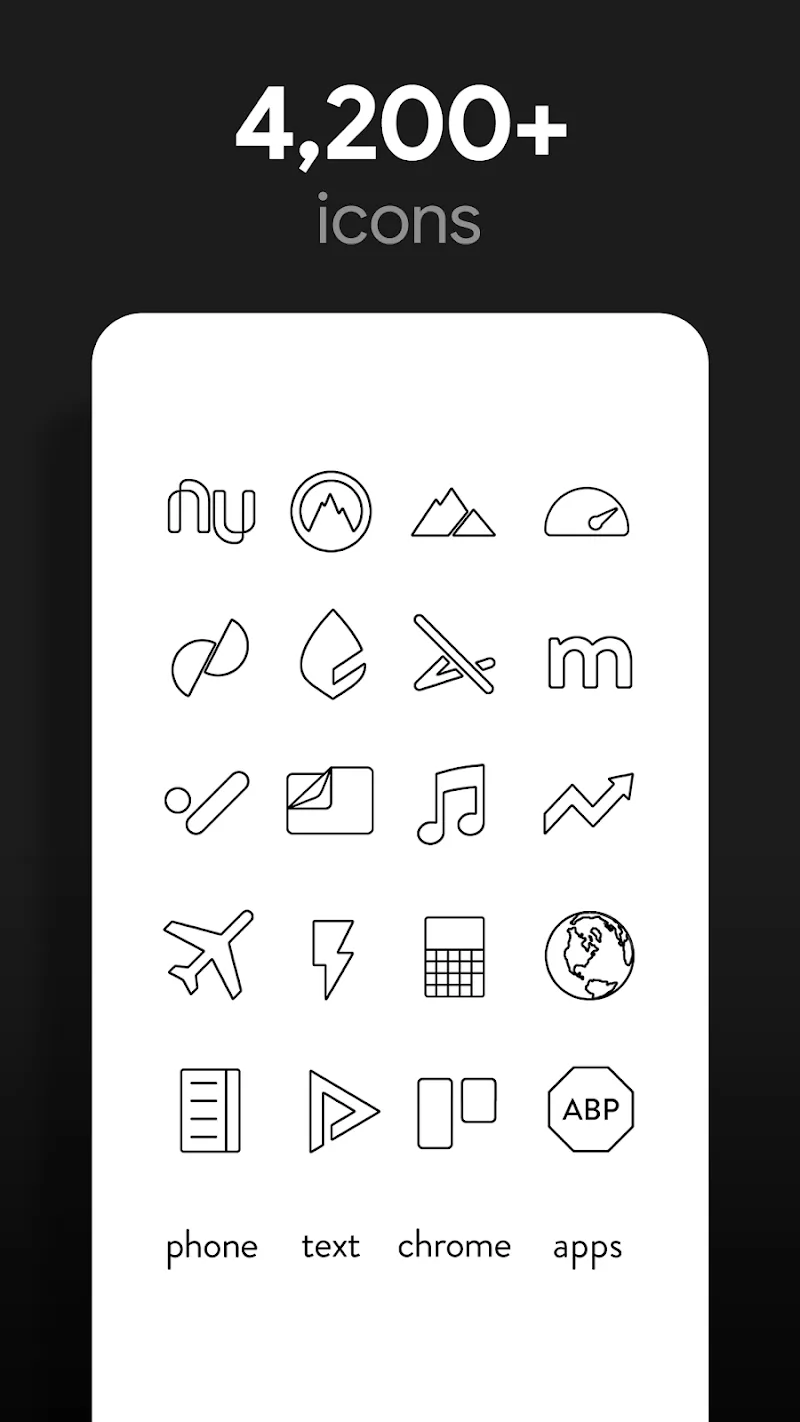
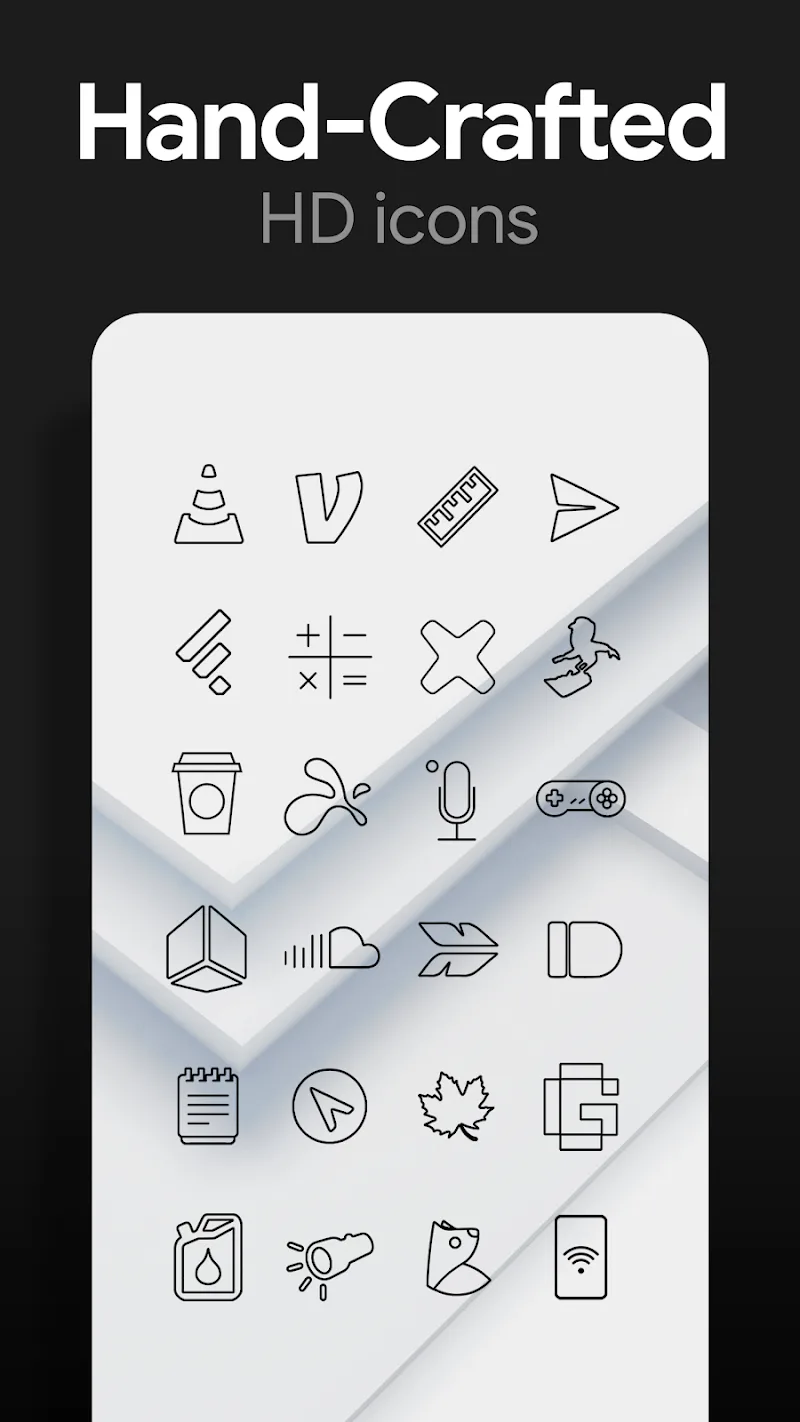
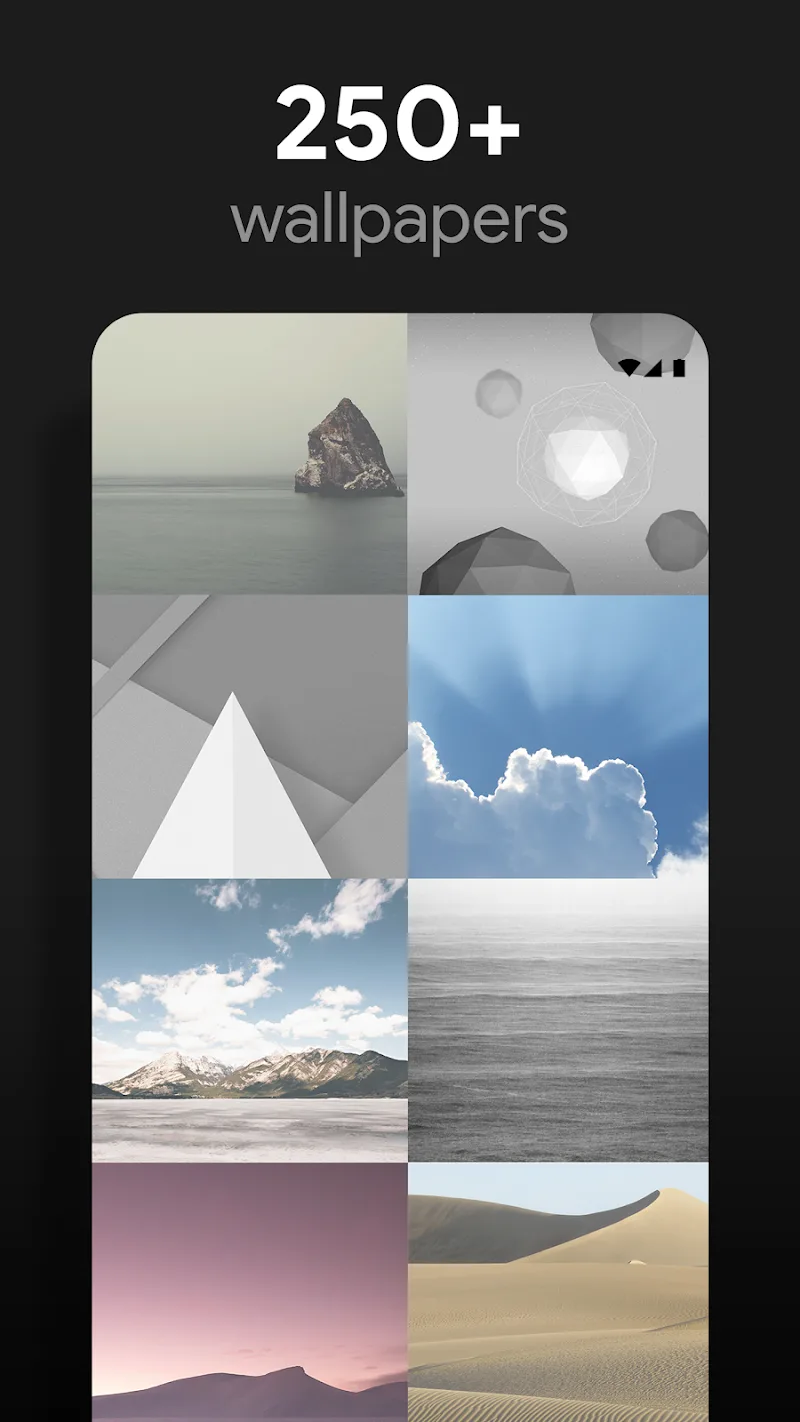
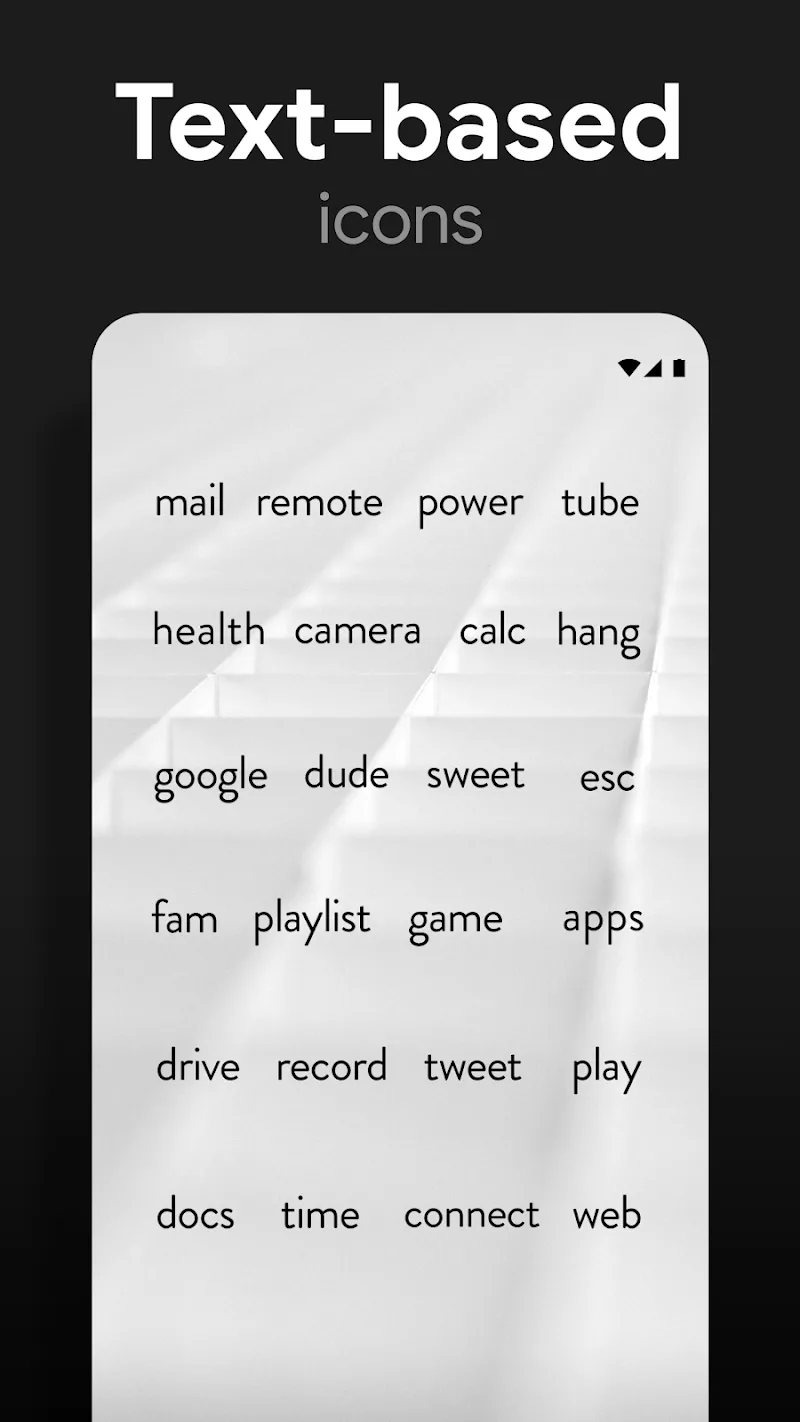
Lines Dark Pro - Icon Pack transforms Android home screens with a minimalist dark-themed icon set and subtle line art that pairs well with modern launchers. This pack focuses on consistency, battery-friendly aesthetics, and crisp vector glyphs, offering both style and practical clarity for everyday device use.
Lines Dark Pro - Icon Pack is a curated collection of vector icons and wallpapers designed to give phones a cohesive, understated look. Icons emphasize thin outlines on deep backgrounds, creating contrast with app content while remaining unobtrusive. The package targets users who prefer a refined appearance without sacrificing readability.
The visual identity leans on monochrome palettes and precise strokes. Each icon preserves familiar app shapes but abstracts them into clean linework. Designers prioritized balance: glyphs are centered and scaled for uniform grids, and the dark backgrounds reduce glare on AMOLED screens. Attention to padding and alignment leads to a neat, professional finish.
Applying Lines Dark Pro - Icon Pack is straightforward. From your launcher’s theme or icon settings, select the pack and allow it to replace app icons. It supports popular launchers such as Nova, Lawnchair, Action, and many others. For launchers that don’t support icon packs directly, manual replacement or a companion theming utility is usually possible.
Because the icons are vector-based and rendered with simple shapes, memory and CPU overhead is low. The dark backgrounds also help save power on devices with OLED displays. The pack avoids animated elements, which keeps the interface fluid and minimizes background processing. Users with older hardware should notice little to no impact on responsiveness.
Using this icon pack can change how you interact with your home screen. The consistent visual language reduces visual noise and makes scanning for apps faster. Designers focused on legibility in small sizes, improving quick identification. Custom shortcuts and folder icons follow the same line style, keeping the experience cohesive across different UI areas.
While the default look is deliberately minimal, there are ways to personalize. You can mix these icons with other accents, use the included wallpapers, or tweak icon size and grid spacing in your launcher. For users who enjoy deeper theming, pairing the pack with a dark system theme or custom widgets creates a polished, unified setup.
Lines Dark Pro - Icon Pack integrates well into daily routines. It doesn’t aim to be flashy; instead, it refines and simplifies. The result is a workspace that feels intentional, reduces distraction, and highlights app content without competing for attention.
If you prefer minimalism, dark themes, or a cleaner home screen layout, this icon pack is a solid choice. It’s ideal for professionals and power users who value consistency and for anyone wanting a subtle, modern aesthetic on their device. Casual users who like bold colors might prefer something more vivid, but those seeking calm and clarity will appreciate this option.
Lines Dark Pro - Icon Pack delivers a focused visual system built for usability and style. It blends strong design fundamentals with practical benefits like battery savings on OLED screens and wide launcher support. For users aiming to streamline their phone’s look, the pack is both an efficient and tasteful upgrade.