Draw Doodle Art
Version: 2.0.1
1.60MB
4.1
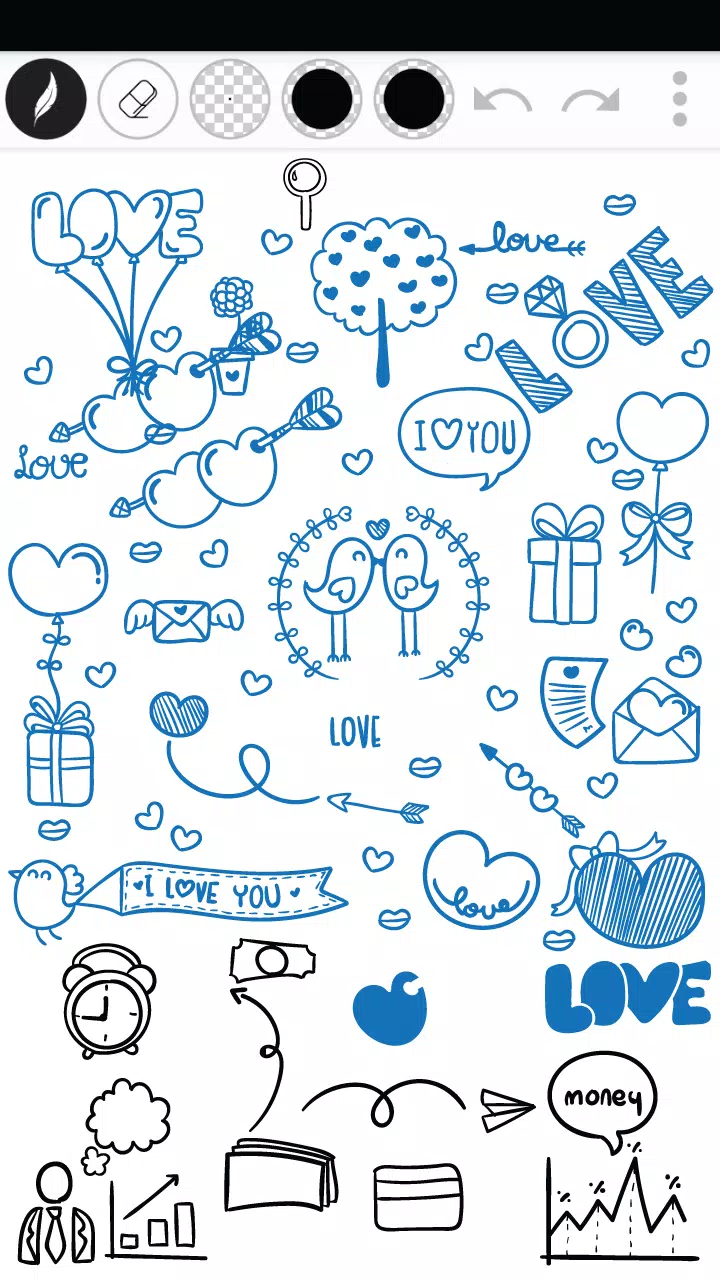
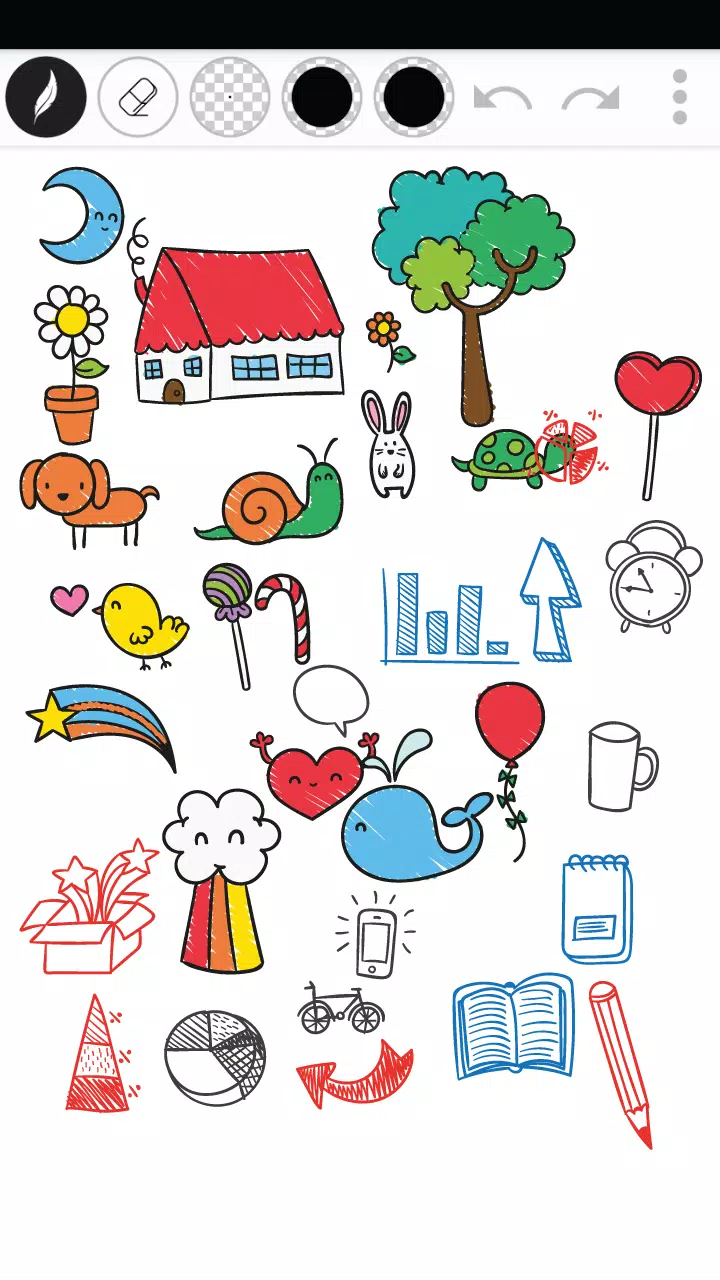
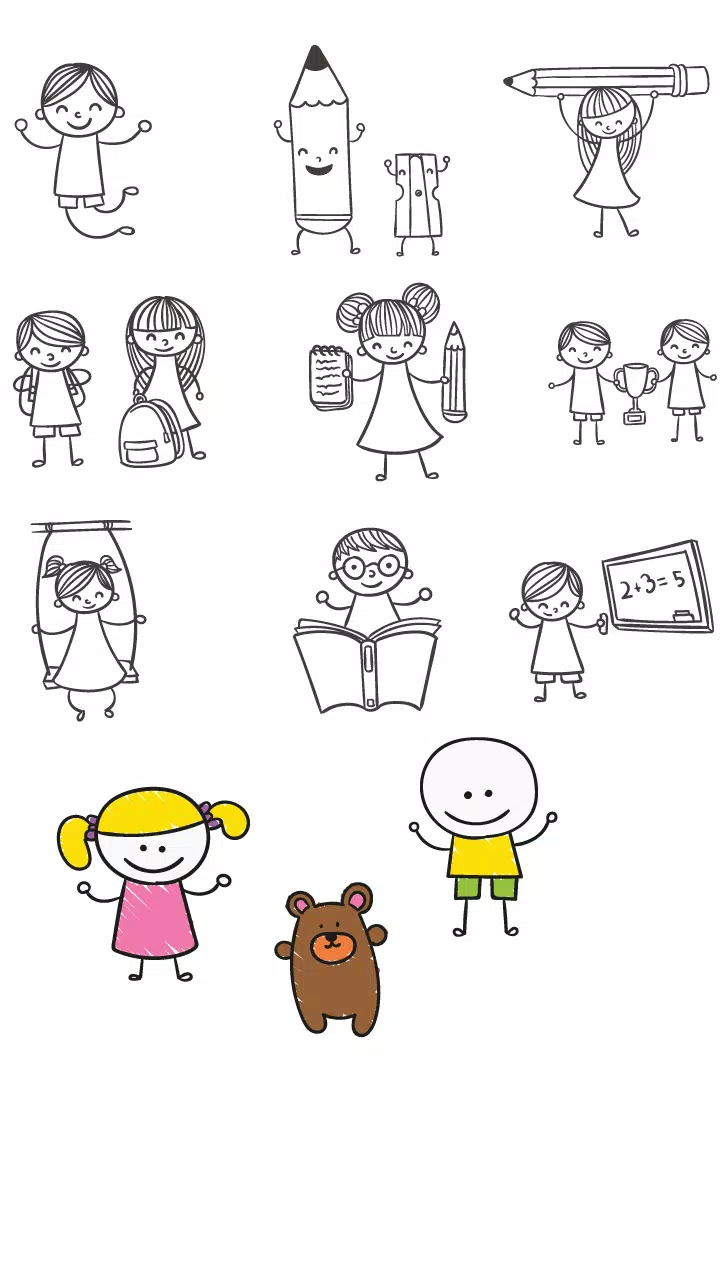
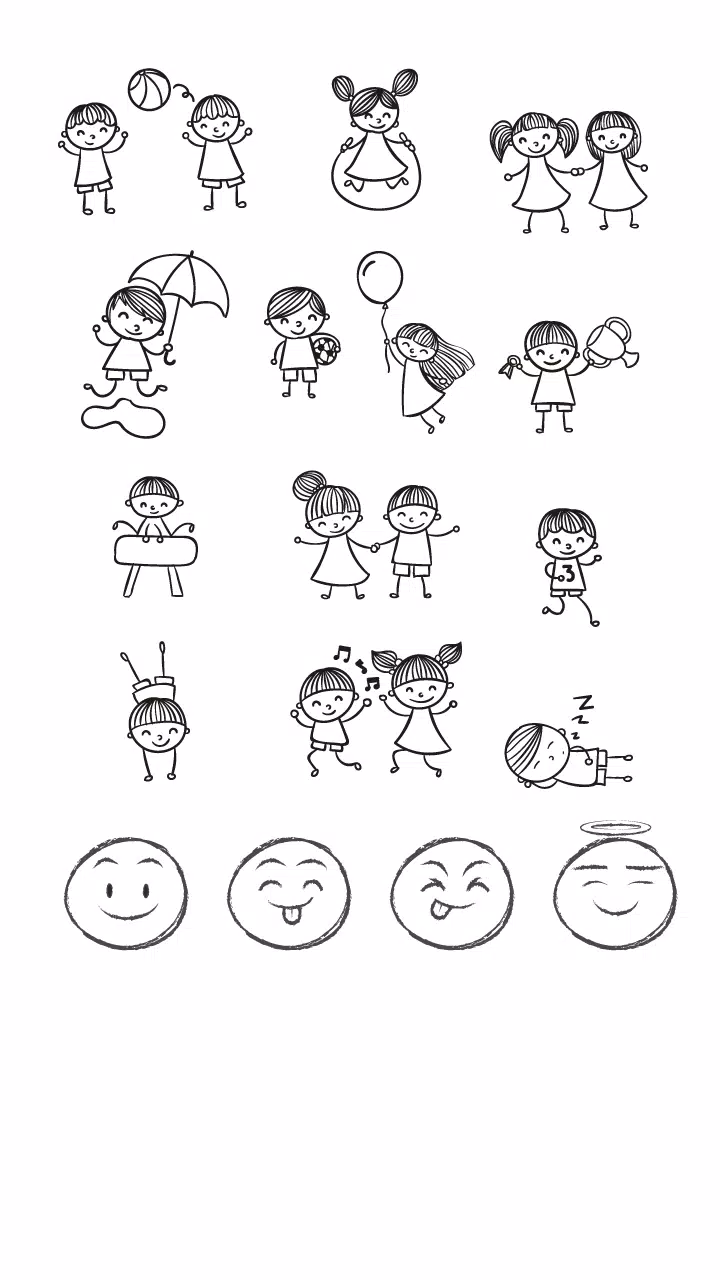
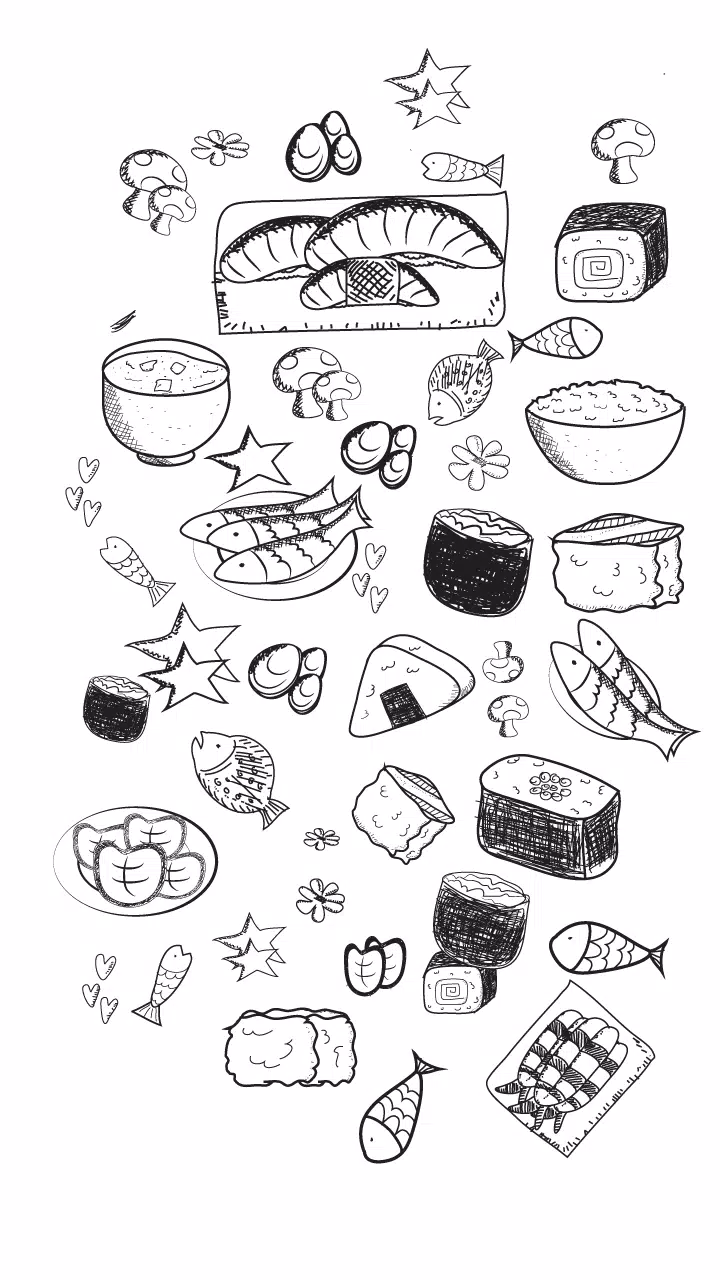
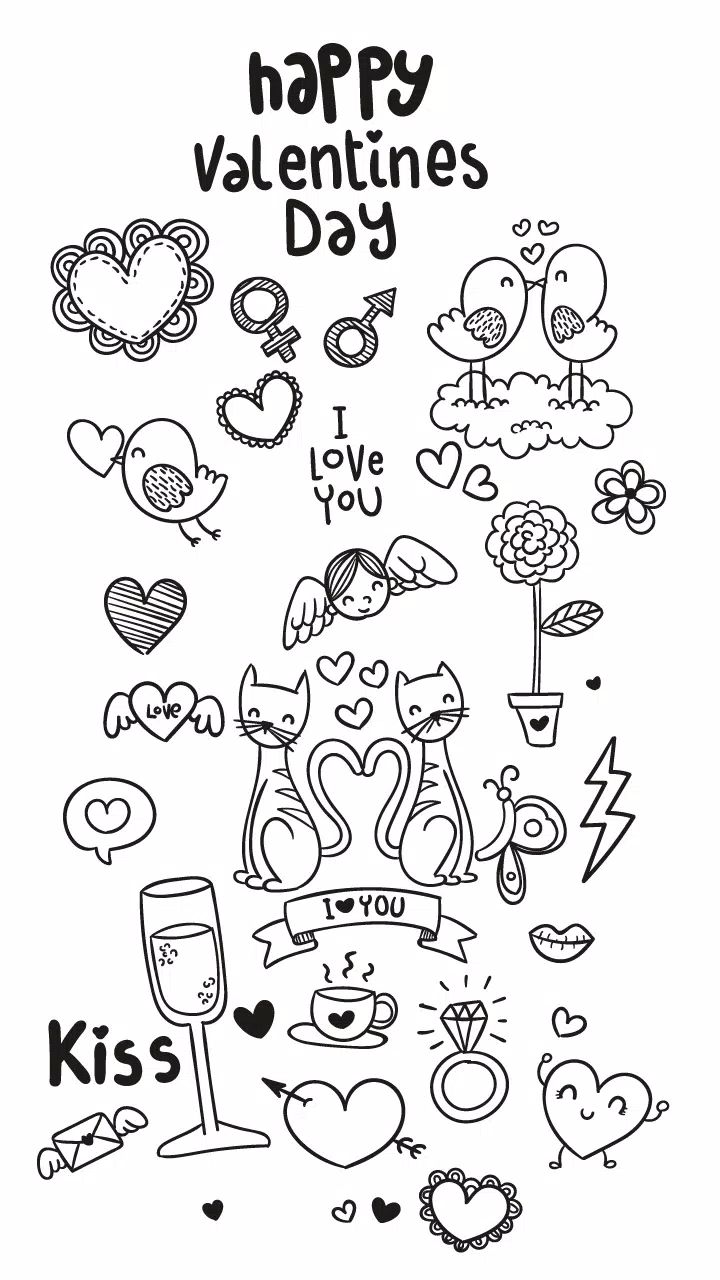
Draw Doodle Art brings a compact doodling studio to your Android device, letting you sketch, color and relax without a complex setup. Draw Doodle Art opens on a clean canvas with several pen styles, an eraser, adjustable pen size and a color palette you can tune, plus alpha (transparency) control for soft layering and refined details. The app keeps things immediate: undo/redo, quick save to local storage and simple sharing are built in so ideas stay fluid while you create. Whether you want a short creative break or a few focused practice minutes, Draw Doodle Art is designed to remove friction and keep the focus on drawing.
The app exposes a few straightforward tools that cover most casual sketching needs. Multiple pen styles and thicknesses let you switch between fine lines and bold strokes; a basic eraser lets you correct marks quickly without losing momentum. Transparency control allows overlapping strokes to build tone and texture, and a palette editor stores frequently used colors so you can return to a preferred set. Undo and redo are immediate, and saves go directly to your device gallery so you do not need an account to back up work.
Draw Doodle Art relies on simple, touch-first controls that make getting started fast: tap to pick a tool, drag to draw, pinch to zoom and use a two-finger gesture to pan the canvas. Adjustable pen size is presented as a single slider, and alpha is controlled by a parallel slider so opacity and width are easy to balance. The interface is minimalist by design so gestures and on-screen buttons remain large and discoverable; pressure-sensitive stylus input is supported where the device provides it, which helps produce more expressive lines on compatible hardware.
Rather than a rigid level system, progression in Draw Doodle Art is user-driven and practice-oriented. The app encourages steady improvement with optional daily prompts that suggest short exercises, and a locally-stored sketch history lets you revisit earlier drawings to see how your technique evolves. A simple gallery groups saved sketches by date, making it easy to track progress over weeks or months. All of this is stored on-device so you control your creative archive and there is no required onboarding grind.
The visual approach favors clarity and focus: a neutral default canvas, unobtrusive tool icons and adjustable background options let you choose a white, tinted or grid backdrop depending on the task. Brush styles are intentionally lightweight — from marker-like strokes to a pencil feel — and you can tweak size and alpha to push toward sketchy or refined results. The palette editor supports creating and naming custom color sets so you can switch between schemes for different projects quickly.
There are no conventional game levels, but Draw Doodle Art includes structured short-form challenges that act like practice levels: timed sketch drills, constrained palettes and silhouette tracing exercises that help you sharpen observation and line control. Challenges are designed to be completed in a few minutes and are stored locally; they are optional and intended to boost replay value by offering small, repeatable tasks that improve specific skills without introducing competitive elements or online leaderboards.
Replay value comes from experimentation and customizable tools. Because brush width, opacity and palettes are easy to alter, the same canvas can be revisited with new approaches to produce different outcomes. The app encourages iterating on a sketch: revise, save versions, and compare. Over time the locally-stored gallery plus prompts and practice drills create a lightweight, personal progression loop that keeps casual users returning without requiring social features.
Draw Doodle Art focuses on low-friction usability and accessibility. Large target areas, clear labels and adjustable UI scale help users with different motor abilities, and color-blind friendly palette presets are provided to support better contrast options. The app runs entirely offline for core drawing and saving functions so you can sketch without a connection, and it keeps resource use modest to preserve battery life during longer creative sessions.
Exporting is deliberately simple: save images to local storage in standard formats and share directly through the device’s share sheet when you want to post or send a drawing. There are no required accounts or cloud sync by default, which keeps control of your files in your hands. This local-first approach also means drawings remain available even when you are offline.
Draw Doodle Art is aimed at casual sketching and relaxed creative practice rather than professional vector illustration or detailed photo editing. It does not include advanced layer systems or complex filters; if you need full-featured vector tools or industry-grade compositing, a specialized app will be more appropriate. For quick sketches, warm-up exercises and creative downtime, however, the app provides a simple, dependable toolkit.