EPIK - Photo Editor
Version: 5.5.41
156.50MB
4.5
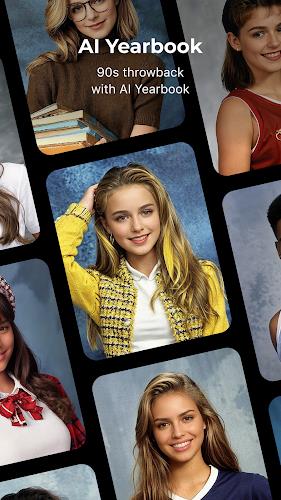
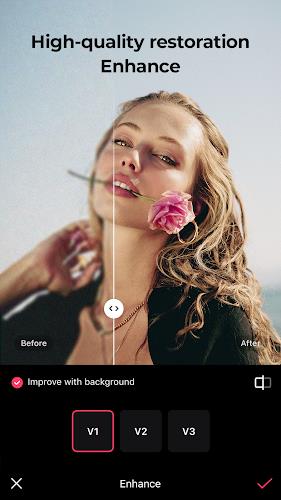
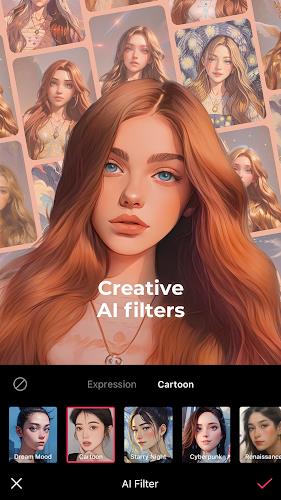

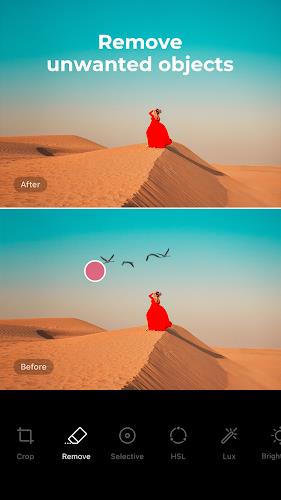
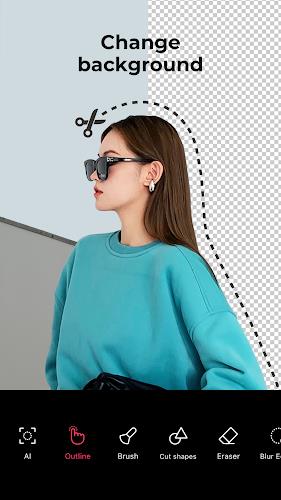
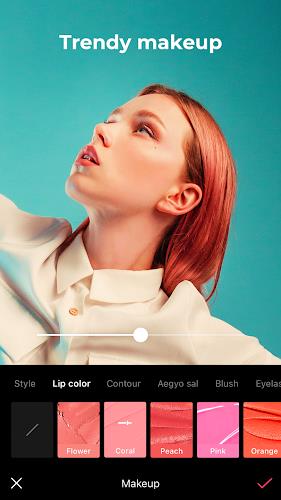
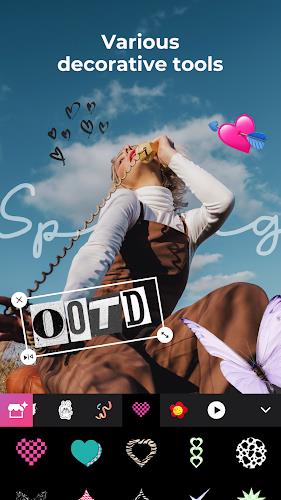
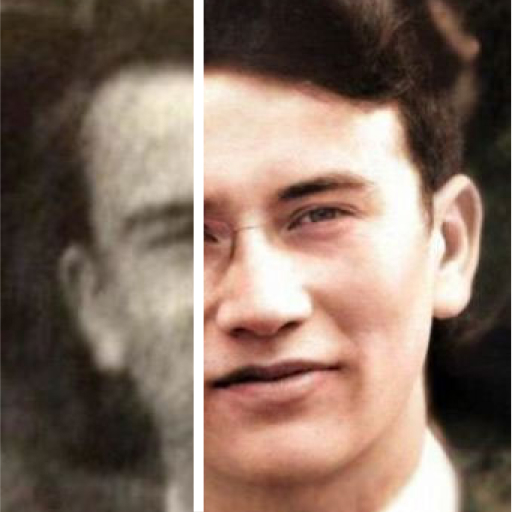
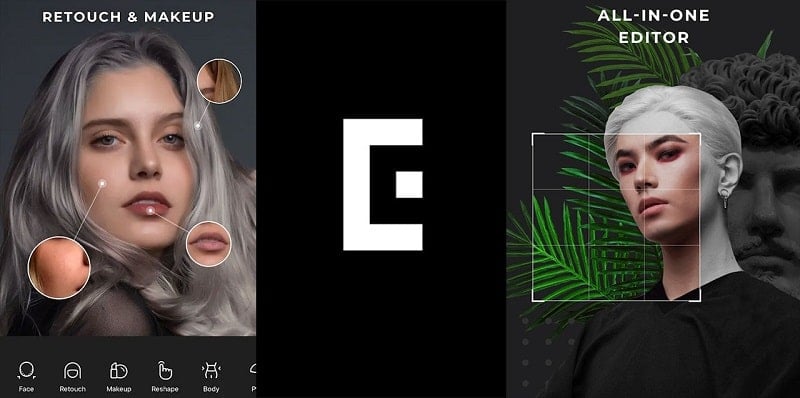
EPIK - Photo Editor is an AI-powered photo and video editor that brings professional tools into a simple, approachable interface, so anyone can improve portraits, apply creative effects, and polish clips with minimal effort. The app combines one-tap AI fixes for quick enhancements with precise manual controls like curves, HSL, and selective adjustments for users who want fine control. Newcomers will appreciate easy portrait retouching and realistic makeup options, while experienced editors can use batch editing, advanced overlays, and tracked video effects to create consistent, social-ready images and short videos.
⭐ EPIK - Photo Editor integrates one-tap AI tools like Enhance, Skin, and Crop to instantly improve exposure, texture, and composition.
⭐ Precise manual controls such as curves, HSL, and selective adjustments let you fine-tune color, contrast, and clarity with accuracy.
⭐ Batch Edit enables processing multiple photos at once, speeding up repetitive corrections and workflow tasks.
⭐ Portrait retouching offers one-click appearance fixes plus facial and body reshaping, realistic makeup, and hair color transformation for full makeovers.
⭐ Creative assets include advanced filters, texture overlays, stickers, text, hand-drawn elements, collage, spot color, and mosaic effects for unique looks.
⭐ Video tools support tracked motion effects like mosaic and blur, classic film looks, frame-by-frame facial retouching, and applying photo-style effects to clips.
✅ EPIK - Photo Editor is suitable for beginners thanks to one-tap AI features while still offering pro-grade manual tools for detailed work.
✅ A comprehensive portrait toolkit makes quick retouches and full transformations straightforward without complex workflows.
✅ Flexible creative options from filters and templates to stickers and custom overlays help you shape a consistent visual style for social posts.
✅ Integrated photo and video editing keeps your images and clips visually aligned and reduces the need to switch between apps.
❎ One-tap AI fixes can sometimes over-smooth or produce results that need manual refinement to look natural.
❎ Professional tools like curves and selective edits have a learning curve for users new to advanced editing techniques.
❎ Intensive edits and video processing may run slower on older or low-end devices, affecting workflow speed.