
Fizzer
Version: 12.2.0
23.43MB
4.5
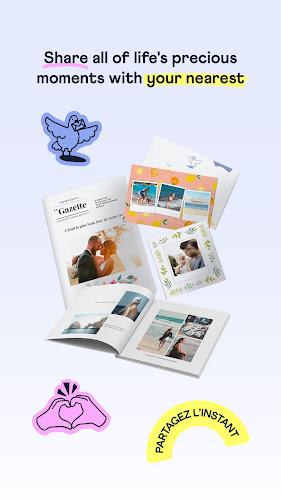
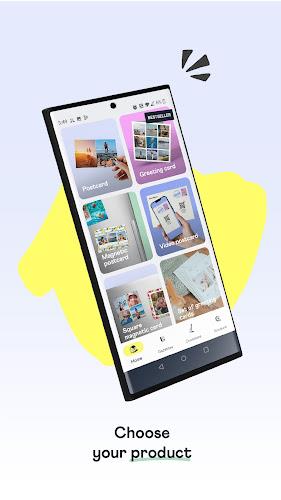
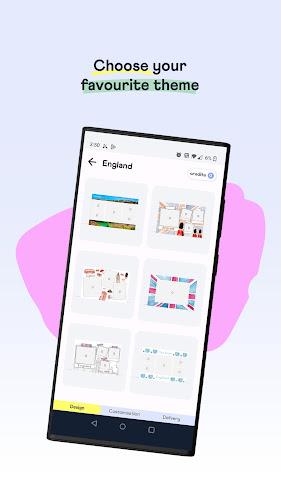
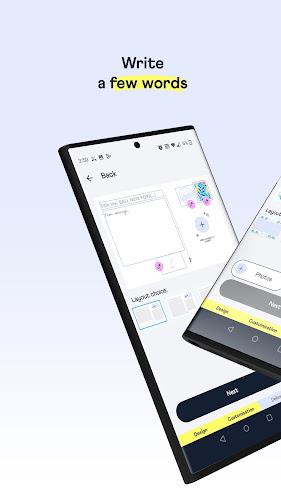
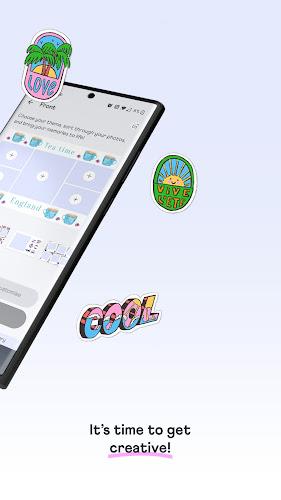
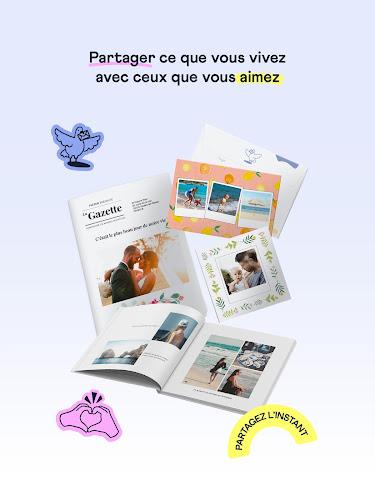
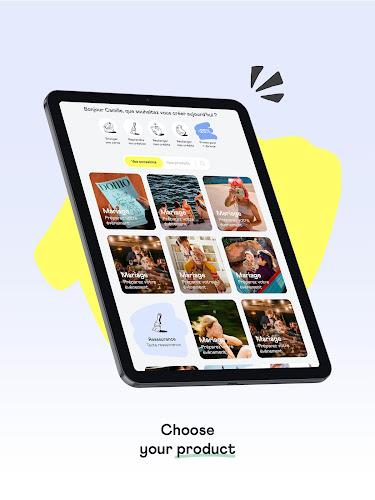
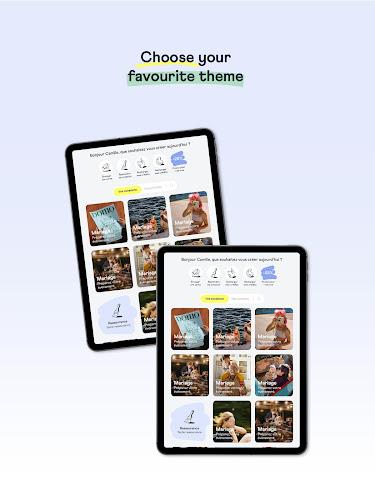
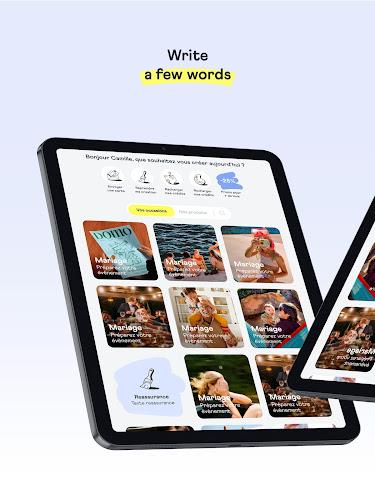
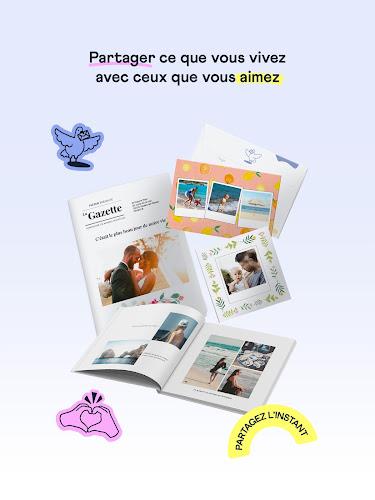
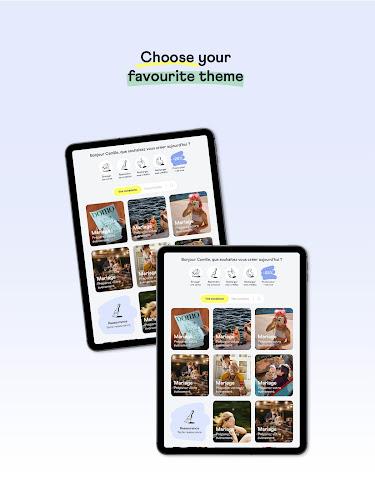
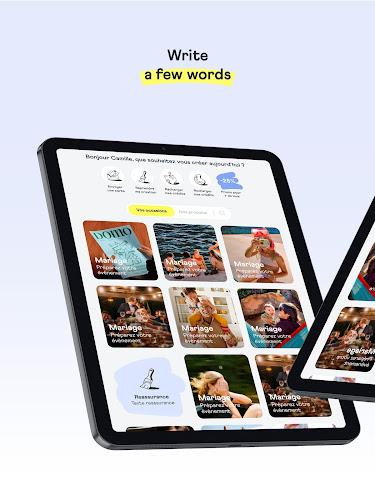
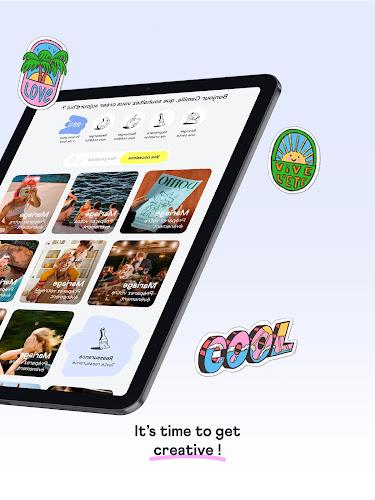
Fizzer helps you design and send real, printed postcards and greeting cards straight from your Android device, combining your photos, custom text and professional printing. The app makes it easy to craft personalized mailers, preview finished pieces, and dispatch physical cards worldwide with tracking and scheduled delivery options.
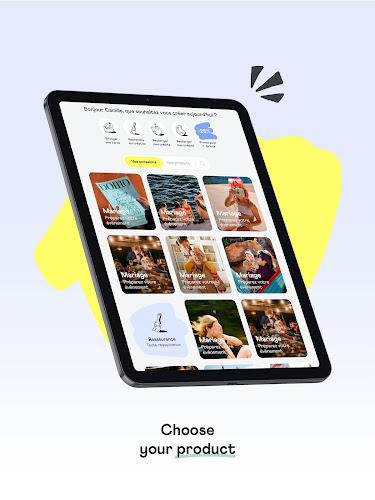
Fizzer is a mobile-first service that turns digital memories into tangible mail. It bridges the gap between smartphone creativity and traditional snail mail by letting you design cards on-screen and then having them printed, stamped and delivered by a professional fulfillment network. Templates, address management and order history are all handled inside the app.
The toolbox inside the app focuses on quick, attractive results without a steep learning curve. Highlights include:
Design flexibility is a core part of the experience. You can use single or multi-photo layouts, add personal messages with adjustable font sizes and alignments, and preview both front and back of the card. The app supports portrait and landscape formats and offers different paper finishes so the final product aligns with your expectations.
Creating and sending a card follows a simple workflow: choose a template, upload or select photos, write your message, add recipient details, then review and place the order. Production and postage are managed by the fulfillment partner—Fizzer handles file preparation and quality checks before printing to ensure a consistent result.
Users rely on the app for a range of situations: holiday and seasonal greetings, travel postcards sent directly from vacation, event invitations, thank-you notes, and business announcements. Because the app produces physical mail, it’s valuable when a tangible keepsake or formal notice makes a stronger impression than digital messages.
Fizzer is built to run smoothly on modern Android devices. The interface is optimized for touch controls and quick previews; image processing is handled client-side so you get immediate visual feedback. Upload times depend on image size and connection speed, and the app includes progress indicators during image transfer and order submission.
Address and personal message data are treated as sensitive and used only to produce and ship orders. The app provides options to manage saved addresses and delete order history. For users who prioritize privacy, check the in-app settings to limit data retention and review the service’s stated privacy practices before sending sensitive content.
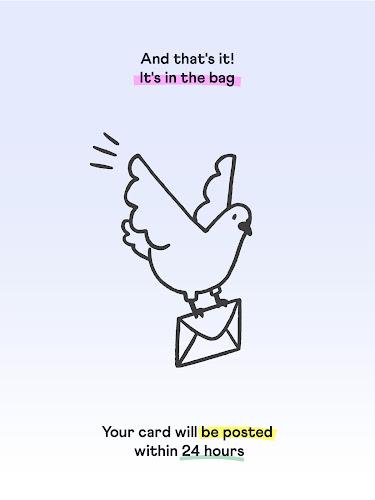
Costs vary by card size, paper choice and destination. Pricing is transparent during checkout so you can compare shipping options and delivery estimates. International mail times depend on postal services in each country; the app gives approximate transit windows and tracking when available.
To ensure high-quality prints, use high-resolution photos, avoid heavy compression, and preview the layout before ordering. Keep messages concise for readability, and double-check recipient addresses to prevent delivery delays. If you plan multiple cards, save a template to reuse for faster future orders.
Download the app, create or sign in to an account, and allow access to photos if you want to import images. Explore templates and create a test card to become familiar with layout tools. The onboarding flow typically guides you through your first send so you can experience the full printing and delivery cycle.
Fizzer combines the intimacy of handwritten-style cards with the convenience of mobile design and fulfillment, making it simple to send memorable, physical mail directly from your phone.