Photo Enhancer & Blurry Fixer
Version: 1.9.0
134.90MB
4.1
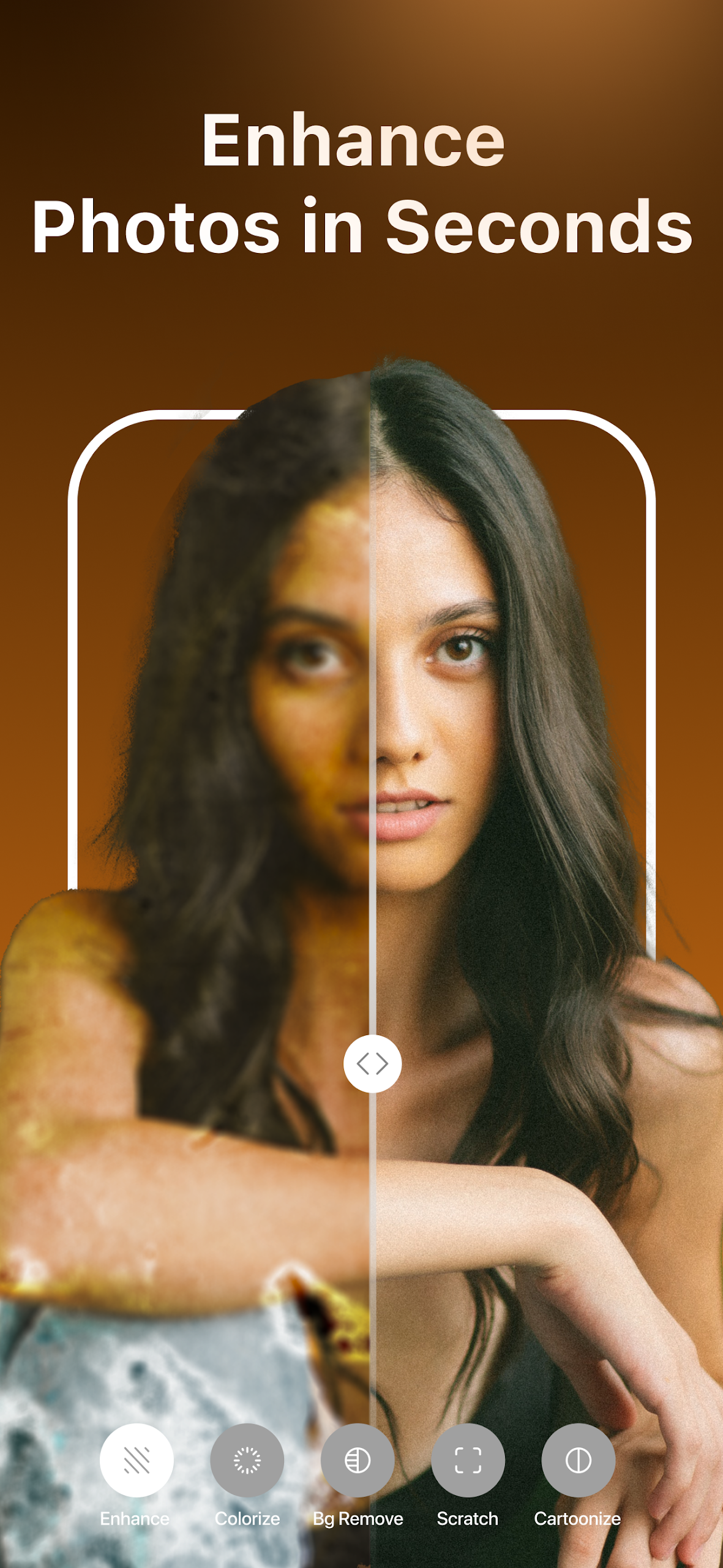
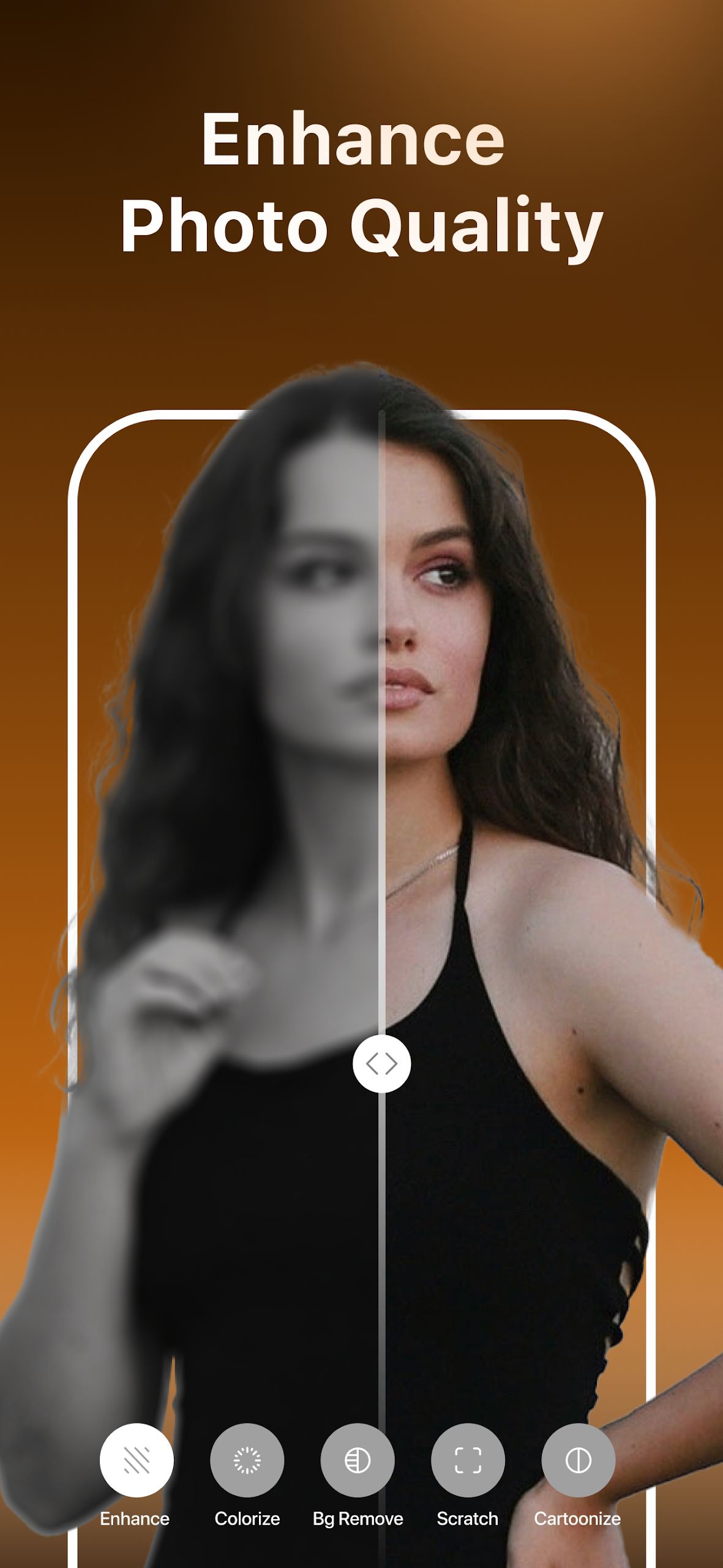
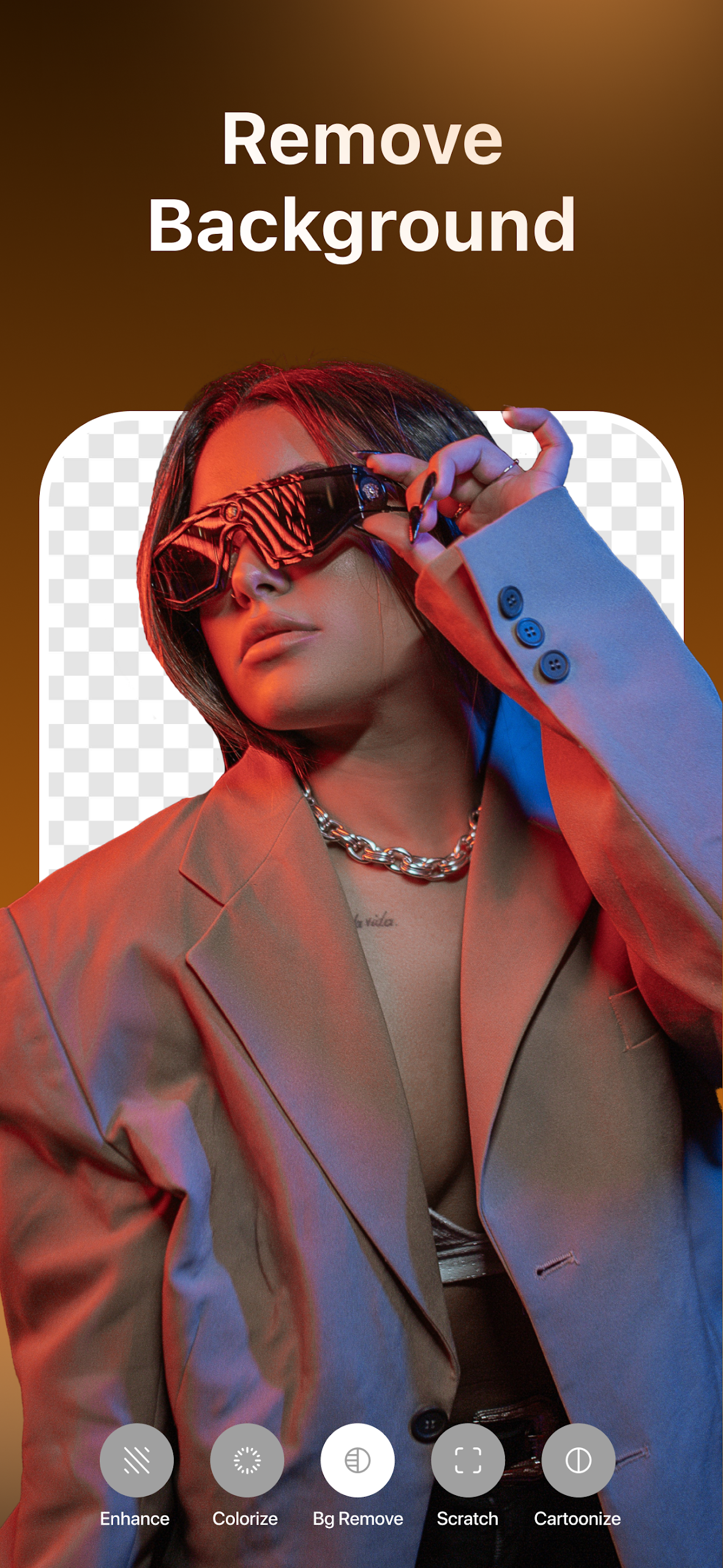
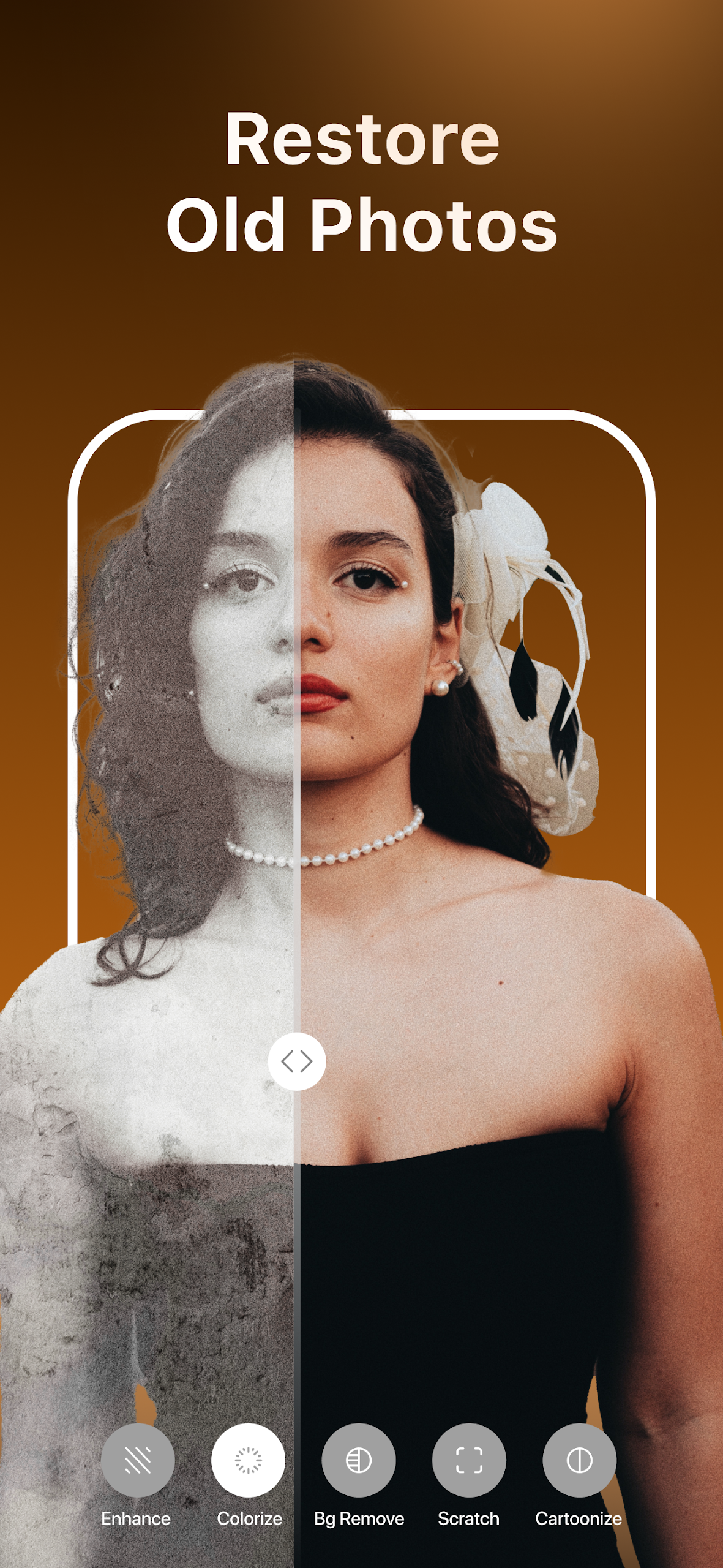
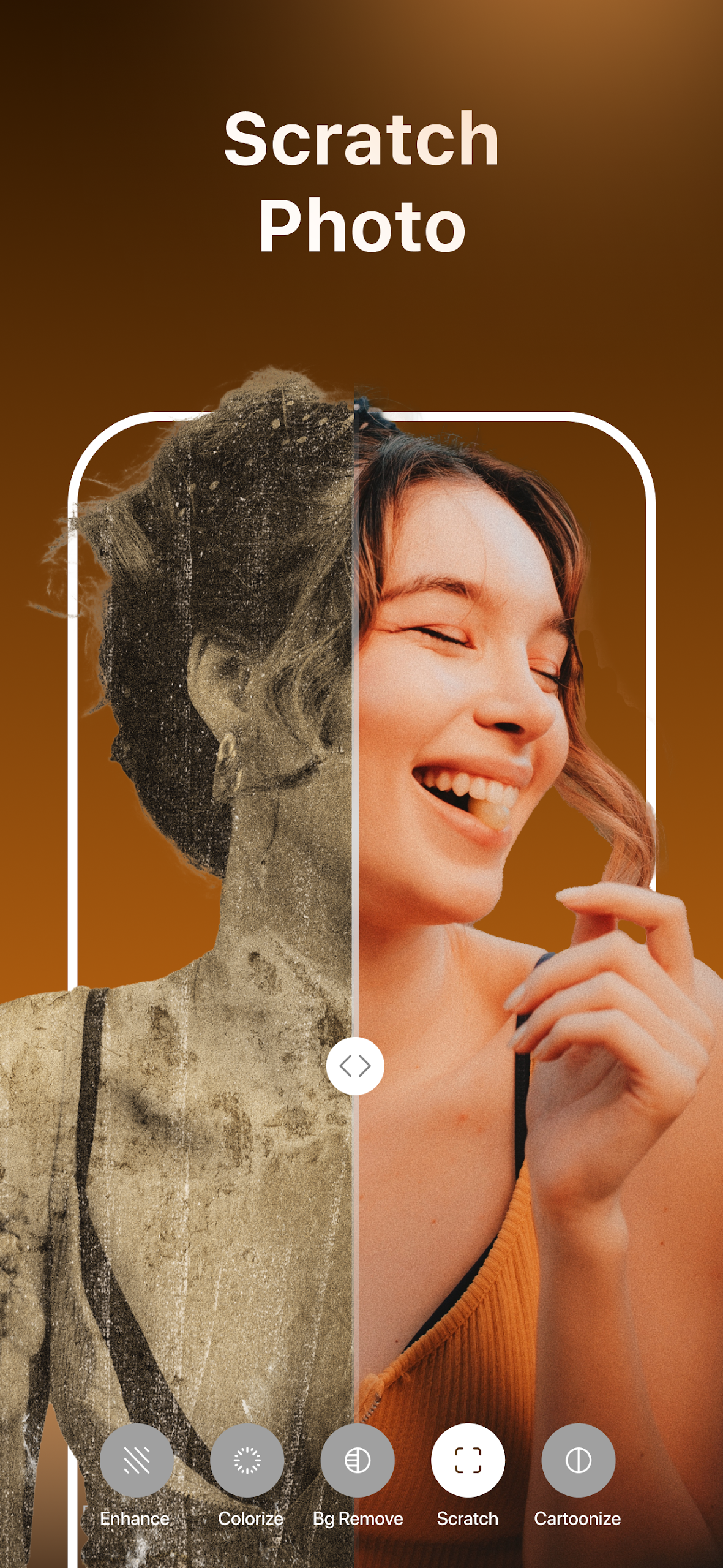
Photo Enhancer & Blurry Fixer is a mobile utility that improves image clarity with one-tap fixes and advanced manual controls. It blends AI-driven sharpening, noise reduction, and color correction into a compact interface to rescue out-of-focus shots and enhance low-light photos quickly and reliably.
Designed for casual photographers and social media users, Photo Enhancer & Blurry Fixer focuses on practical restoration rather than complex editing suites. The app targets common problems: motion blur, soft focus, and grain from high ISO. It emphasizes speed and predictability, letting you produce share-ready images without a steep learning curve.
The toolset delivers a combination of automatic and manual operations. Auto-enhance evaluates each image and suggests a starting point, while granular sliders allow you to dial in sharpening, dehaze, and color balance. A batch mode accelerates processing of multiple photos, useful when sorting through a recent shoot.
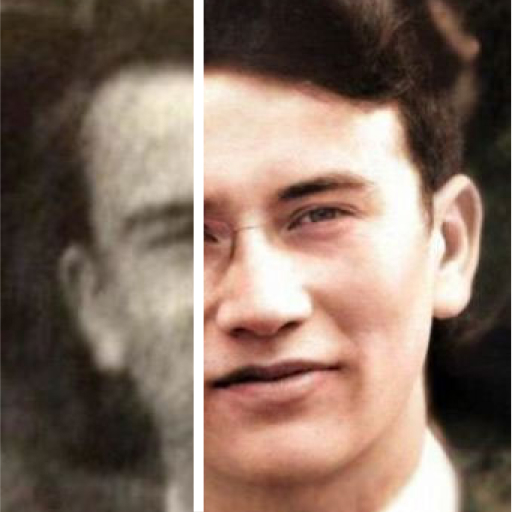
Photo Enhancer & Blurry Fixer uses a two-stage approach: detection followed by reconstruction. First, the app analyzes the image to identify areas affected by blur and noise. Next, it applies localized sharpening while avoiding oversharpening in smooth regions like skies and skin. The result is a clearer image that still looks natural.
The user interface keeps the most-used controls up front. A central preview pane updates in real time as you adjust sliders, and side-by-side comparisons help you evaluate changes. Performance will vary by device, but most modern phones can process single images quickly; heavy batch jobs may take longer and are queued to minimize interruptions.
Importing photos is straightforward: pick from the gallery or capture a new frame with the in-app camera. After an initial auto-scan, suggested improvements appear as one-tap actions. For users who want fine control, exposure, contrast, structure, and selective sharpening are available. The app keeps edits non-destructive so you can always return to the original frame.
While the app improves many imperfect photos, it cannot fully reconstruct details missing from severely blurred or low-resolution images. Subtle artifacts can appear if sharpening is pushed to maximum, so moderate adjustments usually yield the most convincing outcome.
Installing Photo Enhancer & Blurry Fixer takes a few moments, and the initial walkthrough highlights key controls and recommended settings. New users should test the app on a few varied images—portraits, nighttime scenes, and action shots—to learn how different sliders affect results. Regular updates add algorithm improvements and performance tweaks.
For anyone who frequently rescues imperfect photos before sharing or printing, Photo Enhancer & Blurry Fixer provides an effective blend of automation and hands-on control. It’s a practical addition to a mobile photographer’s toolkit, especially when clarity and natural-looking results are priorities.