HD Camera for Android 2024
Version: 2.2
17.60MB
4
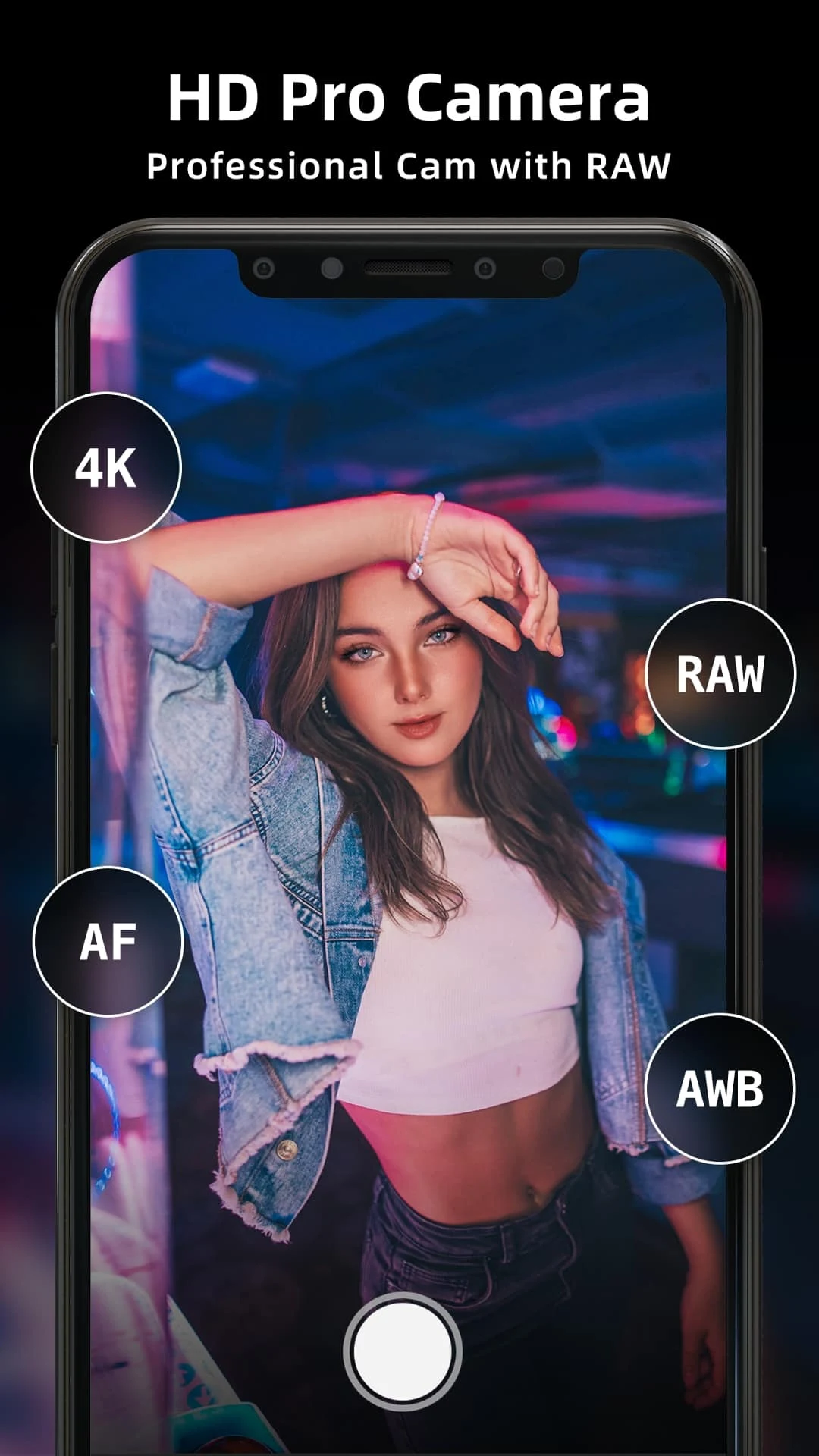
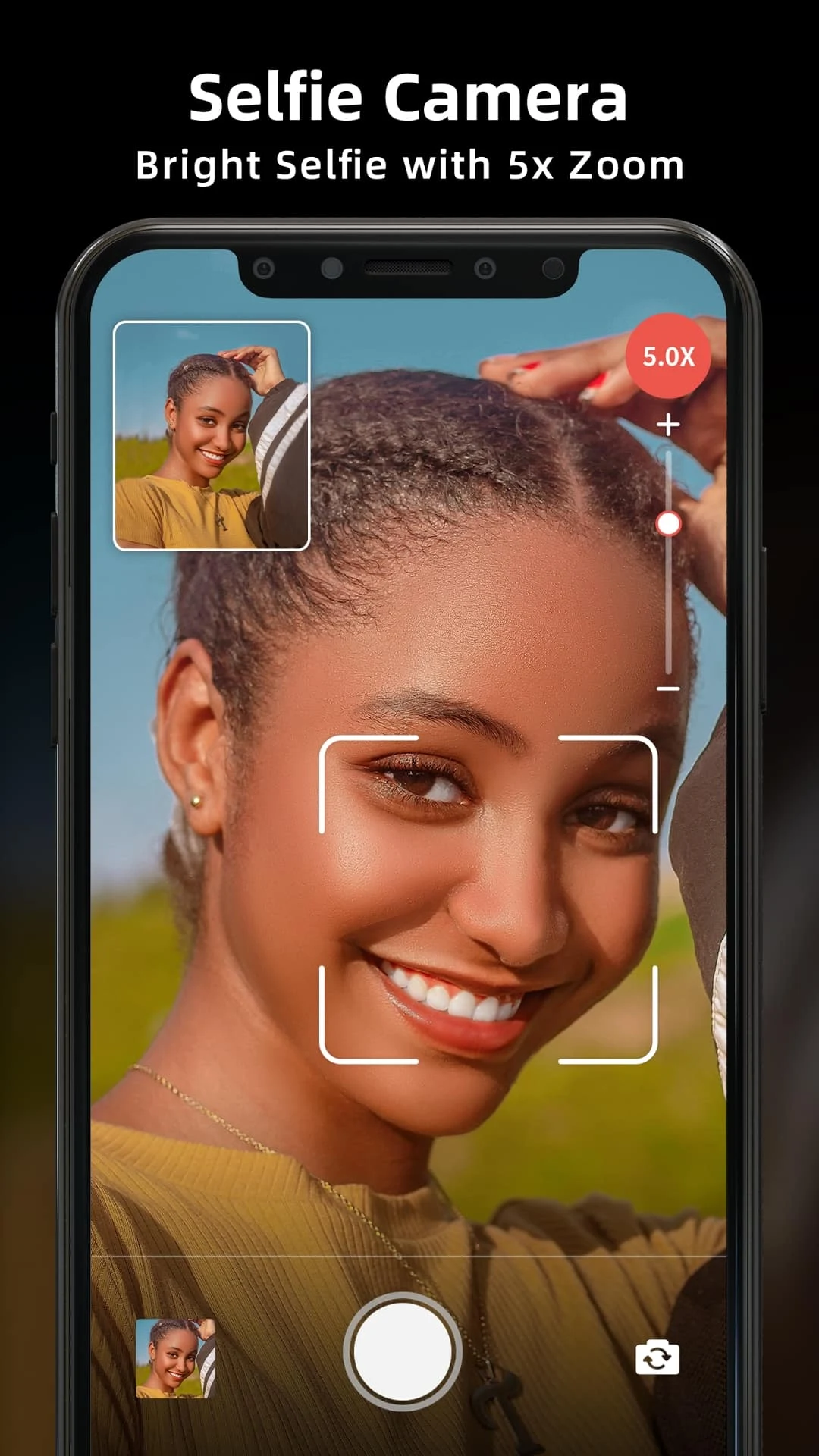
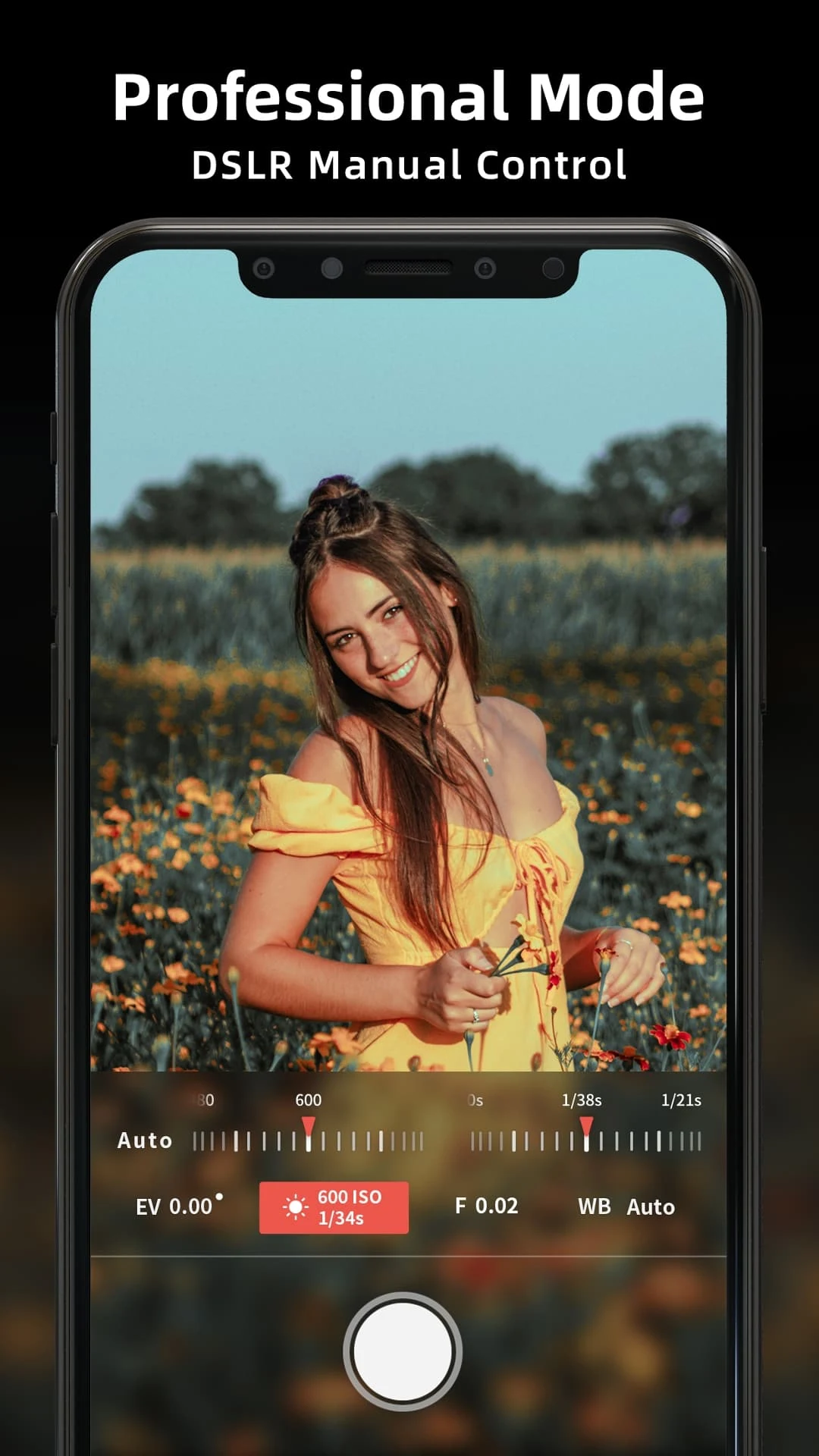
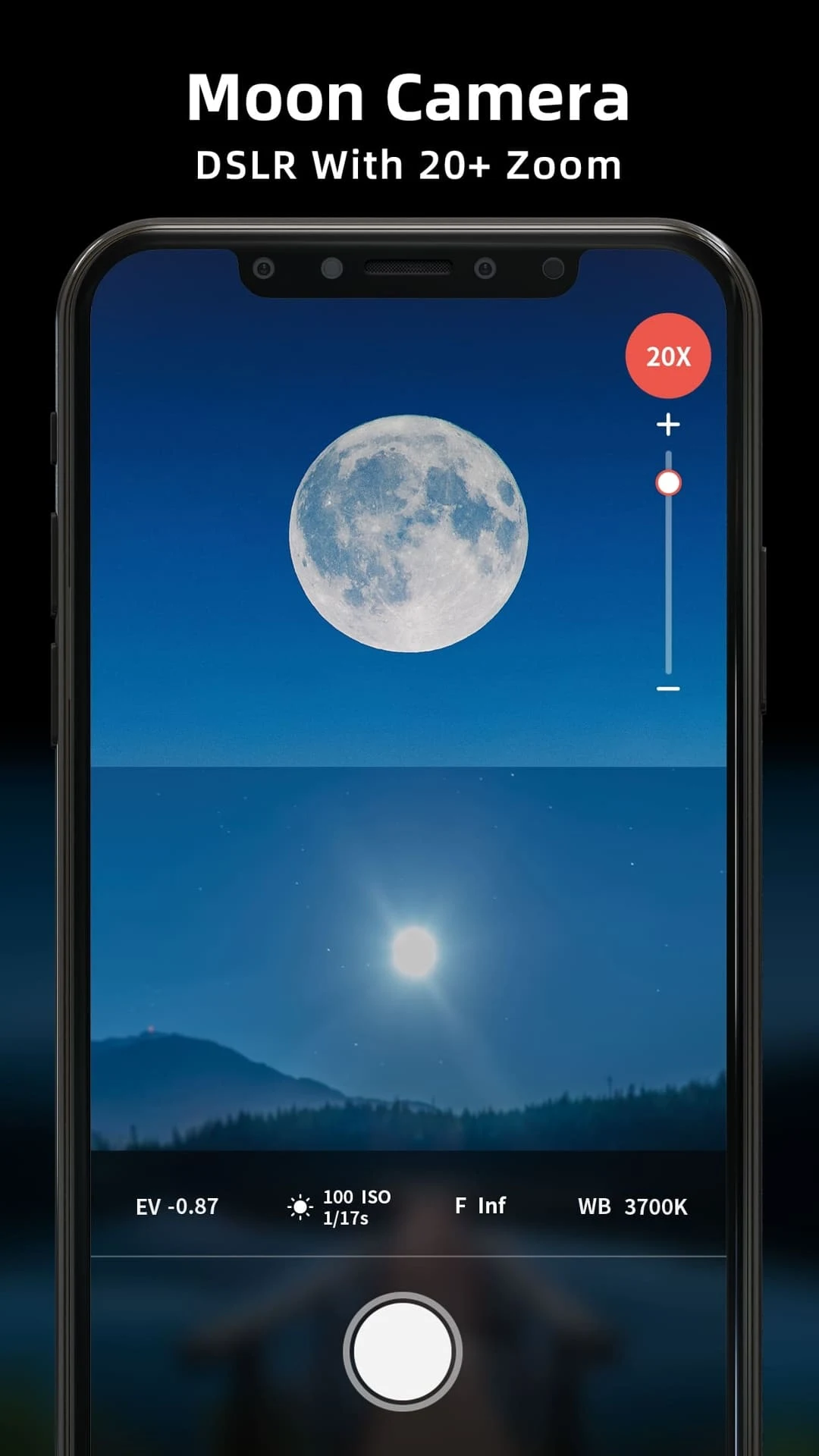
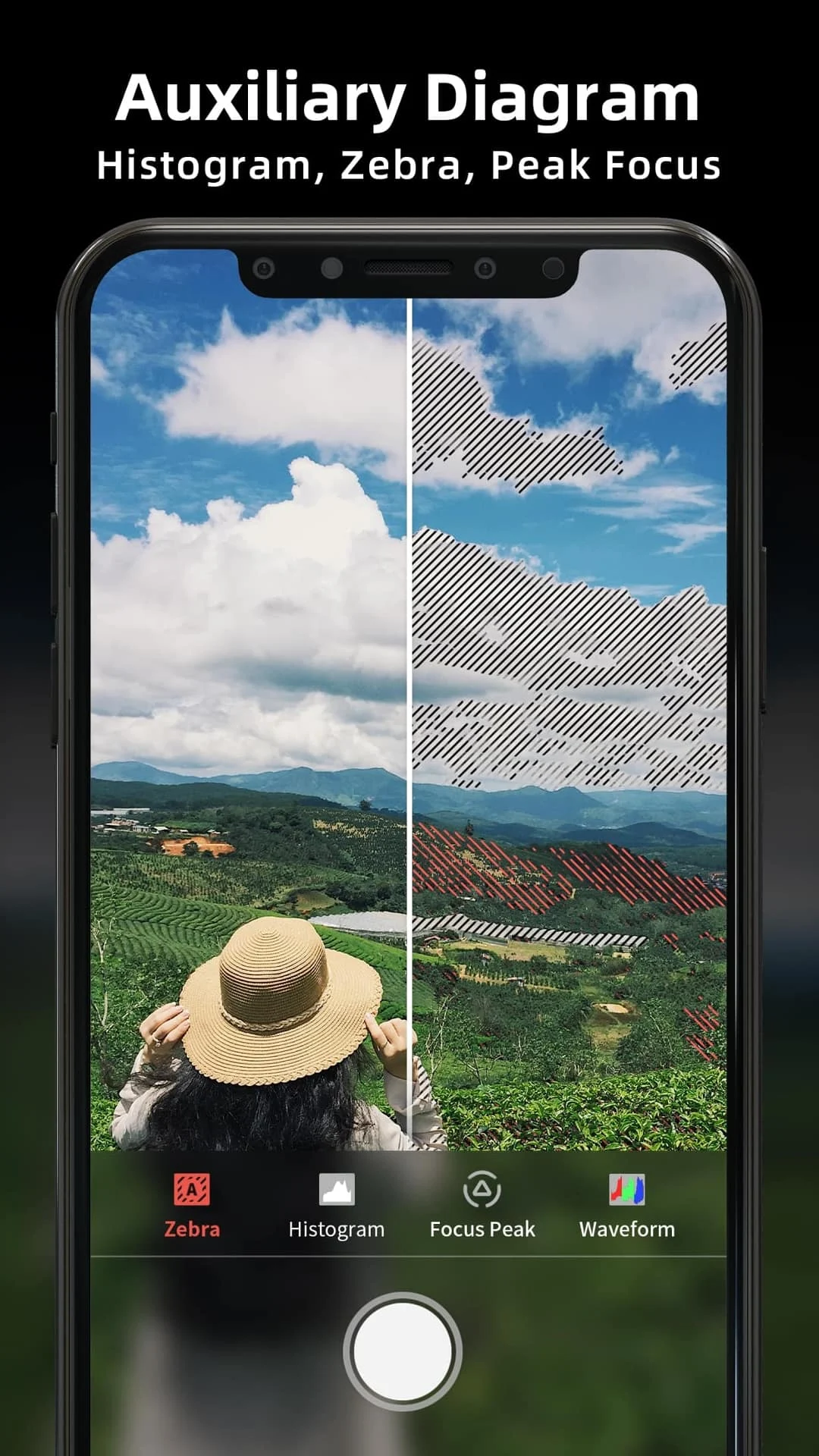
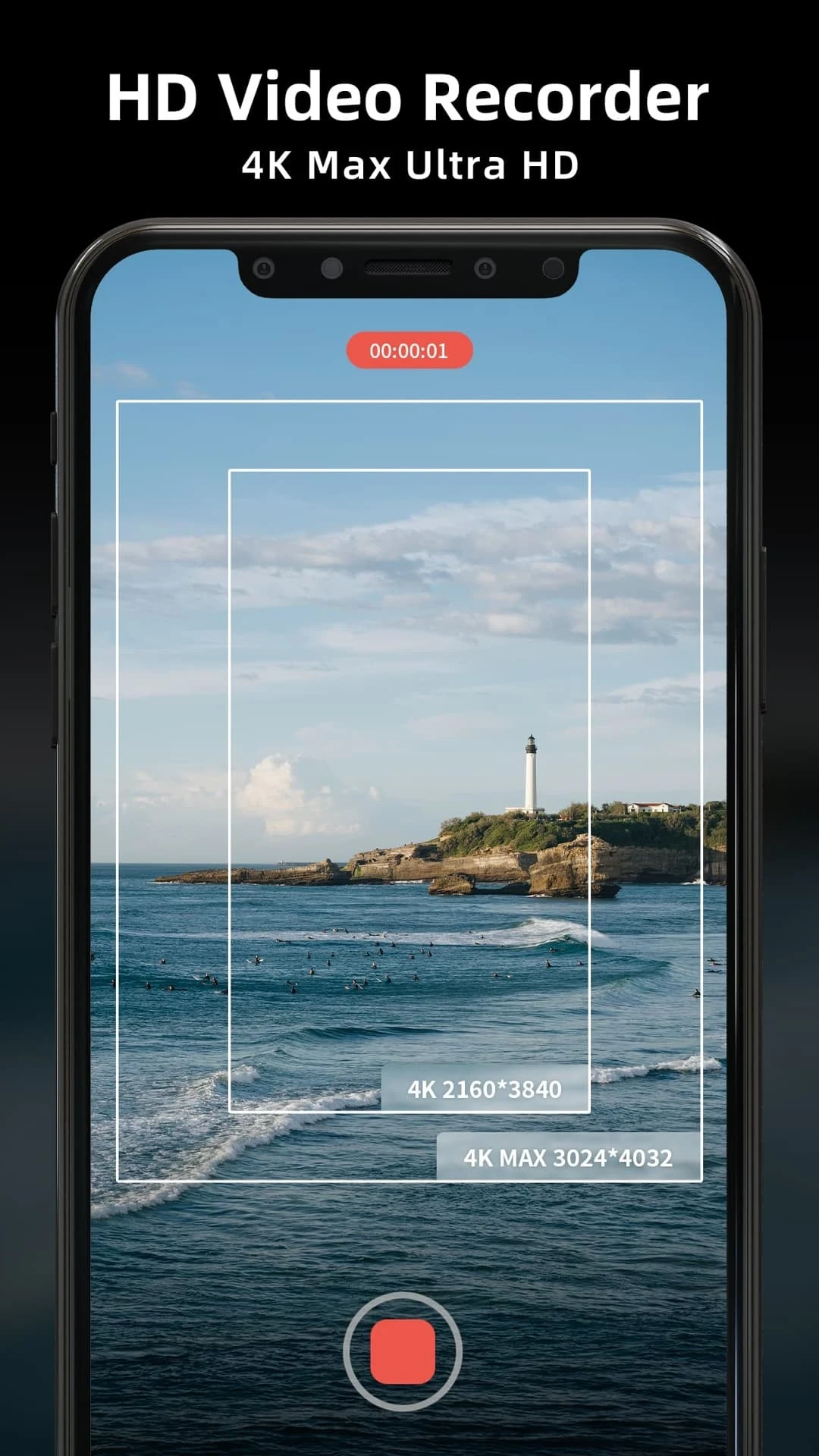
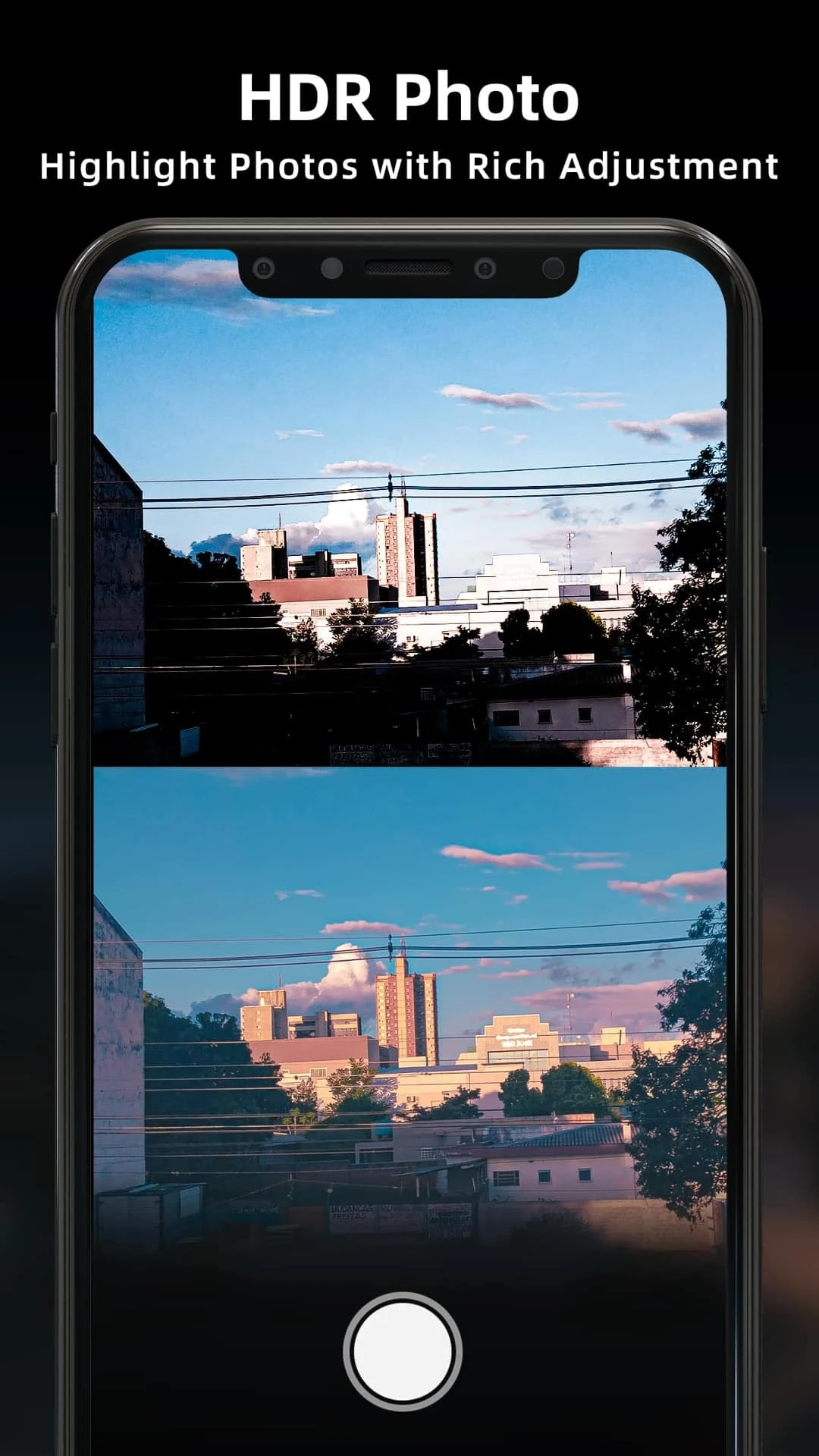
HD Camera for Android 2024 places a compact, capable photography toolkit on your phone, combining manual exposure controls, realtime previews and flexible file options so you can capture crisp photos and smooth videos on a wide range of Android devices. The app supports RAW capture and high-resolution JPEG/HEIF output where hardware allows, adds stabilization and focus aids to reduce blur, and is built for users who want to move beyond simple point-and-shoot snapshots.
The control set gives you precise access to ISO, shutter speed, white balance and manual focus, with focus peaking to make critical focus faster and more reliable. Program and auto modes remain available for quick use, while RAW shooting preserves image data for more aggressive post-processing. Where supported by the device, multi-frame noise reduction and HEIF saving reduce file sizes or improve low-light quality without compromising detail. Controls are presented as sliders and numeric readouts so photographers comfortable with technical settings can dial in exact values, and common shortcuts let you make rapid adjustments on the fly.
The interface is designed for ergonomic one-handed operation: frequently used controls sit within thumb reach and a customizable toolbar lets you pin features like burst mode, timer, grid overlays and quick RAW toggles. Gesture shortcuts—swipe to change exposure compensation, pinch for zoom and tap-and-hold for focus—keep you engaged with the scene rather than hunting for menus. Accessibility options include adjustable control scaling, high-contrast overlays and compatibility with Android accessibility services; core capture and editing functions work fully offline so you can use the app without a network connection.
Multiple scene presets—portrait, landscape, night, sports and macro—provide intelligent starting points that adjust capture parameters for common subjects and lighting. Presets are editable so you can save custom configurations for repeatable situations, which supports a natural progression as you learn how shutter speed, ISO and focus interact. Over time you can build a library of personal presets that reflect your shooting style and the strengths of your device, helping you achieve consistent results faster during photo sessions.
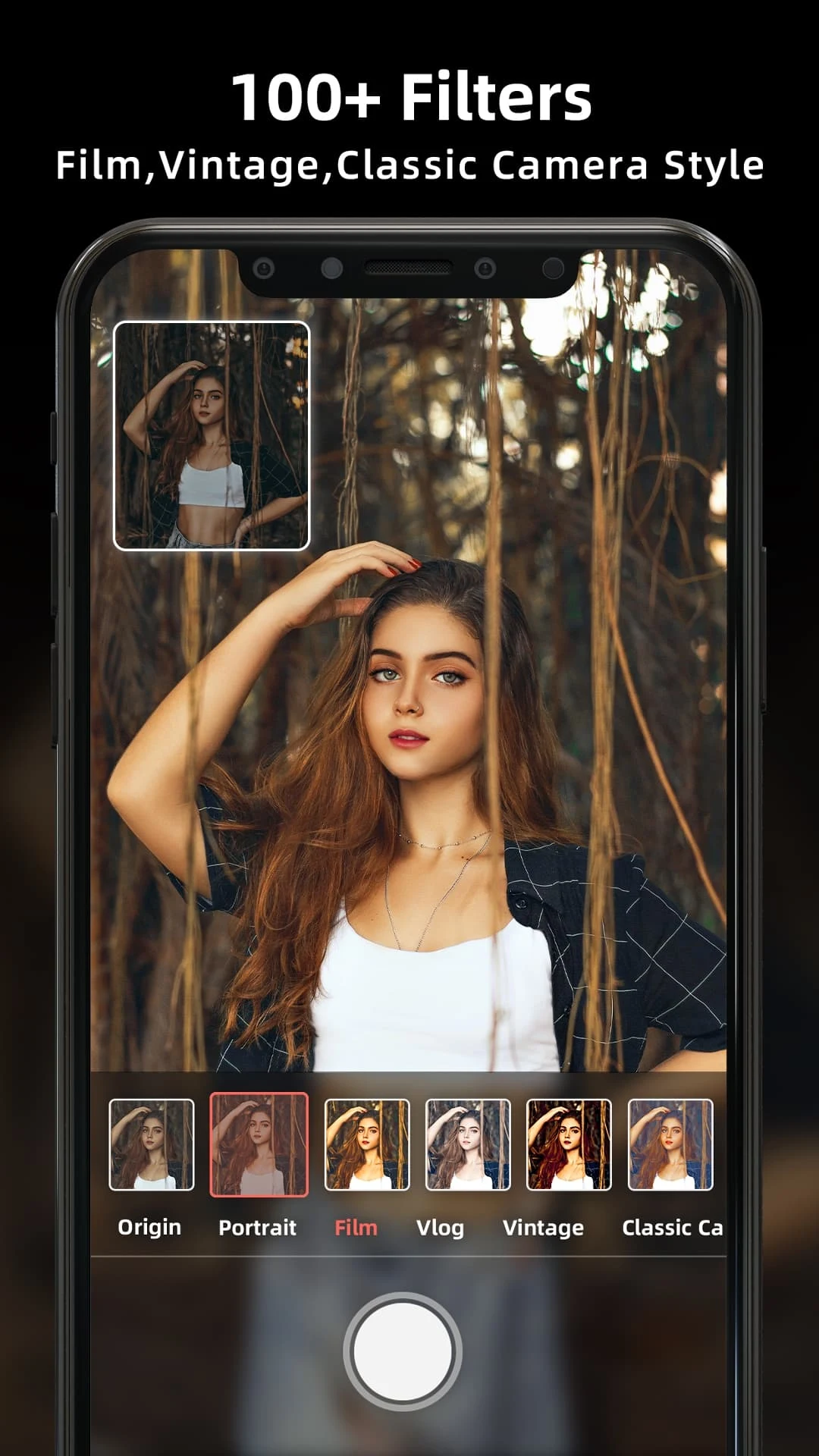
After capture, a non-destructive editor lets you crop, straighten and refine exposure without altering originals. Selective color tuning, noise reduction and highlight recovery help recover detail in difficult dynamic range scenes, while a library of filters ranges from subtle corrective looks to stronger stylistic treatments that can be fine-tuned or removed at any time. This local editing workflow keeps your images private and reduces the need to switch apps for finishing touches, so you can move from capture to share more efficiently.
Performance is optimized to adapt to diverse Android hardware: the app detects processor and camera capabilities and adjusts features to maintain smooth preview frame rates and conserve battery life. On older devices it emphasizes stability and fast launch times; on newer hardware additional processing features become available. Because capture, multi-frame processing and editing happen locally, HD Camera for Android 2024 remains fully usable offline and requests only the permissions necessary for camera and storage access.
Built-in privacy settings let you control whether location metadata is included and choose where images are stored. A gallery manager helps you organize photos by date, tag or custom albums, and batch export makes it straightforward to move selected shoots to another folder or service while keeping originals intact. Sharing integrates with installed apps through Android’s standard share intents so you can send images to social apps or cloud services without the app handling your credentials directly.
The app includes a brief setup guide and contextual tips that explain how different settings affect results, with practical advice—use manual focus and focus peaking for close-ups, switch to RAW for heavy edits, enable the grid overlay for stronger composition or try burst mode for fast action. Creative features such as time-lapse, slow motion and panorama expand what you can capture, and the combination of editable presets, in-app guidance and offline editing encourages repeated experimentation across different lighting and subjects.
To begin, download and open HD Camera for Android 2024, grant camera and storage permissions, and run the initial setup so the app can recommend device-appropriate defaults. Try the automatic scene for an immediate quality boost, then switch to manual to experiment and save a few custom presets as you become comfortable. Regular updates refine performance and add tweaks while the local editing and organizational tools keep your workflow focused and private.