Goodnotes
Version: 1.0.31.0
4.70MB
4.4
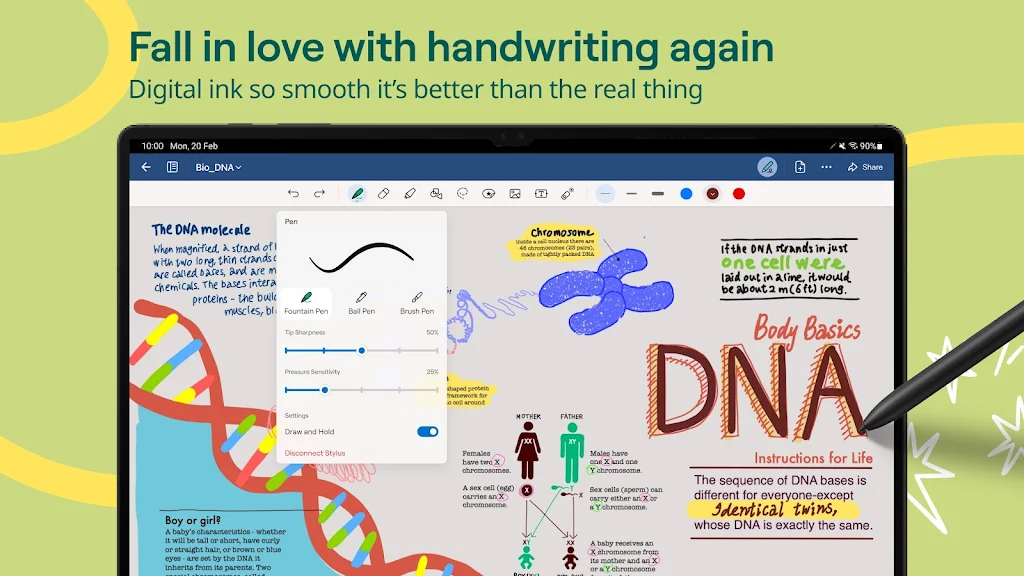
Goodnotes is a flexible digital note-taking app designed for handwriting, PDF annotation, and document organization. It combines responsive writing tools, customizable templates, and robust search to replace paper notebooks while providing cloud sync and export options to integrate with your existing workflow.
Goodnotes puts familiar paper-based workflows into a digital environment so you can capture ideas, plan projects, and annotate documents with precision. Its toolset targets users who prefer handwriting, sketching, or mixed media pages, while also offering typed text and shape recognition to keep notes neat and searchable.
The app provides a range of instruments that feel intuitive and fast:
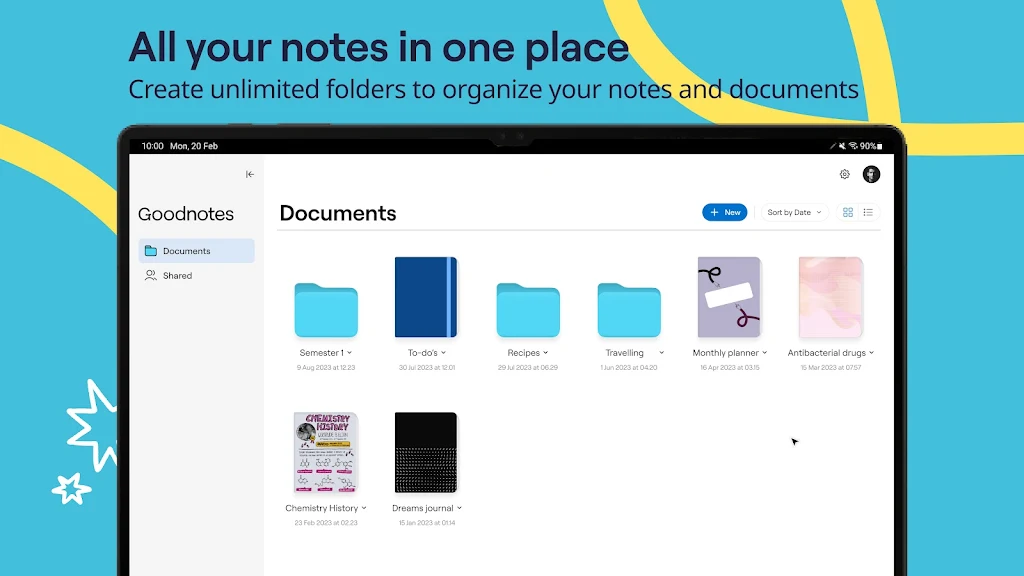
Keeping notes organized is one of Goodnotes’ strengths. Create multiple notebooks, stack related items, and label folders so collections stay tidy. A full-text search scans typed content, handwriting (after conversion), and PDF text to find specific notes quickly, reducing time spent digging through files.
Goodnotes delivers a responsive writing surface that closely mimics pen-on-paper feedback. Pressure sensitivity and tilt recognition are supported when a compatible stylus is present, improving line variation and natural drawing feel. An optional handwriting-to-text conversion turns cursive or print into editable typed content for cleaner documents.
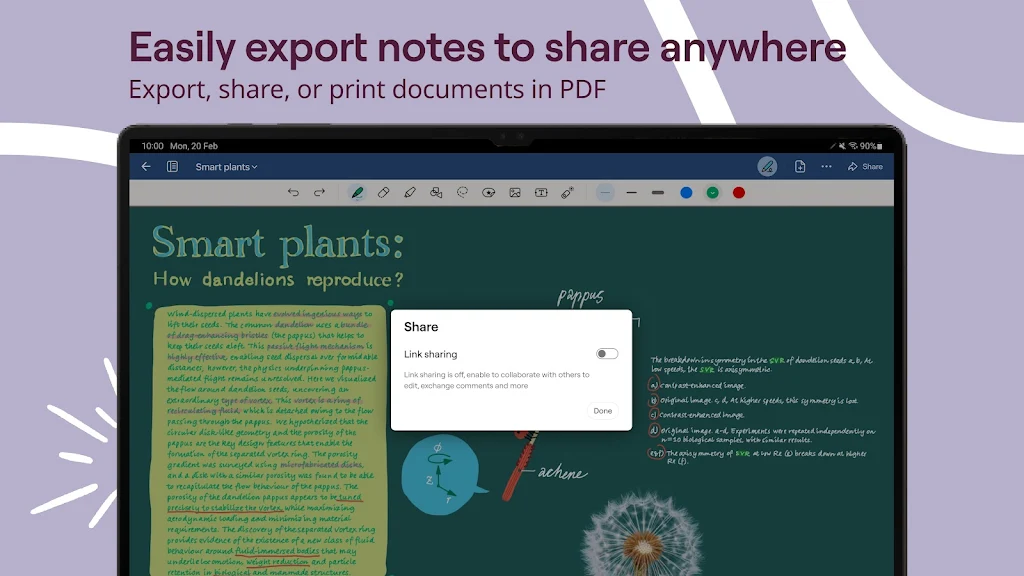
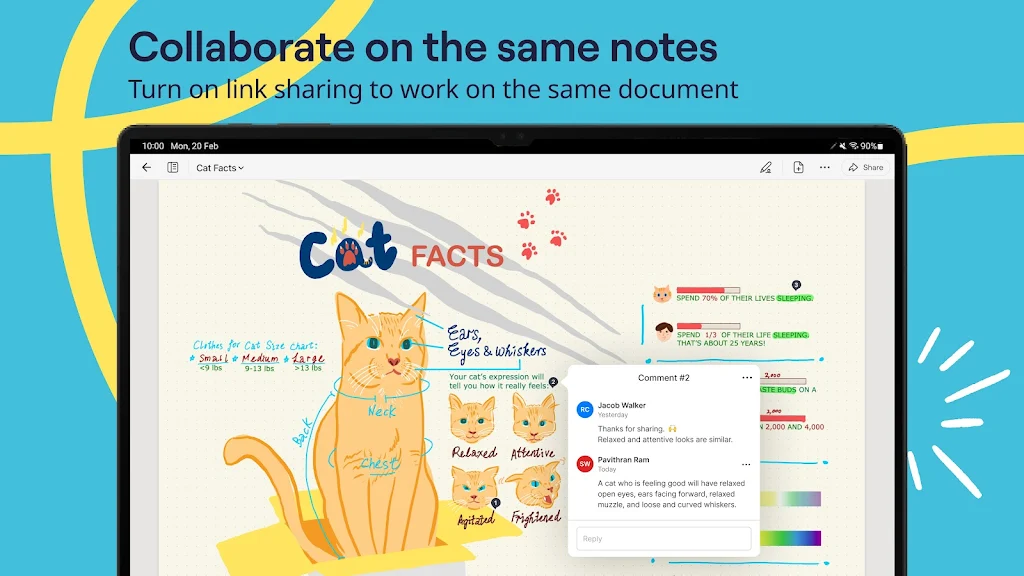
Sharing work and safeguarding your notes is straightforward. Export pages or whole notebooks as PDF or image files, or copy content to the clipboard for use in other apps. Synchronization keeps notes available across devices through cloud services, and manual or automatic backups protect your notebooks from accidental loss.
The interface prioritizes clarity and quick access. A minimalist toolbar holds core tools, while gestures let you switch between writing, erasing, and selecting without interrupting flow. Templates and a thumbnail navigator speed up navigation inside long notebooks, and support for tags or folders helps create predictable organization patterns.
Optimized for smooth rendering and low input lag, Goodnotes performs well on mid- to high-end devices. It scales to larger documents without significant slowdowns and manages large PDF imports efficiently. Compatibility varies by device features: pressure-sensitive styluses and high-refresh-rate displays improve the experience, while cross-device sync depends on the cloud provider you connect.
To begin, create a new notebook from a template and test pen settings to match your handwriting style. Use the lasso or selection tool to rearrange content, and try a few exports to see how annotations translate. Regularly enable backups and sync to ensure notes remain accessible across sessions and devices.
Goodnotes blends the familiarity of handwriting with digital conveniences that streamline study, planning, and professional note-taking. Its balance of precise writing tools, organizational features, and flexible export options makes it a practical choice for students, designers, and anyone aiming to move from paper to a searchable, shareable system.